How to Place Text in AI Images With Moss Image JSON Layouts
Moss Image lets you pair a scene description with JSON bounding boxes to control where text and objects land, fix garbled text, and swap single elements.

How do you place text in AI images using Moss Image JSON layouts?
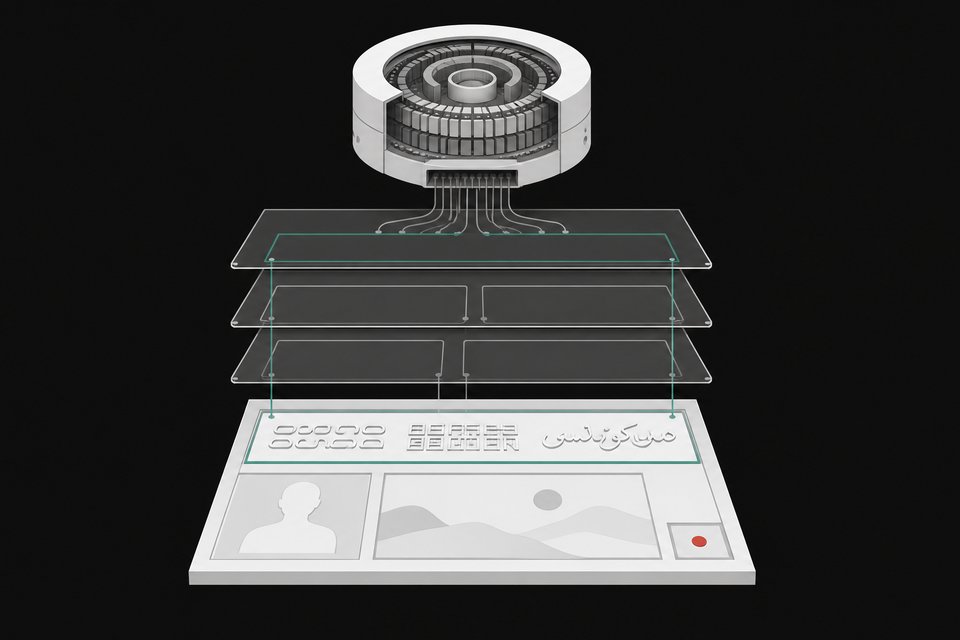
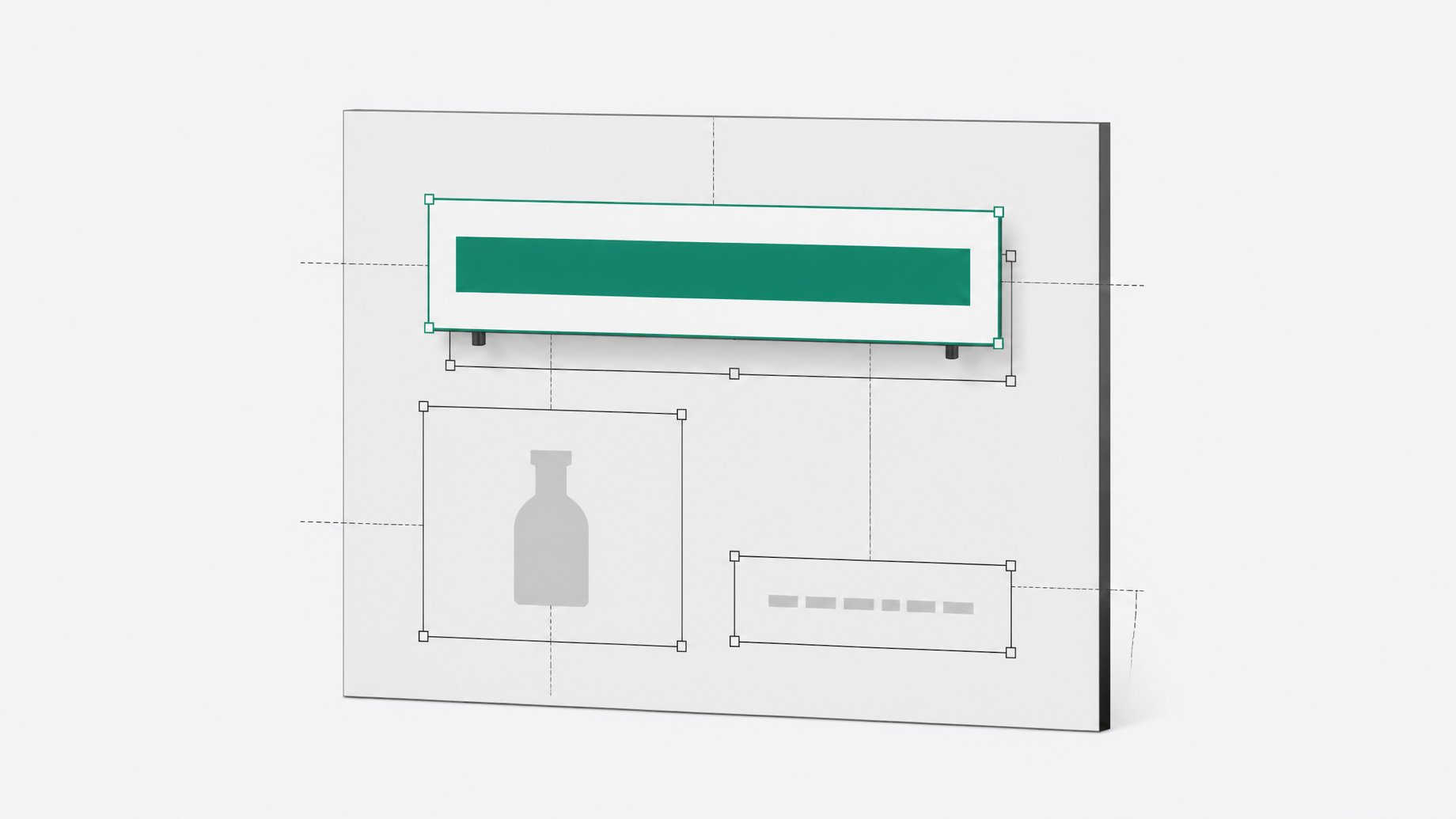
You give Moss Image two things: a regular scene description and a JSON layout. The layout lists elements, either text or objects, and each one gets a bounding box that marks where it should appear. The model was trained to respect this layout format and its captions, so it is a native feature, not a patch added later. You can also have an LLM write the JSON from a plain-language brief.
TL;DR
- Moss Image is a 5 billion parameter diffusion transformer from Open Moss, released under Apache 2.0 for both weights and code.
- The JSON layout pairs a scene description with bounding-box elements, so you decide where each piece of text or each object goes.
- Layout control makes text more accurate, because unguided generation tends to get parts of longer text wrong.
- You can edit one element (a couch color, a poster title, a cat into a tiger) by changing its entry and regenerating.
- An LLM can author the JSON for you, and the team ships its own layout prompt enhancer for that job.
- The model is text-to-image only. It has no image-to-image editing, so you cannot upload a photo and modify it.
What is Moss Image?
Moss Image is the first image model from Open Moss, the team behind Moss TTS and the Mova video model. It is a 5B diffusion transformer trained from scratch. Its text encoder is Qwen 3.5 9B, so a 9B language model reads your prompt, and prompts can run to roughly 4,000 tokens. Older image models used much smaller encoders, which is part of why they struggled with long, complicated prompts.
There are two checkpoints. The base model is meant for fine-tuning and training LoRAs. The SFT model is the one you use to generate images. Default settings in the demo were 50 steps and a CFG (classifier-free guidance) of 3.
The Apache 2.0 license matters for builders. Some other strong open-weight image models ship under non-commercial research licenses or gated community licenses. Apache 2.0 allows commercial use and embedding the model in your own products.
The model is on Hugging Face, runs natively in ComfyUI, and also works with SGLang and vLLM-Omni.
How does the JSON layout work?
A layout has two layers.
- A scene description. This covers the whole image: subject, setting, lighting, style.
- A list of elements. Each element is either text or an object, and each carries a bounding box that says where it sits in the frame.
The prompt and the boxes work together. You describe what you want, then use the boxes to say where it goes. This helps when inpainting has not given you the placement you wanted. It also supports a loop: generate, look at the result, decide the title belongs somewhere else, move its box, and run it again.
The creator who demoed the model built a small gallery app where you draw a box on the canvas and type what should appear inside it. Under the hood, that app produces the JSON.
Why does layout control improve text accuracy?
Without a layout, the model has to decide placement and render the words in one pass. On longer text, parts of the wording drift or break over repeated generations. With a box assigned to each text element, every string has its own defined region and its own caption, and the demo showed noticeably more accurate text as a result.
Limits still apply. Pushing too many words onto one page can make the text fall apart. Larger models, such as the Korea 2 model mentioned in the source, may still handle text better. The text-rendering scores that place Moss Image above other open models, and close behind Nano Banana and GPT Image 2, come from the lab's own long-text benchmark. The reviewer found no third-party evaluations yet, so treat those numbers as the lab's claim.
On simpler jobs the model does well without much help: a single title, a three-line poster (title, date, venue), English and Chinese text in the same scene, chalkboard menus, and step-by-step infographics.
How do you edit individual elements?
Because the layout is structured data, you change one entry and regenerate. The demo showed several edits:
| Change | What was edited | Result |
|---|---|---|
| Couch color | Color attribute in the couch element | Red couch became green |
| Poster text | Text string in the poster element | "Player One" became "Ready Player One" |
| Subject swap | Cat element | Cat became a tiger |
Expect side effects. In one run, a change also altered how a hoodie sat on a character. If you need something specific, state it in the element, such as keeping the hoodie at the back and off the head.
Inpainting-style swaps also worked unevenly. In one example the cat swap worked well, the dog less so, and a book got cut off. Plan to experiment.
Can an LLM write the layout JSON?
Yes. Writing bounding boxes by hand gets tedious, so the workflow is to give an LLM a descriptive brief and have it output the scene description plus the JSON elements. You then pass that to Moss Image in a pipeline. Open Moss provides a layout prompt enhancer built for exactly this.
A practical approach:
- Write a plain-language brief of what the image should contain and where.
- Ask the LLM (or the layout prompt enhancer) to convert it to a scene description plus text and object elements with bounding boxes.
- Generate, then inspect where things landed.
- Adjust individual boxes or strings and regenerate.
What settings and speed should you expect?
The model supports varied aspect ratios, from wide banners to portrait phone wallpapers. Resolution can range from about a quarter of a megapixel up to 4 megapixels, with 1 to 2 megapixels described as the sweet spot.
At stock settings it is slow. The demo reported roughly 30 seconds per image with 50 steps on the reviewer's setup, and an older GPU would take longer. The community moved quickly: within about a week there were 8-step and 4-step LoRAs, quantized versions, and a full fine-tune of the base model. An 8-step LoRA cut generation time noticeably in the demo. The Moss team has said it is working on few-step distillation, which could lead to an official faster version.
What can't Moss Image do?
- No image editing. It is text-to-image only. You cannot condition on a photo, so you cannot edit a real-world picture the way you can with dedicated editing models.
- Limited knowledge of some people. It knew some famous faces well and did not know others. A LoRA trained on a modest set of scraped images could inject a person, though the results were imperfect.
- Text has a ceiling. Very dense text can still break.
Because it cannot condition on a reference image, new people, products, or styles have to come through fine-tuning or LoRAs. The base checkpoint exists for that, though the reviewer was unsure all training code examples were available yet.
Is Moss Image worth using for text-heavy work?
If you need text in images, exact placement, and a license you can build a product on, it is a strong option at 5B parameters. If you need to edit existing photos, it is not the right tool yet. For pipelines where an LLM drafts the layout and the model renders it, the structured JSON approach fits well.
Frequently Asked Questions
What license does Moss Image use?
Both the weights and the code are released under Apache 2.0. That permits commercial use and building the model into your own products.
Does Moss Image support image-to-image editing?
No. It only generates from text. Inpainting-style work is possible in ComfyUI, but you cannot feed in a photo and edit it like you can with dedicated editing models.
Do I have to write the JSON by hand?
No. You can ask an LLM to turn a descriptive brief into the scene description and bounding-box elements. Open Moss also offers a layout prompt enhancer that does this.
Where can I run Moss Image?
The model is on Hugging Face and runs natively in ComfyUI. It also works with SGLang and vLLM-Omni.
How can I make generation faster?
Community-made 8-step and 4-step LoRAs and quantized versions exist, and an 8-step LoRA sped up generation in the demo. The Moss team has also said it is working on few-step distillation.
How we source, write, and correct our articles. Editorial standards