How Do You Use 3D Models for Consistent AI Video Characters?
Use 3D models as references to keep AI video characters consistent. Compare Tripo 3D, Hunyuan 3D and Meshy V7, plus the browser-based Cozy Clay tool.

How do you use 3D models to keep AI video characters consistent?
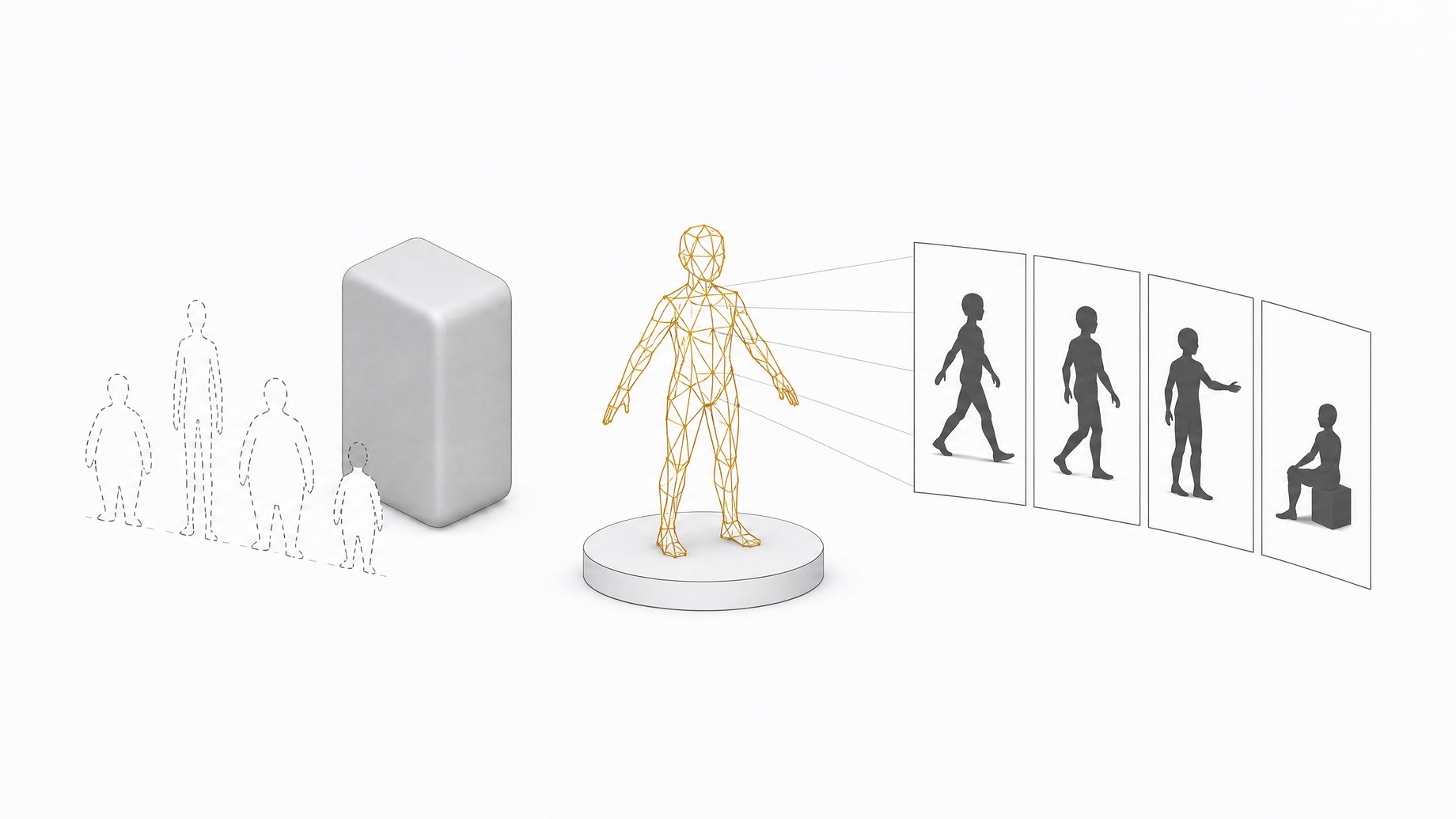
Turn your character into a 3D model, then use that model as the fixed reference for your video. Generate the model from a character image with a 3D generator such as Tripo 3D, Hunyuan 3D or Meshy V7. Then either pose and render it in a 3D tool, or feed it into an AI video workflow as a reference. A real 3D object doesn't change shape when the camera moves, so the video model has something solid to hold onto.
TL;DR
- The 3D to AI video pipeline fixes a common failure: rotate the camera in a normal AI video and the character can quietly turn into something else.
- Tripo 3D is fast and suited to game assets, Hunyuan 3D gives solid shapes with a plastic-wrap look that needs retexturing, and Meshy V7 stands out for its range of export formats, including ones for 3D printing.
- Cozy Clay is an open-source tool that runs in the browser, so your local GPU doesn't matter.
- The generated models are not rigged, so posing and animating them takes extra work.
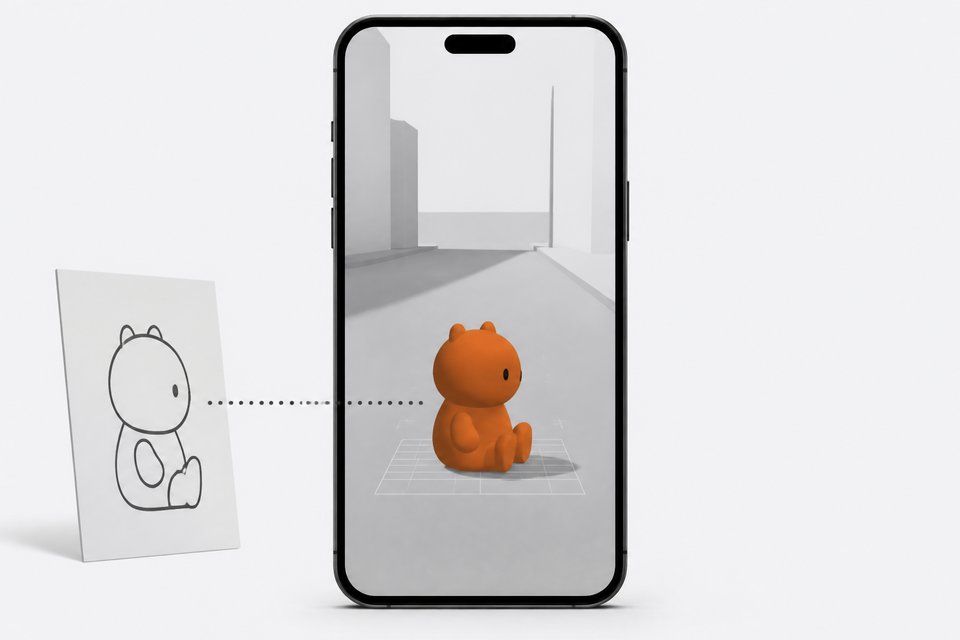
- Phone-based tools like Simulon take a different route: place a 3D version of your character in a real room and let a video model render the action.
- Expect occasional weirdness. The video model can still invent objects or botch complex motion.
Why does 3D help with character consistency?
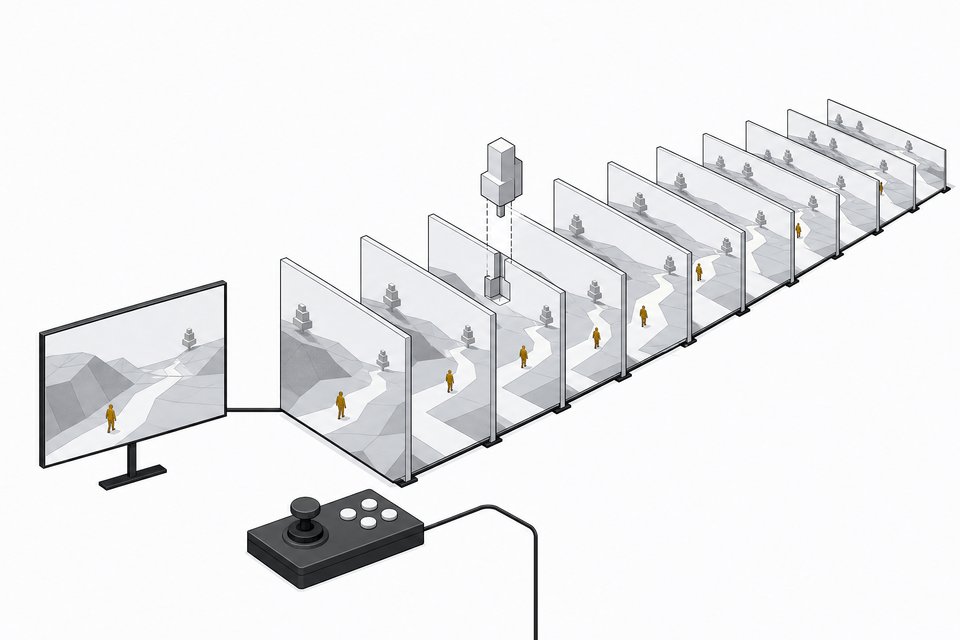
Image-to-video models guess. Give them a character and a camera move, and they invent whatever the camera reveals. Spin around a character and the back of the jacket, the hair, or the prop in the hand may change from frame to frame.
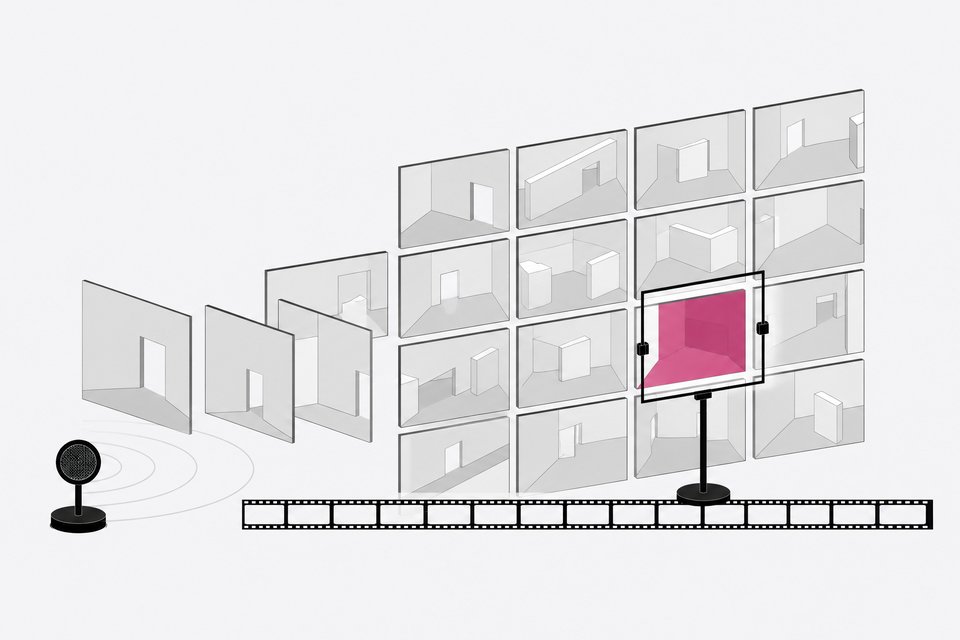
One common workaround is the 360 turnaround video: a short clip that shows the character from every side, which you hand to the video model as extra context. That works reasonably well. A 3D model goes further because it is an actual object. You choose the angle, the scale and the position, and the geometry stays the same every time.
The trade-off is extra steps. You now manage a model file, a way to pose it, and a handoff to the video stage.
Which 3D generator should you pick?
The three models below were available together in one 3D category on the Artlist platform at the time of the source video. Each has a different strength.
| Model | Reported strength | Watch out for |
|---|---|---|
| Tripo 3D | Fast, good at game-style assets | Not singled out for export variety |
| Hunyuan 3D | Good results overall | Shiny "plastic wrap" look, so plan to retexture |
| Meshy V7 | Many download formats, including formats for 3D printing | Not singled out for speed |
Tripo 3D
Pick Tripo when you want quick iterations. If you are testing five character variants and only need a usable shape to check silhouettes and proportions, speed matters more than polish. Its reputation for game assets also suggests it handles stylized characters and props well.
Hunyuan 3D
Hunyuan 3D produced good results in the creator's tests. The surface looked like glossy plastic wrap, which the creator said to ignore, and which is a texture problem rather than a shape problem. If you already plan to retexture in a 3D editor, that is a minor complaint. If you want to drop the raw output straight into a render, it is a bigger one.
Meshy V7
Meshy's advantage is output flexibility. It offers a large set of download formats, including ones aimed at 3D printing. That makes it the safer choice if the model needs to travel through several tools, or if you want a physical figure of your character.
What file format do you need?
It depends on the next tool in the chain. Blender, game engines and browser viewers each accept different formats, and printing needs its own. Since Meshy offers a wide selection, it removes most conversion headaches. With the other models, check what formats your generator exports before you commit to a downstream tool.
What is Cozy Clay and why use it?
Cozy Clay is an open-source project that runs in your browser. Because it runs there, you don't need to worry about GPU speed or local setup. For anyone who wants to try the 3D to AI video pipeline without learning Blender first, that lowers the barrier a lot. If you want a walkthrough, see this guide to free 3D previs with Cozy Clay.
The main caveat is that the characters are not rigged. You can place and orient the model, but you can't pose it like a puppet with a skeleton. If you need real animation, you will need a rigging step, either manually or with some other tooling. Blender remains the obvious destination for generated 3D assets if you want full control.
How does a phone-based workflow like Simulon compare?
Simulon takes the same idea in a different direction. It runs on a phone and uses the camera like an AR app. The steps are:
- Upload a character reference image.
- The app converts it into a 3D asset.
- Place, scale and rotate the asset anywhere in your real environment.
- Prompt for an action, and the app produces a video.
Some details from the creator's tests:
- The final video is not generated in real time. You prompt, then wait for the result.
- The camera move and location are yours, so the background is real footage rather than something a world model hallucinated.
- Multiple characters can share one shot, and they sometimes interact without being told to.
- Characters can react to real-world changes, which Simulon calls reality-aware rendering. Examples included a real torch lighting the characters and a cat wandering onto the set.
- Voices and personality settings are planned but weren't available in the tests described.
- The free tier is iOS only for now, with paid plans at $14 and $39 per month. Android was said to be waiting on approval.
The output can also feed other tools. One option is running it through a video-to-video model to swap the location while keeping the blocking and motion.
Is this just reference-to-video with extra steps?
Partly, yes. You could shoot your own phone footage and give a reference-to-video model your characters as references, with no 3D at all. The 3D approach differs in one way that matters: you place and block characters physically on a set, which gives you precise camera moves and consistent scale. If you shoot run-and-gun style, that control is the main draw.
What are the limits and caveats?
- Retexturing. Raw generator output can look off. Hunyuan's plastic sheen is the example here.
- No rigging. Models from these generators won't pose themselves.
- Video model drift. Even with a solid reference, the video stage can add things that don't exist. In one test, a character stood in a cutout that wasn't in the real room.
- Complex motion. A two-character tennis test came out wonky, though the location and scale stayed consistent.
- Early tooling. Placement controls such as two-finger rotation on a phone can feel finicky at first.
Is the 3D pipeline worth it?
It is worth it if your project needs the same character from many angles, if you want controlled camera moves, or if you need multiple characters sharing a space. For a single quick clip with a locked-off camera, a good reference image or a turnaround video is probably enough. Start with a fast generator, test one character in a browser tool like Cozy Clay, and only move to Blender if you need rigging or serious retexturing.
Frequently Asked Questions
Do I need to learn Blender to use 3D models in AI video?
Not to start. A browser-based tool like Cozy Clay lets you view and work with generated models without local GPU setup or a deep 3D background. Blender becomes useful when you need to retexture, rig or pose a model in detail.
Which is best for 3D printing, Tripo, Hunyuan or Meshy?
Meshy V7 is the one called out for it, since it offers a wide range of download formats, including ones meant for 3D printing. Check the specific format and mesh quality your printer or slicer needs before you print.
Are the generated 3D characters animation-ready?
No. The models discussed are not rigged, so they have no skeleton for posing or animation. You would need to add rigging yourself, or rely on the video model to supply the motion when you use the model as a reference.
Can I use more than one character in the same shot?
Yes. In Simulon, multiple 3D characters can appear in one generation, and they may even interact without being prompted. Results vary with complexity. Simple interactions held together better than fast, sport-like motion.
Is a 360 turnaround video a good substitute for a 3D model?
It is a lighter option. A turnaround gives the video model views from every side to hold onto. A 3D model offers more control over angle, scale and placement, at the cost of extra setup.
How we source, write, and correct our articles. Editorial standards