How to Make Faceless AI Anime Avatar Videos With Fish Audio
Pixel-style anime avatars sidestep the uncanny valley. Learn how Fish Audio voices, background noise, accents and audio cleanup make faceless videos work.

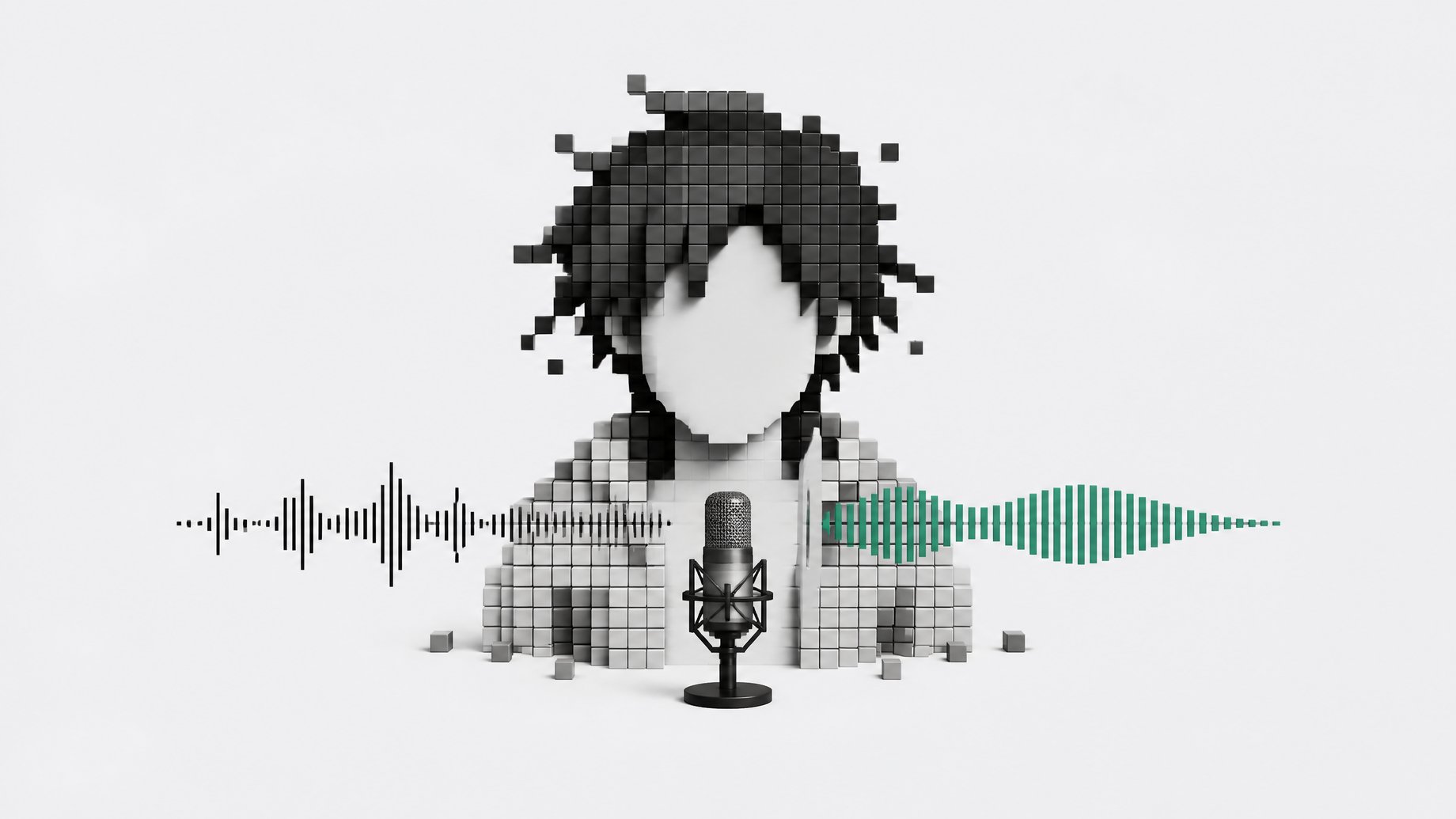
How do you make a faceless AI anime avatar video that sounds natural?
Use a stylized, pixel-like anime character instead of a realistic human, split the character into separate frames you can animate, and pair it with a generated voice that fits the language and tone of the content. Then hide the synthetic seams in the audio. Add light background noise, pick a voice with an accent, and run the track through audio post-processing. The style avoids the uncanny valley visually, and the audio tricks cover what is left.
TL;DR
- Realistic AI humans land in the uncanny valley, so a pixelated anime style is a safer choice for faceless educational videos.
- Splitting a stylized character into frames lets you recombine assets and animate them like a pixel character, with no video template involved.
- Fish Audio voices were strong enough that the creator behind this approach used Japanese voices for a Japanese-language video, and credits the platform for much of the result.
- Generated voices still slip now and then with an odd, automated quality, so the audio needs help.
- Three fixes work together: a light background noise layer, voices with accents, and audio post-processing that removes defects.
- The style is not limited to anime. Watercolor or cartoon looks can be split into frames the same way.
Why does realistic AI video fall into the uncanny valley?
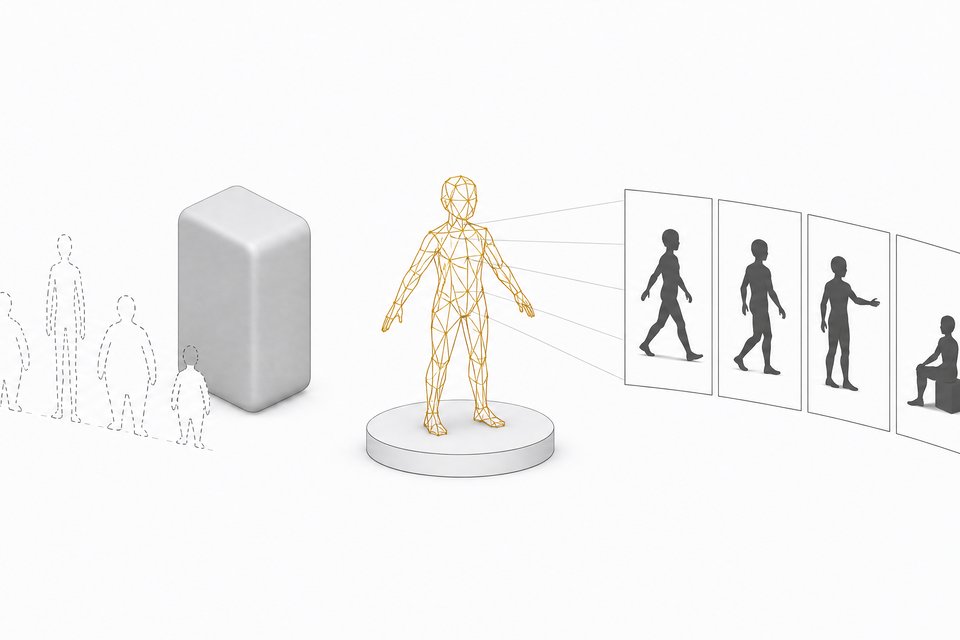
Viewers are tuned to notice small errors in real faces. Lip timing, eye movement and skin texture all get judged harshly. When the quality is not high enough, a lifelike avatar reads as slightly wrong, and that feeling pulls attention away from whatever you are teaching.
The creator who demonstrated this workflow put it bluntly: it does not really work with real people, because the output sits too far inside the uncanny valley. A stylized character changes the contract with the viewer. Nobody expects a pixelated anime figure to move like a human, so small imperfections read as style instead of failure.
Why use pixel-style anime characters?
Heavily stylized characters lean on concepts audiences already know. Anime is one of the most familiar. Viewers bring a set of conventions with them, such as simplified faces, limited animation and exaggerated expressions, and they forgive a lot inside those conventions.
Anime is not the only option. Any strong stereotype of a style can work, including a watercolor look or a cartoon. The common thread is a consistent, recognizable aesthetic that the viewer accepts without scrutiny.
How does the frame-split animation approach work?
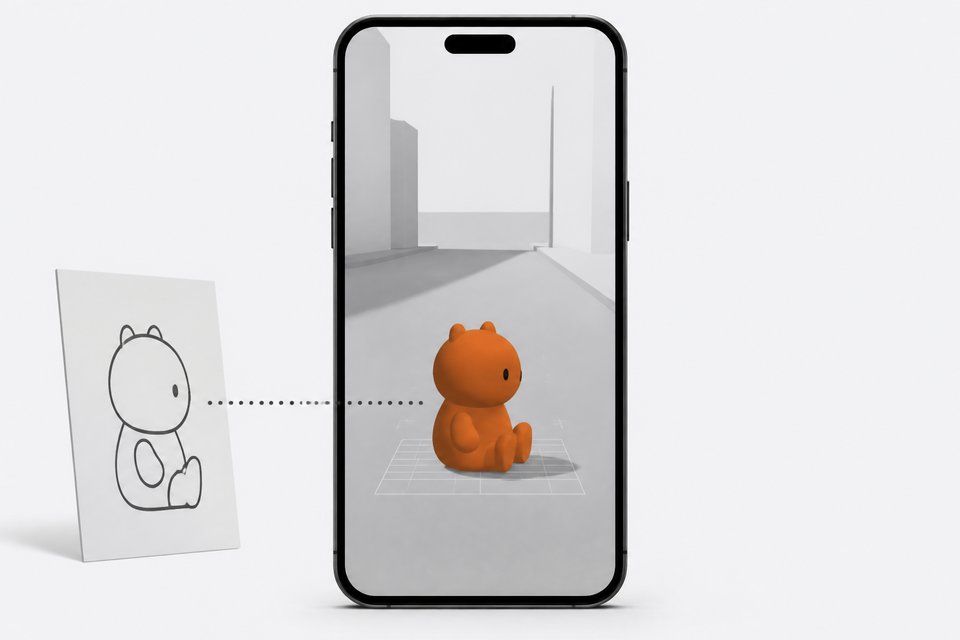
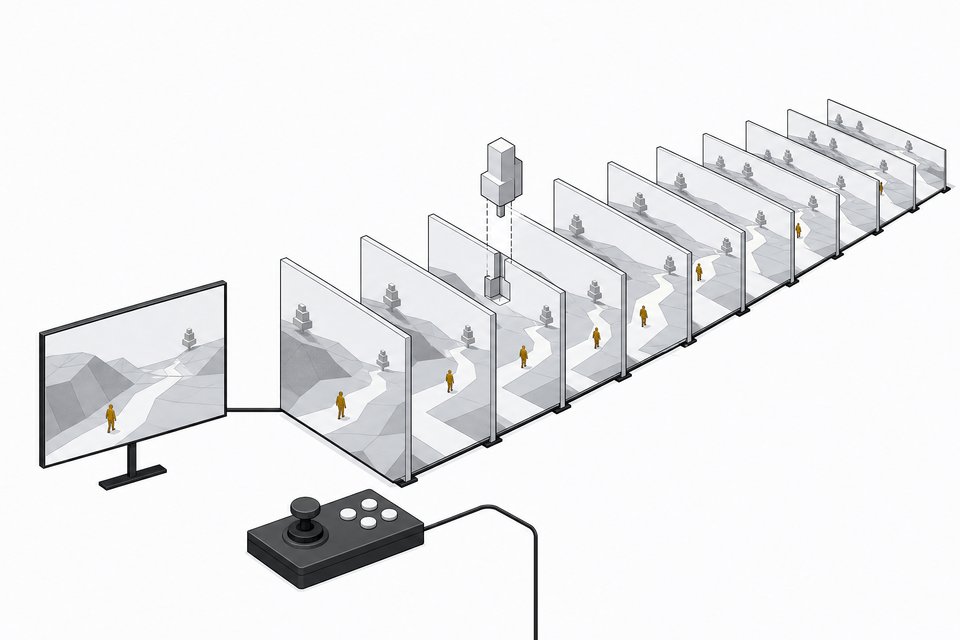
The idea is to generate assets first, then recombine them. Instead of asking a video model to produce a moving person, you create a character and break it into frames or parts. You then assemble and animate those pieces like a pixel character.
According to the creator, the finished video was not built from a video template. The assets were generated, then creatively recombined. Two practical effects follow:
- Stylized characters split into frames are visually easier to read than a complex realistic render.
- You control the motion yourself, so you avoid the unpredictable artifacts of end-to-end video generation.
Why choose Japanese voices from Fish Audio?
The creator could have made the video in English. They chose Japanese for several reasons, starting with how good Fish Audio is. They said they had listened to more voices from the platform than real human voices in the past month, which is an anecdote, not a benchmark, but it shows heavy hands-on use.
They also credited the distinctive rhythm of the Japanese voices. Pairing a Japanese voice with an anime-styled character matches audience expectations. Voice, language and visual style all point the same direction, which makes the whole piece feel coherent.
One caveat from the source: even when the voice matches the tone and language of the target audience, there are moments where a listener thinks, "Wait, what is this?" The voice is not 100% perfect. A viewer who prefers dubbing, or who does not like the Japanese-with-translation format, may simply not enjoy it.
How can you mask synthetic audio?
The creator used three techniques, in Fish Audio and other sound generation tools.
| Technique | What it does |
|---|---|
| Light background noise layer | Masks subtle, automated-sounding artifacts in the voice |
| Voices with accents | Distracts the listener from noticing the voice is not fully human |
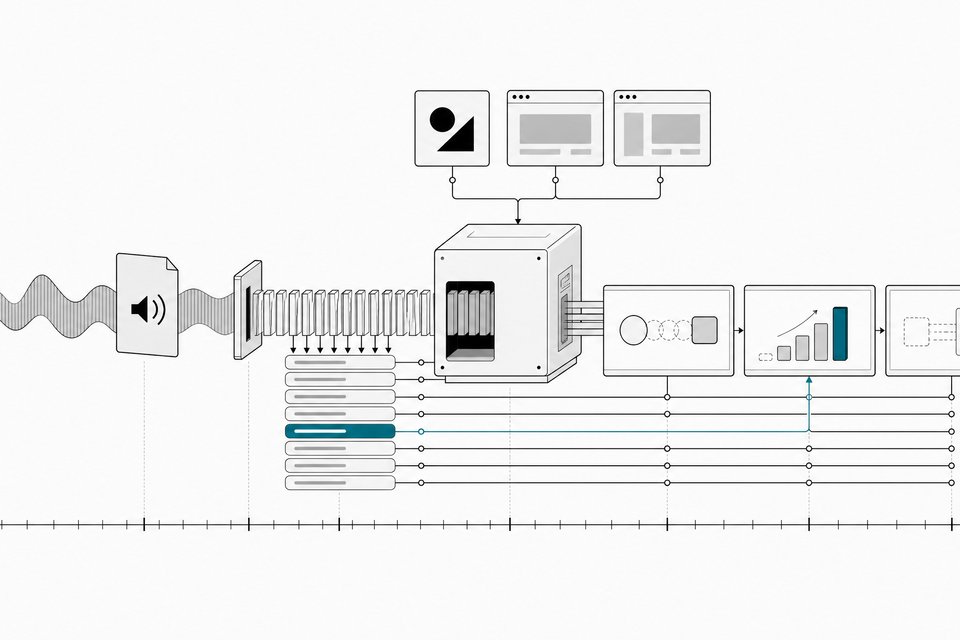
| Audio post-processing | Improves quality and removes defects |
Does background noise really help?
A clean, dry synthetic voice exposes every flaw. A quiet ambient layer fills the gaps and covers faint artifacts. Keep it light. If it competes with the speech, it hurts an educational video more than it helps.
Why do accents help?
An accent gives the listener a reason for slight oddities in rhythm or pronunciation. The brain attributes them to the speaker's background instead of to a machine. The creator referenced having chosen accented voices in an earlier video as well.
What does post-processing add?
The creator ran the audio through a sound processing library. Their reasoning was that such libraries are often trained on a lot of human voices, so they add extra layers of "humanity" to the sound. That is the creator's observation, and results will vary with the tool and the settings. Test it by ear on your own tracks.
Is this approach worth trying?
It suits faceless educational content where the goal is clear explanation and a recognizable style, and where you do not want to appear on camera. It is a poor fit if you need real people on screen or if your audience dislikes subtitled foreign-language content.
Consider the tradeoffs:
- You gain a consistent look that sidesteps the uncanny valley.
- You still have to do audio work, since the voice alone will not carry it.
- A Japanese-language video needs translation or subtitles for non-Japanese viewers.
- The source does not give costs, pricing or tool requirements, so check Fish Audio's current plans yourself.
A simple workflow to follow
- Pick a stylized look (pixel anime, watercolor or cartoon).
- Generate the character and split it into frames or parts.
- Recombine and animate the assets rather than relying on a template.
- Generate the voice in a language and tone that match your audience, favoring a voice with an accent.
- Add a light background noise layer.
- Run the audio through post-processing to remove defects.
- Listen critically and repeat any moment that sounds off.
Frequently Asked Questions
Can this work with realistic human avatars?
The creator says it does not work well. Realistic avatars fall too far into the uncanny valley when quality is not high enough. A stylized character is the safer route.
Does it have to be anime?
No. Anime is the example shown, but the same frame-splitting approach applies to other stereotyped styles such as watercolor or cartoon.
Is the generated voice completely convincing?
Not by itself. The creator noted occasional moments where the voice sounds automated. Background noise, accented voices and post-processing reduce that effect, but they do not eliminate it.
Why Japanese instead of English?
The creator cited the quality of Fish Audio's Japanese voices and their distinctive rhythm, which fit the anime style. English is possible too, and the creator said they could have made the video in English.
How we source, write, and correct our articles. Editorial standards