MOSS-Image Review: Layout Control and Text Rendering Tested
Hands-on MOSS-Image results: bounding-box layout control, English, Chinese and Urdu text, plus portraits and landscapes from many regions.

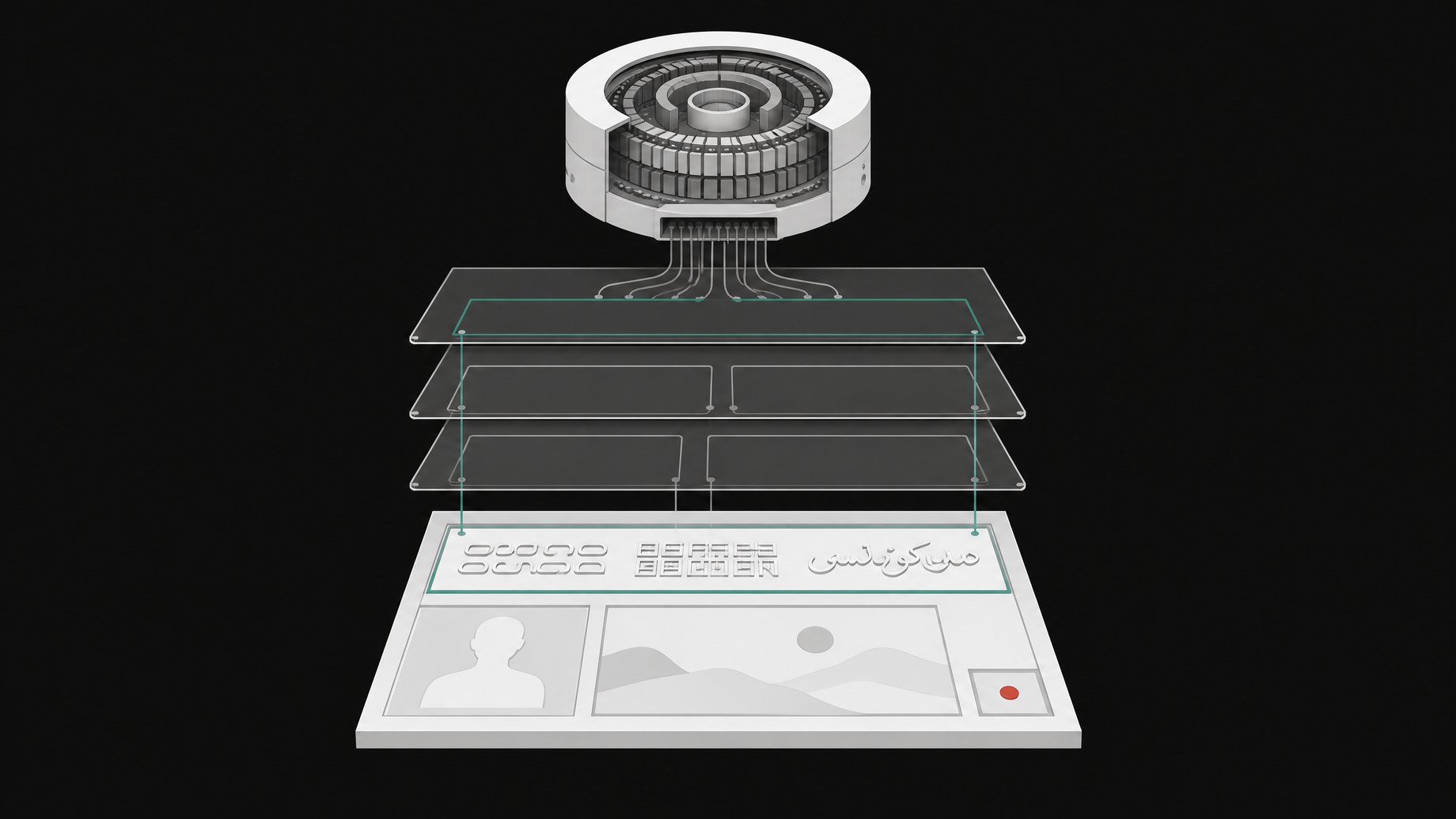
How good is MOSS-Image at layout control, text rendering and realism?
MOSS-Image is strong at realism, middling at layout control, and unreliable at text. In hands-on prompts run locally in ComfyUI, faces, natural scenery and cultural scenes looked convincing. Bounding boxes placed objects roughly where asked, but one test came out mirrored. Mixed-language signage failed: the Chinese sign was wrong and misplaced, and a Latin-script sign never appeared. Urdu, which the model does not officially support, got the script style right but not the words.
TL;DR
- MOSS-Image is a 5 billion parameter text-to-image model with a JSON layout mode that uses bounding boxes.
- In one test, the bounding boxes came out horizontally flipped, so a pagoda drawn top left ended up on the right.
- A four-box test with mixed Chinese and Latin text failed: wrong Chinese sign, wrong position, and one sign missing entirely.
- Faces and landscapes were the highlight. A Huli Wigman close-up from Papua New Guinea was the best image of the session.
- Expect about 28 GB of VRAM when running it in ComfyUI.
- The tester called it a clear step up from a Flux model he had tried two days earlier and found disappointing, though he judged the gains modest.
What is MOSS-Image?
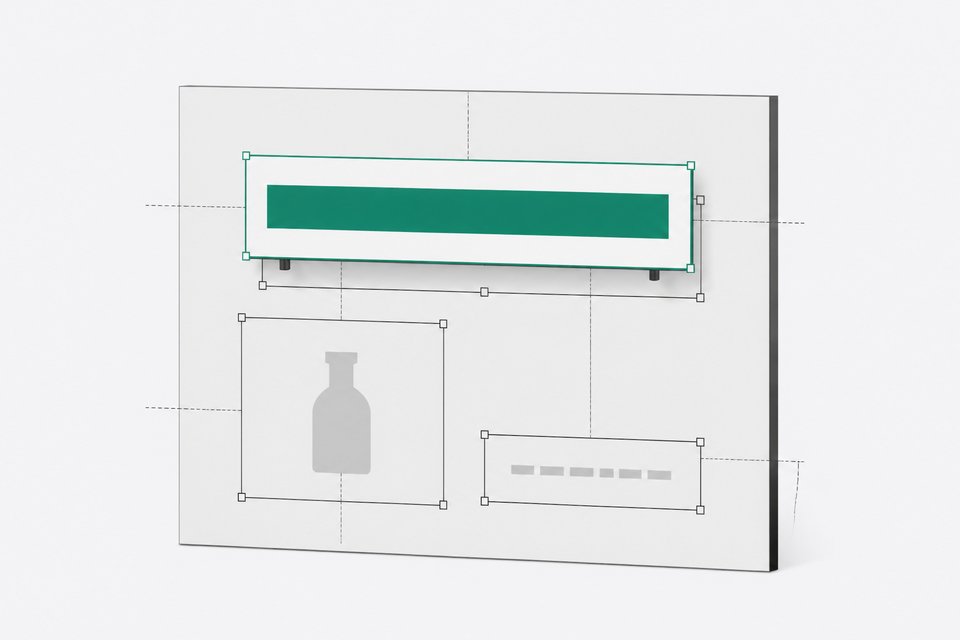
MOSS-Image is a 5 billion parameter text-to-image model. In the demonstrated setup it pairs with a Flux 2 variational autoencoder and a text encoder of about 3.59 billion parameters. It is described as rendering clean English and Chinese text, and it has a layout mode where you place objects with bounding boxes and attach a description to each.
The version tested was the SFT checkpoint, run locally in ComfyUI. A Base version also exists in a Comfy-Org repository. Check the model card for the license terms before you use it commercially, since the demo audio on that point was unclear.
What hardware does MOSS-Image need?
In the local ComfyUI run, VRAM use sat around 28 GB. That puts it above typical 24 GB consumer cards unless you offload or quantize. The setup is manual: you download the model files from the model card and save them into the matching ComfyUI model folders (diffusion model, text encoder, VAE), then load a prepared workflow.
One workflow detail matters. A specific node in the workflow has to be enabled. With it off, results came out blurry and the bounding-box feature did not work at all.
There is also a community LoHa adapter for MOSS-Image-Base aimed at 4 MP and higher resolutions. Its author says it was trained on a mix of anime and photographs between 3.5 MP and 10 MP, and admits the mix probably contained too much anime. It ships with 9 MP comparisons across versions 0.1 to 0.3 and a no-LoRA baseline.
How does MOSS-Image's layout control work?
You draw boxes on a canvas node, then give each box a description. In the test, the tester drew three:
- A five-story pagoda, top left.
- A woman in a deep indigo silk kimono, center.
- A stone lantern, bottom right.
A main prompt described the overall scene. For text, you mark a box as text and type the exact string you want in it.
Did the bounding boxes land where they were drawn?
Only partly. The result looked horizontally mirrored. The pagoda drawn at top left appeared on the right side, and the woman, drawn in the center, leaned left. The tester guessed the model simply flips the coordinates, which is a reasonable hypothesis but unconfirmed.
The image itself held up. The autumn leaves and the Japanese setting looked good. Whether the pagoda really had five stories was debatable. If you try the layout mode, test with an asymmetric prompt first so you can spot a mirrored result and compensate.
How well does MOSS-Image render text?
Poorly in the layout test, despite the English and Chinese claims. The second layout test used four boxes for an Indonesian Chinatown market scene (Glodok in Jakarta):
- A main sign naming the district.
- A Chinese-language sign.
- A Latin-script sign in Bahasa Indonesia.
- A satay cart at bottom right.
| Element | Outcome |
|---|---|
| Puppet on the left | Placed correctly, looked good |
| Satay cart, bottom right | Placed correctly, though it looked more like a whole chicken than satay |
| Chinese signboard | Text wrong, and it sat top right instead of top center |
| Latin-script sign | Missing |
| Main district name | Only partly present |
The scene itself, with lanterns and Chinese cultural detail, looked excellent. The text did not. The tester's overall verdict was that text rendering was hit and miss, even for English.
What happened with Urdu text?
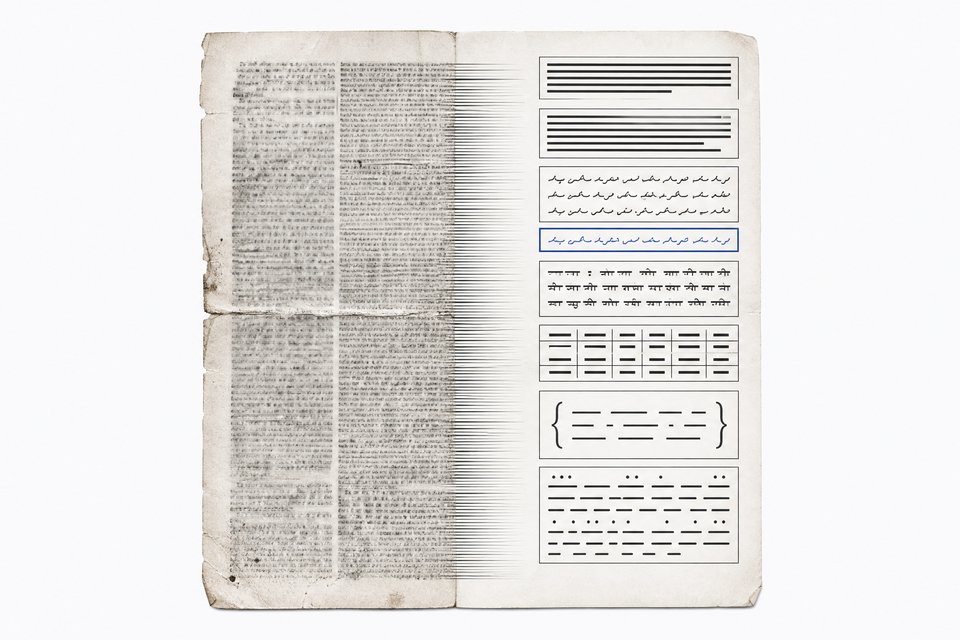
Urdu Nasta'liq is outside the model's stated English and Chinese support, so this was a stress test. The prompt asked for it on the back of a hand-painted truck art panel. The script style looked right and the truck art was ornate, with convincing shadows and golden-hour light. The Urdu characters were not fully correct. The model tried and produced something that reads as the right script, not the right words.
How realistic are MOSS-Image's portraits and landscapes?
This is where it performed best. The first image, a Swiss lake scene with a wildflower meadow, manor, rowboat and snowy Alps, came from a single prompt with no retouching and no second try. It was sharp from the foreground petals to the far peaks, though the tester noted a few flaws.
| Prompt | Result |
|---|---|
| Huli Wigman, Papua New Guinea (extreme close-up, face paint) | Best of the session |
| Kassena women painting a wall, Burkina Faso | Bold geometric patterns, earthen texture, warm light |
| Bohemian crystal glassblower, Czech Republic | Glowing molten glass, sparks, firelit crystal |
| French Canadian girl in snow and smoke, Montreal | Handled well |
| Panoramic landscape, northern Brazil | Handled well |
| Nenets reindeer herders, Siberian tundra at night | Good aurora, frost and fur, some animals oversized |
| Tahitian dancers | Good attire, but the scene felt overly staged |
| Macro flowers, Iran | Looked more like a watercolor than a photo |
A Corpus Christi procession in Poland was also generated, but the tester left the verdict to Polish viewers. His overall summary: good at human faces and landscapes, with occasional blurring.
Is MOSS-Image better than the Flux model it was compared to?
The tester said so. Two days earlier he had tried a model he called the "Flux 3 client" and described the result as an epic failure. Against that, MOSS-Image looked like proof that image generation had not plateaued, though he called the improvements not earth-shattering. Treat this as one person's impression from a handful of prompts, not a benchmark. No scores or side-by-side tests on identical prompts were shown.
Is MOSS-Image worth trying?
It depends on what you need.
- Worth it for: photoreal portraits, cultural scenes and landscapes, if you have the VRAM.
- Not yet for: production signage, posters or any job that needs exact text.
- Experiment with: the layout mode, as long as you check for flipped placement and accept patchy results.
The sample is small and comes from one tester. Run your own prompts before building a workflow around it.
Frequently Asked Questions
Does MOSS-Image support bounding-box layout control?
Yes. It has a JSON layout mode where you draw boxes and describe what goes in each one. In testing, placement was inconsistent. One result looked mirrored, and in another the text boxes missed their targets.
Can MOSS-Image render Chinese and English text reliably?
Not based on these tests. The model is described as handling clean English and Chinese text, but the mixed-text signage test produced a wrong Chinese sign and a missing Latin sign. Results were hit and miss.
Can it write Urdu?
Not correctly. The model is only meant for English and Chinese. In a truck art test it reproduced the look of Nasta'liq script, but the characters were not accurate.
How much VRAM does MOSS-Image need?
Around 28 GB in the tested ComfyUI setup. You must also enable the required workflow node, or output turns blurry and the bounding boxes stop working.
Can I generate higher-resolution images with it?
A community LoHa adapter for MOSS-Image-Base targets 4 MP and above. Its author trained it on 3.5 MP to 10 MP images and notes the data skewed toward anime, so check its examples against your own style.
How we source, write, and correct our articles. Editorial standards