How to Run DeepSeek V4.1 Flash GGUF on 12GB VRAM Locally
Run 2-bit GSQ-RCO GGUF builds of DeepSeek V4.1 Flash on a 12GB GPU. Covers file sizes, Strata vs llama.cpp support, MoE design and benchmark recovery.

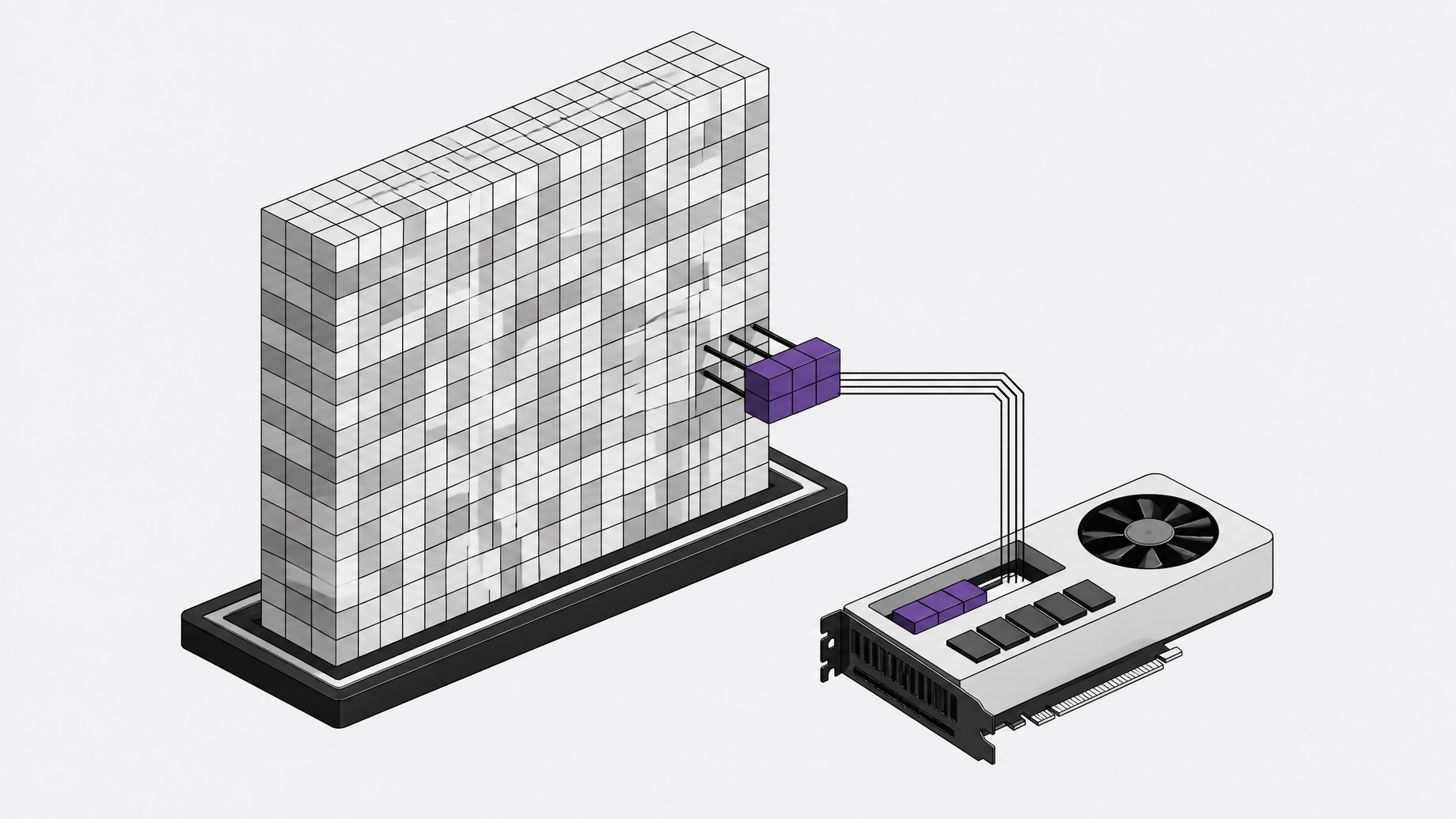
How can you run DeepSeek V4.1 Flash locally on 12GB of VRAM?
Use the GSQ-RCO GGUF builds from ISTA-DASLab (Institute of Science and Technology Austria) with the Strata engine. The 763B-parameter mixture-of-experts model is quantized to roughly 1.75, 2.00 or 2.25 bits per weight, and the model card says every build runs on a single NVIDIA GPU with 12GB of VRAM, with the rest held in system memory. The 2-bit build matched the base model on all three published benchmarks. One caveat: as of the card's October 23, 2026 note, upstream llama.cpp does not support DeepSeek-V4.1 yet.
TL;DR
- The 763.2B-parameter MoE has 384 routed experts per layer, 6 active per token, and a 1M-token context window.
- ISTA-DASLab ships three GGUF builds: IQ1_M (1.75 bpw), IQ2_XXS (2.00) and IQ2_XS (2.25), each a standard GGUF.
- IQ2_XXS is the recommended build and recovers 100.0% of the base model's task average on AIME25, GPQA-Diamond and LiveCodeBench v6.
- Fitting in 12GB of VRAM does not mean small files: totals run 231 to 266 GB, so you need serious system memory and a fast SSD.
- Strata is the supported runtime today. The llama.cpp commands in the card apply once llama.cpp adds DeepSeek-V4.1 support.
- Quality comes from two methods, GSQ for rounding and RCO for bit allocation, rather than one uniform bit-width everywhere.
What is DeepSeek V4.1 Flash?
DeepSeek-V4.1-Flash-1017 is a sparse mixture-of-experts model with about 1763 billion total parameters. Each layer holds 384 routed experts, but the router picks only 6 for any given token. The context window is 1M tokens. The released checkpoint uses FP8 for the dense weights and FP4 for the routed experts.
Most of the parameter count sits in those routed experts. That matters for compression, because the experts dominate the size budget, so they are also where a quantizer has the most room to save space.
The model also carries two Engram lookup tables totaling 196.6B parameters. These are read sparsely, one row per token, and they are not matmul weights. That detail shapes how the files are packaged and how memory is used.
Which GGUF build should you download?
Each build is a four-shard backbone GGUF (551.9B parameters) plus one shared Engram file. The Engram file is identical across builds, so you download it once even if you try several builds.
| Build | Bits per weight | Backbone | Engram | Total |
|---|---|---|---|---|
| IQ1_M | 1.75 | 120.72 GB | 110.60 GB | 231.32 GB |
| IQ2_XXS | 2.00 | 138.24 GB | 110.60 GB | 248.84 GB |
| IQ2_XS | 2.25 | 155.23 GB | 110.60 GB | 265.83 GB |
The Engram file is quantized at IQ4_NL (4.50 bpw) and held at that type in every build. Sizes use GB as 10^9 bytes. The card calls IQ2_XXS the recommended build and the one closest to the base model.
How does a 763B model fit on a 12GB GPU?
It doesn't fit entirely. The backbone alone is 120 to 155 GB. With Strata, the backbone does not need to fit in VRAM. The GPU holds what it can, and the rest of the model sits in system memory.
The Engram tables are the exception. Because they are read one row per token, they can stay memory-mapped on disk and need neither VRAM nor RAM. The card advises keeping that file on an SSD so paging stays cheap, and in the same directory as the backbone shards, since it is loaded from there.
The card's memory section still has a to-do note about exactly which tensors stay in VRAM and how much system RAM is required. Treat any specific RAM figure as unconfirmed. Given the backbone size, plan for a machine with a lot of memory, not just a 12GB card.
How do you run it?
Does llama.cpp work?
Not yet on upstream. The model card states that, as of October 23, 2026, llama.cpp does not support DeepSeek-V4.1, so these GGUFs do not run there. A draft pull request stores the Engram tables inside the model GGUF, which is a different layout from the separate Engram file used here. The card notes the commands below apply once llama.cpp supports the model.
Creators have shown the model running locally while monitoring VRAM, and the card says the builds were optimized together with Strata. Check which runtime build you are actually using before assuming the llama.cpp flags work.
Strata
Strata is a separate engine that the card lists as the supported path. It runs the GGUFs on one NVIDIA GPU with 12GB of VRAM, offers a one-click installer, and exposes an OpenAI-compatible endpoint on localhost. The card's Strata command section is still marked as to-do, so follow the Strata repository for the exact steps.
llama.cpp commands (for when support lands)
Download one build plus the Engram file:
hf download ISTA-DASLab/DeepSeek-V4.1-Flash-1017-GSQ-RCO-GGUF \
  --include "*IQ2_XXS*" "*Engram*" --local-dir .
Run it:
llama-cli -m DeepSeek-V4.1-Flash-1017-GSQ-RCO-IQ2_XXS-00001-of-00004.gguf \
  -lm mmap --lazy-mode on \
  -p "Explain mixed-precision quantization." -ngl 99
Point -m at the first shard. The other shards and the Engram file load from the same directory. The -lm mmap --lazy-mode on flags keep the Engram tables memory-mapped on disk.
For a server with reasoning controls:
llama-server -m DeepSeek-V4.1-Flash-1017-GSQ-RCO-IQ2_XXS-00001-of-00004.gguf -ngl 99 \
  --reasoning on --reasoning-effort 50
Reasoning effort takes an integer from 1 to 100, or low, high, max (50, 75, 100). The default is high (75), and it only applies in thinking mode. --reasoning off disables thinking. The embedded chat template is adapted from Unsloth's DeepSeek-V4.1 release. Image inference would need a matching vision projector and a runtime with DeepSeek-V4.1 vision support.
How much quality is lost at 2 bits?
On the published numbers, very little. All results were measured at reasoning effort 50 against the base model as released.
| Variant | bpw | AIME25 | GPQA-Diamond | LiveCodeBench v6 | Task avg | Recovery |
|---|---|---|---|---|---|---|
| Base (FP8 / FP4) | n/a | 100.00 | 90.91 | 89.71 | 93.54 | 100.0% |
| IQ1_M | 1.75 | 100.00 | 88.38 | 88.57 | 92.32 | 98.7% |
| IQ2_XXS | 2.00 | 100.00 | 90.91 | 89.71 | 93.54 | 100.0% |
| IQ2_XS | 2.25 | 100.00 | 90.40 | 89.71 | 93.37 | 99.8% |
IQ2_XXS ties the base model on every benchmark. Oddly, the larger IQ2_XS scores slightly lower on GPQA-Diamond, which suggests small differences at this level are within noise. IQ1_M gives up 1.2 points of task average and saves 17.5 GB versus IQ2_XXS.
Keep the limits in mind. These are the quantization authors' own measurements on three reasoning and coding benchmarks. AIME25 is saturated at 100 for the base model, so it can't show degradation. Benchmarks also say little about long-context behavior or low-resource languages. A creator's informal test asking for TV channel names in 80+ languages looked strong, with some slight misses in low-resource languages. That is an anecdote, not a measurement.
How do GSQ and RCO keep quality this high?
Two methods from DASLab split the work.
RCO (Riemannian Constrained Optimization) decides where the bits go. It assigns one quantization type to each tensor under a fixed total size budget. Sensitive tensors get more bits and tolerant ones get fewer. It optimizes directly on task loss and hits the budget exactly. The dense tensors (attention, shared experts, embeddings, output head) choose among Q5_K, Q6_K and Q8_0. The routed experts choose among types from IQ1_S to IQ3_S. GGUF cannot express per-expert types, so the assignment is per layer for experts.
GSQ (Gumbel-Softmax Quantization) decides how each weight is rounded. Instead of snapping to the nearest grid value, it learns grid assignments and per-group scales through a Gumbel-Softmax relaxation, starting from a GPTQ-style guess and sharpening it during training. The authors say it closes most of the gap between scalar and vector quantization at 2 to 3 bits while staying in standard scalar formats.
The pipeline has three steps:
- GSQ quantizes every tensor at every candidate type, building a database.
- RCO searches the database and picks one type per tensor to meet the budget.
- The picks are stitched into a standard GGUF.
The teacher during the search is the released checkpoint with experts in native FP4, and the calibration data was generated by the model itself.
Is it worth running locally?
It depends on your hardware. The appeal is a frontier-scale MoE on one consumer GPU with near-baseline benchmark scores. The cost is a very large download, heavy reliance on system memory and SSD speed, and a runtime that is not upstream llama.cpp yet. Token speed is not reported in the card, so don't assume interactive speeds without testing. If you have a 12GB NVIDIA card and ample RAM, IQ2_XXS is the sensible starting point.
Frequently Asked Questions
Does DeepSeek V4.1 Flash run in llama.cpp?
Not on upstream as of the model card's October 23, 2026 note. The card says the GGUFs are supported in Strata, and it lists llama.cpp commands that apply once support arrives. A draft pull request exists but uses a different Engram layout.
How much disk space do the GGUF files need?
Between 231 and 266 GB in total, depending on the build. The Engram file is 110.60 GB and shared, so trying multiple builds only adds the backbone shards (120.72 to 155.23 GB each).
Which build is closest to the original model?
IQ2_XXS at 2.00 bits per weight. It matched the base model on AIME25, GPQA-Diamond and LiveCodeBench v6, for 100.0% recovery of the task average.
Is the license permissive?
The model card badge lists the license as MIT. Check the repository's license section before any commercial use, since the underlying base model's terms also apply.
How we source, write, and correct our articles. Editorial standards