How to Run Local AI Models: Hardware, Tools, and Costs
Learn how to run local AI models with Ollama or LM Studio on a laptop, GPU, or phone, plus local image and music generation and API cost break-even.

How do you run local AI models, and what hardware, tools, and costs are involved?
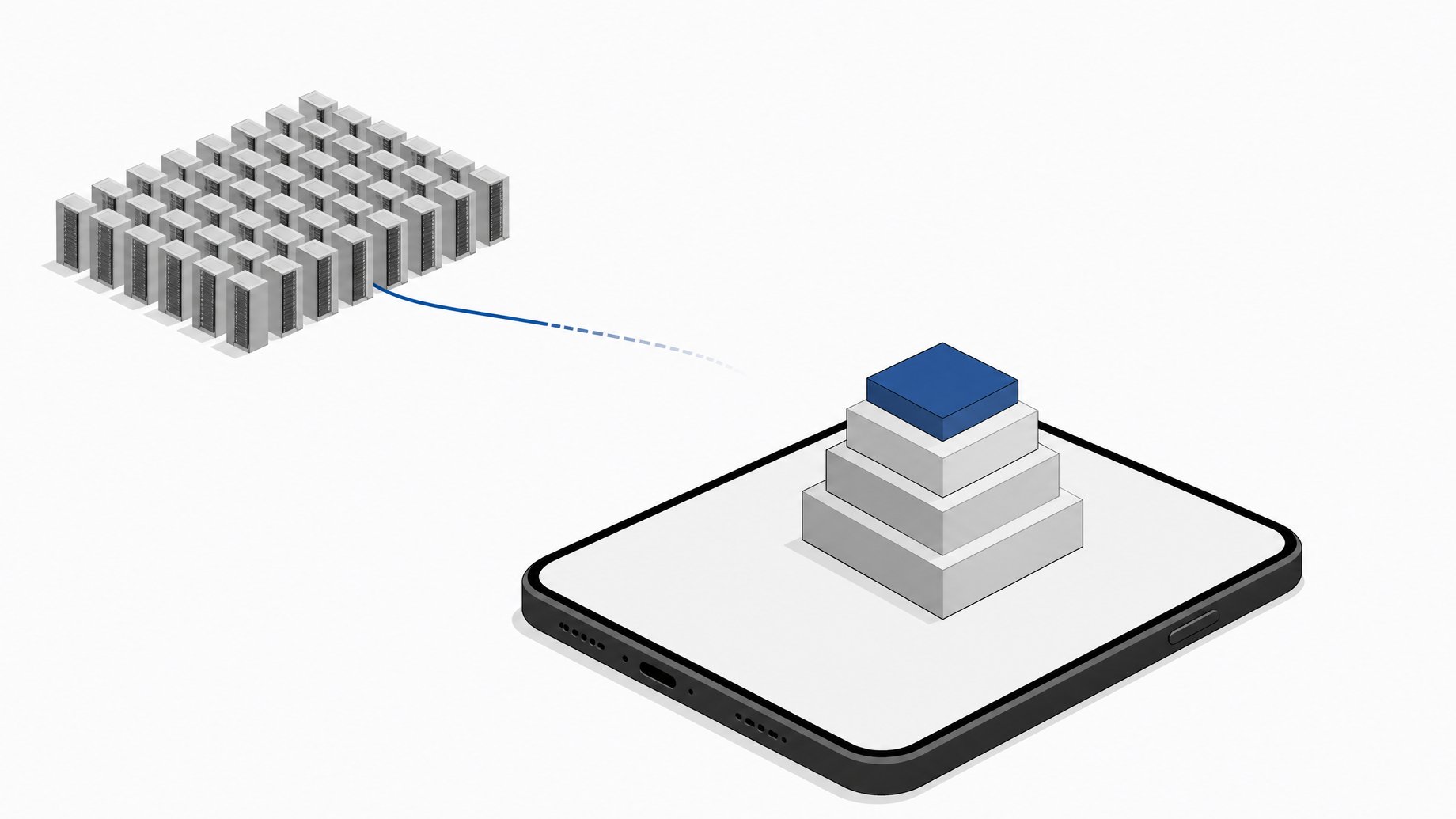
You run local AI models by picking an open-weight model sized to your hardware, downloading it through a tool like Ollama or LM Studio, and running inference entirely on your own machine. No API key, no per-token bill. That's the whole trick. What's changed in the last year is how far "your own machine" now stretches, from a Mac Mini to a smartphone in your pocket.
TL;DR
- The performance gap between open-weight and closed frontier models shrank from 8% to just 1.7% in a single year.
- Apple Silicon's unified memory lets a quantized 70B-class model load entirely on a single laptop.
- Quantization compresses model weights to 4 to 8 bits, which is why big models fit on consumer hardware.
- PowerInfer-2 is the first framework to serve a 47-billion-parameter model on a smartphone.
- Generating images locally pushes the marginal cost of an image to $0 once you've paid for the GPU.
- A fully local model eliminates shadow AI exposure by design, because your data never leaves your device.
Why does local AI mean something different now?
A year ago, running models locally meant accepting a real capability tax. You got a smaller, dumber model in exchange for privacy and no bill. That tradeoff has mostly collapsed. Stanford HAI's 2025 AI Index found the performance gap between open-weight and closed frontier models on Chatbot Arena shrank from 8% to just 1.7% in a single year. Meanwhile the cost of getting GPT-3.5-level output dropped from $20 per million tokens in November 2022 to $0.07 by October 2024, a 280-fold collapse in about eighteen months.
Put those two trends together and the API-rent math stops making sense for a lot of workloads. If a model good enough for your task can run on hardware you already own, every additional query you send to a cloud API is a query you're paying for twice: once in the subscription or per-token fee, and once in the fact that your prompts and outputs never really belong to you. This piece covers five concrete ways to flip that, across text, images, and audio.
How can you run a 30B+ LLM on a laptop or Mac with unified memory?
The most mainstream on-ramp is also the easiest. Install Ollama or LM Studio, pull a quantized model, and start chatting. Both run on macOS, Windows, and Linux, and both work fully offline once the model is on disk. LM Studio is explicit about the privacy angle: nothing you type while chatting, running retrieval, or hitting its local server ever leaves your device.
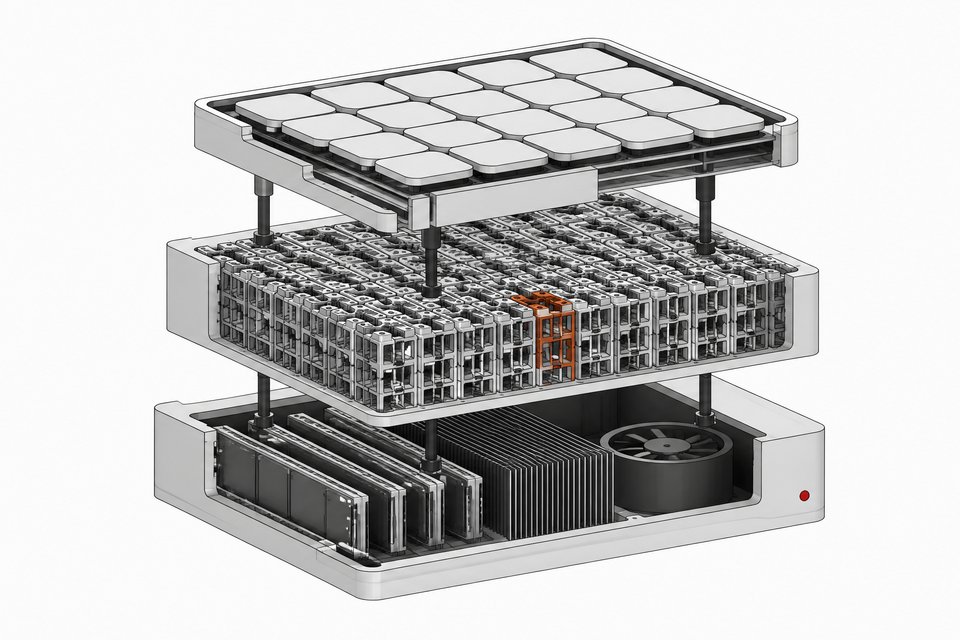
What makes 30B-and-up models practical on a laptop is Apple Silicon's unified memory architecture. The M4 Max supports up to 128GB of unified memory with up to 546GB/s of bandwidth, roughly four times the bandwidth of competing "AI PC" chips. That bandwidth is what lets a quantized 70B-class model, weighing in around 40GB, load entirely in memory on a single machine and still generate at a usable speed. Working from a Windows box with a single consumer GPU instead? The math is different but not much harder. We've walked through exactly what fits on a 12GB card and how to make it fast.
How does quantization let a 70B model fit on consumer hardware?
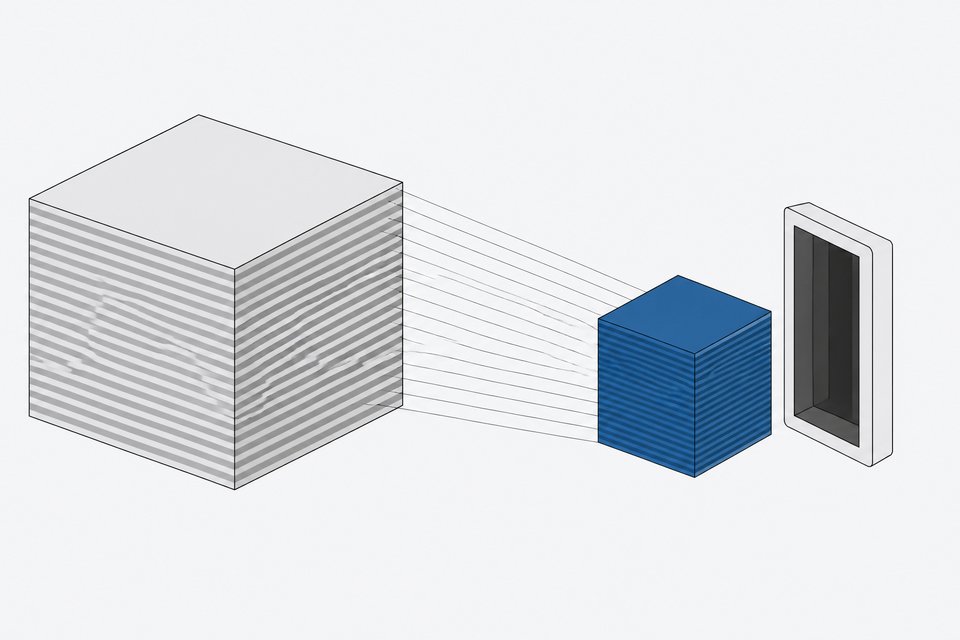
The honest answer is compression, not magic. GGUF quantization, the format used by llama.cpp and underneath tools like Ollama, reduces model weight precision from the 16 or 32 bits used in training down to 4 to 8 bits. That single change is why a model that would need well over 100GB of VRAM at full precision can run on a machine with a fraction of that.
A few things worth knowing before you pick a quantization level:
- Lower bit-depth means smaller file, faster load, slightly worse output. A 4-bit quant of a 70B model will be noticeably faster than an 8-bit quant, but you trade some precision for it.
- You can offload only some layers to GPU. llama.cpp lets you split a model between GPU and CPU layer by layer, so a card that can't hold the whole model can still accelerate part of it.
- Quantized models are what Ollama and LM Studio pull by default. When you run
ollama runagainst a model tag, you're almost always getting a GGUF quant, not the raw weights.
This is the mechanism behind every other entry on this list. For the deeper hardware math on what a big CPU-only build can do without a GPU at all, the GLM-5.3-Flash on a 128GB RAM machine walkthrough takes that argument to its extreme.
Can you push frontier-scale models onto a phone?
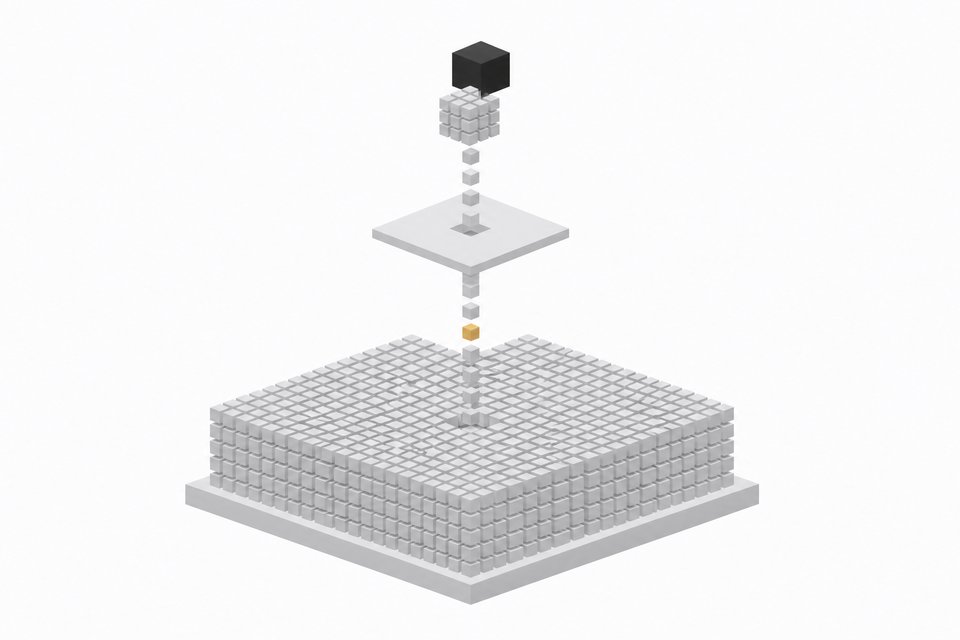
The most surprising proof point in local AI right now isn't a desktop rig. It's a phone. PowerInfer-2 is the first inference framework to serve a 47-billion-parameter model on a smartphone, hitting 11.68 tokens per second, up to 27.8x faster than prior mobile inference frameworks. It does this by decomposing matrix operations into neuron clusters and splitting the work across the phone's NPU and CPU rather than forcing the whole model through one processor.
This isn't a lab curiosity. It's a direct answer to the assumption that frontier-scale inference requires a data center. A 47B model would have needed a serious GPU rig two years ago. Now it runs, slowly by desktop standards but it runs, on hardware most people already carry. If you're deciding which open coding models are actually worth running day to day rather than as a demo, that comparison sits well alongside this one: the best local open-source LLM for coding in 2026.
How do you generate images locally with zero per-image fees?
Text isn't the only modality that's moved local. Stable Diffusion and Flux, run through ComfyUI, push the marginal cost of an image to $0 once you've paid for the GPU, compared to roughly $0.04 to $0.08 per image on DALL·E-style APIs or $10 to $120 a month for a Midjourney subscription.
One licensing caveat worth taking seriously: not every popular checkpoint is cleared for commercial work. FLUX.1 [dev] is freely downloadable but licensed non-commercial, and using it for client deliverables without a separate Black Forest Labs license is a real violation, not a gray area. Check the license on whatever checkpoint you run before you ship anything made with it.
Can you make music offline with open-weight generators?
The least mature but most headline-grabbing entry is local music generation. Stability AI's Stable Audio Open is a genuinely open, downloadable text-to-audio model that generates up to 47 seconds of stereo audio at 44.1kHz and can be fine-tuned on your own samples. It was trained on royalty-free Freesound and Free Music Archive data specifically so the release stays legally clean for creators to build on.
Be honest about where quality stands. An independent 2026 head-to-head across eight open-weight music models, including ACE-Step, LeVo 2, YuE, and DiffRhythm 2, concluded there is still no open-source model that matches Suno V5. The closest models get within "audible-but-real distance" on some prompts and trail on others, and a couple of the strongest performers, like LeVo 2, ship under licenses that forbid commercial use outright. Local music generation is a legitimate hobbyist and prototyping tool today. It is not a drop-in Suno replacement, and you should say so if you're pitching it to anyone expecting parity.
Why does the cost math favor local once you cross the break-even point?
The case for local isn't that it's always cheaper. It's that the crossover point has moved much closer than most people assume. Two numbers do the heavy lifting here: the 280x drop in per-token API costs for GPT-3.5-equivalent performance between late 2022 and late 2024, and the fact that open-weight models have closed most of the quality gap with closed ones in the same window. Falling API prices sound like they favor renting, but they're really a signal that the underlying compute cost of running a capable model has cratered. That cost collapse benefits your own hardware just as much as it benefits the providers charging you for it.
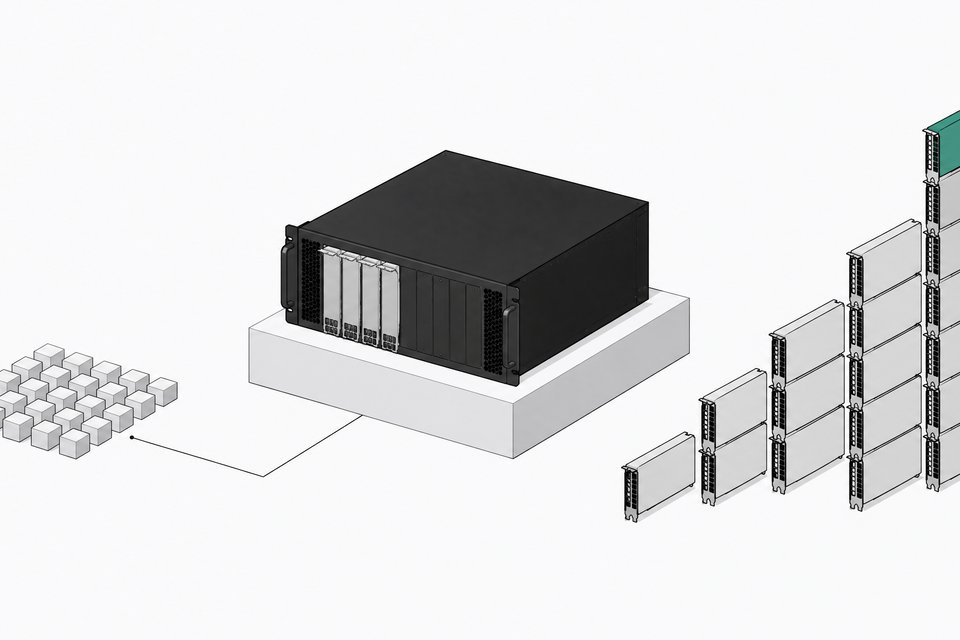
The actual break-even depends on volume. If you're running a handful of queries a week, API pricing at $0.07 per million tokens is close to free either way. If you or your team are running thousands of queries a day, coding assistants included, the amortized cost of a GPU or a Mac with enough unified memory starts beating the metered bill within months, not years. We laid out the real numbers on this, including where GLM-5.3-Flash and similar models land against frontier API pricing, in the local-versus-API break-even math.
Why does ownership matter beyond cost: privacy and shadow AI?
Cost is the easy argument. The harder one, and arguably the more important one for a team rather than a solo builder, is where your data actually goes. A TELUS Digital survey found 57% of enterprise employees who use generative AI at work admit to entering sensitive or high-risk company information into public assistants like ChatGPT, and 68% access those tools through personal accounts rather than anything IT sanctioned. That's shadow AI in a nutshell: not malicious, just people trying to get work done with the fastest tool available, and quietly routing company data through it.
A fully local model eliminates that exposure by design, because there's no server on the other end for the data to reach. That's not a compliance checkbox, it's a structural fix. It's also the same logic behind treating your model outputs, your fine-tunes, and the data you generate along the way as something you actually own and keep, rather than a byproduct sitting inside someone else's platform.
Quick-start checklist: how do you pick your first local setup?
Don't overthink the first move. Match the tool to the hardware you already have, then size the model to fit.
- Mac with 32GB+ unified memory: install LM Studio, pull a 30B-class quantized model, and you're running frontier-adjacent quality with no setup beyond the download.
- Windows or Linux box with a single consumer GPU: check your VRAM first, then pick a GGUF quant sized to fit with room for context, offloading extra layers to CPU if needed.
- Neither, but a lot of system RAM: a CPU-only setup with 128GB of RAM can still run a serious model at usable speed. Slower, not impossible.
- Want to test the mobile frontier just to see it work: look into PowerInfer-2's open release, understanding you're trading speed for the novelty of running a 47B model on hardware in your pocket.
- Use case is images or audio, not text: start with ComfyUI for Stable Diffusion or Flux, and check the license on any checkpoint before using output commercially.
| Setup ease | Practical model size | Inference speed | Upfront cost | |
|---|---|---|---|---|
| RecommendedMac with 32GB+ unified memorya mainstream on-ramp with no extra hardware | High | 30B-class quantized | High | Cost of the Mac itself |
| Windows/Linux + single consumer GPUbuilders who already have a gaming rig | Medium | 7B-13B in VRAM, larger with CPU offload | Medium | $200-$1,500 GPU |
| CPU-only, 128GB system RAMrunning large models without a GPU at all | Medium | 70B-class, slower generation | Low | RAM upgrade only |
| Smartphone (PowerInfer-2)testing the mobile frontier, not daily use | Low | 47B MoE | Low | $0 beyond the phone |
None of this requires abandoning cloud APIs entirely. Plenty of workloads still make sense to rent, especially bursty or occasional ones. But the floor for what you can own outright has moved a long way in twelve months, from a curiosity running on a beefy desktop to a 47B model fitting in someone's pocket. The question worth asking before your next API bill isn't whether local AI is good enough. It's whether you've actually checked lately.
Frequently Asked Questions
What's the easiest way to start running AI locally?
Install Ollama or LM Studio, both free and available for macOS, Windows, and Linux. Pull a quantized model through the app and start chatting offline. No API key, no account, no data leaving your device.
Do I need a GPU to run local AI models?
No, but it helps with speed. GGUF quantization lets models run on CPU alone, and llama.cpp can offload only some layers to a GPU if you have one, so a machine with enough system RAM can run a large model even without a dedicated card.
Can local models really replace GPT-4 or Claude-class APIs for real work?
For a lot of tasks, yes. Stanford's 2025 AI Index found the quality gap between open-weight and closed models narrowed from 8% to 1.7% on Chatbot Arena in a single year. It's not universal parity, but for coding, drafting, and internal tools, it's usually close enough.
Is local AI actually cheaper than paying for an API?
It depends on volume. At low usage, cheap per-token API pricing is hard to beat. At high, sustained usage, the amortized cost of hardware you already own or buy once starts winning within months, especially as open models keep closing the quality gap for free.
Is it legal to use locally generated images or music commercially?
Check the license before you ship anything. Some popular checkpoints, like FLUX.1 [dev] for images and LeVo 2 for music, are freely downloadable but restricted to non-commercial use. Freely licensed alternatives exist, but they're not automatically interchangeable.
How we source, write, and correct our articles. Editorial standards