How to Run GLM-5.3-Flash Locally on CPU (No GPU Required)
How to run the 320B-parameter GLM-5.3-Flash model on CPU with 128GB RAM using Unsloth's dynamic GGUF quants, plus the hardware math and exact commands.

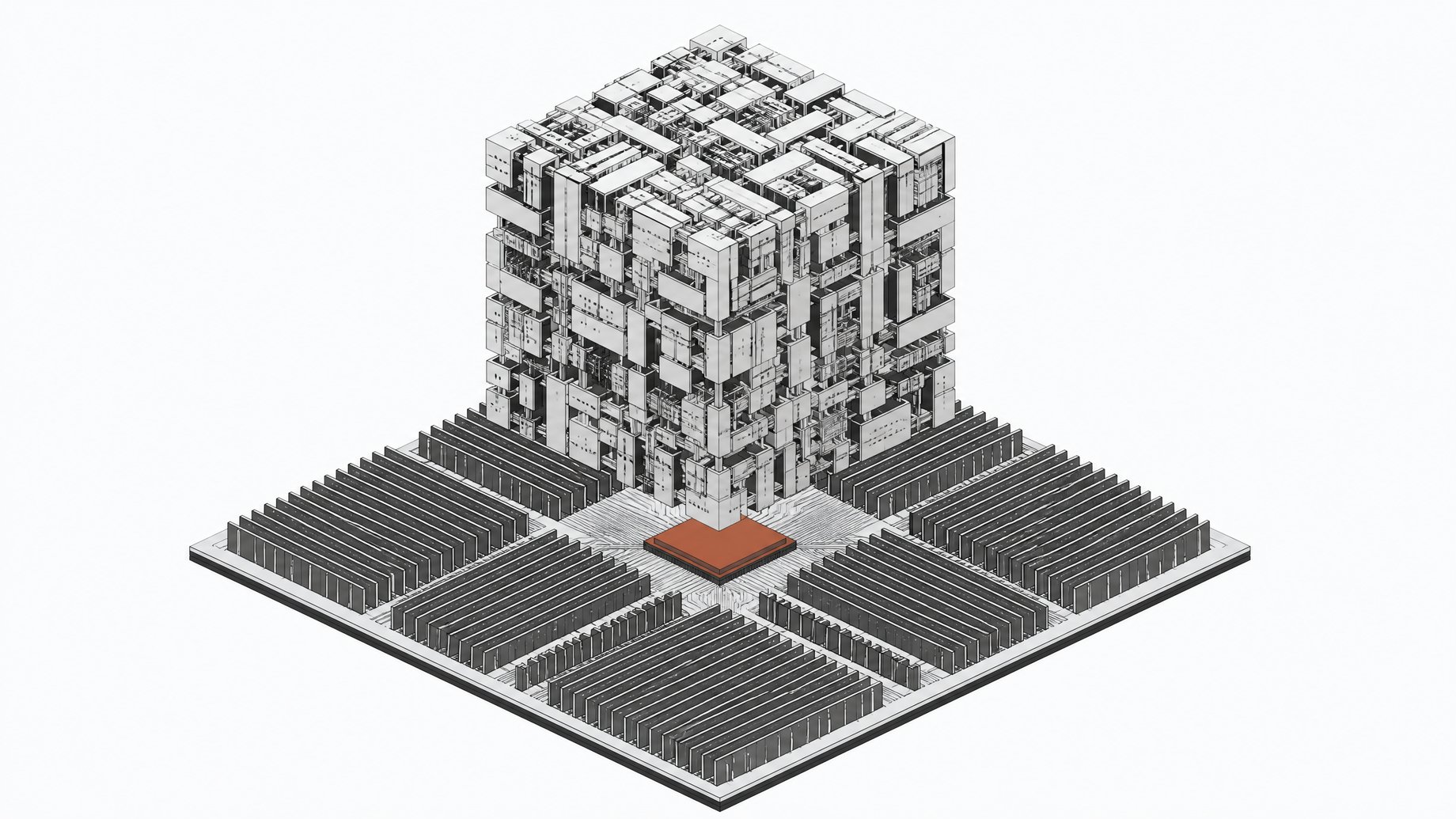
How do you run GLM-5.3-Flash locally on CPU without a GPU?
You can run GLM-5.3-Flash on CPU with 100GB or more of system RAM, using Unsloth's dynamic GGUF quantizations and a fork of llama.cpp. No GPU, no cloud bill. Twelve months ago that sentence would have been absurd for a model this capable. Now it's just Tuesday.
TL;DR
- GLM-5.3-Flash is a 320B-parameter mixture-of-experts model with only 18 billion parameters active per token, and it runs on CPUs with at least 100GB of RAM.
- Its hybrid sparse-plus-linear attention cuts attention compute by about 3x and KV cache size by 4.4x compared to the flagship GLM-5.3.
- Keeping a rented cloud GPU warm 12 hours a day at $2.69/hr costs roughly $980 a month, while a 128GB RAM machine is a one-time purchase you still own in three years.
- The 3-bit quantization retains up to 87% of top-1% accuracy and fits on a 128GB machine, making it the sweet spot.
- Support is fork-only for now, so you need Unsloth's llama.cpp branch because Ollama and LM Studio don't support the architecture out of the box.
- Expect a practical context of 8K-32K tokens on local CPU/RAM setups, far below the advertised 1M-token window.
Why does 'run it locally' finally mean something for a frontier model?
I've spent years telling engineers not to bother self-hosting large models. The math never worked: rent an H100, eat the hourly rate, and still get worse throughput than a hosted API. GLM-5.3-Flash is the first release that changes my answer.
It's a mixture-of-experts model with 320 billion total parameters but only 18 billion active per token. On Z.ai's own Code Bench at max effort it scores 29.0 against Claude Opus 4.8's 29.5, and it beats its predecessor GLM-5.2 badly on agentic tasks: 63.4 vs 46.2 on DeepSWE v1.1, 48.8 vs 26.2 on AutomationBench. Artificial Analysis put it at 57 on their Intelligence Index at roughly $0.045 per task.
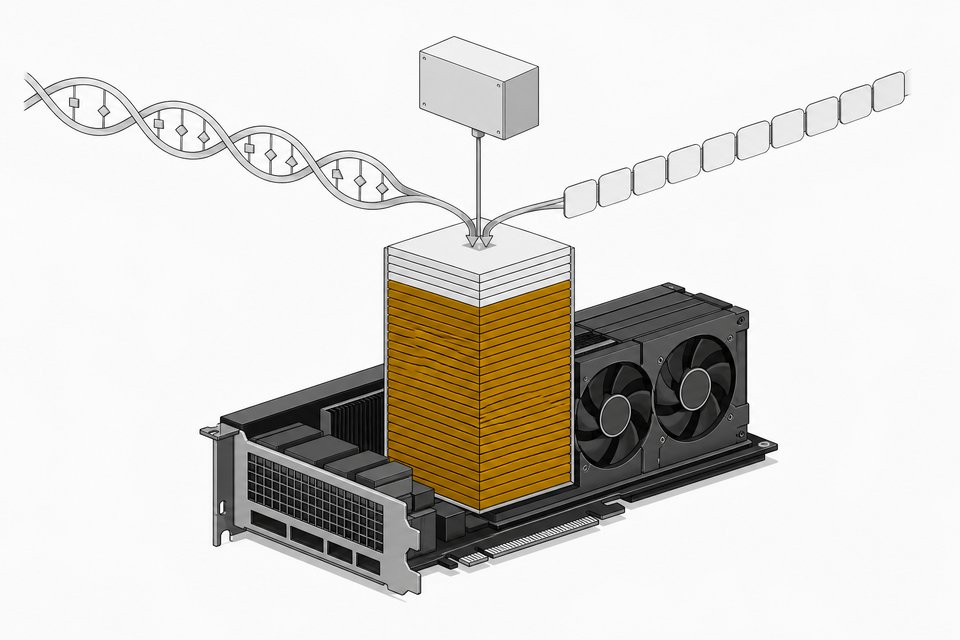
What makes CPU inference viable at all is architectural, not just a smaller parameter count. GLM-5.3-Flash uses 3.0x less attention compute and a 4.4x smaller KV cache than the flagship GLM-5.3. That's the engineering that turns 'technically possible' into 'usable on a machine sitting under your desk.'
Is it cheaper to rent GPUs or own a box for this model?
A single Nvidia H100 costs roughly $25,000 to buy outright, and multi-GPU setups can run past $400,000. Renting one instead costs anywhere from $1.33 to $9.98 per GPU-hour depending on provider, with the cheap end at Vast.ai or Jarvislabs and the expensive end at Azure or Baseten.
Run the math on a team that keeps a model warm 12 hours a day. At $2.69/hr, that's about $32 a day, or roughly $980 a month, forever, with no asset to show for it. A 128GB RAM machine capable of running GLM-5.3-Flash at 3-bit quantization is a one-time purchase you can price out today and still own in three years. This is the same argument we've made about renting tokens versus owning quantized models generally, and GLM-5.3-Flash is the sharpest example yet, because the model itself is frontier-tier, not a toy.
| Upfront Cost | Ongoing Cost | Setup Effort | Peak Throughput | Full Data Ownership | |
|---|---|---|---|---|---|
| Rent H100 (cloud API/GPU-hour)bursty or short-term workloads | $0 | ~$980/mo at 12hr/day, $2.69/hr | Low | High | No |
| RecommendedOwn 128GB CPU box (3-bit GLM-5.3-Flash)steady, long-term local usage | One-time hardware purchase | Electricity only | High | Medium | Yes |
What is GLM-5.3-Flash actually (and what isn't it)?
Before you plan hardware, know what you're downloading:
- Total vs. active parameters. 320B total, 18B active per token, the MoE design that keeps inference cheap.
- Hybrid attention. Sparse plus linear attention layers reduce compute and memory pressure versus dense attention models of similar size.
- Context window. Up to 1,048,576 tokens on paper, though local CPU setups won't realistically hit that (more on this below).
- License. Unmodified MIT, meaning you can fine-tune, redistribute, and run commercially without a usage-based fee.
- Relationship to flagship GLM-5.3. Flash is the deliberately cheaper, faster sibling, not a downgraded demo. It's built to trade a little peak capability for a lot less compute.
Z.ai tested it anonymously as "ox-alpha" on OpenRouter and OpenCode before the public reveal, and it became the most-used model of the week, served entirely on Chinese-made AI chips through a custom SGLang stack. That's a signal the underlying model holds up outside a marketing benchmark.
How much RAM do you need to run GLM-5.3-Flash?
Don't download anything yet. Match your RAM to what's actually usable:
- 1-bit (UD-IQ1_S), ~93GB. Retains 71% of top-1% accuracy versus BF16, and is 85% smaller than the full 641.64GB BF16 weights. This is your floor, and it's soft: expect roughly 75-105GB depending on exact quant variant and context length.
- 2-bit (UD-Q2_K_XL), ~109GB. Retains 78% accuracy, 83% smaller than BF16.
- 3-bit (UD-Q3_K_XL / UD-IQ3_XXS), 120-148GB. Retains 82-87% accuracy. This is the sweet spot for a 128GB machine.
- 4-bit (UD-Q4_K_XL), ~200GB. Retains 93% of accuracy and is 69% smaller than the full BF16 weights.
Below roughly 64GB of RAM, there's no viable quant for this model today. Skip to the fallback section below.
Step 1: How do you install a CPU-capable runtime?
GLM-5.3-Flash's architecture ("glm5_next") had not yet merged into mainline llama.cpp at launch, which means Ollama and LM Studio don't support it out of the box. You need Unsloth's fork.
- Clone Unsloth's llama.cpp branch. Pull the
glm5_nextbranch specifically; mainline won't recognize the architecture. - Build for CPU only. Compile with
-DGGML_CUDA=OFFif you have no GPU at all. Leave CUDA on if you want a CPU/GPU hybrid setup (see Step 3). - Alternative: Unsloth Desktop. If you'd rather skip the build step, Unsloth's desktop app wraps the same runtime with a simpler install path.
Step 2: Which dynamic GGUF quant should you download?
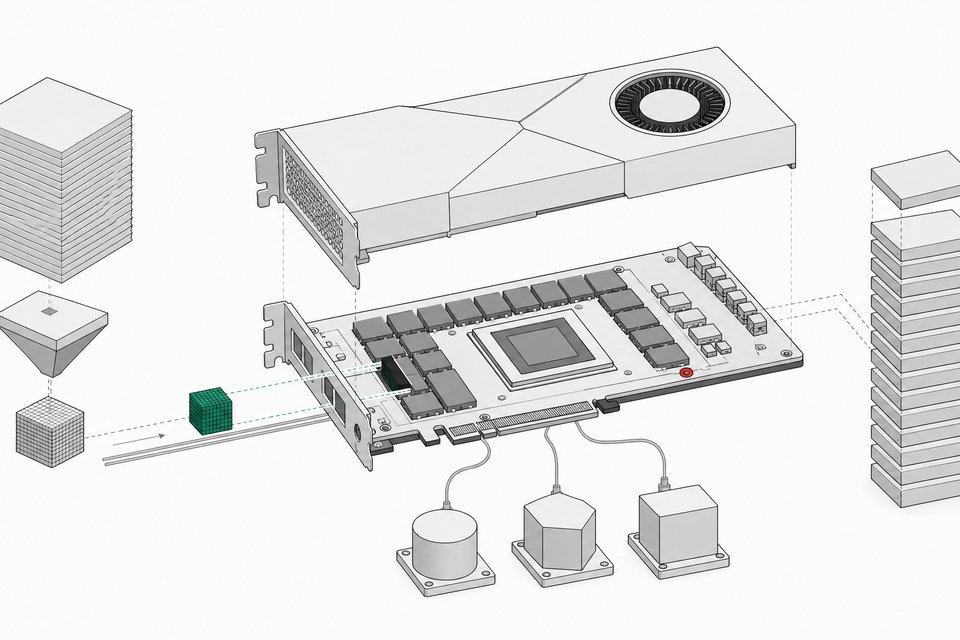
Once the runtime is built, pull the quant that matches your RAM using hf download for the specific Unsloth GGUF repo. Go one notch below your absolute ceiling to leave headroom for context and OS overhead. On a 128GB machine, that generally means the 3-bit UD-Q3_K_XL file, which retains 87% of top-1% accuracy while fitting comfortably with room for a working context window. Don't grab the 4-bit file unless you have 200GB+ available; it will thrash to disk and destroy your throughput.
Step 3: How do you launch and tune for CPU/RAM-only inference?
Start with llama-cli or llama-server pointed at the downloaded GGUF. Two settings matter more than anything else:
- Expert offloading (
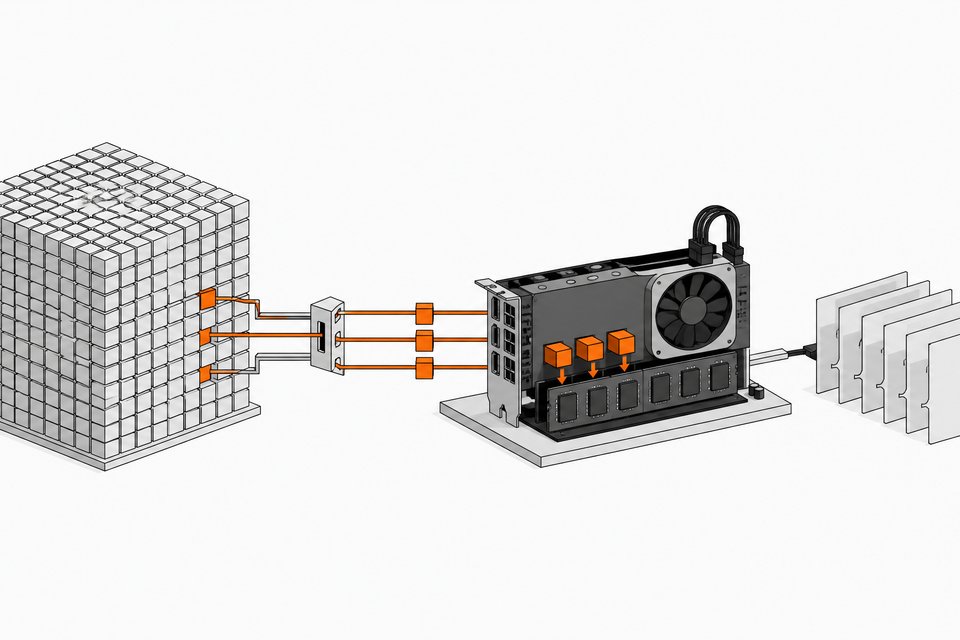
--n-cpu-moe/-ot). Routed MoE experts, which make up most of the model's size, are only 2-5% active on any given forward pass. Keep the always-active attention and dense layers on GPU (if you have one) and let the experts sit in system RAM. Pure CPU setups skip this and just load everything into RAM. - Batch size (
-ub). Raising the physical batch size on CPU/GPU offloaded MoE models can boost prompt processing throughput roughly 5.5x, from around 380 tok/s to over 2,000 tok/s, at the cost of about a 7% drop in generation speed. Worth it for anything with long prompts.
Thread count should generally match your physical core count, not hyperthreads. Reasoning effort settings, if your build exposes them, trade latency for answer quality; start low and raise it only if outputs feel shallow.
Step 4: How do you serve it like an API (optional)?
Run llama-server instead of llama-cli and you get an OpenAI-compatible endpoint on localhost. Point Claude Code, Codex-style CLIs, or any agent framework at that endpoint the same way you'd point them at a hosted API key, minus the metering. If you're building internal tools this way already, this is the same pattern covered in our piece on orchestrating your own office of clones, just with the model itself owned instead of rented. For teams standardizing how those internally-built tools get deployed and governed rather than sprawling across everyone's laptop, a platform like Remy is built for exactly that gap.
What should you expect from speed, quality, and current limits?
Set expectations before you invest a weekend:
- Support is fork-only for now. Mainline llama.cpp, Ollama, and LM Studio hadn't merged glm5_next at launch, so you're on Unsloth's branch until that changes.
- Real context is much smaller than advertised. The 1M-token window is a lab number. On local CPU/RAM setups, expect a practical working context closer to 8K-32K tokens before memory and speed both suffer.
- Speed is bandwidth-bound, not compute-bound. You're moving experts in and out of RAM constantly. A budget VPS running a 7B model at 4-bit already shows latency around 1-3 seconds per small completion with no GPU at all; a 320B MoE model on RAM alone will be slower still, though usable for non-interactive or batch work.
- Quality degrades gracefully, not gracefully enough at 1-bit. The 1-bit quant retains 71% of top-1% accuracy; that's real degradation on hard tasks, even though it's the only path for sub-100GB machines.
What if you don't have enough RAM?
If your machine doesn't clear roughly 64-100GB of RAM, GLM-5.3-Flash isn't reachable today at any quant. That's not the end of local inference. Smaller MoE and dense models, in the same general families researchers point to as fallbacks, can still deliver a genuinely useful coding assistant on 16-32GB machines, just without frontier-tier benchmarks. Treat GLM-5.3-Flash as the model to grow into as you upgrade hardware, not a hard requirement to start experimenting with local inference now.
What is the ownership case beyond one model?
Strip away the specific benchmarks and this is a software ownership story. An MIT license means the weights are yours, not a subscription you lose access to if a vendor changes terms. A one-time RAM purchase means your inference cost curve flattens instead of scaling with usage, the same trap we've written about with cloud bugs and usage fees driving a return to self-hosting. GLM-5.3-Flash isn't the last model this will apply to. It's the first one where the argument stops being theoretical.
Frequently Asked Questions
Can I run GLM-5.3-Flash locally without a GPU at all?
Yes. Build llama.cpp's glm5_next branch with -DGGML_CUDA=OFF and run entirely on system RAM. It will be slower than a GPU-assisted setup, but a 128GB RAM machine can run the 3-bit dynamic quant with no GPU involved.
How much RAM do I actually need for GLM-5.3-Flash?
Roughly 93GB for the smallest usable 1-bit quant, and about 128GB for a comfortable 3-bit quant that retains 82-87% of top-1% accuracy. Below about 64GB there's no viable quant for this model yet.
Does GLM-5.3-Flash work with Ollama or LM Studio?
Not yet. Its glm5_next architecture hadn't merged into mainline llama.cpp at launch, which both Ollama and LM Studio depend on. You need Unsloth's fork of llama.cpp or the Unsloth Desktop app.
Is running it locally actually cheaper than renting a cloud GPU?
For sustained use, yes. Cloud H100 rental runs $1.33 to $9.98 per GPU-hour with no asset at the end, while a 128GB RAM machine capable of running GLM-5.3-Flash is a one-time cost you keep owning.
Will I get the full 1 million token context window running locally?
No. The 1M-token context is a lab-level maximum. Local CPU/RAM setups realistically deliver something closer to 8K-32K tokens of usable context before memory and speed degrade.
How we source, write, and correct our articles. Editorial standards