How to Run DeepSeek R1 671B Locally by Streaming Experts Off SSD
Learn how to run 671B MoE models like DeepSeek R1 locally with llama.cpp, KTransformers and Unsloth quants, with hardware tiers and tokens per second.

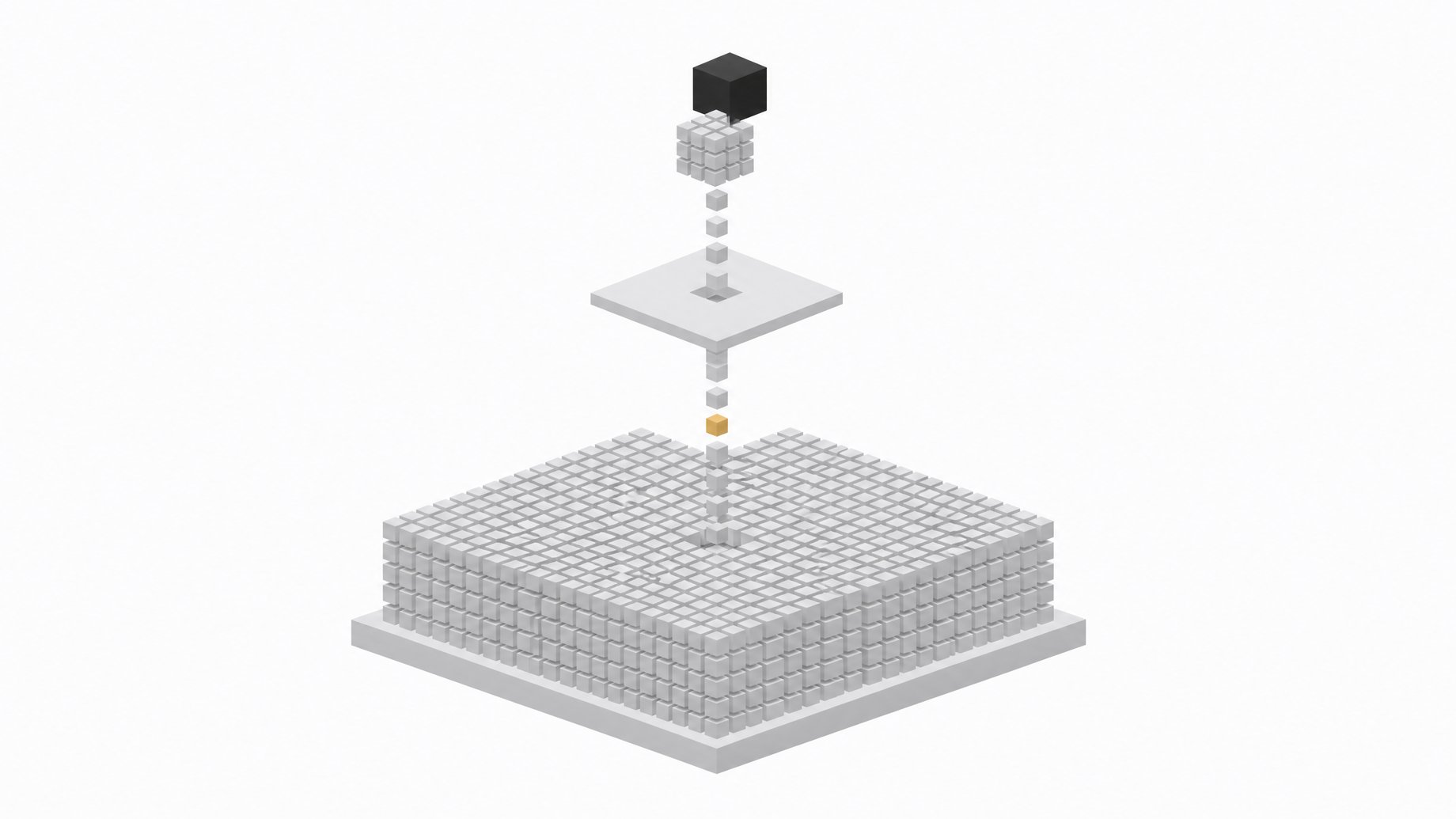
How can you run DeepSeek R1 671B locally by streaming experts off SSD?
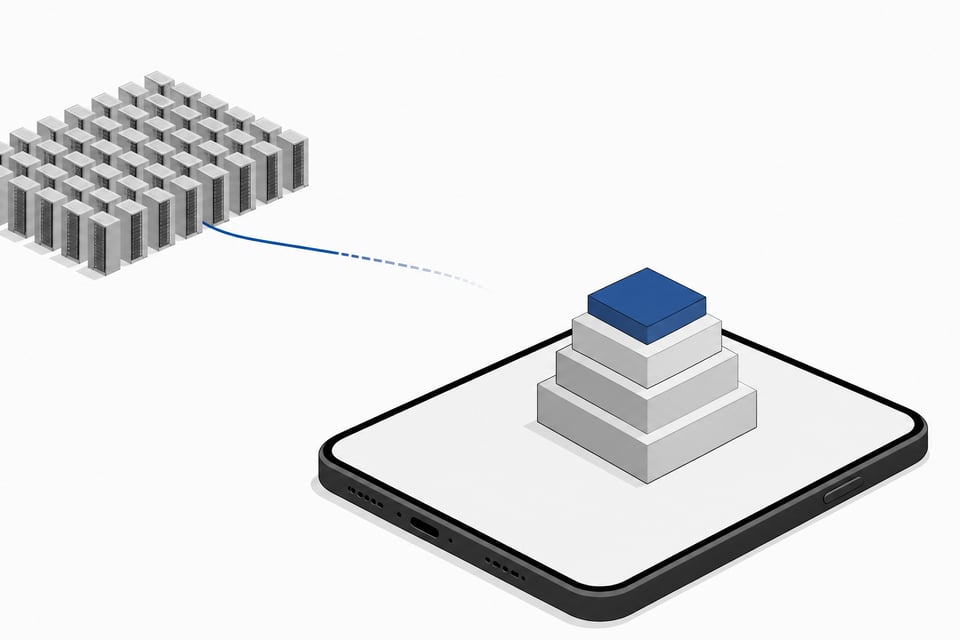
You run a large LLM locally by pairing a mixture-of-experts model with an inference engine that keeps only the active experts in VRAM and leaves the rest on RAM or NVMe SSD. Tools like llama.cpp, KTransformers, and Unsloth's dynamic quants now make this a config flag, not a research project. A 671-billion-parameter model can run on a $2,000 server.
That sentence would have sounded absurd two years ago. It's now a Tuesday afternoon setup task.
TL;DR
- A mixture-of-experts model only activates a small subset of experts per token, so the dormant experts can sit on cheaper RAM or SSD instead of in GPU memory.
- Unsloth's dynamic quantization shrank DeepSeek R1 from 720GB to 131GB, an 80% reduction that lets it run with as little as 20GB of combined RAM/VRAM, albeit slowly.
- A used EPYC Rome server costing about $2,000 runs the full Q4 model at 3.5 to 4.25 tokens/second by holding the experts in system RAM.
- A Mac Studio M3 Ultra with 512GB of unified memory handles the Q4 model at roughly 10 to 18 tokens/second after a one-line sysctl tweak.
- llama.cpp's single
--n-cpu-moeflag replaces hand-written regex rules for deciding which tensors go to GPU and which go to CPU. - Against the cheapest API pricing, a $2,500 local box only beats renting once you cross roughly 132 million tokens/month.
Why Don't MoE Models Need All Their Weights at Once?
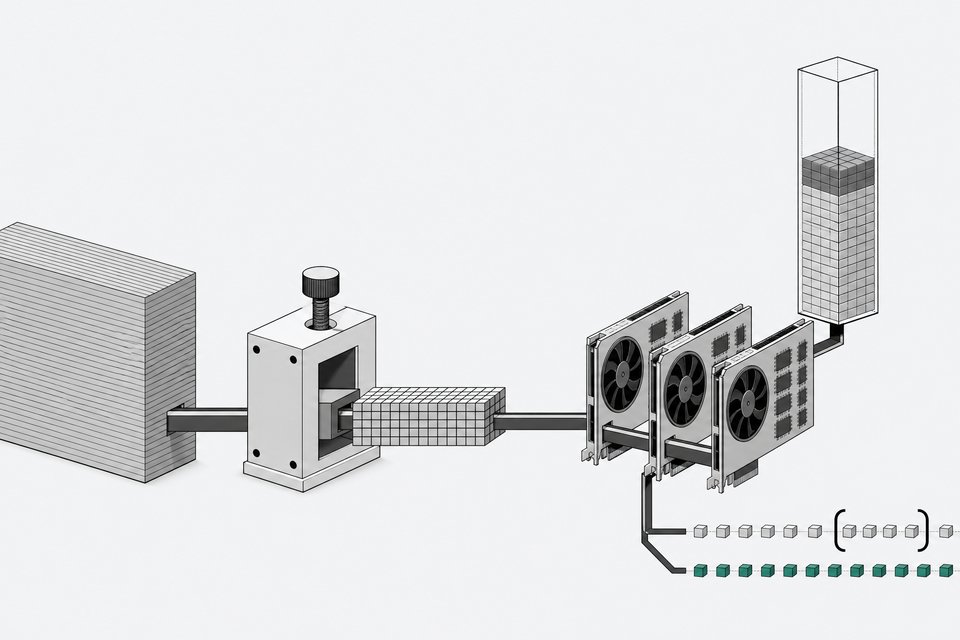
The trick isn't compression. It's architecture. DeepSeek R1 and V3 are mixture-of-experts (MoE) models: 671 billion total parameters, but only a small subset of "expert" sub-networks activate for any given token. The rest of the model sits idle, token by token.
As one practitioner put it on r/LocalLLaMA: "Experts are activated per token, not per prompt. That's why the proper practice is to offload experts to RAM and keep shared experts and all the other important bits in VRAM." If 90% of the model is dormant at any instant, there's no reason it needs to live in $30,000 worth of GPU memory. It can sit on cheaper RAM, or even SSD, and load only when a token actually routes to it.
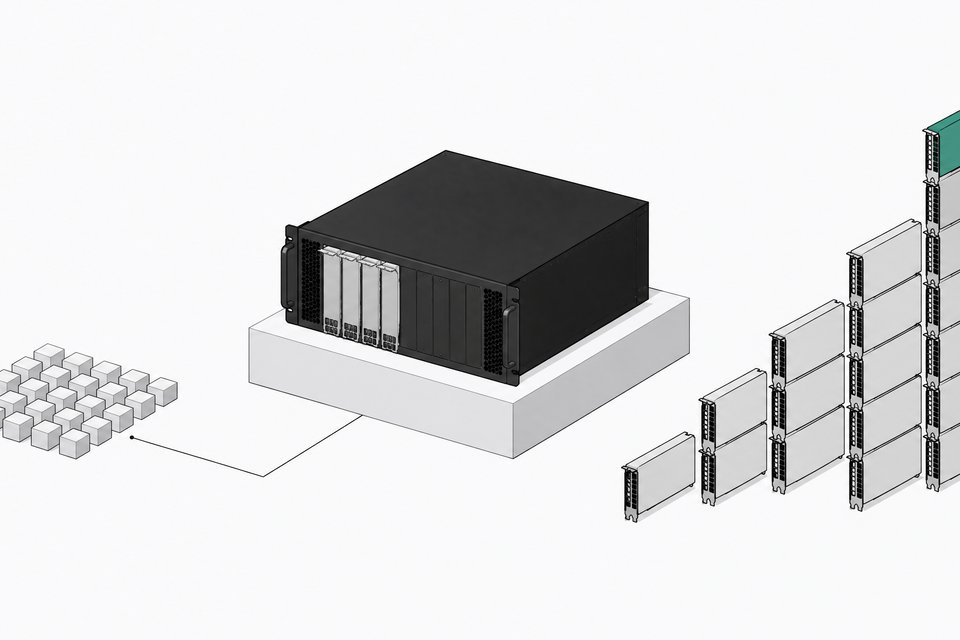
That's also why the cost gap is so stark. A full H100-based inference system can run north of $200,000, while a local PC with 24-32GB of GPU memory and a few thousand dollars of RAM and SSD covers the same architecture class. You're not buying less model. You're buying a smarter way to hold it.
What Hardware Do You Actually Need?
Three tiers cover almost every reader here. We've walked through the general sizing math in what hardware you actually need to run LLMs locally; here's the version specific to frontier-scale MoE models.
- Budget tier: ~$2,000 EPYC Rome server. A used AMD EPYC Rome box with enough DDR4 RAM runs the full, non-distilled DeepSeek R1 671B at Q4 quantization entirely via CPU inference with partial GPU offload, idling at 60W and pulling 260W under load.
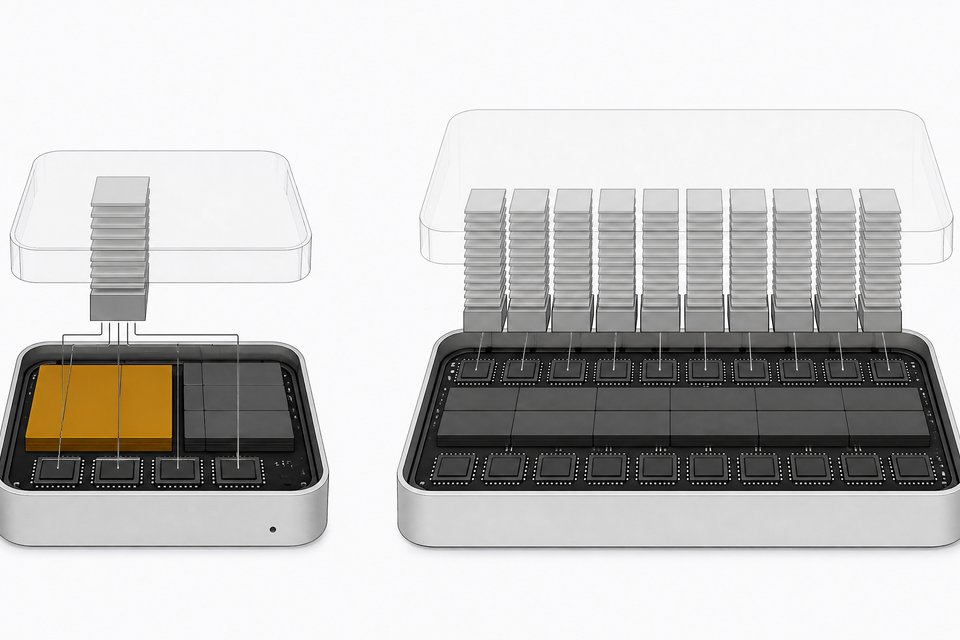
- Prosumer tier: Mac Studio M3 Ultra, 512GB unified memory. Apple's unified memory architecture lets the GPU address a huge pool of system RAM directly. A one-line sysctl tweak that raises the GPU's addressable share of that memory lets the full ~420GB DeepSeek R1 Q4 model run at consumer-desktop power draw.
- Appliance tier: NVIDIA DGX Spark. Packs the GB10 Grace Blackwell superchip, 128GB of coherent unified memory, and a 4TB self-encrypting NVMe SSD into a desktop unit for $6,950, built for individual developers running and fine-tuning models up to roughly 200B parameters.
| Upfront Cost | Memory Capacity | Model Scale Supported | Power Draw | |
|---|---|---|---|---|
| Budget EPYC Serverlowest upfront cost on CPU-heavy inference | $2,000 | DDR4 RAM, sized to model | 671B (Q4 quant) | 60W idle / 260W load |
| Mac Studio M3 Ultrarunning the full Q4 model at better speed | Not stated in source | 512GB unified memory | 671B (~420GB Q4) | Consumer-desktop level |
| NVIDIA DGX Sparka packaged desktop appliance for sub-200B models | $6,950 | 128GB coherent unified memory | ~200B parameters | Not specified |
None of these require a data center purchase order. They require a credit card and a weekend.
What Software Stack Makes Streaming Possible?
Hardware is only half the story. Three tools turned "theoretically possible" into "runs on your desk":
- llama.cpp's
--n-cpu-moeflag. Earlier MoE offloading required hand-written regex rules to decide which tensors went to GPU versus CPU. The flag replaces that with a single number: how many expert layers to push to CPU/RAM while attention layers stay on GPU. One user reported over 45 tokens/second on a 3x3090 setup using it. - KTransformers. Built by Tsinghua's MadSys Lab, this framework uses AMX-optimized CPU kernels, NUMA-aware tensor parallelism, and an expert-deferral scheduler to beat naive CPU/GPU hybrid inference by up to 20x on prefill and 4x on decode.
- Unsloth's dynamic quantization. Rather than quantizing a model uniformly, Unsloth selectively compresses MoE expert layers to 1.58-bit while keeping attention layers at 4-6 bit. This shrank DeepSeek R1 from 720GB to 131GB, an 80% reduction, letting it run with as little as 20GB of combined RAM/VRAM, albeit slowly.
A fourth tool is still experimental but worth watching: a llama.cpp proposal for expert-aware SSD streaming that loads only the experts actually routed per token straight from NVMe. For Qwen3-30B-A3B, that cut per-layer I/O from 263MB to 31MB, an 11.4x reduction, enabling inference on roughly 2GB of RAM.
How Do You Run DeepSeek R1 671B Locally, Step by Step?
Here's the practical path, matched to the hardware tiers above.
- Pick your quant. For a budget EPYC box, use the standard Q4 GGUF build of DeepSeek R1 671B. For sub-200GB setups, use Unsloth's 1.58-bit dynamic quant instead.
- Pick your inference engine. llama.cpp with
--n-cpu-moeis the simplest entry point for CPU/GPU hybrid setups. If you have Xeon hardware with AMX support, KTransformers will outperform it meaningfully on throughput. - Size your RAM to the model, not your VRAM. The EPYC build works because system RAM, not GPU memory, holds the dormant experts. On Mac Studio, raise the GPU-addressable share of unified memory before loading the model.
- Load the model and set the offload ratio. Start with a high
--n-cpu-moevalue and dial it down until the model just fits on GPU memory without OOM errors, keeping attention layers on GPU for speed. - Benchmark before you commit to a workflow. Run a handful of representative prompts and measure tokens/second under your real request pattern, not a synthetic benchmark, before deciding this replaces an API call.
That's the whole howto. The complexity people expect from "run a 671B model" has mostly been absorbed by the tools.
What Tokens-per-Second Should You Expect?
Set your expectations by hardware tier, not by marketing copy.
- $2,000 EPYC server, full Q4 model: 3.5 to 4.25 tokens/second.
- Mac Studio M3 Ultra, 512GB, Q4 model: roughly 10 to 18 tokens/second.
- 2x H100 80GB, 1.58-bit dynamic quant: ~140 tokens/second throughput, 14 tokens/second for a single user.
- 3x RTX 3090 with
--n-cpu-moe: over 45 tokens/second. - Experimental SSD-streaming prototype on ~2GB RAM: 4.7 tokens/second.
None of these are chatbot-fast. All of them are usable for batch work, internal tools, and agentic pipelines where you're not staring at a cursor waiting for the next word.
When Does Owning Beat Renting the API?
This is where the economics matter more than the benchmark chart. A Carnegie Mellon cost-benefit analysis across 54 deployment scenarios found on-premise deployment typically breaks even against commercial APIs within 3 months for small (sub-30B) models on a single consumer GPU, 6 to 24 months for mid-size (70-120B) models on dual-GPU rigs costing $15k-$30k, and 2 to 9 years for frontier-scale (200B+) models, depending on the API used as the baseline.
Informal analysis on r/LocalLLaMA sharpens this further: against the cheapest API pricing available (around $0.30/$1.20 per million input/output tokens), a $2,500 local box only beats renting once you cross roughly 132 million tokens/month, and a $3,700 box needs roughly 196 million tokens/month. Below that volume, renting wins on pure dollars. Above it, the hardware pays for itself and keeps paying.
The decision isn't ideological. It's a usage-volume spreadsheet, one we've walked through in more depth in the 2026 local-versus-cloud cost case.
What Is the Governance Angle of Shadow AI vs Owned Infrastructure?
There's a second ledger beyond dollars: where your data goes. Every prompt sent to a hosted API leaves your network. Every employee who pastes a contract, a patient record, or source code into a public chat window creates exposure nobody signed off on. Running inference on owned, SSD- and RAM-backed hardware keeps that data inside your perimeter by default, which is the real argument behind the enterprise case for exfiltrating your weights.
This also connects to the broader governance problem of shadow AI: tools employees build and run on their own, outside IT's visibility. Owning the inference stack doesn't eliminate that governance work, but it moves the conversation from "which vendor has our data" to "which internal system do we need to monitor," a far more tractable problem.
Where Is This Headed with Rack-Scale Coherent Memory?
The pattern scaling down to a desktop is the same pattern scaling up to a data center. NVIDIA's GB200 Grace Blackwell Superchip pairs a Grace CPU with Blackwell GPUs over a 900GB/s NVLink-C2C connection, giving GPUs direct, coherent access to up to 480GB of the CPU's LPDDR5X memory instead of treating it as a separate pool behind a slow PCIe link. That's the enterprise-grade version of the sysctl trick on a Mac Studio or the --n-cpu-moe flag in llama.cpp: let the accelerator reach past VRAM into cheaper, bigger memory, because the model doesn't need all of itself all the time.
The DGX Spark, with its 128GB of coherent unified memory in a desktop chassis, is the consumer preview of that same architecture. The gap between what sits on an engineer's desk and what runs in NVIDIA's "AI factory" racks is shrinking to a matter of scale, not kind.
Renting the API still makes sense for low, bursty usage. Buying a GPU cluster still makes sense for training. But for the growing middle, that false choice is gone: running a frontier-class open model on hardware you already own and depreciate is now the practical default. The weights fit on an SSD. The tools to stream them exist today, and most of them are free.
Frequently Asked Questions
Can you really run a 671B parameter model without a GPU cluster?
Yes. A $2,000 AMD EPYC Rome server with enough DDR4 RAM runs the full, non-distilled DeepSeek R1 671B at Q4 quantization using CPU inference with partial GPU offload, hitting 3.5 to 4.25 tokens/second.
What is the --n-cpu-moe flag in llama.cpp?
It's a llama.cpp option that lets you offload a tunable number of mixture-of-experts layers to CPU/RAM while keeping attention layers on GPU. It replaced complex regex-based tensor-override configuration, making partial GPU offload accessible without manual tuning.
How much RAM do I need to run DeepSeek R1 locally?
It depends on the quantization. The standard Q4 build needs roughly 400GB+ of combined RAM/VRAM. Unsloth's 1.58-bit dynamic quant shrinks the footprint to 131GB total and can run with as little as 20GB combined RAM/VRAM, though slowly.
At what usage volume does owning hardware beat paying for an API?
Informal analysis puts the break-even around 132 million tokens/month for a $2,500 local box and 196 million tokens/month for a $3,700 box, compared against cheap API pricing. Below that volume, renting the API is usually cheaper on pure dollars.
Does KTransformers replace llama.cpp?
No, they solve overlapping problems differently. KTransformers uses Intel AMX-optimized CPU kernels and NUMA-aware scheduling to push throughput higher on supported Xeon hardware, delivering up to 20x faster prefill than naive hybrid inference, while llama.cpp's --n-cpu-moe is the simpler, more broadly compatible entry point.
How we source, write, and correct our articles. Editorial standards