How to Build a Local AI Second Brain: Step-by-Step Guide
Build a local AI second brain with markdown notes, Ollama, a local vector store for RAG, and automation. Covers hardware needs, tradeoffs, and maintenance.

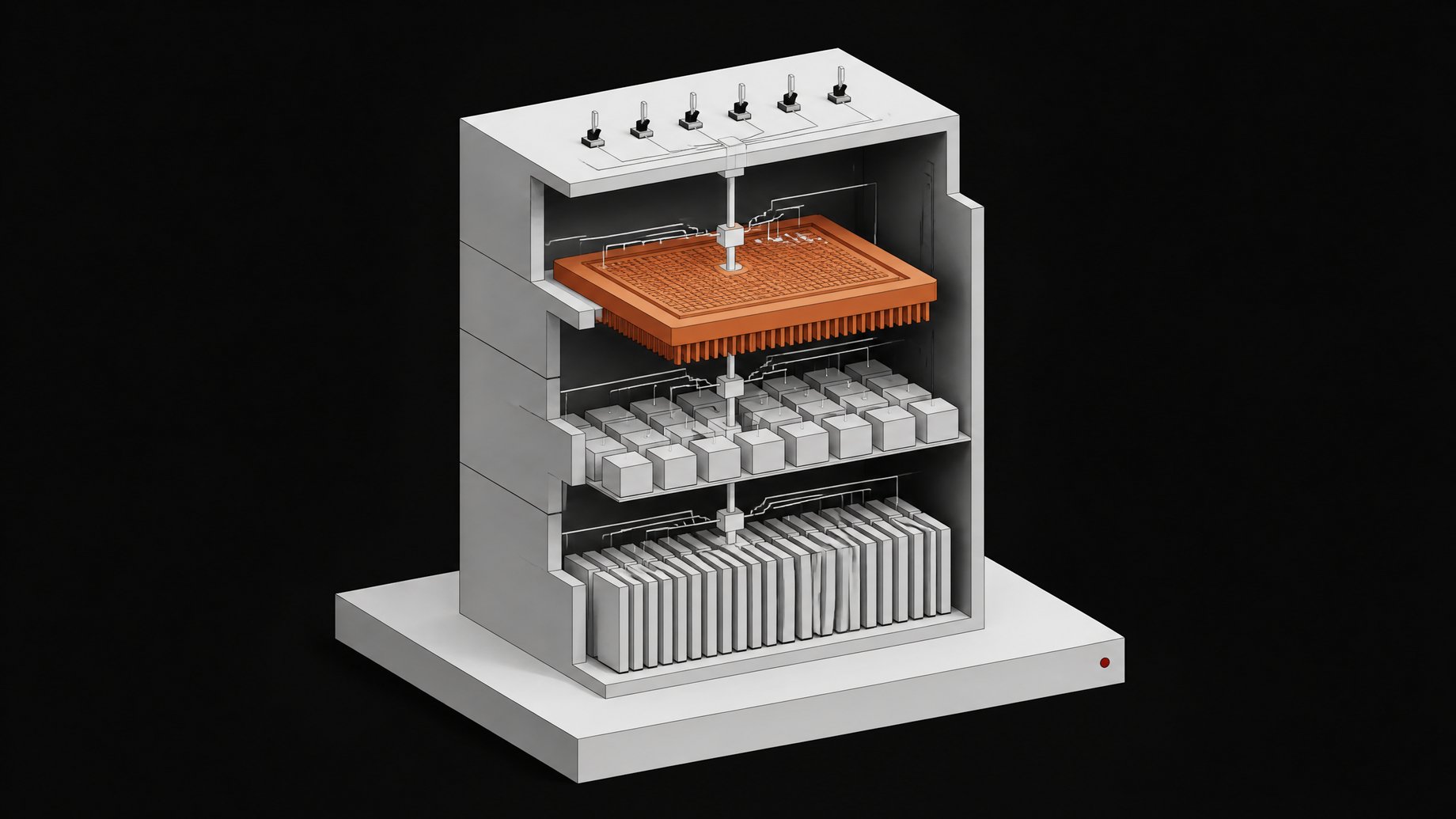
How do you build a local AI second brain?
You build a local AI second brain by assembling a stack you own outright: a plaintext notes vault, a locally running language model, a retrieval layer that searches your own files, and an automation layer that acts on what it finds. None of it touches a vendor's server. None of it disappears because a company pivots, raises prices, or gets ordered to shut off access.
TL;DR
- A local AI second brain combines plaintext notes, a local LLM, and self-hosted retrieval that you fully control.
- Cloud AI platforms can restructure or shut down quickly, sometimes giving users just days to export their data.
- Efficient 7B or 13B local models run smoothly on standard consumer hardware with roughly 4 to 8 GB of VRAM.
- Adding retrieval with a local vector store lets the model answer from your own notes, provided you use the same embedding model for indexing and querying.
- Going local has real tradeoffs, including less capable models and ongoing maintenance, and local does not automatically mean private.
- Up to 81% of employees use unapproved AI tools at work, and a local stack offers a secure, sanctioned alternative.
Why is "local" the operative word?
Most people's second brain today is a patchwork of cloud tools: ChatGPT memory, a Notion AI workspace, a few browser extensions that summarize things. It works until it doesn't. Platforms shut down, memory formats change, and export windows close fast. When the AI agent platform Manus restructured in August 2026, affected users got roughly 11 days to back up data generated since the previous December before scheduled deletion. The AI companion app Dot gave users 30 days to export their AI's accumulated memory before it shut down entirely in October 2025. Even paying enterprise customers aren't immune: in June 2026 the US government ordered Anthropic to suspend foreign access to its newest models, and Anthropic said it had to "abruptly disable" those models for all customers globally to comply, including customers who had nothing to do with the export control dispute.
A local second brain sidesteps all three failure modes. The notes live in files you control. The model runs on your machine. The retrieval index is a database you back up with a cron job. None of it depends on a company's roadmap.
What is the anatomy of a local second brain?
Four layers do the work. See them as a stack before you install anything:
- A plaintext knowledge store. Markdown files on disk, not a proprietary database you can only read through one app.
- A local LLM runtime. The model that reads, reasons, and writes, running entirely on your hardware.
- A local vector store for retrieval. The index that lets the model search your notes instead of guessing from training data.
- An orchestration layer. The glue that triages inputs, drafts output, and takes action without you prompting it every time.
Build in that order. Each layer depends on the one before it.
Step 1: How do you pick a durable, portable notes layer?
Start with markdown files in folders, not a SaaS note app's internal database. Tools like Obsidian are popular because they're really just a nice editor sitting on top of a folder of .md files. Nothing about the format locks you in, and nothing about the editor is required to read the files later. A simple convention works well: one folder per topic area, one daily note per day, and consistent frontmatter (tags, dates, links) so a retrieval layer can parse it cleanly down the line.
This is the layer most people get wrong first. They build the AI pieces on top of a notes app that owns the format, then discover the lock-in only when they try to leave.
Step 2: How do you install a local model runtime?
Ollama is the de facto standard here: an open-source, MIT-licensed tool that packages model weights the way Docker packages containers, and exposes an OpenAI-compatible REST API on port 11434 once it's running. That compatibility matters more than it sounds. Most tools built against OpenAI's API, from chat frontends to RAG frameworks, can point at your local Ollama instance instead of OpenAI's servers with a one-line config change.
Install it, pull a model that fits your memory, and you have an inference engine. An 8B model is roughly a 5GB download; a 70B model is around 43GB. Running the model this way keeps your prompts and documents on your own machine instead of sending them to a third-party API, which is the whole privacy case for local-first AI tooling and the reason builders working with financial, legal, or medical data choose it over cloud APIs. For a broader survey of what's matured in this space, our rundown of the best local open-source AI and infrastructure tools covers Ollama alongside the pieces you'll need later for retrieval and automation.
Step 3: How much hardware do you actually need?
The sizing math is simpler than people expect. At 4-bit quantization, plan on roughly 0.6 GB of VRAM per billion parameters. In practice:
- 7B models need about 4-5 GB of VRAM, comfortable on most consumer GPUs released in the last few years.
- 13B models need roughly 7-8 GB, still fine on a single mid-range GPU.
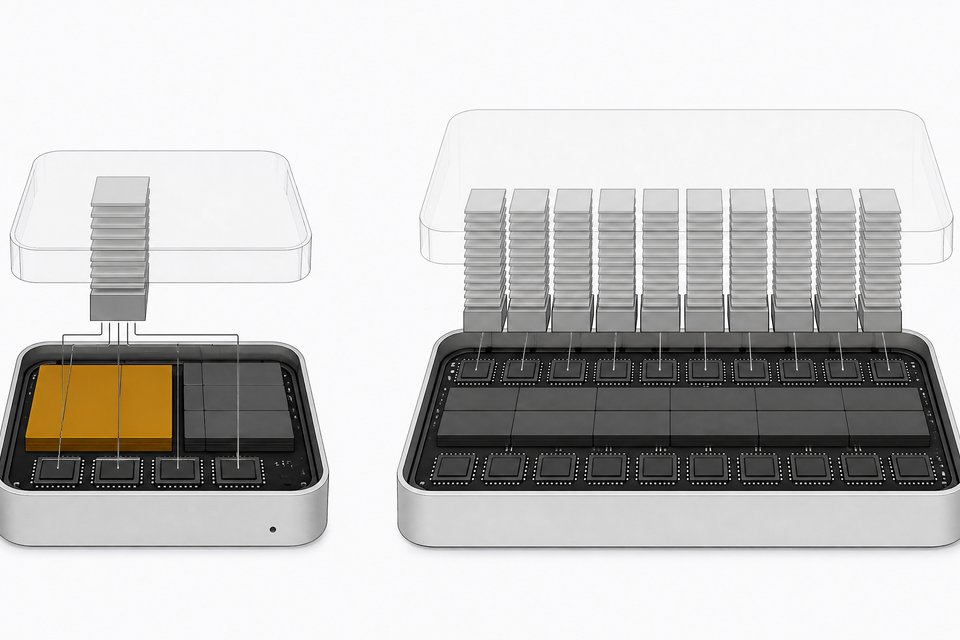
- 70B models need 35-40 GB, which typically means a dedicated workstation GPU or a Mac with large unified memory.
Apple Silicon is worth calling out specifically. Because the chip shares one pool of unified memory between CPU and GPU, a Mac with 64GB of RAM can load a model that would otherwise require a dedicated GPU with 64GB of VRAM, which on Windows or Linux hardware would cost tens of thousands of dollars. For most second-brain use cases, you don't need a 70B model anyway. A well-chosen 7B or 13B model running on a laptop GPU or a Mac handles summarization, retrieval-grounded Q&A, and routing tasks fine. Our comparison of the best small models for local inference is worth a look if you'd rather shop by task than by parameter count.
Step 4: How do you add retrieval so the model knows your notes?
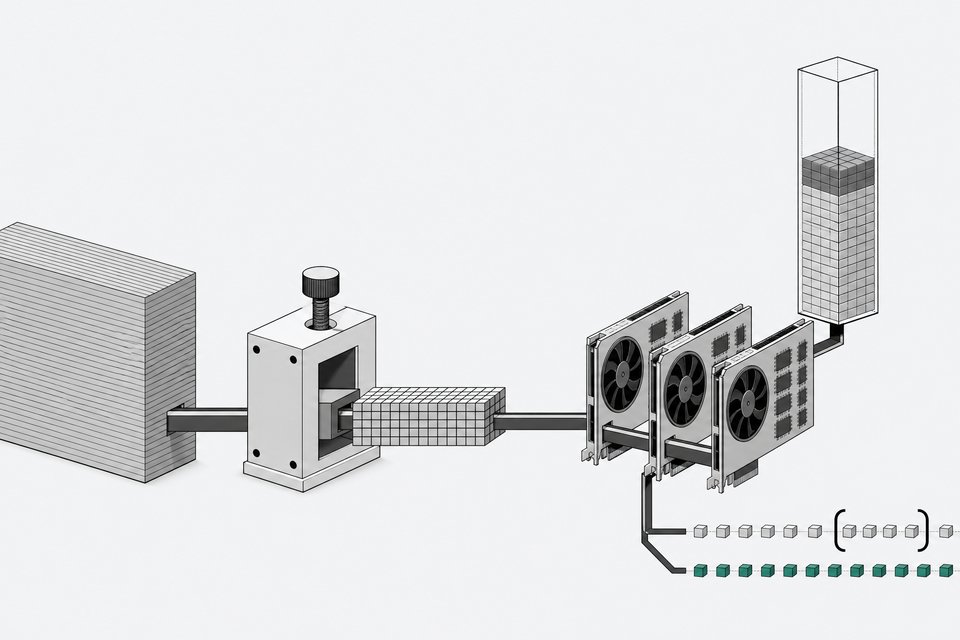
A raw local model only knows what it was trained on, which is not your notes. Retrieval-augmented generation (RAG) closes that gap: chunk your markdown files, embed each chunk into a vector, store those vectors in a local database, and at query time embed the question and pull the nearest matches into the model's context window.
The entire pipeline can run offline. Ollama can serve embeddings as well as chat completions, and a self-hosted vector store like pgvector or Qdrant holds the index, so no document or query ever leaves your machine. The detail that trips people up is embedding consistency: use the same embedding model for indexing your notes and for embedding the query, or the vector math won't line up and retrieval quality falls apart. Get that one rule right and a local model starts answering questions grounded in your actual vault instead of its training data.
Step 5: How do you wire up a decision-making and automation harness?
This is the layer that turns a chatbot into a second brain that works while you're not looking at it. An orchestration tool like n8n sits between your inbox, your notes, and your model, and it can triage new inputs, draft a morning briefing from yesterday's notes, or route a question to the right model based on complexity. If you'd rather build the triage logic yourself than lean on a visual workflow tool, a self-hosted agent framework can run that routing and decision layer on infrastructure you already control, keeping the automation piece consistent with the ownership stance of the rest of the stack.
To see this pattern taken to its logical, minimal extreme, our build log on running a local AI agent on a Raspberry Pi with a read-only Postgres database is a good gut check on how little hardware this layer actually needs.
Step 6: How do you give yourself a real interface?
A model running behind a terminal command isn't something you'll use daily. A self-hosted chat frontend sitting in front of your Ollama instance gives you a ChatGPT-like interface, chat history, model switching, document upload, while keeping every request on your own network. This is the layer that separates a second brain you open every morning from one that stays a weekend project.
What do you give up by going local?
Be honest about the tradeoffs before you commit real hours to this.
- Smaller models are less capable than frontier cloud models. A 7B or 13B local model won't match GPT-6 or Claude-class reasoning on hard, open-ended tasks. It's good at summarization, retrieval-grounded Q&A, and routing, not at frontier research.
- Self-hosting takes maintenance effort. Model updates, dependency upgrades, and backups don't happen automatically the way they do in a SaaS product.
- Local doesn't automatically mean private. Independent testing of Ollama found it keeps a persistent plaintext chat-history log that gets silently recreated if you delete it, logs interaction metadata including model names, and auto-updates with no opt-out. Running local gets you off someone else's server; it doesn't harden your machine by itself. Lock down the log files, control the auto-update behavior, and treat the local stack with the same care you'd give any system holding sensitive data.
What does owning your stack protect you from?
Weigh the effort against what it buys you. SaaS spend per employee rose to $4,830 in 2025, up 21.9% year-over-year, the first increase in three years. A chunk of that is tools doing exactly what a local second brain does, rented instead of owned. Shadow AI usage shows the appetite is already there without governance: 71% of UK employees say they've used unapproved consumer AI tools at work, with 51% doing so weekly, and separate research puts the figure at 81% of employees and 88% of security leaders admitting to the same. People want this capability badly enough to route around their employer's policy to get it. A local, owned stack gives them a sanctioned version instead.
| Ownership & Control | Cost Structure | Maintenance Burden | Model Capability | Data Privacy | |
|---|---|---|---|---|---|
| RecommendedLocal-first stackPeople who want permanence, privacy, and no vendor dependency | High | Hardware + setup time, no recurring fee | High | Medium | High |
| Cloud/SaaS AI toolsPeople who want zero setup and frontier-model capability | Low | $4,830/employee/year on average | Low | High | Low |
There's also a deeper lock-in that export buttons don't solve. A persistent AI agent accumulates an understanding of how you work, think, and decide, and that learned context isn't meaningfully exportable even from vendors who offer full data portability. This is the real argument for building local-first rather than exporting later: the 2019 Ink & Switch essay that coined the term framed it around working offline and preserving data for the long now, treating ultimate ownership and control as a design requirement, not an afterthought. Local-first, done properly, is a direct attack on lock-in across data, formats, protocols, and services, even if critics are right that self-hosting the full version is genuinely more complex than clicking subscribe on a SaaS alternative.
What does maintenance look like, and what are the next steps?
Owning this stack means treating it like infrastructure, not a weekend hack you never touch again.
- Back up the vault. Your markdown files are the asset. Sync them somewhere off the machine on a schedule, not just when you remember.
- Re-index after major note changes. The vector store goes stale if you add or restructure a lot of notes without re-embedding.
- Update models deliberately. Pull new Ollama model versions on your own schedule, and test that your RAG and automation layers still work before trusting a new one in production.
- Test your exports periodically. Pull your notes, your vector index, and your automation configs onto a second machine once in a while to confirm you can actually rebuild this if your primary hardware dies.
- Scale hardware when the model becomes the bottleneck, not before. Most people over-provision early. Start with a 7B or 13B model on what you already own, and only move up once you've actually hit its limits.
None of this is exotic. It's the same discipline you'd apply to any system you depend on daily, applied to the one piece of software that's increasingly doing your thinking alongside you.
Frequently Asked Questions
What's the minimum hardware needed to run a local AI second brain?
A laptop with 16GB of RAM and a modern consumer GPU, or any recent Apple Silicon Mac, can comfortably run a 7B or 13B model at 4-bit quantization, which covers summarization, note Q&A, and routing tasks. You don't need a dedicated AI workstation to start.
Is Ollama actually private, or does it send data anywhere?
Ollama's inference runs entirely on your machine and doesn't send your prompts or documents to a third party. But independent testing found it keeps a persistent plaintext chat log that gets silently recreated if deleted, and it auto-updates without an opt-out, so you should treat it as locally-run, not automatically hardened.
Do I need Obsidian specifically for the notes layer?
No. What matters is that your notes live as plain markdown files in folders on disk. Obsidian is a popular editor for that format, but any editor, or no editor at all, works as long as the underlying files stay portable.
Why not just use ChatGPT's memory feature instead of building this?
ChatGPT's memory is convenient but it's rented: it lives on OpenAI's infrastructure, under OpenAI's terms, and the format isn't something you can move elsewhere if the product changes or access is restricted. Platform shutdowns and sudden access cutoffs for even paying customers have already happened to other AI products, which is the exact risk a local stack is built to avoid.
How much ongoing maintenance does a local AI second brain actually take?
Expect a few hours a month: backing up your notes and vector index, updating models deliberately rather than automatically, and periodically testing that you can rebuild the stack on different hardware. It's closer to maintaining a home server than running a SaaS subscription.
How we source, write, and correct our articles. Editorial standards