How Much RAM and Storage Does a Mac mini Need for AI Agents?
Buying a Mac mini to run AI agents all day? Here is how to size RAM and storage, what local models change, and why a bigger machine won't fix agent bloat.

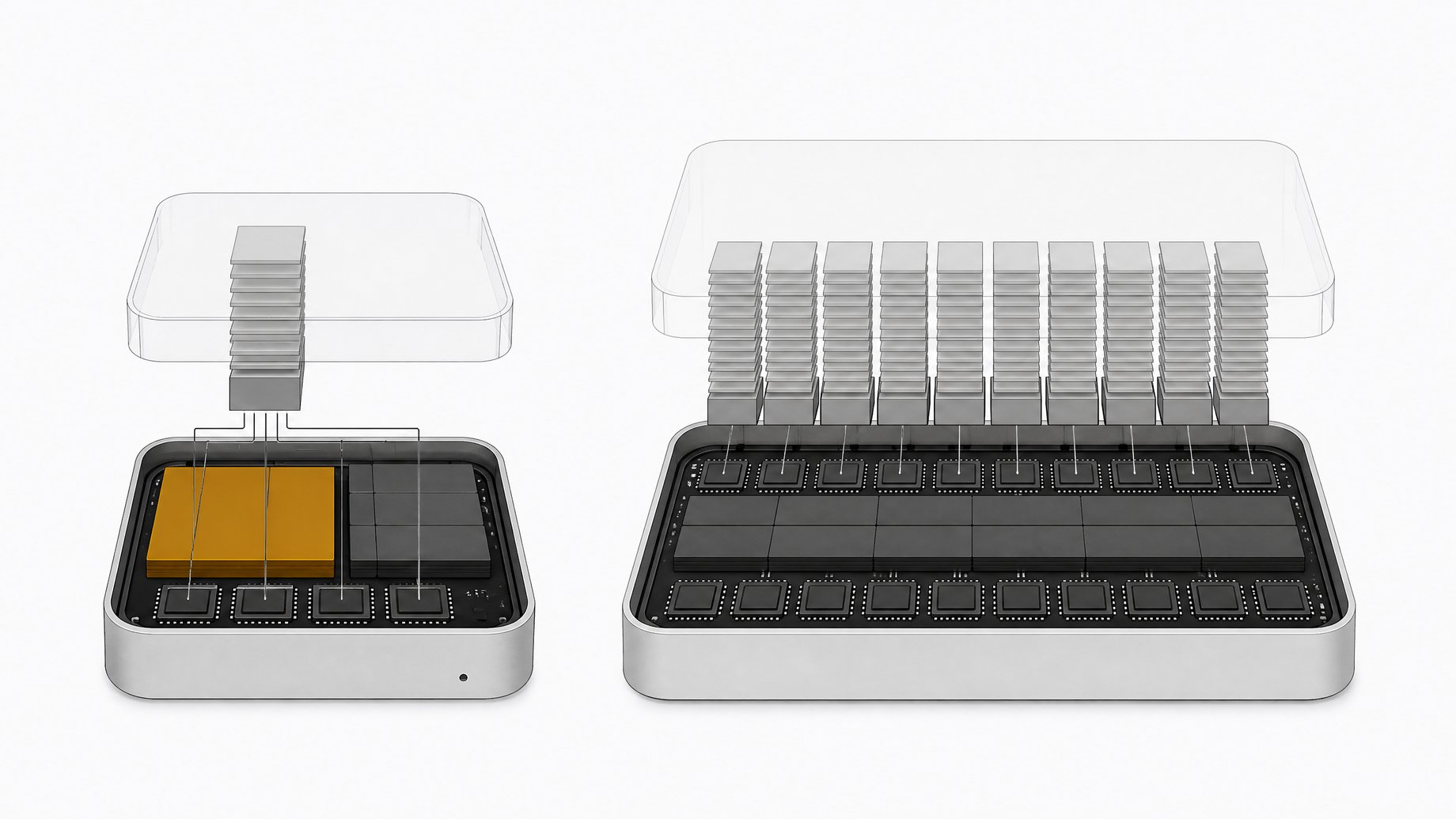
How much RAM and storage does a Mac mini need for AI agents?
For agents that call cloud models (Claude Code, Codex and similar), 16GB of memory is workable, and 24GB to 32GB gives comfortable headroom when you run several at once. Aim for 512GB to 1TB of storage. The model's thinking happens in a data center, but dev servers, browsers, build tools and project files all run on your Mac. If you run a model locally, you have to think through the compute requirements for that model. These figures are rules of thumb, not benchmarks, so check them against your own machine.
TL;DR
- Cloud-backed agents are lighter than you think on the model side, but they still run dev servers, browsers and build tools on your Mac, and that is where the memory goes.
- 16GB is workable, 24GB to 32GB is a safer buy if you run several harnesses (Claude, Codex, a browser agent, a transcription tool) at the same time.
- Half a terabyte is a starting point and 1TB is easier to live with, because agents leave project dependencies, build files and logs behind.
- Audit your current Mac before you buy. Activity Monitor's memory pressure graph tells you more than a spec sheet does.
- More hardware buys capacity, not a fix. Agents keep running unless you give them a reason to stop, so load grows to fill whatever you buy.
- Local models change the math. Model size, context length and parallel requests all add to memory use, so size the machine for the model you actually plan to run.
Why does an agent load hit your Mac if the model runs in the cloud?
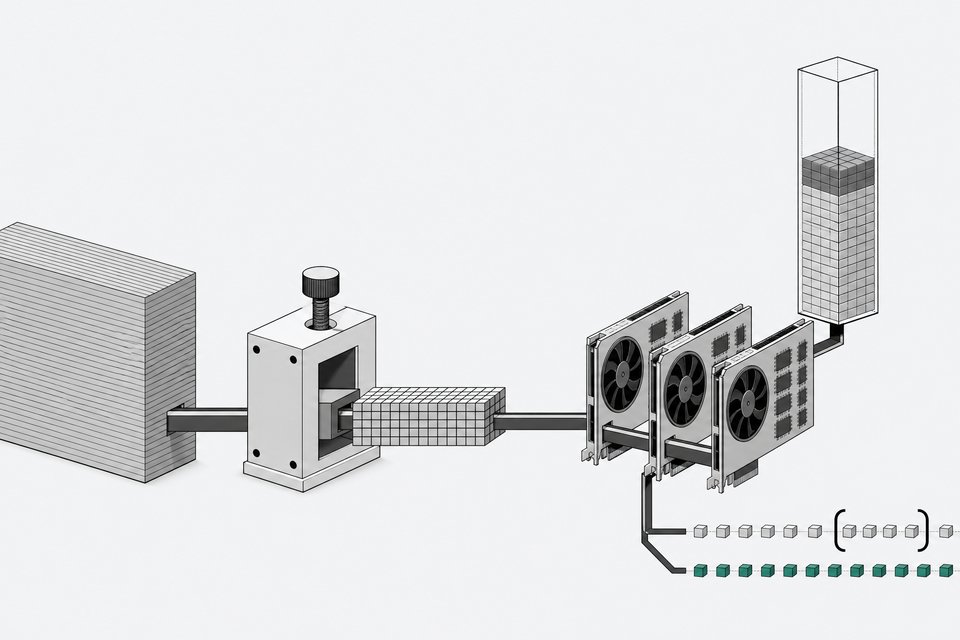
Say you ask Codex or Claude Code to build a small website. The model may answer from a data center. Your computer still runs the development server, the browser that checks the result, and the build tools. If you hand a second agent a different project, it starts its own set of tools, and all of it lands on the same machine.
This is why the question "which Mac should I buy" is partly the wrong question. The load comes from how many local processes your agents start, not only from how smart the model is. Add a second browser, a desktop AI app and a transcription tool, and the memory holds stack up across harnesses.
How do you check whether you actually need more memory?
Start with two free checks on the Mac you already own.
- Open Activity Monitor, click Memory, and watch the memory pressure graph while your agents work. Green means fine. Yellow and red mean the machine is struggling.
- Open System Settings, General, Storage to see what is eating disk space.
A high "RAM used" number alone does not mean you need a new computer. It means you should look at which applications are using it. If you run local and cloud tools side by side, work out which process is responsible. A local Qwen model hitting memory looks different from Codex or Claude spawning helper processes.
RAM is working space. Storage holds files and software, and macOS can also use it for swap, which temporarily parks memory contents on disk. Heavy swap can hide a RAM shortage for a while, but it makes the SSD work harder.
What do agents leave behind on your machine?
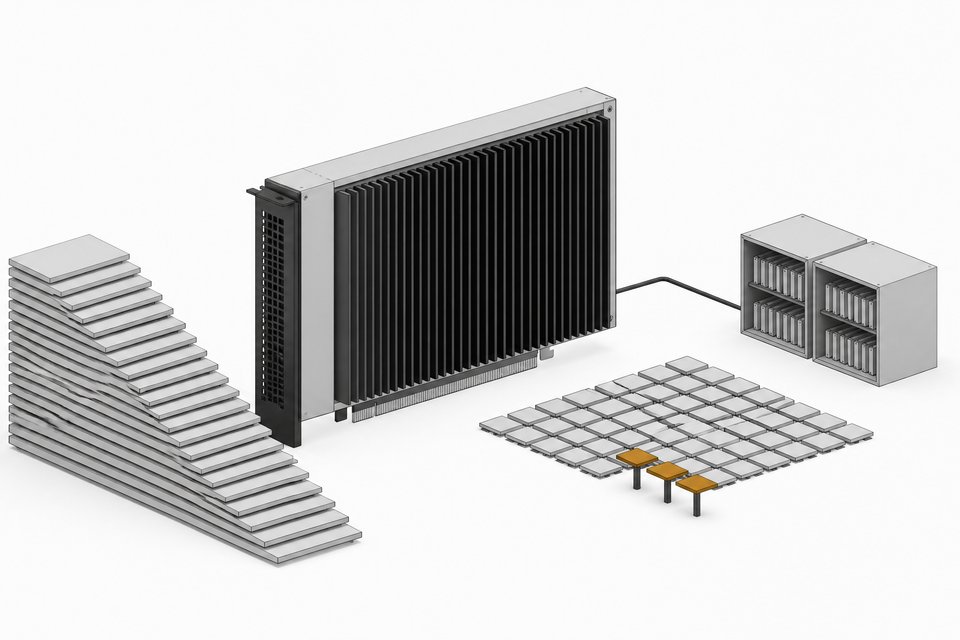
Quite a lot, and some of it is bugs rather than design. Public Codex reports described a crash report folder that grew past 50GB and more than 100GB of Git objects tied to turn checkpoints. Another report measured roughly 37TB of SSD writes over 21 days from excessive logging. Logging fixes shipped in June, and a later release reclaimed unused log database space. These are specific setups, not a promise you will hit them. They do show why storage and SSD wear deserve attention.
Normal behavior adds up too. Finished projects leave dependencies and build files. Dev servers and browser tabs stay open after your attention has moved on. Worktrees give each task its own directory, and each directory can carry its own dependencies and build caches.
A simple audit prompt for your agent: inspect the machine, change nothing, identify the largest memory users and the directories they relate to, explain what each belongs to, and propose specific fixes. Review the report before you approve any deletion. A folder being large does not tell you whether it is useful.
What RAM and storage tier should you pick?
The source material does not give an official spec chart, so treat this table as general guidance based on how these workloads behave.
| Your workload | Memory starting point | Storage starting point |
|---|---|---|
| One or two cloud-backed agents, light projects | 16GB | 512GB |
| Several harnesses at once, browsers, dev servers | 24GB to 32GB | 512GB to 1TB |
| Heavy builds, video rendering, Docker | 32GB or more | 1TB |
| Local models alongside agents | Sized to the model plus everything above | 1TB or more |
I am not listing Mac mini or Mac Studio prices here. Apple changes configurations and prices, and the sources do not include a current price list. Check Apple's configurator for the memory and storage tiers you are considering, and compare the cost of each step up against what your audit shows you need.
Does a faster chip or more RAM fix agent bloat?
No. Extra capacity gives you more room, not a cure. Agents are trained to keep going, so without a stopping condition they keep eating the local machine. A faster chip or bigger memory pool postpones the problem while agent usage keeps growing as the tools get more capable.
Core count does not map neatly to agent count either. Two agents waiting on cloud responses do little locally. Two agents running a large build or rendering video will use whatever CPU you have. More cores help when the software can use them, and more memory helps when active work needs the space.
How do you get more out of the hardware you have?
Four habits cut load on any machine.
- Give every agent a stop sign. Define what "done" means and where results go, so you can find them and shut things down.
- Queue heavy work. With a dozen documents to process, run one or two heavy steps at a time. Ask your agent to start with one active job, then two, and check memory after each step. If adding jobs slows everything down, you have found your limit.
- Separate stages. Let several agents research and plan while one big local build runs at a time.
- Avoid redundant setup. Have the agent inspect an existing project before scaffolding a new environment, reuse a browser where it makes sense, and keep outputs in a predictable folder structure.
Close what the job no longer needs. If a dev server is serving a finished experiment, shut it down and watch whether memory and storage pressure ease.
What changes if you run local models?
Plenty. A local model has to fit in memory alongside everything else, and the settings matter as much as the hardware. A larger context window uses more memory. Multiple simultaneous requests add up. Keeping a model loaded reduces latency on the next request but holds memory between jobs. Model servers have controls for how you handle context and parallel requests and how long models remain loaded. Docker Desktop has virtual machine limits and an idle resource saver.
Before buying for local models, pick the model you want to run, check its size at the quantization you plan to use, and leave room for the agents and tools running next to it. Comparing against an Nvidia machine is a separate decision. Whatever you choose, a single purchase will not solve the load problem on its own.
Is it worth buying new hardware?
It can be, once you have done the audit, profiled your load, and still hit the ceiling. At that point it is an ROI question: does the extra capacity pay for itself in work finished? If you do buy new, consider keeping the old Mac running as a secondary machine. It can take slower jobs and offload compute from your main one.
Frequently Asked Questions
Is 16GB enough for running AI coding agents on a Mac mini?
It is workable for one or two cloud-backed agents on modest projects. Once you run several harnesses, browsers and dev servers together, you will probably see yellow or red in Activity Monitor's memory pressure graph. Check that graph on your current machine under real load before deciding.
How much storage should I buy?
Half a terabyte is a reasonable floor and 1TB gives more room. Agents leave dependencies, build files, checkpoints and logs on disk, and some reported bugs inflated these to tens or hundreds of gigabytes. You can regenerate many of these files, so cleanup is possible, but extra space reduces how often you must do it.
Will a Mac Studio solve my agent slowdowns?
It will give you more capacity, but it will not stop the load from growing. If agents keep servers, browsers and build artifacts running with no stopping point, a bigger machine fills up later instead of never. Audit and scheduling habits matter alongside the hardware.
Do cloud-based agents like Claude Code and Codex use my Mac's resources?
Yes. The model inference runs remotely, but the dev server, browser testing, build tools and file writes all happen locally. Multiple agents working on different projects multiply that local load.
Can I let my agent audit my own machine?
Yes, and it is a good use of one. Ask it to inspect without changing anything, report the largest memory users and directories, and propose fixes. Approve each cleanup yourself, since a large or active folder is not necessarily waste.
How we source, write, and correct our articles. Editorial standards