How to Run Ornith-1.5-122B Locally with llama.cpp and vLLM
Run Ornith-1.5-122B locally: llama.cpp GGUF setup, VRAM and context trade-offs, runtime versions to check, and how to handle thinking-mode output.

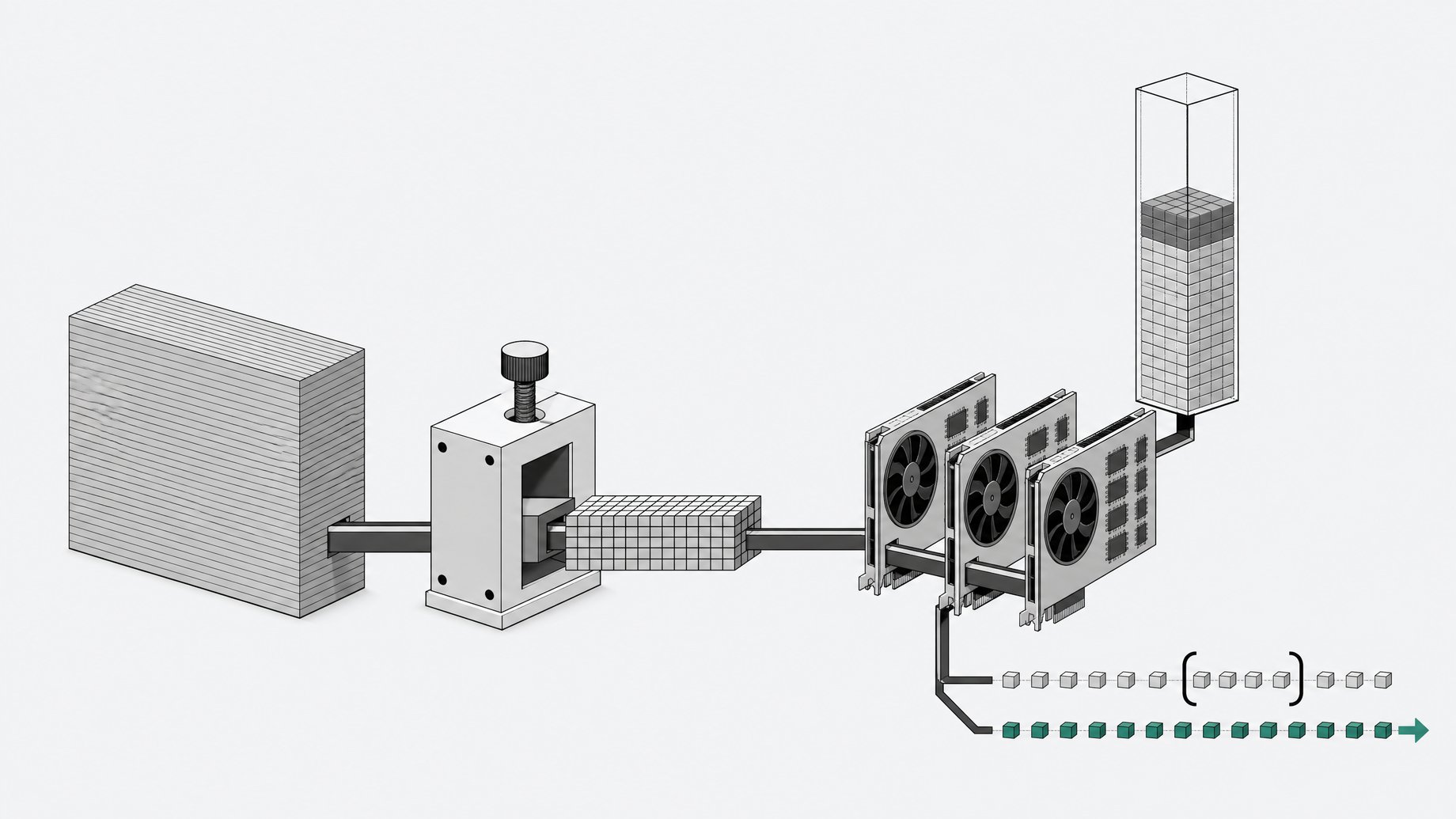
How do you run Ornith-1.5-122B locally?
The simplest route is llama.cpp with a community GGUF quantization. Download a quant that fits your VRAM, start llama-server with the chat template enabled, and set the context length to what you actually need. Ornith-1.5-122B is an MIT-licensed mixture-of-experts model with about 122B parameters, and the model card describes it as built for single-GPU deployment. For full-precision serving, the card points to Transformers, vLLM and SGLang, each of which needs a recent enough version.
TL;DR
- Ornith-1.5-122B is an MIT-licensed, open-weight MoE model (about 122B parameters) that reasons before answering and accepts images and text.
- The card says it targets single-GPU deployment and runs on a single DGX. A quantized Ornith-1.5-122B-Mobile variant exists for edge devices.
- A creator demo served it through llama.cpp using a community GGUF from Atomic Chat, and noted you can pick any quant that fits your VRAM.
- Context length drives VRAM use far more than people expect. The demo's high memory reading was attributed to a long context setting, which you can reduce.
- Check the model card's quickstart for minimum Transformers, vLLM and SGLang versions and the recommended sampling values. The excerpt used for this article does not list them, so this guide does not guess.
- Expect long reasoning traces. Plan to parse or hide the thinking block, and lower the thinking effort if your setup exposes that control.
What is Ornith-1.5-122B?
Ornith-1.5 extends Ornith-1.0, which was built on top of Qwen3.5 and Gemma4 with additional continued pretraining, mid-training and post-training. The 1.5 release changes the self-improvement loop. It now jointly optimizes task generation, scaffold construction and solution rollouts, rather than only scaffolds and rollouts.
The model card positions the 122B member as stronger, faster and leaner. In practice that means shorter outputs and quicker task completion than its predecessor. The weights are open under the MIT license, so you can download, run and build on them.
A few spec points from the card and a hands-on demo:
| Item | Detail |
|---|---|
| Architecture | Mixture of experts, about 122B parameters |
| License | MIT |
| Modalities | Text and image input |
| Behavior | Reasons before it answers |
| Context window | Over 260,000 tokens (per the demo walkthrough) |
| Target deployment | Single GPU, single DGX |
| Edge variant | Ornith-1.5-122B-Mobile (quantized) |
On the card's benchmark table, it posts 76.9 on SWE-bench Pro (no-hack), 84.5 on SWE-bench Verified (non-hack) and 81.2 on TerminalBench 2.1. Those are vendor-reported numbers, so test on your own tasks.
How much VRAM does Ornith-1.5-122B need?
The card does not give a single VRAM figure in the excerpt available here, so work from arithmetic. These are rough weight-only estimates, before KV cache and runtime overhead:
| Precision | Approx. weight size |
|---|---|
| 16-bit | ~244 GB |
| 8-bit | ~122 GB |
| 4-bit | ~61 GB |
An MoE model only activates a subset of experts per token, which helps speed. It does not shrink memory, because all experts must be resident somewhere. If the weights do not fit on your GPU, llama.cpp can keep some layers or expert tensors in system RAM, at a cost to tokens per second. Real file sizes vary by quant type, so read the size of the specific GGUF you pick.
How do you set up the llama.cpp GGUF route?
In the demonstration, the model ran through llama.cpp using a GGUF build from Atomic Chat. The creator noted you can choose any quant that suits your VRAM. Check the repository's file list and pick based on size, not name.
A typical launch looks like this. Treat the path and numbers as placeholders.
./llama-server \
  -m /models/ornith-1.5-122b-Q4_K_M.gguf \
  -c 32768 \
  -ngl 99 \
  --jinja \
  --port 8080
What each flag is doing:
-mpoints at the GGUF file.-csets context length. Start small.-ngloffloads layers to the GPU. Lower it if you run out of memory.--jinjauses the chat template embedded in the model, which matters for reasoning models.
If the weights are too large for your GPU, llama.cpp has options for keeping MoE expert tensors on the CPU. Check llama-server --help on your build for the exact flag names, since they have changed between versions. For image input, llama.cpp generally needs a separate multimodal projector file passed with --mmproj. Confirm that your GGUF source ships one.
The demo also used the llama.cpp server's built-in web UI for a vision test, so you do not need a separate front end to try it.
Which Transformers, vLLM and SGLang versions does it need?
The model card lists minimum versions for these runtimes, but that section is not in the excerpt used for this article. Do not guess a version number. New architectures often need a recent release or a nightly build, and a mismatch usually fails at load time with an unrecognized architecture error.
Practical steps:
- Open the model card's quickstart or usage section.
- Note the minimum Transformers, vLLM and SGLang versions.
- Install into a clean virtual environment so older packages do not interfere.
- Run a short prompt before wiring it into anything larger.
Because Ornith descends from Qwen3.5 and Gemma4 work, support in your serving stack may depend on how recent it is. Follow the card, not assumptions from related models.
What sampling settings should you use?
The card includes recommended sampling parameters, but they are not in the material available here. Use the card's values for temperature, top-p, top-k and any penalties. Reasoning models often degrade under greedy decoding, with loops or rambling thought traces, so avoid temperature zero unless the card says otherwise.
If you must start before checking, change one setting at a time and compare outputs on a fixed prompt set. Record the values that work so your team does not rediscover them.
How do you handle thinking-mode output?
Ornith reasons before it answers. In the demo, the reasoning for a single photo was thorough but back-and-forth. The reviewer said it was less lean at high thinking effort and noted you can reduce the thinking. The final answers were strong, but the trace can be long.
For application code:
- Separate reasoning from the answer. llama.cpp's server has a reasoning-format option that can split thinking into its own field. Check your build's help output for it, and use it with
--jinja. - Do not feed raw traces back into the next turn unless the card's chat template says to. Extra thought text eats context.
- Budget output tokens. A short question can still produce a long trace, so set a generous max token limit or the answer may be cut off mid-thought.
- Reduce thinking where you can. If the template or API exposes an effort setting, lower it for simple tasks.
How does context length affect VRAM?
The demo walkthrough describes a context window of over 260,000 tokens and calls that a bit on the lesser side, but you rarely should allocate all of it. The KV cache grows with context, and in the demo the high VRAM reading came from the long context setting. Cutting it was described as an easy fix.
A sensible approach:
- Start at 8K to 32K and raise it only when a task needs it.
- Agentic coding sessions fill context fast because of tool output and file contents, so size for your real workload.
- If memory is tight, drop context before dropping to a smaller quant. Heavy quantization hurts quality across every request, while a shorter window only affects long ones.
- llama.cpp can quantize the KV cache, which saves memory at some quality cost. Test it on your tasks first.
Is Ornith-1.5-122B worth running locally?
It depends on your hardware. The appeal is a large open model with permissive licensing and strong reported coding and agent scores. In the demo it fixed a real inheritance-calculation bug in a Dockerized app on its own, rebuilt it and left the ledger balanced. It also handled image input and a long creative coding task.
The reviewer also saw limits. Low-resource languages looked weak in a translation test, and the reasoning can run long. If you have the memory for a 4-bit quant and want a local coding or agent model, it is worth a test. If you only have a small GPU, a smaller model will serve you better.
Frequently Asked Questions
Is Ornith-1.5-122B free for commercial use?
The card says the weights are open under the MIT license, which permits commercial use with the license notice retained. Read the license file in the repository before shipping, and check any separate terms attached to a third-party GGUF.
Can Ornith-1.5-122B read images?
Yes. The model accepts text and images, and the demo showed it identifying a dish from a photo and reading a chat screenshot. In llama.cpp, image input typically needs a multimodal projector file alongside the main GGUF.
Why is my VRAM usage so high even with a quantized model?
Weights are only part of it. The KV cache scales with the context length you set, and a very large window can use a lot of memory. Lower the -c value first.
Which runtime should I pick: llama.cpp, vLLM or SGLang?
llama.cpp with a GGUF suits a single machine and quantized weights. vLLM and SGLang suit higher-throughput serving, but require versions that support the model, so follow the card's stated minimums.
How we source, write, and correct our articles. Editorial standards