Building a Local AI Agent with a Raspberry Pi and Read-Only Postgres
A hands-on test of running local LLMs on a Raspberry Pi 5 with a read-only Postgres role, proving cheap edge hardware can power governed internal AI tools.

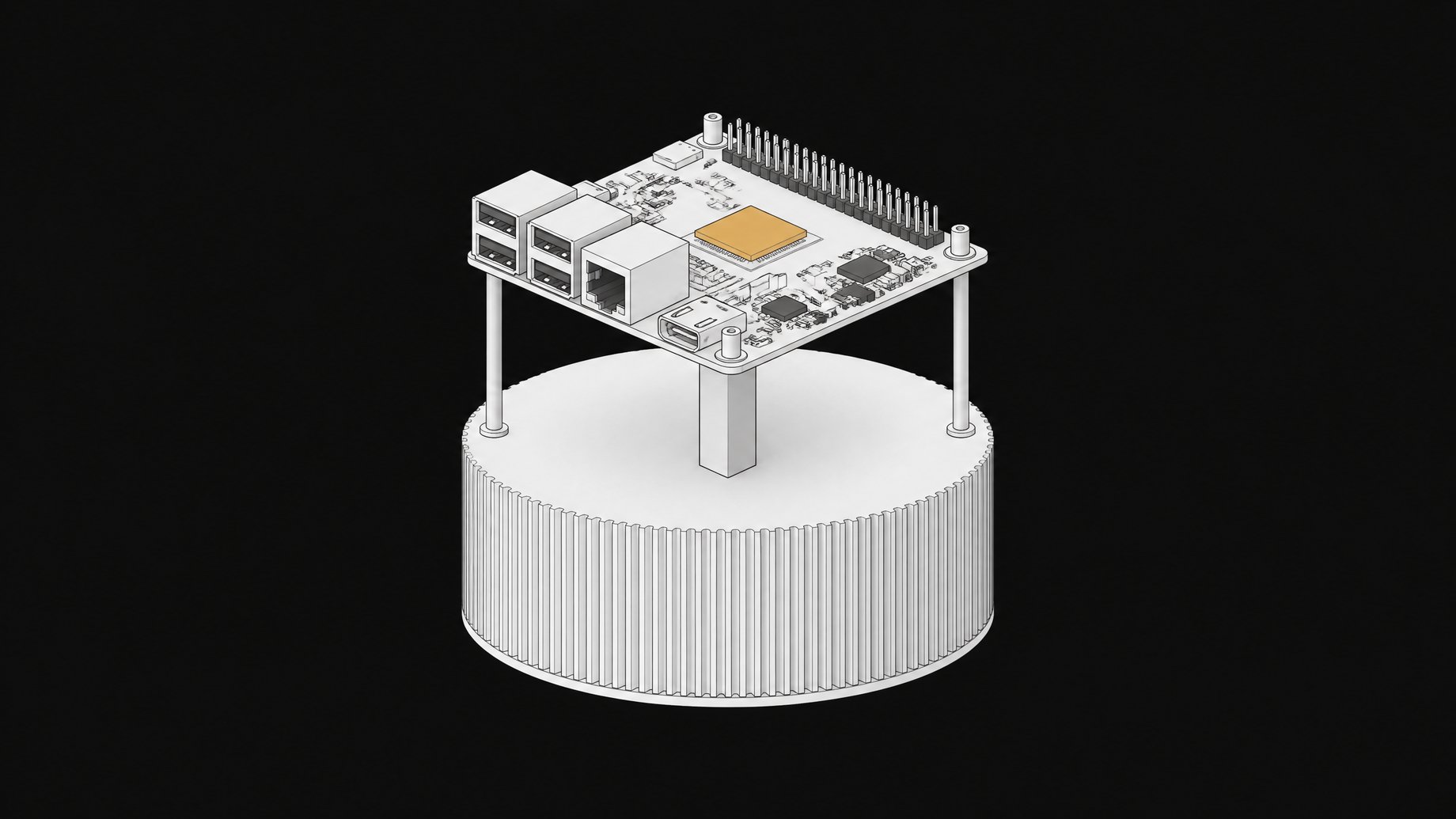
Can you build a local AI agent with a Raspberry Pi and read-only Postgres?
Yes, you can run an LLM locally on a Raspberry Pi 5, and you can wire it to a real database safely. The catch is model size, not feasibility. Stick to models under 4 billion parameters and you get usable, private, offline inference for well under $150 in hardware.
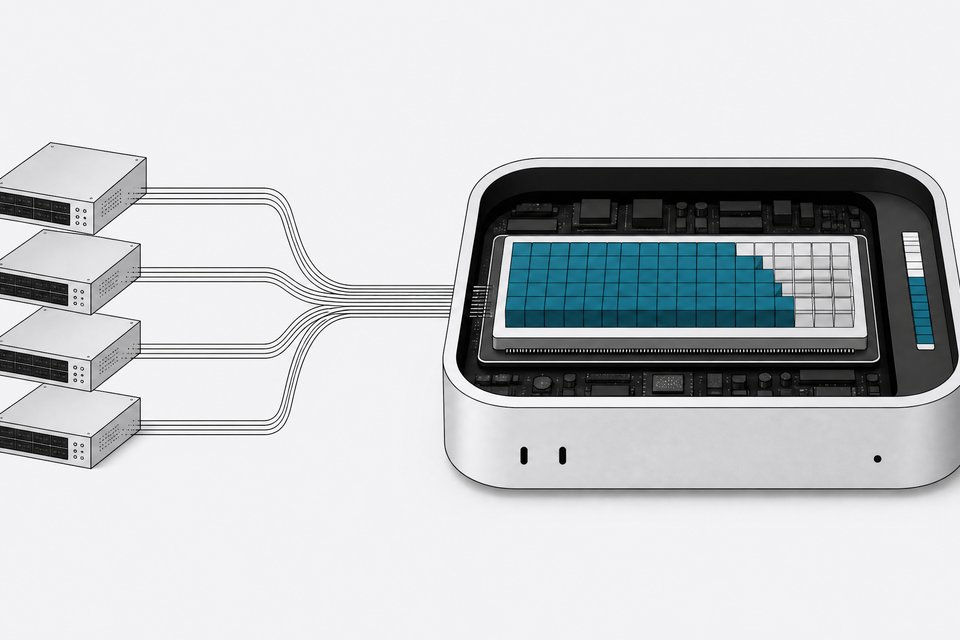
I wanted to test a specific claim that gets thrown around in Shadow AI debates: that you need cloud GPUs and a managed database to build anything useful. So I built the smallest possible version of an internal AI agent. A Raspberry Pi 5 running a local model through Ollama, talking to a Postgres database through a read-only role, answering questions about data it could never modify. If this cheap setup can hold a governance line that some company AI tools can't, that says something about how low the bar for "tightly governed" actually is.
TL;DR
- A Raspberry Pi 5 can run a local LLM and connect to a real database, as long as you keep to models under 4 billion parameters.
- Models in the 2B to 4B range run well on the Pi, while 7B models either crawl or refuse to load.
- Qwen2.5 3B scored highest on task accuracy but generated at roughly 5 tokens per second, so its accuracy lead costs real latency.
- A Postgres role granted only USAGE and SELECT cannot INSERT, UPDATE, or DELETE, no matter what the model tells it to do.
- Without ALTER DEFAULT PRIVILEGES, new tables silently become invisible, so that line is what keeps the read-only boundary workable.
- The setup is a narrow-task machine rather than a chatbot replacement, and it still needs someone to design the read-only boundary correctly.
How much does the hardware really cost?
A Raspberry Pi 5 launched at $60 for 4GB and $80 for 8GB. Those prices did not last. An AI-driven memory shortage has pushed DRAM costs up sharply, and Raspberry Pi's own CEO confirmed a second price increase in three months, with the 8GB board now around $125 and the 16GB board at $205, over 70% above its original MSRP. Even at the higher price, an 8GB Pi 5 is still a fraction of what a cloud GPU instance costs per month, and you own it outright once you pay for it.
That ownership point matters more than the sticker price. A Pi you buy is a Pi you keep. A cloud LLM endpoint is a bill that renews forever, which is the same math this publication has run on renting tokens versus owning quantized models.
What actually runs on a Pi, and what falls over?
The Pi 5 has a quad-core Cortex-A76 CPU and no dedicated GPU for inference, so everything runs on CPU. That sets a hard ceiling.
Independent testers landed on a similar pattern. Models in the 2B to 4B parameter range run well. Anything at 7B parameters either crawls or refuses to load. In one hands-on test of nine models, Gemma2 2B and Qwen2.5 3B rated the best experience, using 3 to 5.4GB of RAM with fast, coherent responses, while Llama 2 7B and Codellama 7B simply would not run on an 8GB board. Mistral 7B did run, but inference took around six minutes for a single task.
A more rigorous benchmark from a security research lab measured actual tokens per second rather than vibes. Small models like gemma3:1b and qwen2.5:1.5b delivered the best combination of speed and low memory use. Qwen2.5 3B scored highest on task accuracy but generated at roughly 5 tokens per second, slow enough that a 5,000-token prompt took about 15 minutes to process. The same lab found llama.cpp ran 10% to 20% faster than Ollama on the Pi 5, mostly because Ollama's default 4096-token context window and lack of thread control waste headroom on constrained hardware.
The honest takeaway: this is not a chatbot replacement. It is a narrow-task machine. Good for classification, summarizing a short document, answering a bounded question against a small dataset. Bad for anything that wants long context or fast turnaround.
Tokens per second by model size, Pi 5
Speed drops fast as parameter count climbs, and Qwen2.5 3B's accuracy lead costs real latency.
How does the read-only Postgres piece work?
The interesting part of this experiment was not the model. It was the database wiring. If an AI agent can read your data but never touch a write path, most of the scary failure modes in Shadow AI conversations disappear before they start.
Postgres makes this cheap to enforce. Create a role, grant it USAGE on the schema and SELECT on the tables, and it cannot INSERT, UPDATE, or DELETE no matter what the model tells it to do.
CREATE ROLE agent_reader LOGIN;
GRANT USAGE ON SCHEMA app TO agent_reader;
GRANT SELECT ON ALL TABLES IN SCHEMA app TO agent_reader;
ALTER DEFAULT PRIVILEGES IN SCHEMA app GRANT SELECT ON TABLES TO agent_reader;
That last line matters. Grants made today don't automatically apply to tables created tomorrow, so without ALTER DEFAULT PRIVILEGES, a new table silently becomes invisible or, worse, someone re-grants broad access out of frustration and blows the whole model open. Postgres 14 added the pg_read_all_data predefined role specifically to simplify this, letting you grant read-only access across every object regardless of who created it.
Run that role behind a Pi, and the worst a misfiring model can do is return a wrong answer. It cannot write a wrong answer into your production data. That is a governance boundary you can actually verify by trying to break it, unlike a vendor's privacy policy.
What does this setup prove, and what doesn't it?
This setup proves you can build a small, auditable, offline internal tool for close to nothing: a $95 to $125 board, a quantized model, and a database role that makes destructive actions structurally impossible rather than merely policy-forbidden. For a narrow job like "summarize last week's support tickets" or "flag anomalies in this one table," that is a complete, working system.
It does not prove the Pi replaces a real inference server for anything with real latency requirements or long context. And it does not remove the need for someone to actually design the read-only boundary. The database security is good specifically because someone configured it correctly. A model with unrestricted write access on beefier hardware is not more governed just because the box costs more.
The bigger point is about defaults. Most teams reach for a hosted API and a shared database credential because it's the fastest path to a demo. The Pi-and-read-only-Postgres version takes longer to set up and is slower to answer. But it is a tool your team owns outright, with a permission boundary you can read in four lines of SQL instead of trusting to a settings page. That's the same argument this publication makes about orchestrating your own office of clones instead of renting agent platforms wholesale: cheap hardware plus tight permissions beats expensive infrastructure plus implicit trust. If you're weighing whether to formalize this kind of homegrown setup into something a whole team can rely on, tools like Remy exist for exactly that governance gap between a one-off Pi project and a fully rented SaaS stack.
How we source, write, and correct our articles. Editorial standards