How to Run Flint 40B Locally: Ollama, GGUF, SGLang and VRAM Needs
Install Flint 40B locally with Ollama, llama.cpp or SGLang. Covers VRAM needs (about 32GB for the quant), GGUF Q4, NVFP4, MLX and BF16 on H200 or B300.

How do you run Flint 40B locally and how much VRAM does it need?
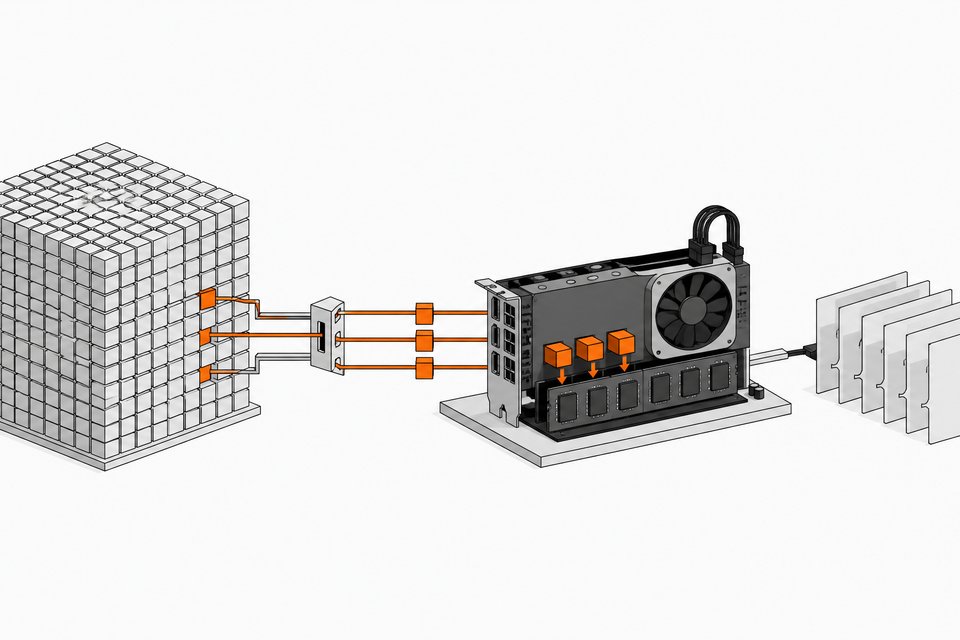
Flint is Recursive's open-weight coding model (39.8B total parameters, about 2.5B active per token). The easiest local route is a quantized build through Ollama, which used a little over 32 GB of VRAM in one test. The Q4_K_M GGUF file is about 24 GB, and its page recommends 28 to 32 GB of combined RAM and VRAM. The full BF16 checkpoint is roughly an 80 GB download and targets a single H200 or B300 through SGLang.
TL;DR
- Flint is a 40B mixture-of-experts model with about 2.5B active parameters, built to act as the brain of a coding agent, under Apache 2.0.
- The Q4_K_M GGUF is about 24 GB, and you should plan for 28 to 32 GB of combined RAM and VRAM once the KV cache is included.
- In an Ollama run, the model consumed just over 32 GB of VRAM, and shrinking the KV cache (context length) brings that down.
- Unquantized, expect to need more than 80 GB on a single GPU. Recursive's SGLang kit targets one H200 or B300 per replica.
- Recursive's own charts show the NVFP4 build losing almost nothing against full precision, so the compact build is the practical choice for most people.
- On Apple silicon, Recursive's Rec engine claims 1.4x to 2.6x more tokens per second than llama.cpp. That is a vendor figure, and I have not verified it.
What is Flint?
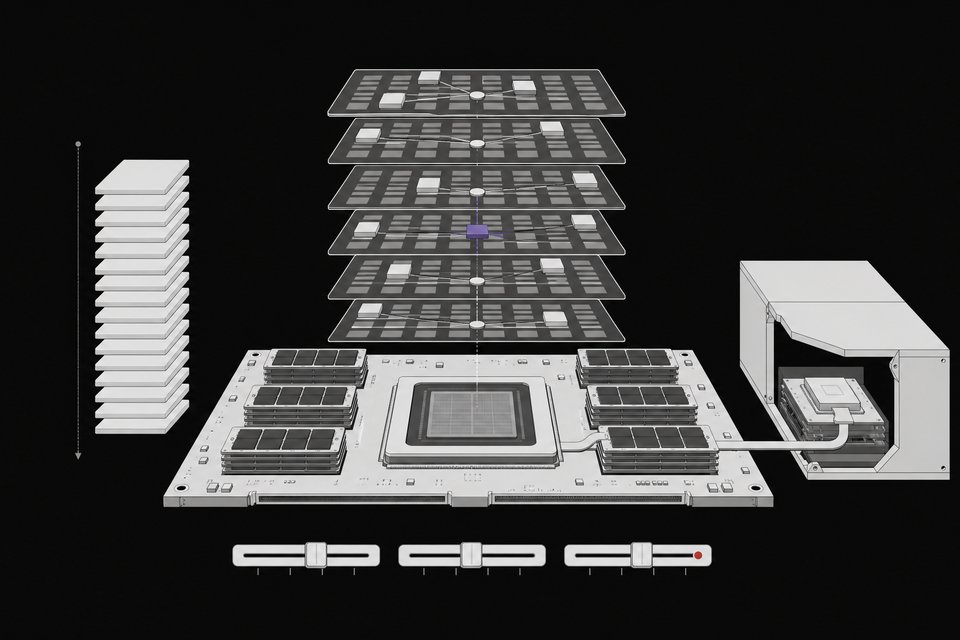
Flint is the first model from Recursive, released as open weights. The model card describes a decoder-only mixture-of-experts transformer with 49 layers (2 dense, 47 MoE). Each MoE layer has 256 routed experts, selects 6 per token, and adds one always-active shared expert. Only about 2.5B parameters run per token (2.2B for the body alone, with the output head making up the rest). That is why a 40B model feels light.
It takes text in, gives text out, reasons, and supports multi-turn tool calls with an OpenAI-compatible API. The documented context is 262,144 tokens, shared between prompt and output.
Recursive reports 54.9% on Terminal-Bench 2.1, 89.7% on SWE-bench Pro v2, and 74.2% on SWE-bench Verified. Their setup details matter here: temperature 1.0, top-p 0.95, top-k 20, pass@1 averaged over at least five attempts. The model card notes that evaluation setups vary across sources, so comparisons with other developers' numbers are loose.
How much VRAM does Flint need?
It depends on the build.
| Build | Approx. size | Memory guidance | Notes |
|---|---|---|---|
| BF16 checkpoint | about 80 GB download | More than 80 GB on one GPU | SGLang kit, one H200 or B300 per replica |
| Q4_K_M GGUF | about 24 GB | 28 to 32 GB RAM and VRAM combined | llama.cpp, LM Studio, Ollama |
| Ollama quant (tested) | n/a | Just over 32 GB VRAM | Reduce by shrinking the KV cache |
| NVFP4 / MLX | not stated in sources | not stated | Recursive benchmarks on NVIDIA and Apple M4 Pro |
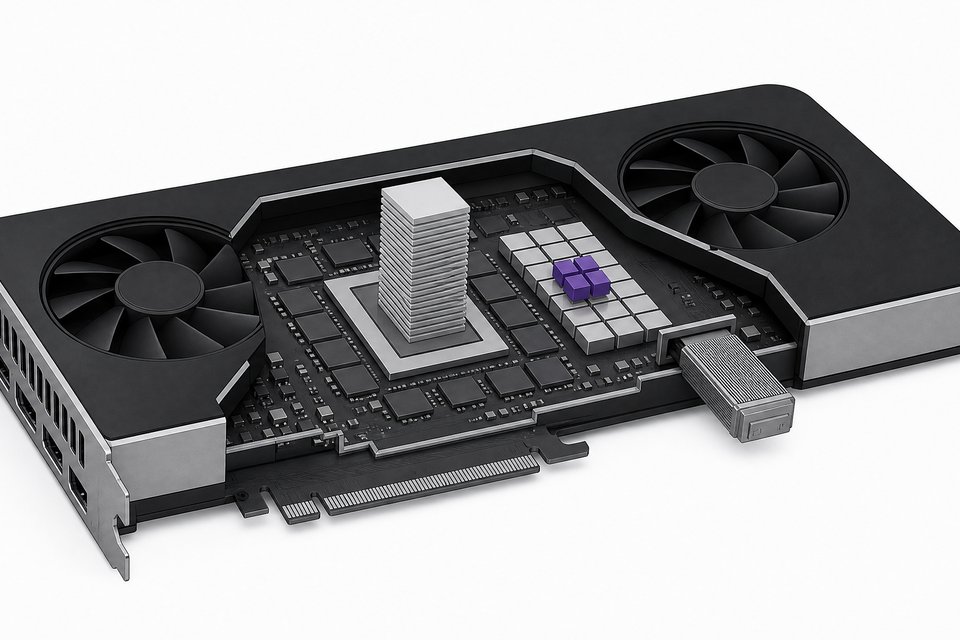
A 32 GB card is the realistic floor for keeping everything on the GPU at a useful context length. If you have less, the sparse design helps. The GGUF page notes that generation stays fast even when partly or fully offloaded to CPU threads, because only about 2.5B parameters are active per token. Expect it to be slower than all-GPU, but not unusable.
How do you install Flint with Ollama?
Two steps. Update Ollama to the latest version, since Flint uses a new architecture and older builds will not know it. Then pull the model.
# 1. Update Ollama to the latest release
# 2. Pull the Flint build (copy the exact tag from the model's Ollama page)
ollama pull <flint-tag>
ollama run <flint-tag>
I am leaving the tag as a placeholder because the sources don't print it. Check ollama list afterward to see the size on disk, and watch memory use while a prompt runs. The tested setup used just over 32 GB of VRAM.
LM Studio also works, and vLLM and SGLang are listed as supported runtimes.
How do you reduce Flint's VRAM use with the KV cache?
The KV cache grows with context length, so the main lever is to set a smaller context window. Flint's architecture is already friendly here. Of its 49 layers, 35 use sliding-window attention over 513 tokens, and only 14 use full attention. It also uses 4 key/value heads against 32 query heads. That design keeps the cache modest compared with a plain full-attention model, though I haven't measured the exact savings.
Practical advice:
- Start with a 32K context, the value the GGUF page uses in its server example.
- Raise it only when your agent actually needs long traces.
- Remember that prompt and output share the window. Recursive recommends an output budget of at least 32,768 tokens for hard problems, including reasoning. A tiny context can truncate the model mid-thought.
How do you run Flint with llama.cpp?
Flint introduces a new architecture layout, so your llama.cpp build must include flint support. The GGUF page points to PR #30928 or any release that contains it. Without it, the file will not load.
llama-server \
  -m flint-40B-A2.5B-Q4_K_M.gguf \
  -c 32768 \
  --host 0.0.0.0 \
  --port 8080 \
  -ngl 99
-ngl 99 offloads all layers to the GPU. Lower it if you run out of memory and want to spill to CPU. Binding to 0.0.0.0 exposes the server to your network, so use 127.0.0.1 unless you mean to share it. The server speaks the OpenAI API, so any OpenAI client works with base_url pointed at port 8080.
Use the recommended sampling settings:
| Setting | Value |
|---|---|
| Temperature | 1.0 |
| Top-p | 0.95 |
| Top-k | 20 |
How do you serve the BF16 model with SGLang?
The official repository ships the BF16 checkpoint plus an SGLang serving kit. It runs on one B300 or H200 per replica. Transformers modeling code is not included yet, so SGLang is the supported path for the full-precision weights.
pip install -U huggingface_hub openai
hf download RecursiveSI/flint --local-dir flint && cd flint   # about 80 GB
docker build -t flint-sglang sglang
docker run -d --name flint --gpus '"device=0"' --ipc=host -p 127.0.0.1:30000:30000 \
  -v "$PWD:/model" -e MODEL=/model flint-sglang bash /model/sglang/serve_b300.sh   # H200: serve_h200.sh
until curl -sf localhost:30000/health_generate >/dev/null; do sleep 15; done
python3 sglang/example_client.py --base-url http://localhost:30000/v1
Use serve_h200.sh instead of serve_b300.sh on an H200. The model loads under the name flint, and the server applies the recommended sampling settings when a request omits them. When you build an agent loop, use the checkpoint's chat template and keep the returned reasoning_content in conversation history.
Which quant should you run: GGUF, NVFP4 or MLX?
Recursive prepares quantized variants separately for NVIDIA and Apple Silicon runtimes. Their charts show the NVFP4 build losing almost nothing next to full precision, which makes the compact build the sensible default. The GGUF Q4_K_M is the broad-compatibility option for llama.cpp-based tools.
On speed, the model card charts show the MLX version passing 100 tokens per second on an M4 Pro at short context, with the llama.cpp build not far behind. On Recursive's RTX Spark box, NVFP4 is faster still. These are vendor-run numbers, and speed drops as context grows. The model card itself says results vary with checkpoint precision and runtime, so test the exact build you plan to deploy.
What is Rec, the Apple silicon engine?
Recursive also released Rec, an inference runtime tuned for Flint on Apple silicon. The code is in the recursive-oss/rec repository. According to the creator's reading of Recursive's material, it fuses the whole decode pass into one custom Metal kernel, and it reports 1.4x to 2.6x more tokens per second than llama.cpp, even at long context. I could not verify those figures independently. If you run a Mac, it is worth benchmarking against llama.cpp on your own prompts.
Is Flint good enough to use?
It is a specialist. Hands-on, it built a working animated HTML page with CSS, and it did so quickly. A translation-style task failed, and a creative writing test came out average. That fits Recursive's own framing: it is a coding model, not a scientific reasoning or creative writing model.
Against similar local models, Recursive's charts show Flint ahead on an agentic coding test and strong at instruction following. The big dense Qwen model still wins the hardest terminal and software engineering task. Most of the published benchmark work is on Apple hardware, so NVIDIA results may be thinner for now.
Treat its output like any model's. The model card warns about faulty code and inappropriate tool calls, and says tool-using apps should enforce their own permissions and execution boundaries.
Frequently Asked Questions
Can Flint run on a 24 GB GPU?
The Q4_K_M file alone is about 24 GB, so it will not fit with a KV cache. You can offload some layers to system RAM, and the sparse design keeps generation reasonably fast when you do. The GGUF page recommends 28 to 32 GB of combined RAM and VRAM.
Do I need a special llama.cpp version?
Yes. Flint uses a new architecture, and your build must include flint support (PR #30928 or a release containing it). Older builds will fail to load the GGUF.
What license does Flint use?
The weights are released under Apache 2.0. Hosted API terms and data practices are separate from the weight license.
What sampling settings should I use?
Temperature 1.0, top-p 0.95, top-k 20. For hard problems, allow at least 32,768 output tokens, including reasoning, since long reasoning can exhaust a small budget before the answer finishes.
How we source, write, and correct our articles. Editorial standards