How Do You Run Recursive Flint Locally? Hardware and Setup
Run Recursive Flint, a 40B MoE coding model with 2.5B active parameters, locally with llama.cpp or Rec. Hardware, GGUF size, settings and OpenCode fix.

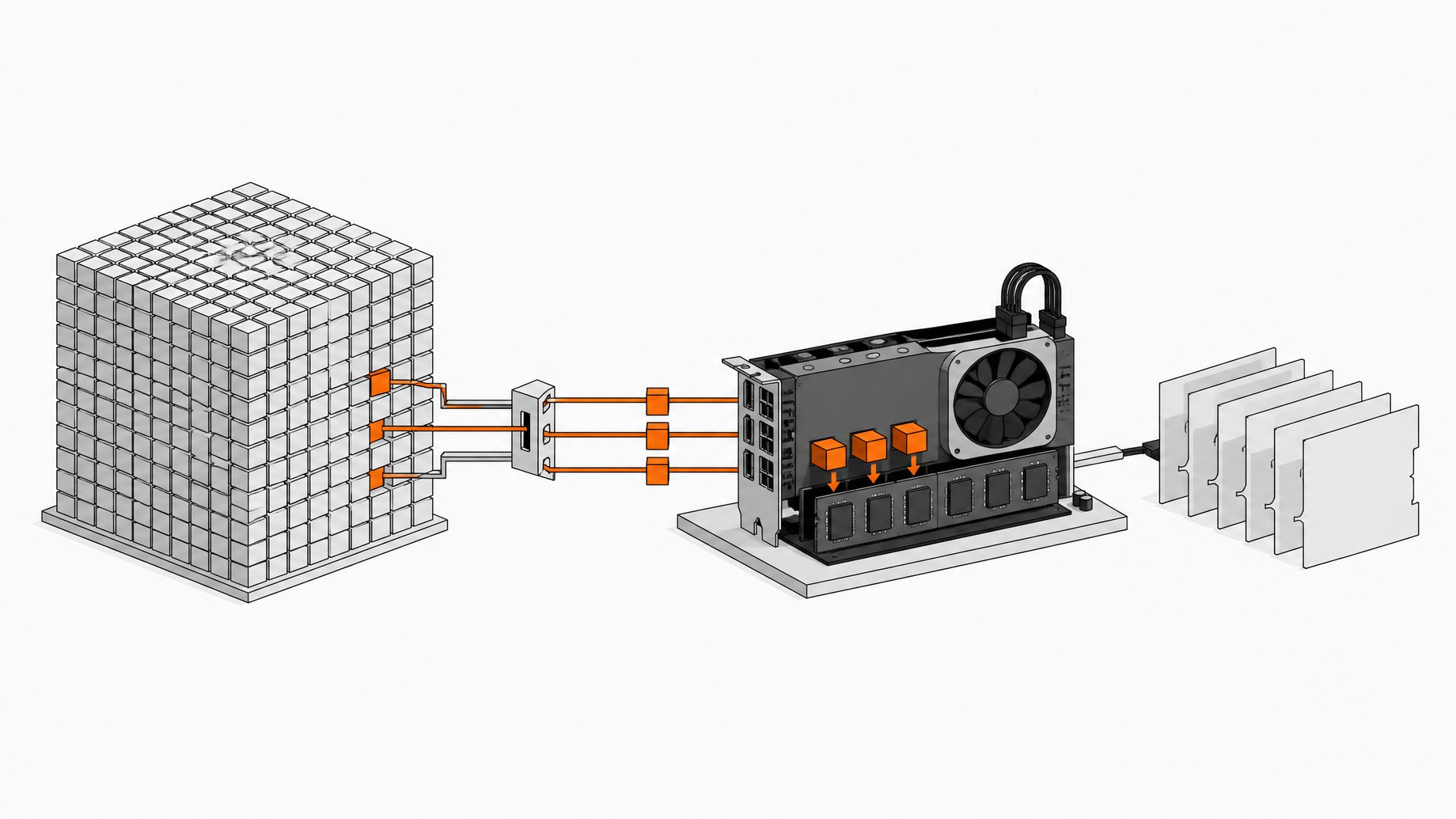
How do you run Recursive Flint locally?
You run Flint locally in one of two ways. On an Apple M4 Pro, M5 Pro or M5 Max with at least 48 GB of memory, use Recursive's own Rec engine. On any other machine, use llama.cpp with the roughly 26 GB int4 GGUF from Hugging Face and Recursive's sampling settings (temperature 1.0, top-p 0.95, top-k 20). Then point Pi or OpenCode at the local server. The weights are Apache 2.0, so there is no API fee.
TL;DR
- Flint is a 39.8B-parameter mixture-of-experts model with about 2.5B active per token, which is why it can run at usable speeds on a laptop.
- The int4 GGUF is about 26 GB, and Recursive says you need at least 48 GB of memory for the local setup.
- Rec only supports the M4 Pro, M5 Pro and M5 Max at the moment. An M4 Max is rejected even though it is the faster chip.
- Use temperature 1.0, top-p 0.95 and top-k 20, and keep context well under the 256K that Recursive recommends as a ceiling.
- OpenCode gives up after 5 minutes without a response, which long local prompt processing can trigger. Setting its timeout options to false fixes it.
- Speed falls as context grows, so short, focused tasks suit this model best.
What is Recursive Flint?
Flint is a decoder-only mixture-of-experts Transformer from Recursive, built for coding agents. It investigates codebases, fixes bugs, implements features and writes tests. It handles text in and text out, reasoning, and multi-turn tool use through OpenAI-compatible tool calls.
| Property | Value |
|---|---|
| Total parameters | 39.8B |
| Active per token | About 2.5B (including the output head) |
| Experts | 256 routed per MoE layer, 6 selected, plus one shared expert |
| Layers | 49 (2 dense, 47 MoE) |
| Documented context | 262,144 tokens, prompt and output combined |
| License | Apache 2.0 |
Recursive reports 54.9% on Terminal-Bench 2.1, 89.7% on SWE-bench Pro v2 and 74.2% on SWE-bench Verified. These are the company's own release numbers, and the model card notes that evaluation setups vary across sources.
What hardware does Flint need?
It depends on the runtime and the checkpoint.
Apple Silicon with Rec. Recursive says you need at least 48 GB of memory. Rec uses custom kernels tuned per chip, so support is limited to the M4 Pro, M5 Pro and M5 Max. A reviewer running an M4 Max with 48 GB got a "doesn't meet the requirements" message from Rec and fell back to llama.cpp.
Any machine with llama.cpp. The int4 GGUF is about 26 GB. The 48 GB figure is Recursive's stated minimum, and the source material doesn't test anything smaller, so treat it as the safe target. The KV cache for long contexts takes memory on top of the weights.
NVIDIA data-center GPUs. The full BF16 checkpoint is about 80 GB. The official SGLang kit targets one B300 or H200 GPU per replica. Recursive says quantized variants for NVIDIA and Apple Silicon are prepared separately, and its benchmark chart references an NVFP4 checkpoint. Recursive claims more than 150 tokens per second on an RTX Spark.
The model card also lists compatibility with LM Studio, Unsloth and vLLM alongside llama.cpp and SGLang.
How do you set up Flint with llama.cpp?
Flint support in llama.cpp was still an open pull request when this setup was tested. The tester built llama.cpp from that branch. It has likely been merged since, so try a current release first and build from the PR only if your version doesn't recognize the architecture.
- Update or build llama.cpp.
- Download the int4 GGUF from the RecursiveSI organization on Hugging Face (the repo is named along the lines of
flint-int4-gguf, about 26 GB). - Start
llama-serverwith the model file, the chat template enabled, and Recursive's sampling settings.
A command in this shape is the starting point. The GGUF repo's card has the exact version, so copy from there:
llama-server -m ./flint-int4.gguf --jinja \
  --temp 1.0 --top-p 0.95 --top-k 20
The --jinja flag matters because the model card says to use the checkpoint's chat template. It also says to preserve returned reasoning_content in conversation history. Most agent harnesses handle this, but check if tool calls behave oddly.
For hard problems, leave an output budget of at least 32,768 tokens, since reasoning counts against it.
How do you use Rec on a supported Mac?
Rec is Recursive's local engine for running Flint, published at github.com/recursive-oss/rec. Installation is a single curl command from that repo, after which one command downloads the model, starts the server and opens Pi:
rec launch pi
Rec is where most of the speed is. Recursive says it runs 1.4 to 2.6 times faster than llama.cpp, and claims more than 125 tokens per second on an M4 Pro MacBook Pro. If your chip is on the supported list, start here.
How do you configure Pi and OpenCode?
Recursive recommends these two harnesses. The GGUF repo ships a small config file for each.
- Pi: copy the provided config into Pi's agent folder in your home directory as
models.json(the path is~/.pi/agent/). - OpenCode: add the Flint provider block from the supplied config to your own OpenCode config.
Both point at the local llama.cpp server. If you use a front end that reads models from Pi and OpenCode, Flint then shows up in its model picker with no further setup.
How do you fix the OpenCode timeout?
OpenCode stops waiting for a model after 5 minutes with no response. A local server sends nothing until it has read the entire prompt. OpenCode's first prompt in testing was about 26,000 tokens (Pi's was about 17,000), and on a local machine that prefill can run past the limit. OpenCode then retries, hits the same wall, and loops without progress.
The fix is in the Flint provider options of your OpenCode config. Set both the header timeout and the timeout to false. After that change the same run completed normally. Check your OpenCode version's docs for the exact key names.
How fast is Flint locally?
Speed is the selling point, but it depends heavily on context length. Numbers from llama.cpp on an M4 Max with 48 GB:
| Condition | Approx. output speed |
|---|---|
| Short prompt | 110 tokens/s |
| 8K context | 52 tokens/s |
| 32K context | 32 tokens/s |
| Real agent runs | 40 to 60 tokens/s |
| One run at ~115K context | ~9 tokens/s |
Prompt reading ran at about 300 tokens per second. These figures come from the llama.cpp pull request build, whose author says it still carries a 10 to 30% slowdown, and they are not Rec numbers. Expect better results on a current build or on Rec.
Agents start deep in the long-context zone, so the practical advice is to keep scope tight. In one test the model began searching a huge notes folder for examples before writing code, which filled the context fast. Restricting it to its own folder cut the job to about 9 minutes.
What is Flint good at on a laptop?
In hands-on tests, a shopping cart library with six seeded bugs went from six of seven failing tests to all passing in about 7.5 minutes, with the test files untouched. A dependency-free Node link shortener API came out with 14 passing tests in about 9 minutes, and manual checks of its status codes and rate limit held up. A front-end landing page looked good but had oversized check-mark icons, and a Breakout game worked with minor gaps.
That pattern fits bug fixes, small features and tests. Long front-end generations pushed context high and took close to an hour. Test and review generated code before applying it, since the model card warns that Flint can produce faulty code or inappropriate tool calls.
Frequently Asked Questions
Is Flint free to use commercially?
The weights are released under Apache 2.0, which permits commercial use. Recursive's hosted API terms and data practices are separate from the weight license, so they apply only if you use the hosted service.
Can I run Flint on an M4 Max?
Not with Rec at the moment, which supports only the M4 Pro, M5 Pro and M5 Max. llama.cpp with the int4 GGUF works on an M4 Max with 48 GB, but you give up Rec's speed advantage.
How much context should I use?
Flint's documented configuration is 262,144 tokens including output, and Recursive recommends staying under 256K. The model card also says that capacity is not a guarantee of uniform accuracy, and local speed drops sharply at long context, so keep tasks short.
Why does OpenCode keep retrying with no output?
Most likely the local server is still reading a large first prompt when OpenCode's 5-minute wait expires. Set the header timeout and timeout options in the Flint provider config to false.
Does llama.cpp need a special build?
At testing time, Flint support was an unmerged pull request, so a manual build from that branch was required. A current release may already include it, so update first and build from the branch only if needed.
How we source, write, and correct our articles. Editorial standards