How to Run Surya OCR 2.5 Locally on CPU or GPU
Install Surya OCR 2.5 with pip, launch the Streamlit GUI, and run it on CPU or about 1.8 GB of VRAM. Covers backends, output formats, speed, and limits.

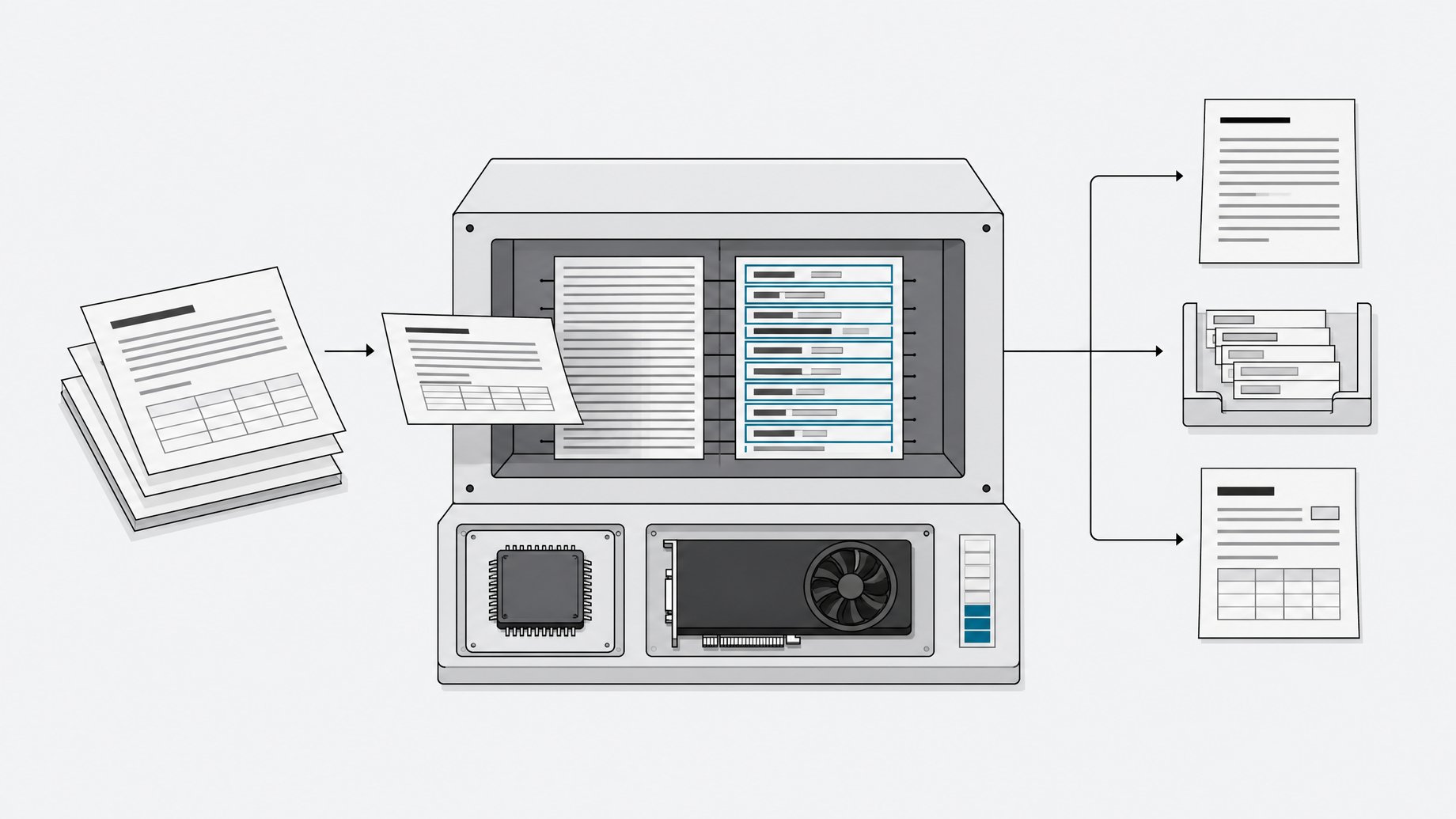
How do you run Surya OCR 2.5 locally?
Install the package with pip install surya-ocr, add streamlit and pdftext, then launch the GUI with surya_gui. Surya 2.5 needs an inference backend: vllm in Docker for NVIDIA GPUs, or llama-server from llama.cpp for CPU and Apple Silicon. A creator's test showed roughly 1.8 GB of VRAM in use, and CPU-only runs work fine. Typical pages took under 10 seconds, sometimes 10 to 15.
TL;DR
- Surya 2.5 is a 689M-parameter OCR model that handles layout, reading order, OCR, and tables through a single vision language model.
- Setup is two pip commands plus a backend:
pip install surya-ocr, thenpip install streamlit pdftextandsurya_gui. - GPU users need Docker and the NVIDIA Container Toolkit for vllm. CPU and Apple Silicon users need the
llama-serverbinary. - In a hands-on test, VRAM use was around 1.8 GB, and the model ran on CPU without trouble, at a few seconds to roughly 15 seconds per page.
- Output comes as HTML, markdown, and block JSON with labels, reading order, polygons, and confidence scores.
- It does well on clean printed pages and struggles with fine print, handwriting, and stylized scripts, so verify output before production use.
What is Surya OCR 2.5?
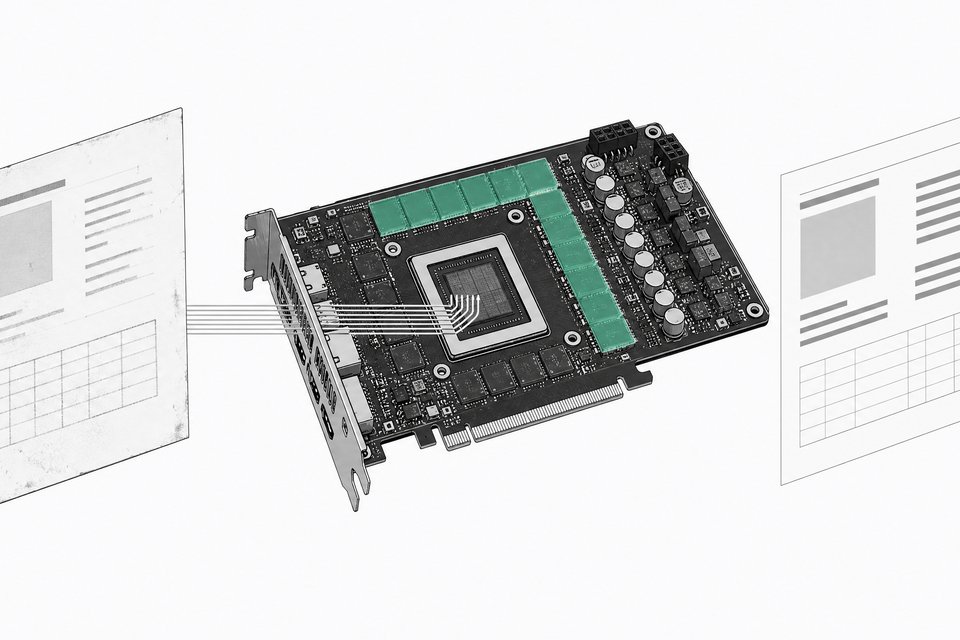
Surya is an OCR model from Datalab. Version 2.5 has 689M parameters. It reads scanned documents and returns text plus page layout, reading order, and tables. Tables come back as HTML, with merged cells expressed as colspan and rowspan.
The model card reports 85.9 on OmniParseBench, which Datalab describes as the highest of the open models under 1B parameters it has scored. It also lists 83.7% on olmOCR-bench and 74.9% on an internal 91-language benchmark. Those are vendor numbers, so treat them as a starting point.
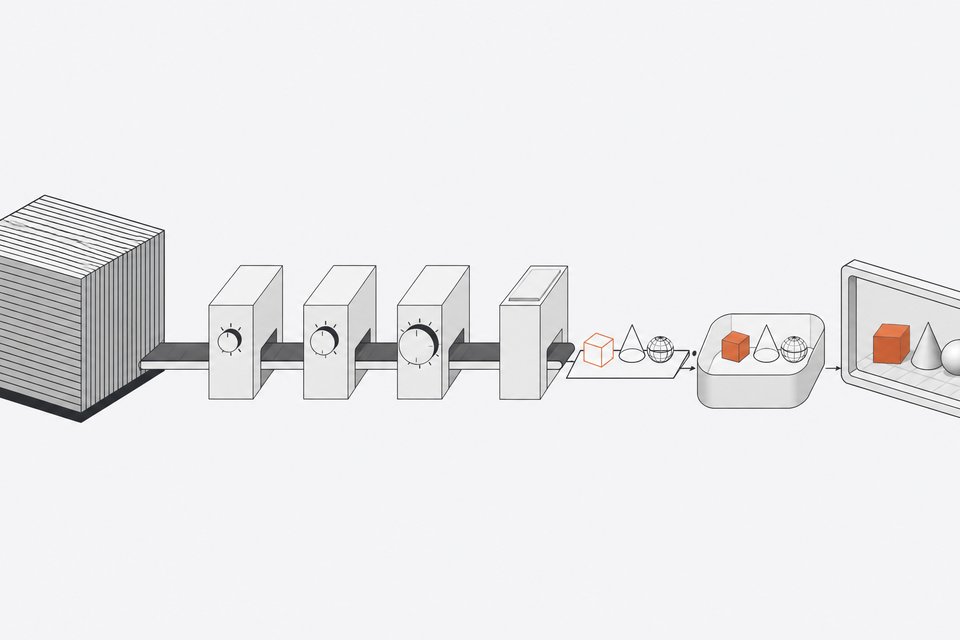
Under the hood, Surya 2.5 runs layout, OCR, and table recognition through one VLM. Text-line detection and OCR error detection are separate, smaller models.
How do you install Surya OCR 2.5?
Start with the package:
pip install surya-ocr
Then add the GUI dependencies and launch the Streamlit app:
pip install streamlit pdftext
surya_gui
The app lets you try Surya on images or PDFs interactively. On first use, Surya auto-spawns the inference server it needs, so the first launch is slower than later ones.
What hardware does Surya OCR 2.5 need?
It depends on which backend you pick.
| Setup | Backend | Prerequisites |
|---|---|---|
| NVIDIA GPU | vllm | Docker plus the NVIDIA Container Toolkit |
| CPU | llama.cpp | llama-server binary |
| Apple Silicon | llama.cpp | brew install llama.cpp or a release binary |
On macOS, brew install llama.cpp gets you the server. On other systems, grab a release from the llama.cpp GitHub releases page.
You can force a backend with an environment variable, for example SURYA_INFERENCE_BACKEND=vllm. If you already run a server elsewhere, point Surya at it with SURYA_INFERENCE_URL=http://host:port/v1. Other settings live in surya/settings.py and can be overridden through env vars.
How much VRAM does it use, and can it run on CPU?
In the creator's demo, VRAM consumption sat around 1,800 MB, so about 1.8 GB. That is within reach of small consumer GPUs. The same demo ran on CPU with no problems.
The model card does not give a CPU throughput figure. It does list 4.5 pages per second on one H100 at 192 DPI, which is 1.7x Surya 2 with MTP. Your laptop will be far slower than that.
How fast is it per page?
On the demo hardware, pages generally finished in under 10 seconds, with some taking 10 to 15. That was with the GUI, one page at a time. Batch throughput will differ.
Three levers from the documentation:
- Parallelism. With vllm, raise
--max-num-seqsand--max-num-batched-tokens, or setSURYA_INFERENCE_PARALLELon the client. With llama.cpp, setSURYA_INFERENCE_PARALLELto match--parallelonllama-server. - DPI. Dropping from 192 to 96 improves throughput, according to the model card.
- MTP. Multi-token prediction turns on automatically only if the checkpoint config declares an MTP head. Override with
VLLM_ENABLE_MTP=true|false, and change draft length withVLLM_MTP_TOKENS.
How do you run Surya from the command line?
The CLI writes a results.json file:
surya_ocr DATA_PATH
DATA_PATH can be an image, a PDF, or a folder of either. Useful flags:
--imagessaves page and block images.--output_dirsets where results go.--page_rangepicks PDF pages, such as0,5-10,20.--keep_serverleaves the inference server running after the command exits.
By default every command spawns the server and shuts it down on exit, so chained commands pay the startup cost each time. Use --keep_server on the first command, and later ones like surya_layout and surya_table attach to it. Setting SURYA_INFERENCE_KEEP_ALIVE=1 makes that the default. To stop a kept server, run docker stop on the surya-vllm-* container or kill the llama-server process.
From Python:
from surya.inference import SuryaInferenceManager
from surya.recognition import RecognitionPredictor

manager = SuryaInferenceManager()
rec = RecognitionPredictor(manager)
predictions = rec([image])
What do the output formats look like?
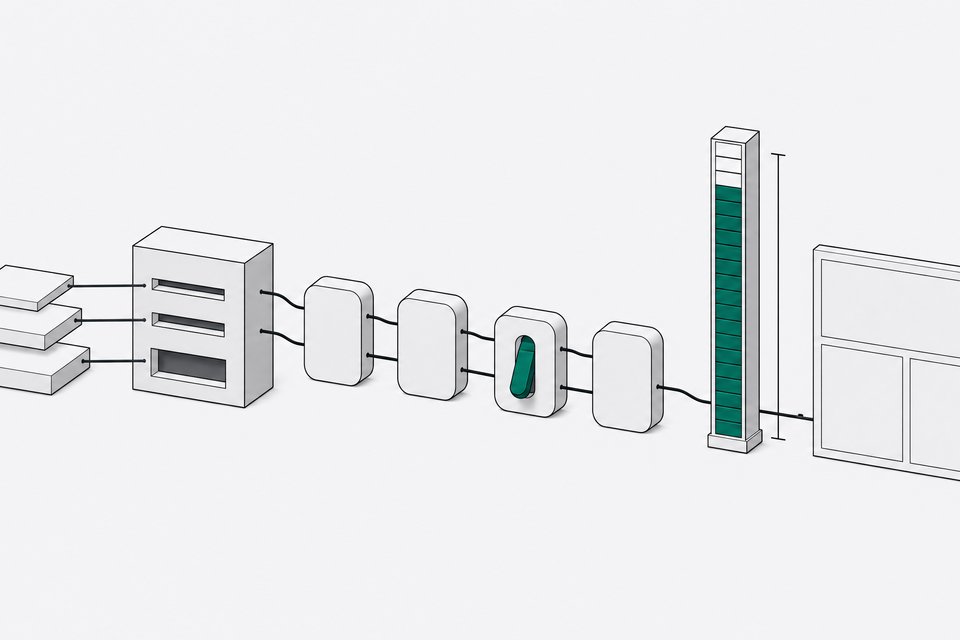
The GUI shows HTML, markdown, and block JSON side by side. In the JSON, each page has a list of blocks in reading order. Every block carries:
label, a canonical layout label such asText,SectionHeader,Table,Equation,Picture, orFormraw_label, the label the model emitted before canonicalizationreading_order, a 0-indexed positionhtml, with math in<math>tags and tables as<table>polygonandbboxcoordinatesconfidence, the mean per-token probability for the blockskippedanderrorflags
Each page also has an image_bbox. If you are migrating from Surya v1, note that text_lines became blocks, and SuryaInferenceManager replaces FoundationPredictor.
Where does Surya 2.5 work well, and where does it fail?
A hands-on test across a dozen documents gave a consistent picture.
Works well:
- A clean English invoice: line items and totals were correct, with one typo ("bill to" came out as "bill two").
- A LaTeX manual page: text and code block were read correctly, though a command mark was misread as "check mark."
- Printed Hindi: readable Devanagari with sensible punctuation, with some mistakes.
- Yoruba, which is not on the supported list: mostly accurate text.
Struggles:
- Small handwriting on an old Polish and French passport page came out garbled.
- Fine print on an 1883 newspaper masthead had errors like "Movember."
- A handwritten French letter produced a stray Chinese character and replacement-glyph question marks, and a stamp was labeled as a form overlapping the signature.
- Stylized Urdu calligraphy gave weak text, and the model added an English description of the artwork that was not OCR.
- Arabic poetry with diacritics merged words into one run, and the layout box covered only three of six lines.
- On the invoice, a notes box and totals were merged into one table.
The takeaway: a strong small model for clean printed text, and a reasonable CPU option. Check output before trusting it in production.
What about licensing?
The code is Apache 2.0. The weights use a modified AI Pubs Open Rail-M license, free for research, personal use, and startups under $5M in funding or revenue. Broader commercial use of the weights requires a license from Datalab.
Frequently Asked Questions
Does Surya OCR 2.5 require a GPU?
No. On CPU or Apple Silicon it runs through the llama.cpp llama-server binary. An NVIDIA GPU uses vllm in Docker and is faster, but a demo run showed CPU working without issues.
How much VRAM does Surya OCR 2.5 use?
A creator's demo showed about 1.8 GB of VRAM. The model card does not publish a minimum VRAM figure, so actual use may vary with backend, DPI, and parallel settings.
Can I use Surya 2.5 commercially?
It depends on size. The weights are free for research, personal use, and startups under $5M in funding or revenue. Larger commercial users need to check Datalab's pricing page for a license.
How do I speed up Surya OCR?
Lower the DPI from 192 to 96, increase the parallel settings for your backend, and use --keep_server to avoid respawning the server between commands. MTP can also help when the checkpoint supports it.
How we source, write, and correct our articles. Editorial standards