How to Run Baidu Unlimited OCR 2 Locally: VRAM and Results
How to run Baidu's Unlimited OCR 2 on your own GPU: about 8.3 GB VRAM at full precision, Transformers and SGLang setup, and test results on real documents.

How do you run Unlimited OCR 2 locally and how much VRAM does it need?
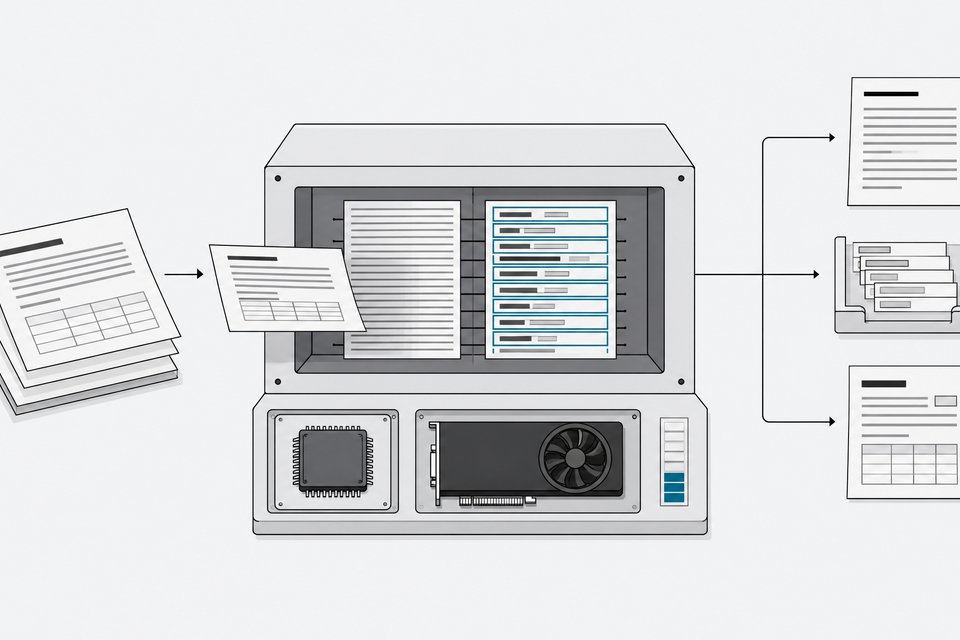
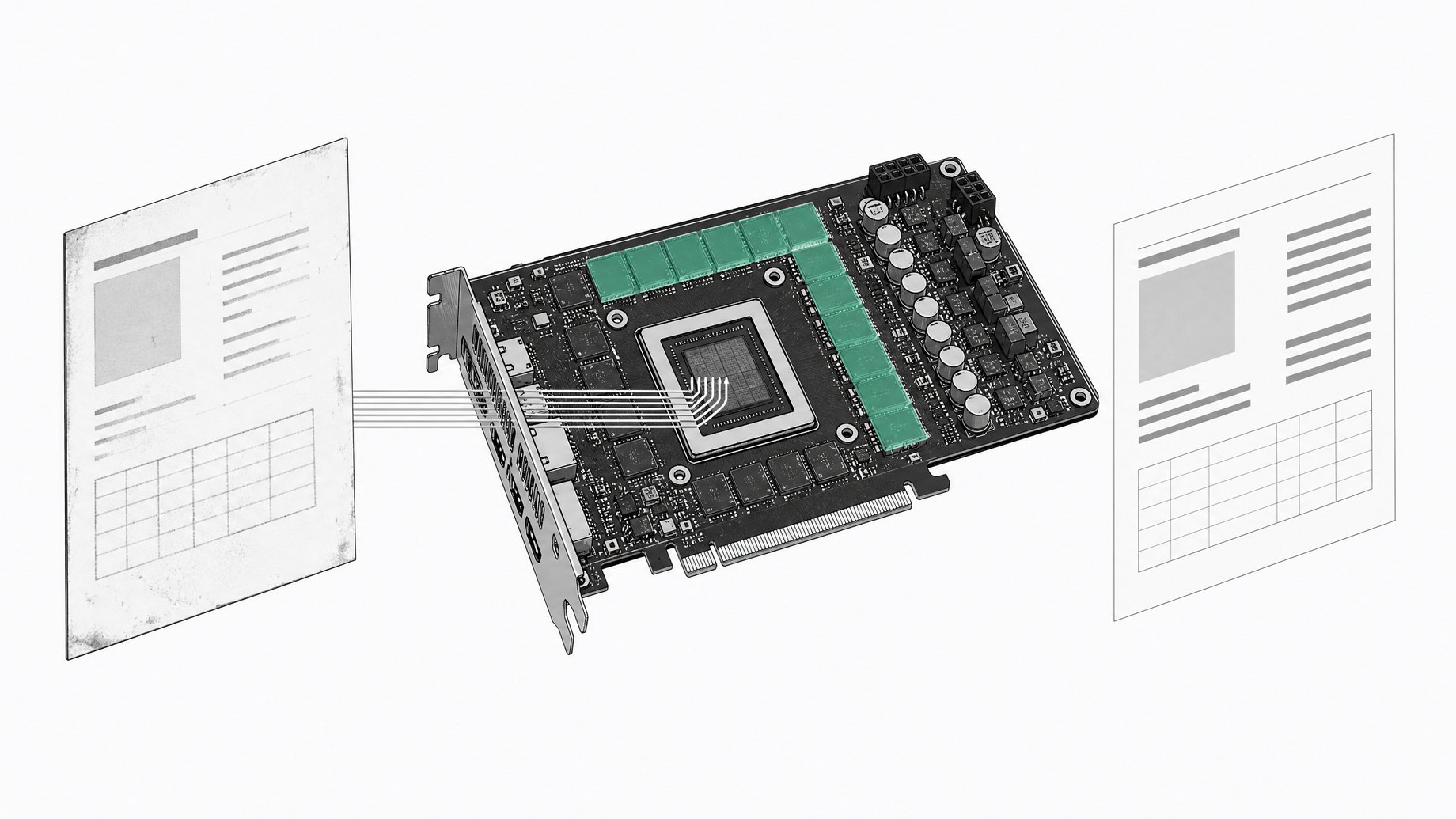
Install the pinned Python packages, load baidu/Unlimited-OCR-2 from Hugging Face with Transformers, and call infer for one page or infer_multi for a whole document. One hands-on test put the VRAM needed to run the model at full precision at around 8.3 GB, so a 12 GB consumer card should be enough for basic use. For serving many requests, Baidu recommends SGLang with a customized wheel.
TL;DR
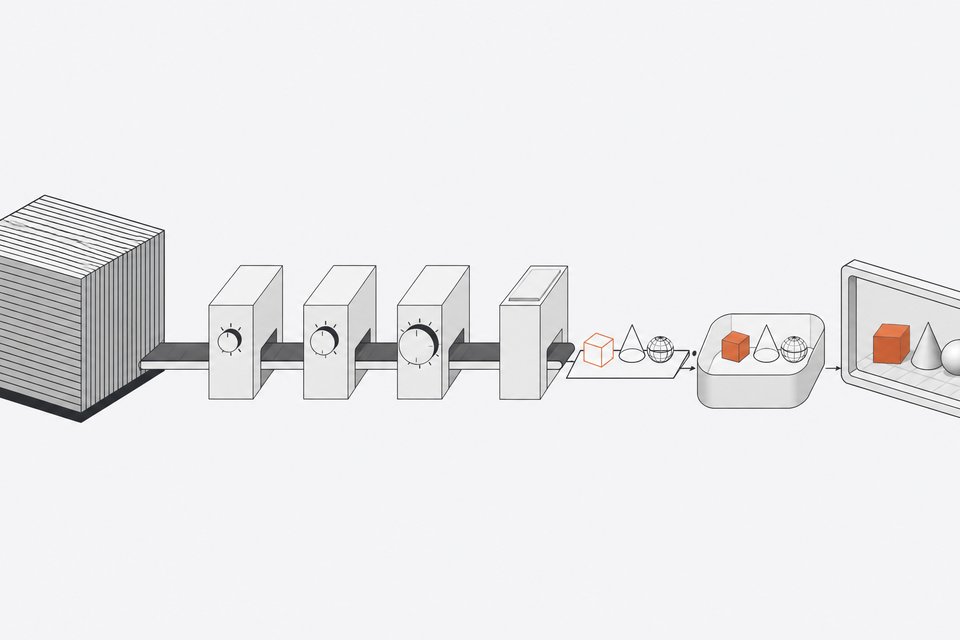
- Unlimited OCR 2 is Baidu's document parsing model, and it outputs clean text, tables, formulas and headings from page images.
- A hands-on run showed roughly 8.3 GB of VRAM for full-precision inference. Baidu's own tested setup used an A800-80GB, so that figure is not an official minimum.
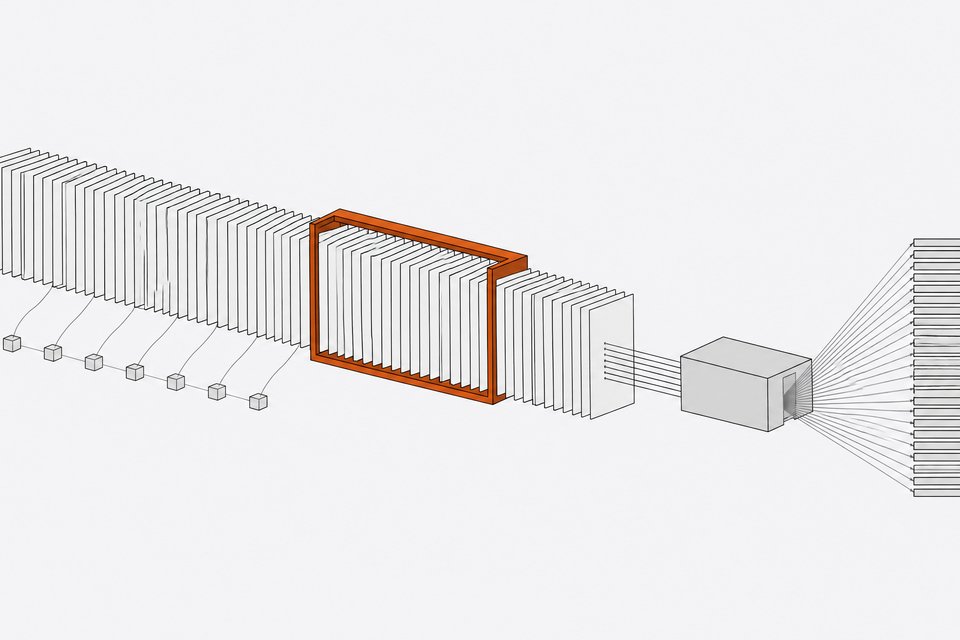
- The core change is SR-SWA, which keeps attention to a fixed set of working references (for example 512 tokens), so speed and memory stay nearly flat as documents grow.
- On the 100-page benchmark, most compared models fell under 30 out of 100 in the creator's leaderboard view, while Unlimited OCR 2 stayed around 77. Version 1 scored zero there.
- It handled clean English print, invoices and printed math well, but looped on Urdu, missed ornamental old-print details, and dropped a line in one invoice.
- SGLang is the recommended serving path, and it needs a custom wheel and several memory-related settings.
What is Unlimited OCR 2?
Unlimited OCR 2 is an open model from Baidu that reads document images and returns structured text. It follows Unlimited-OCR, released in June 2026, which Baidu framed as an attempt to push DeepSeek-OCR further. Version 2 arrived in late October 2026 alongside a new benchmark, MarathonDocBench, built for ultra-long document parsing.
The model is published on Hugging Face and ModelScope, is available on Baidu Cloud, and has a demo Space. Training is supported through ms-swift, and the earlier version gained vLLM support.
How does SR-SWA let it parse unlimited pages?
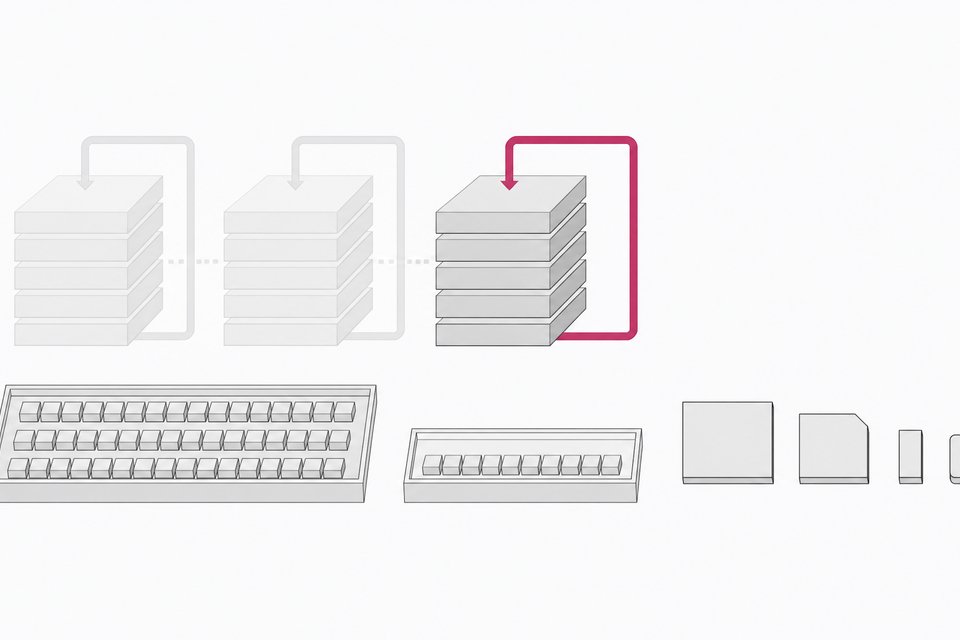
Standard attention gets more expensive as the sequence grows, because every new token looks back at everything before it. Sparse Reference Sliding Window Attention (SR-SWA) compresses the text-visual attention interactions down to a fixed-size set of working references. Baidu gives 512 tokens as an example.
The result is that per-step decoding latency and memory footprint stay close to constant regardless of document length. The model still works inside a finite context window, but the quadratic scaling and memory blowup that usually limit long documents are largely removed.
How do you install it with Transformers?
Baidu's tested environment was Python 3.10 on an NVIDIA A800-80GB. The pinned install:
pip install torch==2.13.0 torchvision pillow transformers==4.52.1 huggingface-hub==0.36.0 \
  tokenizers==0.21.4 addict==2.4.0 einops==0.8.2 easydict==1.13
Load the model once:
import torch
from transformers import AutoModel, AutoTokenizer

model_name = "baidu/Unlimited-OCR-2"
tokenizer = AutoTokenizer.from_pretrained(model_name, trust_remote_code=True)
model = AutoModel.from_pretrained(model_name, trust_remote_code=True, use_safetensors=True,
                                  torch_dtype=torch.bfloat16).eval().cuda()
Note trust_remote_code=True. The model ships custom code, so read it before running it on a machine you care about.
For a single page, model.infer uses dynamic tiling (called gundam mode) by default:
text = model.infer(tokenizer, image_file="your_doc/page_1.jpg",
                   output_path="output/single", save_results=True)
For a multi-page document, model.infer_multi parses all pages in one request so the model can use cross-page context. Pass the images in page order. Each page is encoded as one global view (base mode), and the output contains one <PAGE> marker per input page.
How much VRAM does Unlimited OCR 2 use?
In the hands-on test, VRAM sat at zero before the script ran, then climbed as the model loaded onto the GPU. It settled at about 8.3 GB for full-precision inference. That is a single observed figure from one setup, not a published requirement. Image size, tiling mode and document length can change real usage.
The SGLang server has its own memory profile. Baidu's notes list the settings that matter:
| Setting | What it does |
|---|---|
--mem-fraction-static | Share reserved for weights and KV cache. 0.75 leaves too little headroom at 32+ concurrent requests. 0.7 is stable. |
--max-prefill-tokens | Drives a temporary tensor that grows linearly with it. Going from 4096 to 2048 halves that peak. |
--cuda-graph-bs-prefill | The largest bucket must equal --max-prefill-tokens. |
full_prefill_max_req | Default of 8 makes 16 or 32 concurrent requests fall back to eager mode. |
| Page window size | Smaller windows lower peak memory but hurt merging of blocks that cross a window boundary. |
How do you serve it with SGLang?
Baidu recommends SGLang for serving and Transformers for quick tests. You need a uv-managed Python 3.10 environment, a customized SGLang wheel (sglang-0.5.20.dev10+g8d62f5fb9c), PyMuPDF for PDF-to-image conversion, and fastokens:
uv venv --python 3.10
source .venv/bin/activate
uv pip install wheel/sglang-0.5.20.dev10+g8d62f5fb9c-py3-none-any.whl
uv pip install pymupdf==1.27.2.2
uv pip install fastokens==0.3.2
The launch command uses the unlimited-ocr chat template and a long list of flags, including --mem-fraction-static 0.7, --max-prefill-tokens 2048 and port 10000. Copy it from the model card rather than retyping it.
Several environment variables control long-document behavior. Page-window scheduling reuses the KV tail of the previous window. The default example sets 10 pages per window and a 20,000-token per-page output cap. Setting the document limit variable to 0 parses a whole document in one window.
Requests go through an OpenAI-compatible /v1/chat/completions endpoint. The example client converts PDFs to images at 300 DPI, builds the prompt as <PAGE><image> repeated per page plus "Multi page parsing.", and attaches a no-repeat n-gram logit processor with temperature 0.
How well does it actually read documents?
Results from the hands-on run:
| Test | Outcome |
|---|---|
| Handwritten physics equations | Converted to LaTeX, including special relativity, photoelectric effect and blackbody radiation. |
| Printed math problem | Parsed in about 2 seconds. Question, title and equations separated correctly. One fraction lost its bar, but numbers were right. |
| Invoice with text and tables | Text and table came out well. One last line could not be found, possibly cut off by context length. |
| English, Urdu, Indonesian image | English was perfect, then the model looped on the Urdu sentence. |
| 1883 newspaper | Body text read in 1.9 seconds. It skipped the ornamental masthead, read the year as 1893, and mangled a price of three pence. |
| 50-plus page clean English text | No problems reported. |
The pattern is consistent. Clean printed English, tables and printed math work. Mixed-language text, ornate fonts, tiny old print and empty table rows are where it slips. The model does not appear to be a general multilingual OCR system, so check any non-English or non-Chinese workload yourself.
How does it score on long-document benchmarks?
Baidu reports state-of-the-art results on MPDocBench (dozens of pages per document) and MarathonDocBench (hundreds of pages). In the leaderboard shown in the test, Unlimited OCR 2 led models such as Qwen and Gemini by a few points on the dozens-of-pages benchmark. On the 100-page test, most models dropped under 30 out of 100, while Unlimited OCR 2 held around 77. The first Unlimited OCR scored zero there.
Treat these as vendor-reported numbers. They suggest the gap widens as documents get longer, which matches the design goal.
Is Unlimited OCR 2 worth running locally?
It makes sense if you process long, clean, English or Chinese documents and want predictable memory use. The footprint fits on common GPUs, and the SGLang route gives you an OpenAI-style API for pipelines.
Skip it, or add verification, for handwriting-heavy, multilingual or historical material. Dates, prices and other figures from old print were misread in testing, so any output that matters should be checked against the source image.
Frequently Asked Questions
What GPU do I need for Unlimited OCR 2?
One test measured about 8.3 GB of VRAM at full precision, so a card with 12 GB or more is a reasonable starting point. Baidu validated its setup on an A800-80GB. SGLang serving with many concurrent requests needs more headroom.
Should I use Transformers or SGLang?
Use Transformers for quick tests and single documents. Use SGLang when you need a server, concurrency or an OpenAI-compatible API. Baidu recommends SGLang for serving, but it requires a customized wheel.
Does Unlimited OCR 2 support multiple languages?
Not reliably, based on testing. English was handled perfectly, but an Urdu sentence sent the model into a repetition loop. It appears strongest on English and Chinese.
Can it handle handwriting?
A handwritten physics sheet was converted to LaTeX successfully. Mixed-language handwriting and ornate old print caused errors, so verify those outputs.
Where can I get the model?
It is available on Hugging Face as baidu/Unlimited-OCR-2, on ModelScope, and on Baidu Cloud. The code lives in the baidu/Unlimited-OCR GitHub repository.
How we source, write, and correct our articles. Editorial standards