Can You Run Perplexity Computer Locally on a Mac? (36GB)
Perplexity Computer is reported to run on a Mac with Qwen 3.6 instead of cloud machines. What the 36GB unified memory figure means and what to check first.

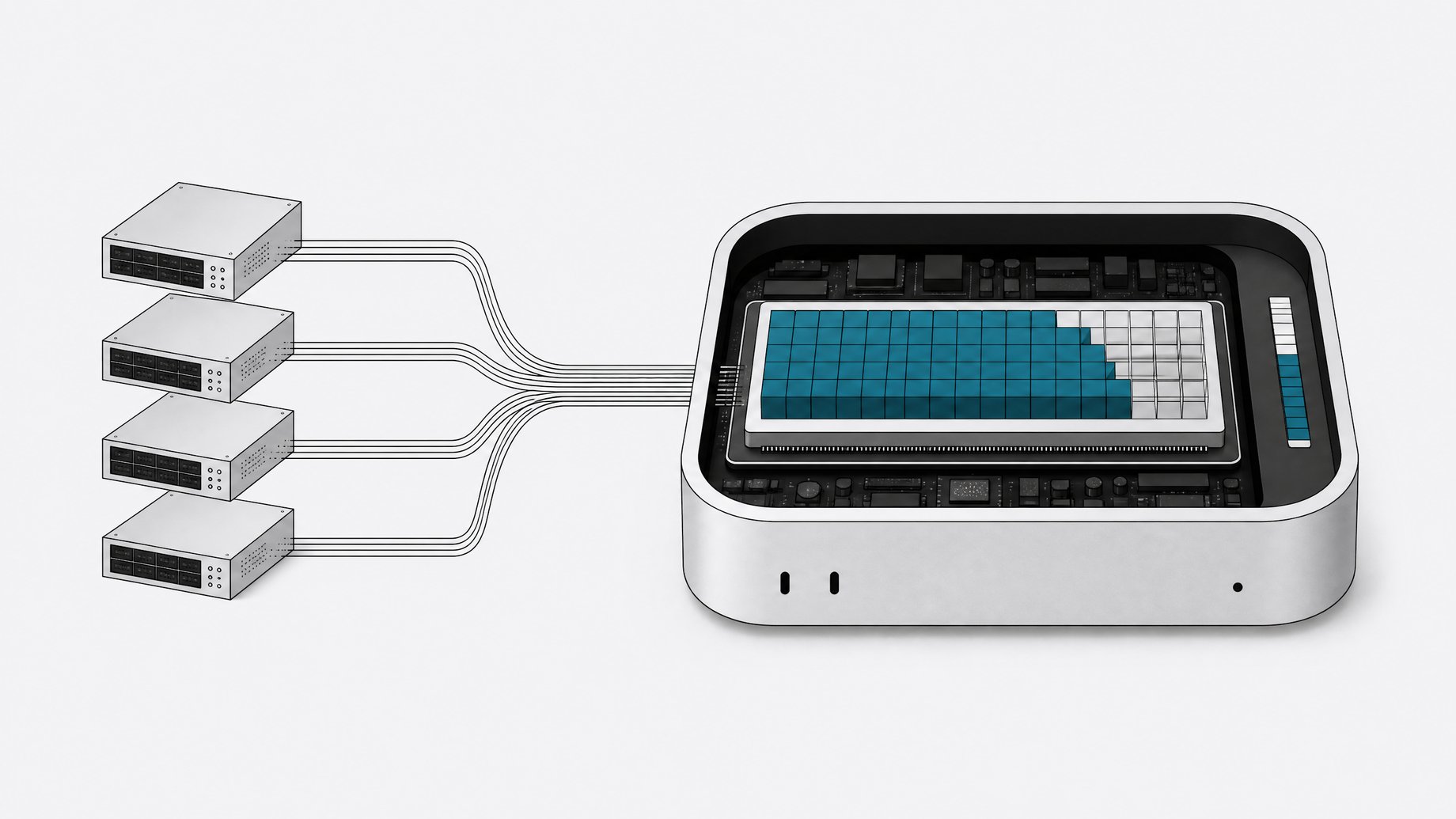
Can you run Perplexity Computer locally on a Mac?
Yes, according to the reporting behind this article. Perplexity Computer, an agent that originally ran on machines Perplexity owns in the cloud, can now execute on your own Mac, using Qwen 3.6 as the model. The figure attached to it is 36GB of unified memory, which is a recommendation, not a hard floor. Below that, expect slower responses, smaller model variants, or an agent that struggles with long tasks.
One caveat up front. The product details here (Qwen 3.6, the 36GB figure) come from the topic brief, and no primary documentation was available when this was written. Check Perplexity's own docs for exact supported models, Mac chips, and install steps before you plan a purchase.
TL;DR
- Perplexity Computer is described as moving from Perplexity-owned cloud machines to local execution on a Mac.
- The local setup is reported to use Qwen 3.6 as its model, so inference happens on your hardware.
- The recommended memory is 36GB of unified memory, which is the number to check before you try it.
- On Apple silicon, the CPU and GPU share one memory pool, so a model's weights and working context compete with everything else you have open.
- Running locally generally means more privacy and no per-task cloud compute, but you trade away the capacity of a data center machine.
- Exact quantization, model size, and supported chips were not confirmed in the available sources, so verify them with Perplexity directly.
What changes when Perplexity Computer runs locally?
In the cloud version, the agent works on a machine Perplexity provisions and controls. You send a task, the work happens on their hardware, and you get results back. Compute, the model, and the sandbox are all on their side.
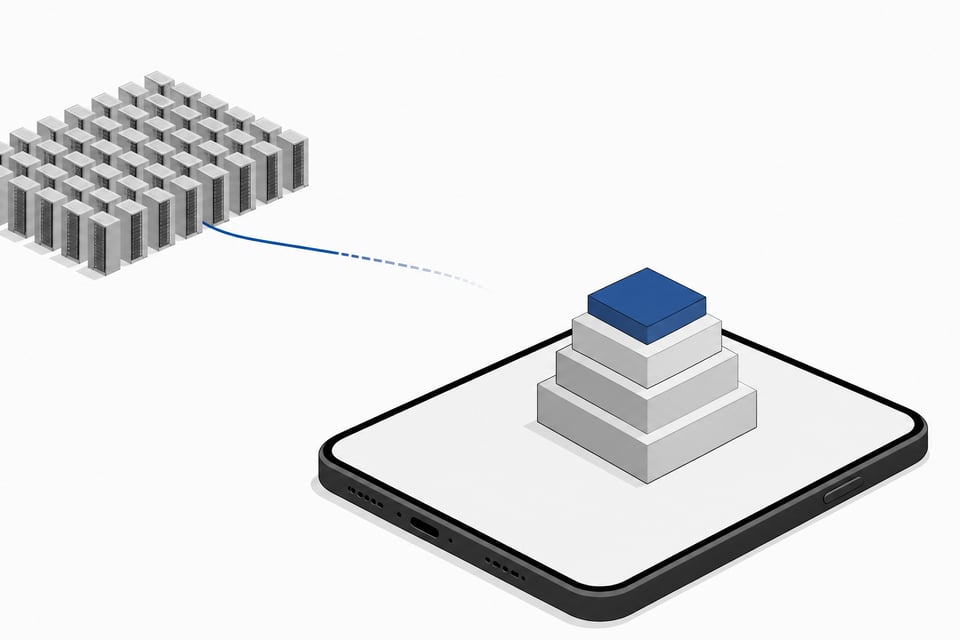
In the local version, those pieces move to your Mac. The model runs on your chip, and the agent's actions happen in your environment instead of a remote one. That shifts several things:
| Factor | Cloud machines | Local on your Mac |
|---|---|---|
| Where the model runs | Perplexity infrastructure | Your Mac, with Qwen 3.6 |
| Hardware limit | Set by the provider | Set by your unified memory and chip |
| Data path | Task data goes to the provider | Task data can stay on the device |
| Speed | Depends on provider capacity | Depends on your chip and memory |
| Cost model | Tied to the provider's plan | Uses hardware you already own |
I'm not claiming specific pricing or speed numbers for either side. None were in the source material.
Why does the recommendation say 36GB of unified memory?
Apple silicon Macs use unified memory. The CPU, GPU, and Neural Engine draw from one shared pool instead of separate system RAM and video memory. That is why local LLM people talk about total memory instead of VRAM on a Mac.
A local model needs memory for three things:
- The weights. A rough rule: parameter count times bits per weight, divided by eight. A hypothetical 30-billion-parameter model quantized to 4 bits needs about 15GB for weights alone.
- The context cache. Agents read pages, files, and tool output. Long contexts grow the key-value cache, and that can add several gigabytes.
- Everything else. macOS, your browser, and whatever apps the agent is operating all need room too.
An agent is hungrier than a chat window. It keeps long histories and runs alongside real apps. A 36GB recommendation makes sense as headroom: enough for a mid-sized quantized model, a long context, and an operating system that does not start swapping to disk. Swapping is where local inference goes from usable to painful.
I don't know the exact size or quantization of the Qwen 3.6 variant Perplexity uses, so I can't tell you how the 36GB splits between weights and cache.
How do you check whether your Mac has enough memory?
Open the Apple menu and choose About This Mac. The memory line shows your unified memory. From Terminal you can also run:
system_profiler SPHardwareDataType | grep Memory
Then compare against the recommendation:
- 36GB or more: you are in the recommended range.
- 24GB or 32GB: it may work with a smaller or more heavily quantized model, but expect tighter limits on context length and multitasking.
- 16GB or less: likely a poor fit for an agent running a capable model plus real applications.
Memory is fixed at purchase on Apple silicon. You can't upgrade it later, so this matters mainly if you are deciding on a new machine. Apple has sold 36GB configurations on some Pro and Max chips, though what is available depends on the model year.
Is running it locally better than the cloud version?
It depends on what you value.
Reasons to prefer local:
- Your files, browsing, and task data can stay on your machine instead of passing through a provider's servers.
- You aren't relying on someone else's capacity during busy periods.
- You get more control over the environment the agent acts in.
Reasons to stay in the cloud:
- A cloud machine isn't limited by your laptop's memory or thermals.
- Your Mac stays free for other work while the agent runs. A local model under load can heat the machine and drain a battery quickly.
- A provider can run larger or more capable models than a 36GB Mac can hold.
An open-weight model on consumer hardware will usually trail the largest hosted models on hard, multistep tasks. How big that gap is for Perplexity Computer is something I can't quantify without benchmarks, and none were provided. Test it on your own workflows before you commit.
What security questions should you ask before giving a local agent access?
Local does not mean safe by default. An agent that can click, type, and run commands on your Mac can do damage if it misreads an instruction or encounters a malicious web page. Local execution removes some data-exposure concerns and adds others, because the agent now acts on your real files and accounts.
Sensible habits apply regardless of the vendor. Use a separate user account or a limited folder when you can. Keep sensitive credentials out of reach. Review what permissions the app asks for, and watch early runs instead of walking away. Recent news that Railway's back-end variables may have been accessed, potentially exposing API keys of companies that built apps on it, is a reminder to keep secrets out of places an agent can read them.
Frequently Asked Questions
Do I need exactly 36GB of memory?
No. The 36GB figure is a recommendation. Machines with less may still run it, likely with a smaller model, shorter context, or slower responses. Treat it as the comfortable target, not a hard requirement.
Does running Perplexity Computer locally mean it works offline?
Not necessarily. Local inference means the model runs on your Mac, but the agent's tasks, such as research or browsing, may still need an internet connection. Confirm which features need network access in Perplexity's documentation.
What is Qwen 3.6?
Qwen is a family of language models from Alibaba, and the brief names version 3.6 as the model used for local execution. The sources did not include its parameter count, quantization, or benchmark results, so check the model card for those details.
Will a Mac with an Intel chip work?
The reporting centers on Mac hardware with unified memory, which means Apple silicon. Intel Macs lack that architecture, so they are unlikely to be a good fit. Confirm supported chips with Perplexity before installing.
Is the local version cheaper than the cloud version?
Possibly, since the compute runs on hardware you already own. I can't confirm pricing for either version from the available sources. If you'd have to buy a higher-memory Mac to qualify, the hardware cost matters more than any subscription difference.
How we source, write, and correct our articles. Editorial standards