How to Run Nemotron Dory 1.0 4B Locally and Pick a Loop Count
Run NVIDIA Dory1.0-4B locally with vLLM or llama.cpp on Apple Silicon, choose 1, 2 or 4 loops, and cut KV cache memory with last-loop caching.

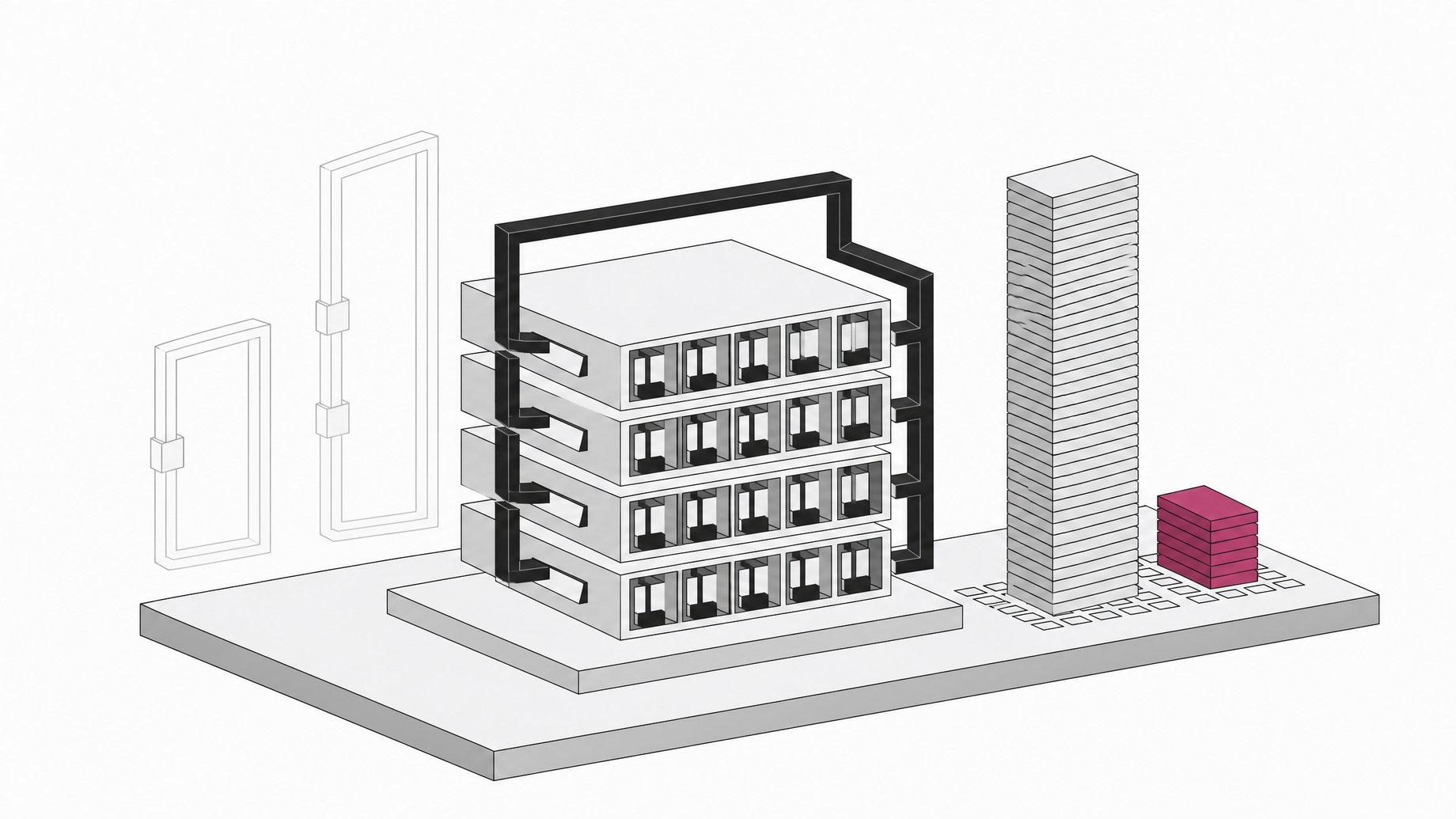
How do you run Dory1.0-4B locally and how many loops should you use?
You can run NVIDIA's Dory1.0-4B two ways today. On a GPU box, install vLLM from the open pull request (#60149) and serve the BF16 checkpoint. On an Apple Silicon Mac, build a Dory-enabled llama.cpp revision and load the 3.67GB Q5_K_M GGUF. Start with two loops. Use one loop to save compute, and consider four for agentic coding work. Last-loop KV caching keeps cache memory at the one-loop size.
TL;DR
- Dory1.0-4B is a looped model: a shared 20-layer recurrent block is applied several times, so one checkpoint serves different compute budgets.
- Two loops is the recommended default. Most of the accuracy gain comes from the second loop, with smaller gains after that.
- vLLM support is not in a release yet. You install from PR #60149 until it merges.
- llama.cpp support also needs a source build. NVIDIA's reference setup pins one specific revision and targets native ARM64 macOS.
- The Q5_K_M GGUF is 3,673,288,864 bytes, and NVIDIA's benchmark numbers were measured on BF16, not this quantization.
- Last-loop KV caching holds the KV cache at one-loop size regardless of loop count, at a small accuracy cost in NVIDIA's experiments.
What is Dory1.0-4B?
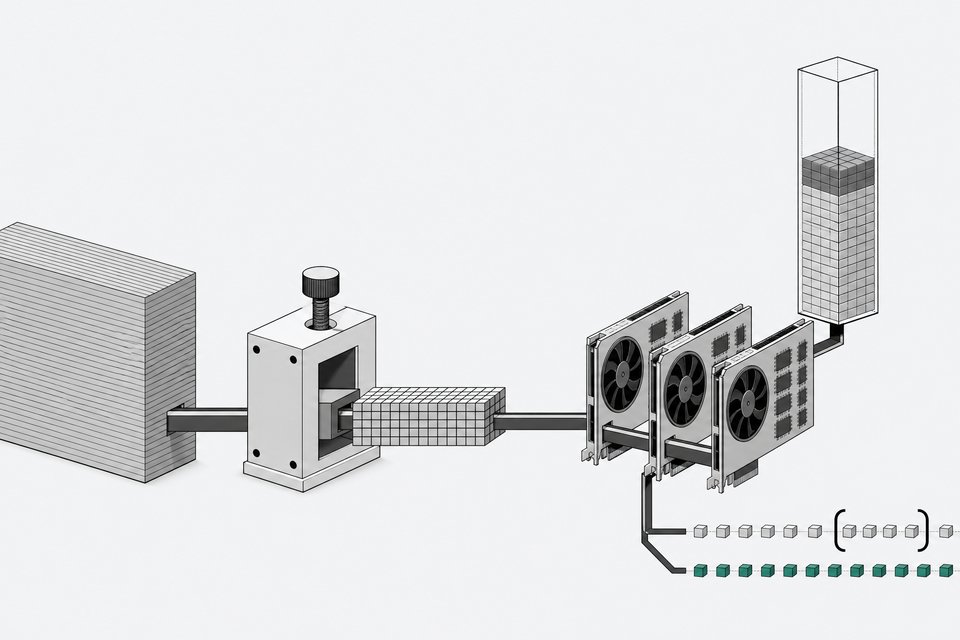
Dory1.0-4B is a 4B-parameter looped (latent-recurrent) language model from NVIDIA, built on a normalized-GPT backbone with interleaved sliding-window and full-attention layers. The stack has three groups: 8 input layers, a 20-layer recurrent block, and 8 output layers. The recurrent block runs multiple times, and the input is reinjected into every loop.
By my arithmetic, that makes the effective depth 36 layers at one loop, 56 at two, and 96 at four, all from the same weights.
Other details from the model card:
- Context length goes up to 256K tokens, English only.
- The license is OpenMDW-1.1, and the card says it is ready for commercial or non-commercial use.
- Formats listed are BF16, MXFP8, NVFP4 and Q5_K_M.
- The model was pre-trained natively in NVFP4 before continuing in BF16.
How does the loop count change results?
More loops spend more compute per token. NVIDIA also says looping reduces the number of generated tokens needed to solve a task, since the extra thinking happens in latent space. The card's numbers (measured by NVIDIA under a consistent harness) show the pattern:
| Benchmark | 1 loop | 2 loops | 4 loops |
|---|---|---|---|
| SWE-bench Verified | 50.3 | 59.5 | 61.8 |
| Terminal-Bench 2.1 | 12.5 | 18.1 | 22.2 |
| SciCode | 27.3 | 34.94 | 35.11 |
| IFBench | 74.29 | 77.94 | 79 |
| AA-LCR | 63 | 71 | 73 |
| GPQA Diamond (no tools) | 69.19 | 72.41 | 72.16 |
The jump from one to two loops is large. From two to four it is smaller, and on GPQA Diamond four loops scored slightly below two. For comparison, the card lists Qwen3.5-4B at 54.7 on SWE-bench Verified and 15 on Terminal-Bench 2.1. Dory at one loop is below that on both, so the loop count matters if you want to beat similar-sized models on agentic tasks.
Which loop count should you pick?
NVIDIA's guidance is simple:
- Two loops: the default starting point, a balance of accuracy and compute.
- One loop: when minimizing compute per token is the priority.
- Four loops: when accuracy matters more, particularly for agentic tasks such as Terminal-Bench and SWE-bench.
Because higher loop counts can shorten outputs, per-token cost is not the whole story. Measure end-to-end latency and cost on your own workload before settling. The llama.cpp section of the card also allows three loops (1, 2, 3 or 4 are accepted).
How do you run Dory1.0-4B with vLLM?
Dory support is under review in vllm-project/vllm#60149. Until a release includes it, install from the PR:
VLLM_USE_PRECOMPILED=1 pip install "git+https://github.com/vllm-project/vllm.git@refs/pull/60149/head"
VLLM_USE_PRECOMPILED=1 reuses compatible prebuilt kernels so you avoid local CUDA compilation. Then launch the server:
vllm serve --model nvidia/NVIDIA-Nemotron-Labs-Dory1.0-4B-BF16 \
    --hf-overrides '{"n_recurrent_loops": 2, "recurrent_kv_cache_mode": "per_loop"}' \
    --max-model-len 262144 \
    --max-num-seqs 128 \
    --enable-prefix-caching \
    --async-scheduling \
    --reasoning-parser nemotron_v3 \
    --tool-call-parser qwen3_coder \
    --enable-auto-tool-choice
To change the loop count, edit n_recurrent_loops inside --hf-overrides. The validated context is 256K tokens. If you are short on memory, lower --max-model-len. The card does not give VRAM requirements, so check your own headroom with a real run.
How do you build llama.cpp for Dory on Apple Silicon?
Dory support in llama.cpp is in ggml-org/llama.cpp#30306. NVIDIA's reference setup builds a pinned revision (98a74c97ea09ac72f6ceda1559808fc0a2f447ce) from a fork instead of following the moving PR head. The commands target native ARM64 macOS, not Intel or Rosetta. Install Homebrew and Apple's Command Line Tools (xcode-select --install) first.
brew install cmake openssl@3

git init llama.cpp-dory
cd llama.cpp-dory
git remote add origin https://github.com/brianchmielNV/llama.cpp.git
git fetch --depth 1 origin 98a74c97ea09ac72f6ceda1559808fc0a2f447ce
git checkout --detach FETCH_HEAD

HF_UI_VERSION=b11551 cmake -S . -B build \
    -DCMAKE_BUILD_TYPE=Release \
    -DCMAKE_OSX_ARCHITECTURES=arm64 \
    -DCMAKE_OSX_SYSROOT="/Library/Developer/CommandLineTools/SDKs/MacOSX26.sdk" \
    -DGGML_METAL=ON -DGGML_METAL_EMBED_LIBRARY=ON \
    -DGGML_BLAS=ON -DGGML_BLAS_VENDOR=Apple \
    -DLLAMA_BUILD_SERVER=ON \
    -DLLAMA_BUILD_TESTS=OFF -DLLAMA_BUILD_EXAMPLES=OFF -DLLAMA_BUILD_APP=OFF \
    -DLLAMA_BUILD_UI=OFF -DLLAMA_USE_PREBUILT_UI=ON \
    -DLLAMA_OPENSSL=ON -DOPENSSL_ROOT_DIR="$(brew --prefix openssl@3)"
cmake --build build --parallel 4 --target llama-server
The build uses Metal and a prebuilt browser UI, so you need no Python environment or JavaScript build. Note the SDK path points at MacOSX26.sdk. If your Command Line Tools ship a different SDK, adjust that flag.
How do you get and verify the Q5_K_M GGUF?
llama.cpp loads GGUF files, not the BF16 Hugging Face checkpoint. Download dory-q5_k_m.gguf from the nvidia/NVIDIA-Nemotron-Labs-Dory1.0-4B-GGUF repository and place it in llama.cpp-dory/. The expected size is 3,673,288,864 bytes. Verify the checksum:
echo "96080be49ffd67b916018b7bdef8c484762576fb52780e10ab98ac4978a660e0 dory-q5_k_m.gguf" | shasum -a 256 -c -
This is a quantized export. The published benchmark results are for BF16, not this quantized export.
How do you launch the llama.cpp server?
From llama.cpp-dory/:
./build/bin/llama-server \
    -m ./dory-q5_k_m.gguf \
    --alias dory \
    --host 127.0.0.1 --port 8080 \
    -ngl 999 \
    --ctx-size 4096 --parallel 1 \
    --batch-size 512 --ubatch-size 512 \
    --cache-type-k f16 --cache-type-v f16 \
    --flash-attn off \
    --no-context-shift \
    --jinja --reasoning on \
    --temp 1.0 --top-p 0.95 --top-k 0 --min-p 0 --repeat-penalty 1 \
    --override-kv "dory.num_loops=int:2,dory.recurrent_kv_cache_mode=str:per_loop"
The chat UI opens at http://127.0.0.1:8080. The OpenAI-compatible API is at http://127.0.0.1:8080/v1 with model name dory. The server is local-only and unauthenticated. The reference context is a modest 4096 tokens, so raise --ctx-size if you need more, and watch memory when you do.
To change loops, set dory.num_loops in --override-kv to 1, 2, 3 or 4.
What does last-loop KV caching do?
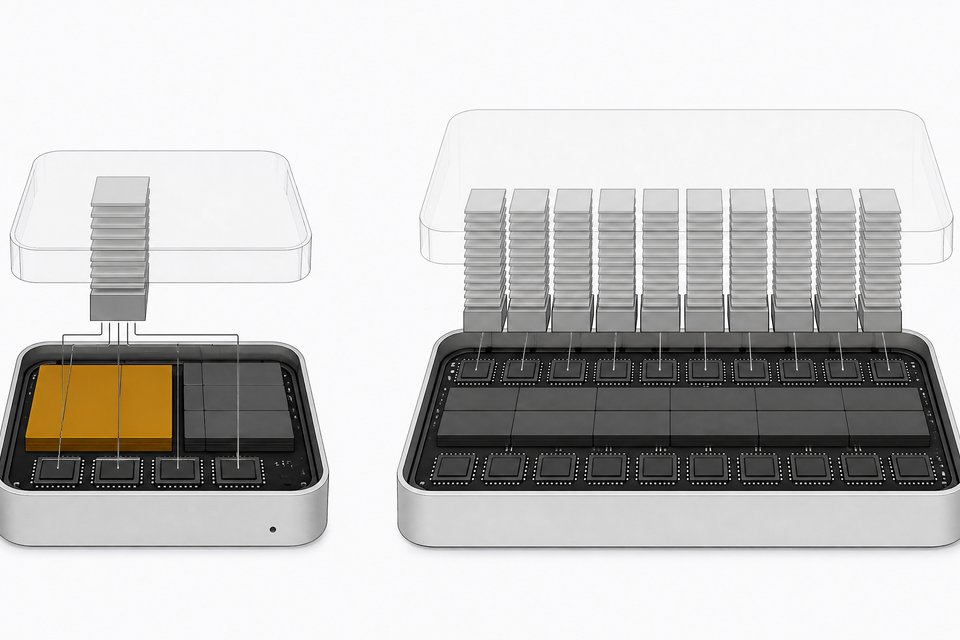
By default, both examples use per_loop caching, which stores a separate KV cache for each recurrent loop. Memory grows with each added loop. In last_loop mode, each loop overwrites the previous loop's entries in a single cache per recurrent attention layer. The cache holds only the final loop's keys and values, so the footprint stays at the one-loop size at any loop count. That leaves room for longer contexts or more concurrent requests.
In vLLM, set recurrent_kv_cache_mode to "last_loop" in --hf-overrides. NVIDIA reports that accuracy stays close to per-loop mode with nearly unchanged output lengths. For llama.cpp, the same key appears in --override-kv, so swapping the value to last_loop is the logical change. The portion of the card covering that step was cut off in the material I worked from, so confirm the exact syntax against the model card before relying on it.
Frequently Asked Questions
Is two loops always the best setting?
No. It is NVIDIA's recommended starting point, not a universal optimum. Four loops scored higher on SWE-bench Verified, Terminal-Bench 2.1 and AA-LCR, while two loops edged out four on GPQA Diamond. Test on your own tasks.
Does the GGUF match the published benchmarks?
Not exactly. The benchmark results are for the BF16 checkpoint, and the Q5_K_M file is a quantized export. Treat the published numbers as an upper reference and run your own evaluation.
Can I use a stock llama.cpp or vLLM release?
Not yet, according to the model card. Both runtimes need Dory-specific code from open pull requests, and the card says it will be updated once a vLLM release supports Dory. The llama.cpp example builds a pinned fork revision for reproducibility.
Does a higher loop count mean slower responses?
Each token costs more compute at higher loop counts. NVIDIA also notes that looping can reduce the number of generated tokens, so total latency may not rise as much as per-token cost suggests. Measure end to end on your workload.
How we source, write, and correct our articles. Editorial standards