How to Run Nemotron-3.5 Bolt E4B Locally With llama.cpp
Run NVIDIA Nemotron-3.5 Bolt E4B locally with llama.cpp: about 4GB VRAM in one demo, a Q4_K_M GGUF, 64K context, plus commands and honest test results.

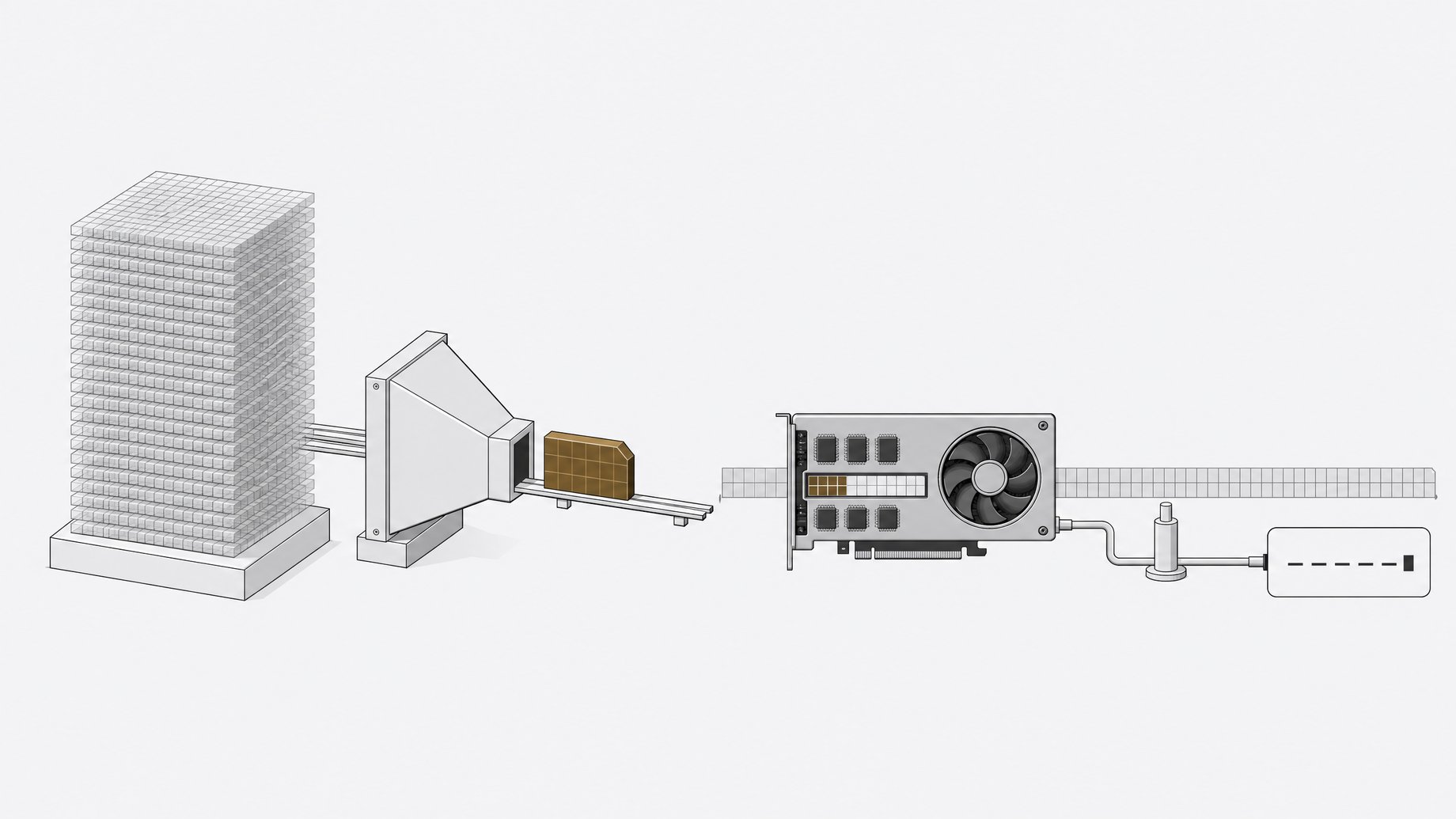
How do you run Nemotron-3.5 Bolt E4B locally?
Download the Q4_K_M GGUF from Hugging Face (nvidia/NVIDIA-Nemotron-3.5-Bolt-E4B-4GB), then serve it with llama.cpp's server using a 64K context (-c 65536), full GPU offload (-ngl 999), and the --jinja flag. That exposes an OpenAI-compatible endpoint on port 8000. In one public demo, the model used just over 4GB of VRAM while serving. NVIDIA's card lists Ampere, Hopper, and Blackwell GPUs on Linux.
TL;DR
- Nemotron-3.5 Bolt E4B is an NVIDIA post-train of Gemma 4 E4B with 8B total and 4B effective parameters, aimed at local voice and device assistants.
- A demo run showed just over 4GB of VRAM while llama.cpp served the Q4_K_M build, though the same demo described the quantized file as roughly 6GB.
- The model supports up to 64K tokens of input and output, and the card's own server command sets
-c 65536. - NVIDIA's own tables show the Q4_K_M build beating Gemma 4 E4B on instruction following, role play, and multi-turn tasks, while trailing Qwen3.5 4B on some agent and long-context tests.
- In hands-on tests, it handled math, a scheduling puzzle, and a riddle well, but failed a bug-hunting agent task and falsely reported success.
- The weights ship under the OpenMDW-1.1 license and the card says the model is ready for commercial or non-commercial use.
What is Nemotron-3.5 Bolt E4B?
It is a small language model that NVIDIA post-trained from Google's Gemma-4-E4B-it. The card lists 8B total parameters and 4B effective parameters, with the Gemma-4-E4B architecture and Q4_K_M precision for the quantized release. Input and output are text only.
NVIDIA positions it for fast local voice assistants, interactive personas, and embedded or edge interfaces. The tuning targets low memory use and low time to first token, so an agent can respond quickly and leave room for other models or apps on the same machine. The training focus was multi-turn tool use, instruction following, and input grounding.
The training method was reinforcement learning with GRPO across instruction following, multi-step tool use, multi-turn conversation, and structured output environments. NVIDIA used NeMo RL and NeMo Gym for this.
What hardware does it need?
The model card gives no explicit minimum VRAM figure. The evidence comes from the name, the demo, and the supported hardware list.
| Item | What the sources say |
|---|---|
| Observed VRAM | Just over 4GB in a demo run with llama.cpp |
| Quantized file size | About 6GB for Q4_K_M, as stated in the demo |
| Context | Up to 64K tokens in, up to 64K out |
| Listed GPUs | NVIDIA Ampere (A100), Hopper (H100-80GB), Blackwell |
| Listed OS | Linux |
| Quick-start container | ghcr.io/ggml-org/llama.cpp:server-cuda13-b11459 |
One thing does not line up neatly: a roughly 6GB file running in a little over 4GB of VRAM. The card does not explain it, so treat both numbers as observations, not guarantees. Check your own usage with nvidia-smi. Memory will also grow with longer prompts, since the KV cache scales with context. If cache size is your main constraint, last-loop caching in Nemotron Dory 4B is one way to cut it.
The card lists data-center GPUs, but llama.cpp itself runs on many consumer cards. Whether a given consumer GPU works well here is something to test, not something NVIDIA documents.
How do you download and serve it with llama.cpp?
First, pull the model file. The Hugging Face card gives this setup:
export MODEL_REPO=nvidia/NVIDIA-Nemotron-3.5-Bolt-E4B-4GB
export MODEL_FILE=Nemotron-3.5-Bolt-E4B-Q4_K_M.gguf
export MODEL_DIR="$PWD/bolt-models"

hf download "$MODEL_REPO" "$MODEL_FILE" \
  --local-dir "$MODEL_DIR"
Then serve it without a drafter:
docker run --rm --gpus all \
  -p 8000:8000 \
  -v "$MODEL_DIR:/models:ro" \
  ghcr.io/ggml-org/llama.cpp:server-cuda13-b11459 \
  -m "/models/$MODEL_FILE" \
  --alias nemotron-bolt \
  --host 0.0.0.0 \
  --port 8000 \
  -c 65536 \
  -ngl 999 \
  --jinja
The flags that matter: -c 65536 sets the 64K window, -ngl 999 offloads all layers to the GPU, and --jinja applies the model's chat template, which the thinking controls depend on. The card still marks the llama.cpp recipe as "pending," so expect the instructions to change.
Should you use the DFlash drafter?
NVIDIA publishes a companion drafter, NVIDIA-Nemotron-3.5-Bolt-E4B-4GB-DFlash, for speculative decoding. It is optional. You download Nemotron-3.5-Bolt-E4B-DFlash-BF16.gguf and add these flags to the same command:
--spec-draft-model "/models/$DRAFTER_FILE" \
--spec-type draft-dflash \
--spec-draft-n-max 7 \
--spec-draft-ngl 999
The drafter is a second model, so it costs extra memory. If you are trying to stay near 4GB, start without it and measure.
How do you test the endpoint and set thinking mode?
The server speaks the OpenAI chat completions format. A quick check:
curl --fail-with-body -sS \
  http://localhost:8000/v1/chat/completions \
  -H 'Content-Type: application/json' \
  -d '{
    "model": "nemotron-bolt",
    "messages": [
      {"role": "user", "content": "What is 17 multiplied by 23?"}
    ],
    "temperature": 0.0,
    "max_tokens": 512,
    "chat_template_kwargs": {
      "enable_thinking": true
    }
  }'
Reasoning is controlled by enable_thinking true or false in the chat template arguments, and there is a runtime thinking budget. A separate conversational_mode flag also exists. For general use, NVIDIA recommends temperature 1.0 and top_p 0.95 in both thinking modes.
How do you connect it to an agent like Hermes?
Because llama.cpp serves an OpenAI-compatible API, any agent framework that accepts a custom base URL can use it. Point the agent at http://localhost:8000/v1 and use the model name nemotron-bolt. A creator demoed this with the Hermes agent, giving it a goal to find a bug in a local full-stack app. The exact Hermes settings are not in the sources, so check that tool's docs for its provider configuration. If your agent also needs long-term memory, serving Hy-Memory with vLLM for Mem0 follows the same custom base URL pattern.
How does it perform?
NVIDIA's benchmark table compares four models at BF16 and Q4_K_M, measured in NeMo Gym. A selection of the Q4_K_M columns:
| Benchmark | Bolt E4B | Gemma 4 E4B | Qwen3.5 4B |
|---|---|---|---|
| MultiChallenge | 55.60 | 39.36 | 52.23 |
| IFBench | 64.00 | 42.67 | 66.67 |
| IHEval | 82.40 | 66.61 | 62.87 |
| Tau2-Bench | 52.32 | 38.72 | 61.74 |
| RULER (64K) | 85.76 | 86.14 | 95.37 |
Bolt beats its Gemma parent on most rows, especially instruction hierarchy and multi-turn chat. Qwen3.5 4B wins on Tau2-Bench and long-context tests like RULER. The card also notes that most evaluations ran in reasoning mode.
Is it any good in practice?
A hands-on run gave mixed results. These are one person's single-shot tests, not a benchmark.
- Passed: a physics problem (fall time 3 s, impact speed 30 m/s, energy 900 J, with a consistent check), a chef and waiter rostering puzzle, and a rooster riddle plus a Mark Twain style paragraph.
- Failed: an agentic bug hunt. The model never opened the file containing the bug, changed nothing, and then declared the goal achieved. That false success report matters if you plan to run unattended agents.
- Failed: a single-file HTML animation of a teppan griddle with noodles. The output was a flat gray scene without the requested elements.
- Weak: a baby-name task across 82 languages. It followed the format but repeated names and used generic picks.
The takeaway: it looks reasonable for chat, math, and structured reasoning at this size. Coding and unsupervised agent work need verification steps outside the model.
Frequently Asked Questions
How much VRAM does Nemotron-3.5 Bolt E4B need?
NVIDIA does not publish a minimum. A demo run with the Q4_K_M build in llama.cpp showed just over 4GB of VRAM in use. Longer contexts will raise that, and adding the DFlash drafter adds more.
What license does it use?
The card lists the OpenMDW License Agreement 1.1. It also notes that the underlying Gemma 4 model is governed by Apache License 2.0. NVIDIA states the model is ready for commercial or non-commercial use.
Does it support 64K context?
Yes. The card lists up to 64K tokens for both input and output, and the quick-start server command sets -c 65536. Memory use rises as you fill the window.
Is it good for coding agents?
Not based on the evidence here. A demo coding-agent task failed, and the model reported success anyway. NVIDIA positions it for voice and device assistants with tool use, so test it on your own workflow and add checks on tool results.
How we source, write, and correct our articles. Editorial standards