How to Enable Faster Prefill on RTX 3090 and 4090 for vLLM
A free GPU unlocker patch speeds up prefill on RTX 3090, 4090 and other Ampere/Ada cards in vLLM. Steps for Proxmox/Linux plus before and after numbers.

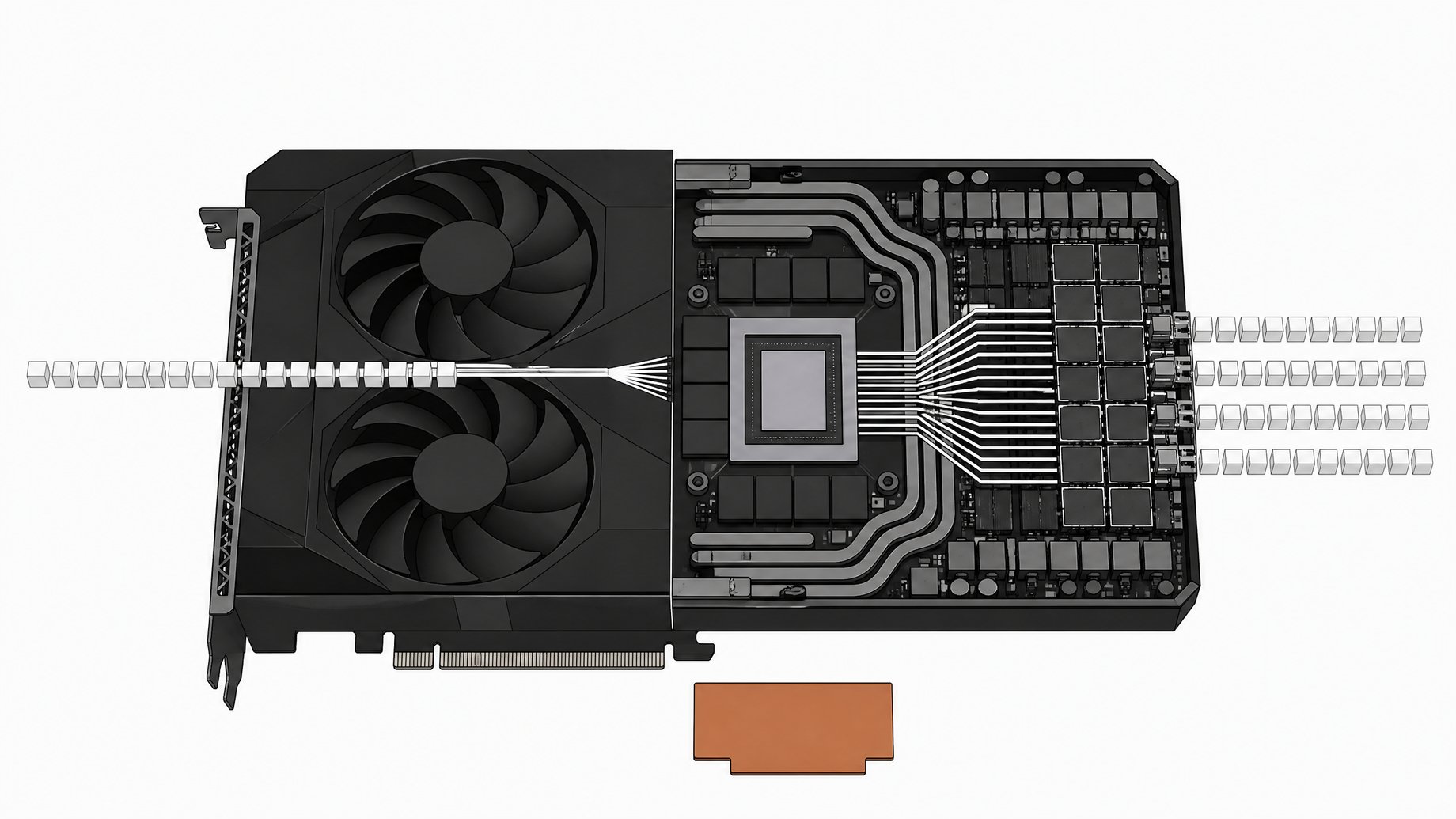
How do you enable faster prefill on an RTX 3090 or 4090?
Install the GPU unlocker package with dpkg, add its flag to your kernel command line, refresh your boot configuration, and reboot. The patch sets a speed selector so the card runs BF16 at its full rate. On a four-GPU vLLM rig running a 27B BF16 model, 2K-context prefill rose from about 1,157 to 1,840 tokens per second. That is roughly a 59% gain, and it held across context lengths up to 128K.
TL;DR
- The unlocker is free and reportedly works on RTX 3090, RTX 4090, other Ampere and Ada cards, and some 2000-series cards.
- Installation is a deb package plus a kernel command-line flag, then a boot refresh and a reboot. You need root and host-level kernel control.
- On the test rig, prefill at 2K context went from 1,157 to 1,840 tokens per second.
- At 128K context, prefill went from 1,114 to 1,769 tokens per second, so long-context work benefits as much as short prompts.
- The gain is not a doubling, which matches what early reports suggested.
- Reports also mention RTX 3060s and 22 GB modded 2080 Ti cards working, but those come from reports, not from this benchmark.
What does the unlocker actually change?
The patch sets a speed selector value so the GPU runs BF16 at its full rate. The demo used 0x88888 as that value, as best the narration can be read. After the change, the tool reports the GPUs as unlocked.
Prefill is the stage where the model processes your whole prompt before it generates anything. It is compute-bound and leans heavily on tensor math. That explains why a BF16 rate change shows up in prefill. The sources don't claim a decode speedup, so don't expect one.
Which GPUs does it work on?
The creator names the following as working or reportedly working:
| GPU | Status in the sources |
|---|---|
| RTX 3090 | Tested, with the numbers below |
| RTX 4090 | Named as supported |
| Other Ampere and Ada cards | Named as supported |
| Some 2000-series cards | "Appear to be working" |
| RTX 3060 | Reported working |
| 2080 Ti modded to 22 GB | Reported working |
The 50 series is a open question. The creator said he did not know whether an unlocker existed for it yet, only that one exists for the 2000 through 4000 series.
How do you apply the GPU unlocker?
The walkthrough used a Proxmox host, but the steps apply to any Linux system where you have root and full kernel control at the host level. A VM or container without that control won't do.
- Get the unlocker. Download the package from the links the creator provides.
- Install the deb file. If the tool isn't present, install it:
dpkg -i /path/to/unlocker.deb
- Add the flag to the kernel command line. On an EFI system using Proxmox's boot tooling, edit the command line file and append the unlocker's flag to the end of the existing line:
nano /etc/kernel/cmdline
- Refresh the boot configuration.
proxmox-boot-tool refresh
- Reboot the machine.
- Verify. After boot, run the unlocker's check. It should report the GPUs as unlocked.
The sources don't give the exact flag string or package filename, so take those from the unlocker's own documentation. If you boot with GRUB instead of EFI and systemd-boot, the edit goes in your GRUB command-line config instead. The source only walks through the EFI path.
How was the speedup measured?
The test machine ran vLLM across four GPUs. A second machine called a prefill benchmark script against it at a concurrency of one. The target context sizes were 2K, 16K, 32K, 64K and 128K.
The model was a 27B in BF16. The creator chose it because BF16 is, in his words, about the stockest setup you can run in vLLM, with no quantization tricks involved. It also directly exercises the BF16 rate the unlocker targets. The tensor type was checked to confirm it was BF16.
How much faster does prefill get?
Here are the measured numbers in tokens per second.
| Context | Before | After | Gain |
|---|---|---|---|
| 2K | 1,157 | 1,840 | ~59% |
| 16K | 1,259 | 2,020 | ~60% |
| 32K | 1,240 | ~2,020 | ~63% |
| 64K | 1,195 | 1,918 | ~60% |
| 128K | 1,114 | 1,769 | ~59% |
The 32K "after" figure is hard to read from the narration, so treat it as approximate. The gain is consistent, around 60% at every length. The video title says 62%, and the small difference comes from rounding and which row you compare.
Before the patch, throughput peaked in the 16K to 32K range and sagged at 64K and 128K. The same shape shows up after the patch, just shifted up. Long-context prefill still costs more than mid-length prefill, but the patch narrows the gap in absolute time. For workloads like RAG, code agents or long-document summarization, where you push tens of thousands of tokens before the first output token, that is where you feel it.
Is it worth doing?
For most people running local inference on supported cards, probably yes. The cost is a package install and a reboot, and the measured gain is large for a prompt-heavy workload. If your usage is short prompts with long generations, prefill matters less and you will notice less.
A few cautions:
- This is a patch that changes GPU behavior at the host level. Read what it does before you run it on a machine you depend on.
- The benchmark is one rig, one model, concurrency of one. Your numbers will differ with other models, quantizations, batch sizes and drivers.
- Run a before and after test yourself. The creator planned to publish his prefill benchmark script on his site so others could compare.
Why does this matter for used GPU prices?
The creator argued that this kind of free performance bump adds to demand for older cards. He said 3090 prices were trending up and expected that to continue until roughly mid-December. He pointed to the 22 GB modded 2080 Ti, at around $630, as a strong value on price per gigabyte of VRAM and price per gigabyte of bandwidth. He predicted it would be the next card to approach its MSRP. That is his market opinion, not a measured fact, so check current listings before buying.
Frequently Asked Questions
Does the unlocker double prefill speed?
No. Reports suggested it would fall short of double, and the measurements agree. The gain was about 59% to 63% depending on context length.
Can I apply it inside a VM or container?
The sources say you need root access and full kernel control at the host level. The patch goes into the host's kernel command line, so applying it from inside a guest is unlikely to work.
Does it work on Ada cards like the 4090?
The creator lists the 3090, the 4090 and Ada or Ampere class cards as supported. The published before and after numbers come from the 3090-class test rig only.
Do I need to use BF16 to see the benefit?
The test used BF16 because the unlocker sets the full BF16 rate. The sources don't report results for quantized models, so the gain there is unconfirmed. Benchmark your own setup to find out.
How do I know the patch took effect?
After rebooting, run the unlocker's check. It reports whether the GPUs are unlocked. Then rerun a prefill benchmark and compare with your baseline.
How we source, write, and correct our articles. Editorial standards