How to Run CUDA on AMD GPUs With ZLUDA on Windows
Learn how to run CUDA apps on AMD GPUs with ZLUDA on Windows: setup steps, supported GPUs, legal risk under NVIDIA's EULA, and what still breaks.

How do you run CUDA on AMD GPUs with ZLUDA on Windows?
You can run CUDA-only software on AMD GPUs today. ZLUDA is an open-source translation layer that lets unmodified CUDA binaries execute on AMD's ROCm/HIP stack on Windows, no source code changes required. It works well for some workloads, breaks entirely for others, and sits in a legal gray zone worth understanding before it becomes load-bearing infrastructure.
Here's the detail.
TL;DR
- ZLUDA translates unmodified CUDA binaries to run on AMD GPUs, so no source code changes are required.
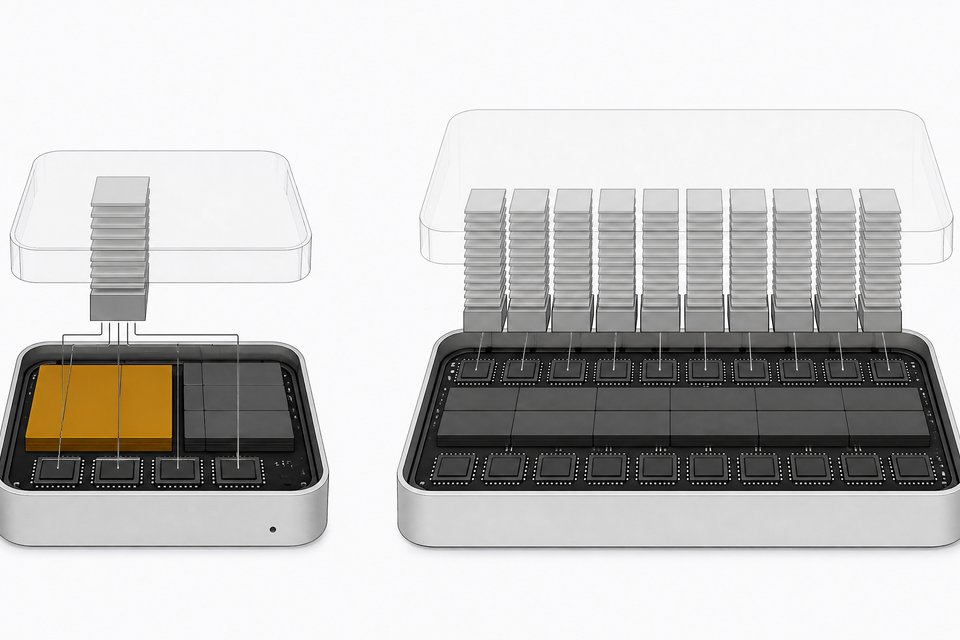
- AMD's MI300X accelerator costs half as much as NVIDIA's H100 while offering over twice the memory.
- NVIDIA's license bans translation layers on non-NVIDIA hardware, which creates a legal risk for companies running ZLUDA in production.
- The open-source ZLUDA project currently lacks a corporate backer after losing commercial funding, so you should pin your deployment to a specific version.
- Support is uneven: machine learning frameworks are the current priority, while OptiX, DLSS and PhysX support remain limited or pre-alpha.
What is ZLUDA, and what isn't it?
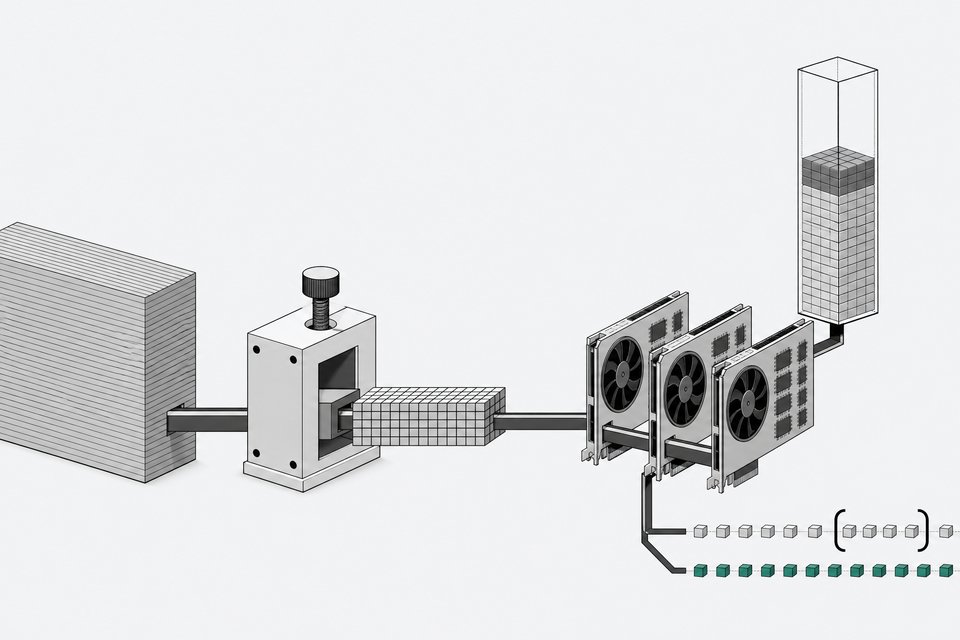
ZLUDA is a drop-in CUDA implementation. It intercepts calls a CUDA application makes and reroutes them through AMD's ROCm/HIP compute stack, so the same compiled binary that expects an NVIDIA GPU runs on an AMD one instead. Its GitHub repository has drawn nearly 15,000 stars, which tells you how much appetite there is for a way around NVIDIA hardware pricing.
It's not the same thing as porting your code with AMD's HIP toolchain, which recompiles CUDA source into HIP source and costs engineering time up front. And it's not SCALE, a separate commercial compiler that natively compiles CUDA source for AMD targets. ZLUDA's whole pitch is that you don't touch the code at all.
The tradeoff for that convenience is uneven support. Some applications run at close to native ROCm speed. Others are slow, unstable, or simply don't launch. Complex GPU renderers like OctaneRender don't run under it at all, and even simpler benchmarks only work on "certain lucky" older hardware combinations. Treat ZLUDA as a compatibility layer with real gaps, not a universal fix.
Why bother skipping NVIDIA at all?
Price. AMD's MI300X accelerator lists around $15,000 and ships with 192GB of memory. NVIDIA's H100 (80GB variant) runs about $32,000 for less than half the memory. If your workload runs on AMD silicon at anywhere near native speed, that's a real capex difference, not a rounding error.
NVIDIA's dominance is exactly what makes that gap worth chasing. Its share of combined AI and data-center accelerator revenue rose from roughly 25% in early 2021 to about 86% by late 2025. Most of the AI ecosystem, from training frameworks to creative rendering tools, was built against CUDA because CUDA was the only serious option for years. That's the monopoly this piece is about breaking, at least for workloads that can tolerate a compatibility layer.
If you're deciding whether to self-host AI infrastructure at all, get clear on what the hardware actually needs to do first. Our breakdown of what it takes to run a model like Qwen3 locally is a good starting point before you commit to any particular GPU vendor.
How stable is the ZLUDA project?
ZLUDA has changed hands and lost funding more than once. That instability matters if you're planning to depend on it.
- 2020: Intel origins. Developer Andrzej Janik built the first version of ZLUDA to run CUDA applications on Intel GPUs. Intel evaluated it and concluded there was "no business case" for CUDA compatibility on its hardware.
- 2022–2024: AMD's quiet funding. AMD secretly paid Janik for roughly two years to port ZLUDA to its ROCm stack, then open-sourced the result in February 2024.
- August 2024: the takedown. AMD asked Janik to pull the code from GitHub, saying the earlier email approving open-sourcing "wasn't legally binding" according to its legal department. Janik was explicit that this wasn't triggered by any NVIDIA legal threat.
- October 2024: an anonymous relaunch. ZLUDA found a new, unnamed sponsor and pivoted its roadmap toward AI and ML frameworks, PyTorch, TensorFlow, and Llama.cpp, targeting AMD ROCm 6.1 and newer.
- 2026: funding dries up again. ZLUDA lost its commercial backer a second time and reverted to a hobby project for Janik, even as its version 6 release shipped improved Windows support and pre-alpha 32-bit PhysX support.
None of that makes ZLUDA untrustworthy as software. It does mean the project has no stable corporate backer. Pin your deployment to a specific commit or release rather than assuming continuous support.
Is it legal to run ZLUDA?
NVIDIA's CUDA End User License Agreement has banned using its SDKs to build translation layers targeting non-NVIDIA hardware since 2021. Starting with CUDA 11.6, that language moved from the online terms into the documentation installed on your machine. The clause reads: "You may not reverse engineer, decompile or disassemble any portion of the output generated using SDK elements for the purpose of translating such output artifacts to target a non-NVIDIA platform."
It's widely read as aimed squarely at projects like ZLUDA and at Chinese GPU makers building their own CUDA-compatible stacks. For a hobbyist, this is mostly theoretical. For a company running ZLUDA on internal production infrastructure, it's a real question for legal counsel, not something to wave off because the code is open source. Nothing in the public record shows NVIDIA has sued anyone over this clause, but the language exists, and it belongs in any risk calculation before you deploy at scale.
How do you run CUDA on AMD with ZLUDA on Windows?
Here's the actual setup, assuming you have a supported AMD GPU.
- Confirm your GPU is supported. ZLUDA works on AMD Radeon RX 5000-series and newer desktop and integrated GPUs. Older architectures like Polaris and Vega, and server-class GPUs, are explicitly unsupported because their architecture diverges too much from recent desktop parts.
- Install a current AMD Adrenalin driver. You need a recent "AMD Software: Adrenalin Edition" driver installed before anything else will work.
- Install the HIP SDK. On Windows this is a separate install from the driver. The official stable HIP SDK build does not support machine learning workloads; PyTorch and TensorFlow will not run on it. For ML work, you need a nightly ROCm/HIP SDK build instead.
- Download ZLUDA. Grab the current release from the project's repository.
- Launch your application through ZLUDA. The recommended method is the launcher: run
<ZLUDA_DIRECTORY>\zluda.exe -- <APPLICATION>from a terminal. - Or drop in the DLL. Copy ZLUDA's files, including
nvcuda.dll, into the directory your application uses to load CUDA, so it picks up ZLUDA transparently instead of a real NVIDIA driver. - Verify it's working. Run the included
cuda_check.exeutility to confirm ZLUDA is intercepting CUDA calls correctly before you point production workloads at it.
That's the whole install path. Figuring out whether your specific application actually behaves once it's routed through AMD hardware takes longer.
What works well, and what still breaks?
Set your expectations before you migrate anything real.
- Machine learning frameworks are the current priority. The project has focused on PyTorch, TensorFlow, and Llama.cpp support since its October 2024 relaunch, targeting initial PyTorch support around Q4 2025.
- Rendering and creative tools are a mixed bag. Some applications approach native ROCm performance; others, like OctaneRender, don't run at all, and V-Ray only works on certain older hardware combinations.
- Ray tracing (OptiX) is barely there. ZLUDA has "minimum," buggy OptiX support, and only on Linux. There's no OptiX or DLSS support on Windows at all.
- PhysX is pre-alpha. Version 6 added 32-bit PhysX support, but it's explicitly labeled pre-alpha, not something to depend on.
- Windows lags Linux. Windows ML support has historically trailed Linux, partly because the stable HIP SDK on Windows excludes ML support and you need nightly builds to get it.
If your workload is inference or training on a well-supported framework, ZLUDA on AMD is worth a serious pilot. If it's a rendering pipeline built around ray tracing, or a niche CUDA-dependent tool, don't assume it will just work. Test on real hardware before you retire your NVIDIA fleet.
Which alternatives are worth knowing: SCALE, HIP/HIPIFY, or MUSA?
ZLUDA isn't the only way to get CUDA workloads onto non-NVIDIA hardware, and it's not always the right one.
- AMD's HIP and HIPIFY. AMD's own official path: a source-to-source porting toolchain that converts CUDA source into HIP source, which you then recompile for AMD GPUs. It requires engineering time, but it's AMD-supported and doesn't carry ZLUDA's legal ambiguity.
- SCALE, from Spectral Compute. A clean-room, commercially licensed compiler, seven years in development, that natively compiles unmodified CUDA source for AMD GPUs as a drop-in replacement for NVIDIA's
nvcc. It's been tested against Blender, Llama.cpp, XGBoost, FAISS, and other real workloads. Not open source, but it sidesteps the binary-translation questions surrounding ZLUDA. - MUSA and similar vendor toolkits. Chinese GPU maker Moore Threads has its own Musify CUDA-compatibility toolkit, part of a broader wave of non-NVIDIA vendors building their own CUDA-adjacent paths.
The rule of thumb: binary translation (ZLUDA) buys you speed of adoption at the cost of legal and stability risk. Source recompilation (HIP, SCALE) costs engineering time up front but gives you a supported, sanctioned path. Choose based on how much of your codebase is CUDA-dependent and how much runway you have to touch it.
| Engineering Effort | Legal Risk | Officially Sanctioned | Requires Code Changes | Cost | |
|---|---|---|---|---|---|
| ZLUDAunmodified CUDA binaries needing fast AMD compatibility | Low | High | No | No | Free, open source |
| HIP / HIPIFYteams willing to port and maintain source for a supported path | High | Low | Yes | Yes | Free, AMD-supported |
| RecommendedSCALEunmodified CUDA source without ZLUDA's legal ambiguity | Low | Low | Yes | No | Commercial license |
| MUSA / Musifyworkloads targeting non-AMD, non-NVIDIA silicon (e.g. Moore Threads GPUs) | Medium | Medium | Yes | No | Vendor toolkit |
Should your company actually build on this?
This is a build-vs-buy decision wearing a hardware costume. The capex savings are real: roughly half the price per accelerator and more than double the memory if you move from H100 to MI300X. But that savings only pays off if your workload actually runs correctly on the AMD side, and right now that's a workload-by-workload bet, not a guarantee.
Weigh a few things honestly before committing internal infrastructure:
- How CUDA-dependent is the workload, really? If it's mostly PyTorch or Llama.cpp inference, ZLUDA's current focus, you're in the best-supported lane.
- Can you tolerate project instability? ZLUDA has lost its funding twice and reverted to hobbyist status more than once. Pin your version, test upgrades in staging, and don't assume long-term maintenance.
- What's your actual legal exposure? NVIDIA's EULA language is now baked into every CUDA 11.6+ install. Get counsel's read on your specific deployment, not a blog post's.
- Is renting the safer near-term move? If the workload is small, transient, or mission-critical in a way that can't tolerate downtime while you debug a translation layer, renting NVIDIA cloud GPUs may still be cheaper in engineering time even if it's more expensive per hour.
For teams already thinking about infrastructure as something to own rather than rent, ZLUDA fits the same instinct that drives self-hosting anything else, from self-hosted AI coding agents to running your own inference stack instead of paying per-token API fees. It's the same bet behind the broader shift toward owning your local AI infrastructure instead of renting it, just applied at the hardware layer.
Don't confuse "it's possible" with "it's production-ready." Pilot it, measure it against your specific workload, and make the call with real numbers instead of the promise of a cheaper accelerator.
Frequently Asked Questions
Can ZLUDA run any CUDA application on AMD GPUs?
No. ZLUDA runs many CUDA applications with near-native performance, but support is uneven. Some renderers, like OctaneRender, don't run at all, and ray tracing (OptiX) support is limited to Linux and described as buggy even there. Test your specific application before relying on it.
Is it legal to use ZLUDA to run CUDA software on AMD hardware?
It's a gray area, not a settled question. NVIDIA's CUDA EULA has banned using its SDKs to build translation layers targeting non-NVIDIA platforms since 2021, and that language has been part of the installed documentation since CUDA 11.6. There's no public record of NVIDIA suing anyone over it, but companies should get legal counsel before deploying ZLUDA at scale.
Which AMD GPUs work with ZLUDA?
ZLUDA supports AMD Radeon RX 5000-series and newer desktop and integrated GPUs. Older architectures like Polaris and Vega, plus server-class GPUs, are not supported because their architecture differs too much from recent desktop hardware.
Do I need the same HIP SDK for gaming apps and machine learning workloads?
No. On Windows, the official stable HIP SDK build doesn't support machine learning frameworks like PyTorch or TensorFlow. You need a nightly ROCm/HIP SDK build for ML workloads, while the stable build is fine for other CUDA applications.
What's the difference between ZLUDA and SCALE?
ZLUDA is a binary translation layer: it intercepts CUDA calls at runtime and reroutes them to AMD's ROCm stack, with no recompilation needed. SCALE, from Spectral Compute, is a commercial compiler that natively compiles CUDA source code for AMD GPUs as a drop-in replacement for NVIDIA's nvcc. SCALE requires access to source and a rebuild step; ZLUDA works on existing binaries.
How we source, write, and correct our articles. Editorial standards