How to Run LFM3-1.7B Locally: Hardware, Formats, Settings
Run Liquid AI's LFM3-1.7B on a phone or laptop: GGUF, MLX, ONNX, FP8 and NVFP4 checkpoints, sampling settings, tool calling, and where it falls short.

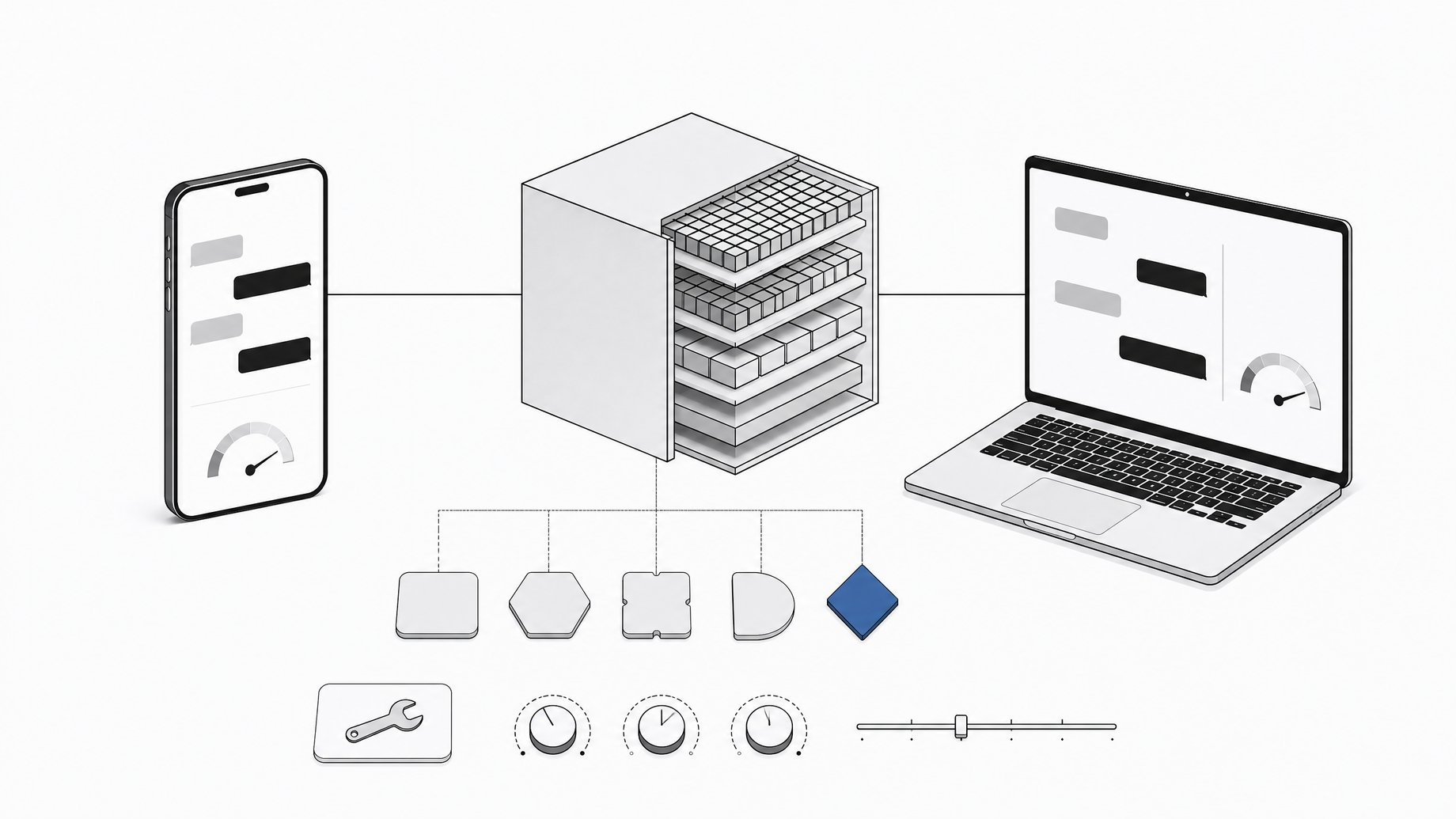
How do you run LFM3-1.7B locally?
LFM3-1.7B is a 1.73B-parameter text model from Liquid AI that takes about 1 GB of memory at 4-bit precision. That is small enough for a phone or a laptop. Pick the checkpoint that matches your runtime: GGUF for llama.cpp, Ollama and LM Studio, MLX 4-bit for Apple Silicon, ONNX for ONNX Runtime, or BF16, FP8 and NVFP4 for GPU servers. Use low-temperature sampling and a harness that handles tool calls.
TL;DR
- LFM3-1.7B has 1.73B parameters and a 256K-token context window, and Liquid AI says it needs about 1 GB at 4-bit.
- There are six checkpoint formats: BF16, FP8, NVFP4, GGUF, MLX 4-bit and ONNX, each tied to specific runtimes.
- The recommended general sampling preset is temperature 0.1, top_k 50, repetition penalty 1.1, with a hotter preset for math and science.
- It is post-trained for agent harnesses such as Hermes Agent, Pi and OpenClaw, and it supports XML-style tool calls plus deferred tool loading.
- Liquid AI says it is not recommended for agentic coding or complex multi-step reasoning, and it should be paired with retrieval for knowledge-heavy work.
- It is built to be fine-tuned on a single GPU for narrow jobs like JSON extraction or tool routing.
What is LFM3-1.7B?
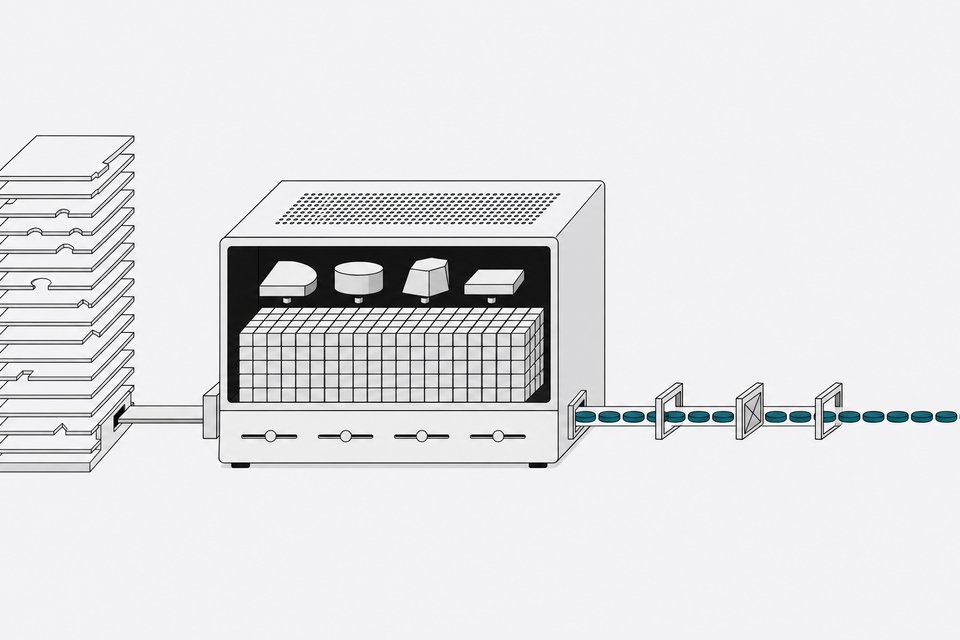
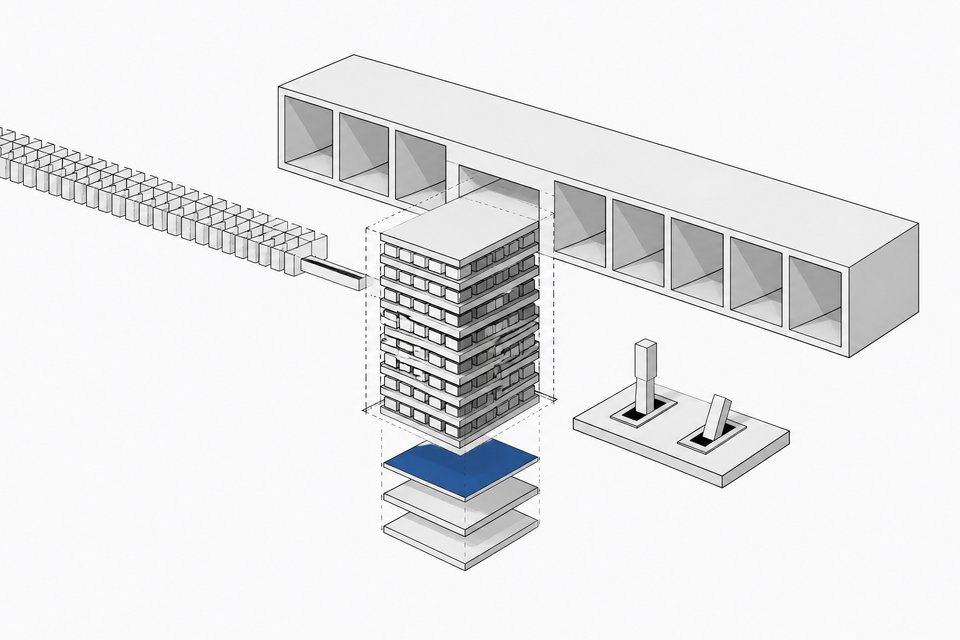
LFM3-1.7B is a post-trained, text-only model in Liquid AI's LFM3 family, which also includes base, vision, audio, omni and decision models. It uses what the company calls a tri-hybrid architecture. The model has 24 layers: 13 gated short convolutions, 5 sliding-window attention layers and 6 global attention layers.
| Property | Specification |
|---|---|
| Parameters | 1.73B |
| Layers | 24 (13 gated short conv, 5 sliding-window attention, 6 global attention) |
| Context length | 256K tokens (input plus output) |
| Vocabulary | 128,000 tokens |
| Languages | 16, including English, Arabic, Chinese, French, German, Japanese, Korean, Spanish, Hindi and Russian |
| License | LFM Open License v1.0 |
Only a minority of layers use global attention. The rest are short convolutions or windowed attention. That mix is the design choice that makes a long context window plausible on small hardware, though the model card does not publish memory figures for long prompts.
Which checkpoint should you download?
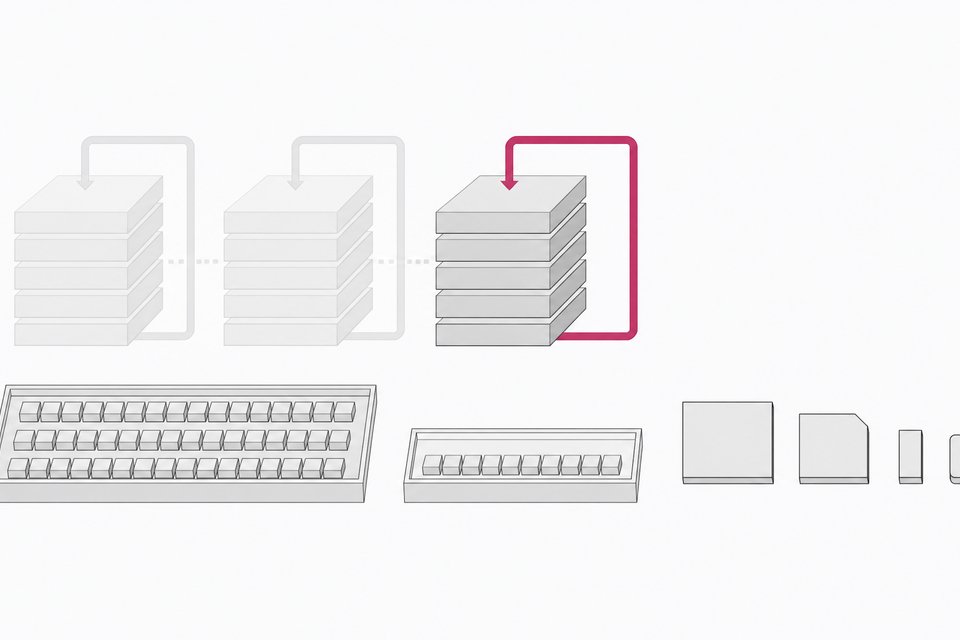
Liquid AI ships one checkpoint per major runtime. Match the format to where the model will run.
| Checkpoint | Runtime | Best for |
|---|---|---|
| BF16 | vLLM, SGLang, Transformers | GPU inference at full released precision |
| FP8 | SGLang | GPU inference with lower memory use |
| NVFP4 | SGLang | 4-bit floating-point GPU inference |
| GGUF | llama.cpp, Ollama, LM Studio | CPUs and GPUs on laptops and desktops |
| MLX 4-bit | MLX | Apple Silicon Macs |
| ONNX | ONNX Runtime | Cross-platform and on-device apps |
A few practical notes:
- Laptops and desktops: GGUF is the default choice. It runs on CPU or GPU and works in the three most common local tools.
- Macs: the MLX 4-bit build targets Apple Silicon directly.
- Phones and embedded apps: ONNX Runtime is the cross-platform route listed on the card. The model card does not name specific phone apps or SDKs, so check Liquid AI's on-device docs for your target.
- GPU servers: FP8 and NVFP4 are listed for SGLang only. BF16 is the one that works across vLLM, SGLang and Transformers.
What hardware does LFM3-1.7B need?
The card's headline number is about 1 GB of memory at 4-bit precision, which Liquid AI says fits on any phone or laptop. Treat that as the weights footprint. Simple arithmetic shows why the other formats are bigger: 1.73B parameters at 2 bytes each in BF16 is roughly 3.5 GB for weights alone.
Real usage will be higher than the weights. The KV cache and runtime overhead grow with context length, and the card gives no figures for those. If you plan to fill a large share of the 256K window, test memory on your actual device before committing.
The card lists no minimum CPU, GPU or RAM requirements beyond the 4-bit figure, so anything more specific would be a guess.
What sampling settings should you use?
The model card gives two presets.
- General use (chat, tool use, agents, coding):
temperature=0.1, top_k=50, repetition_penalty=1.1 - Math and STEM:
temperature=1.0, top_p=0.95, top_k=20
The general preset is very low temperature. Agent loops benefit from that, since a wrong character in a tool call breaks the parse. If you copy settings from another small model, change them here first.
A minimal Transformers run looks like this:
from transformers import pipeline

generator = pipeline(
    "text-generation",
    model="LiquidAI/LFM3-1.7B",
    trust_remote_code=True,
)

messages = [{"role": "user", "content": "What is C. elegans?"}]
output = generator(
    messages,
    do_sample=True,
    temperature=0.1,
    top_k=50,
    repetition_penalty=1.1,
    max_new_tokens=2048,
)
print(output[0]["generated_text"][-1]["content"])
How does the chat template and reasoning mode work?
LFM3 uses a ChatML-style template, and the generation prompt ends with a <think> tag. Reasoning is on by default. You can pass enable_thinking=False to suppress thinking traces, but the card warns this can be inconsistent, especially on reasoning-heavy tasks.
Thinking from earlier turns is stripped from history unless you set preserve_thinking=True. Use tokenizer.apply_chat_template() with add_generation_prompt=True rather than building the prompt string by hand.
How does tool calling work?
You pass function schemas through tools=... in apply_chat_template(), and the template formats definitions and results for you. The model emits calls in XML:
<tool_call>
<function=get_weather>
<parameter=city>
Paris
</parameter>
</function>
</tool_call>
Your application has to parse and run the call. Then:
- Add the parsed call to history as a
tool_callsentry on the assistant message. - Append the result as a
toolmessage. - Keep sending the tool schemas on every later request.
- Preserve the assistant's content and reasoning from the current tool-use turn.
One gotcha: function.arguments must be a Python mapping, not a JSON string. Run json.loads() on it before applying the template.
What is tool search and deferred loading?
Small models degrade when the prompt carries dozens of tool definitions. LFM3 supports deferred tools to avoid that. Mark a tool with defer_loading=True and its definition stays out of the prompt. Your harness exposes a search tool. When the model calls it, your harness returns matching names as tool_reference parts, and the chat template inserts those definitions into an <additional_tools> block.
Rules from the card:
- Your harness implements and runs the search. The model does not.
- Keep the full
toolslist, deferred entries included, on every request. - Tell the model when to search in the system prompt. The card suggests wording along the lines of: you only have one tool,
search_tools, which searches a catalog of more tools; if none of your tools can handle a request, call it, then call the tool it returns. - It works with vLLM, SGLang and LFM3-compatible llama.cpp builds. For llama.cpp, use a GGUF with the current chat template or load it with
--chat-template-file.
Older llama.cpp builds may not handle the architecture or template, so update before debugging anything else.
What is LFM3-1.7B good and bad at?
Good at:
- Local agents and tool calling, since it was post-trained for harnesses like Hermes Agent, Pi and OpenClaw.
- Structured output, such as extracting JSON from messy documents.
- Narrow, fine-tuned tasks. Liquid AI provides TRL notebooks for SFT (JSON extraction), DPO (answer from retrieved documents or decline), GRPO (calling the right tools in a 108-tool phone app) and continued pre-training (learning Turkish from raw text).
- Multilingual use across 16 listed languages.
Bad at:
- Agentic coding and complex multi-step reasoning. The model card says directly that it is not recommended for either, because of its size.
- Knowledge-heavy questions. Liquid AI recommends retrieval or search instead of relying on what the weights remember.
Benchmark tables are not in the model card text reviewed here, so check Liquid AI's release blog for published scores and treat vendor numbers as a starting point for your own evals.
Is LFM3-1.7B worth using?
It is worth trying if you need a private, on-device model that can call tools and emit clean structured output, and you are willing to scope the job tightly. The 1 GB footprint, the range of ready-made formats and the single-GPU fine-tuning path make it cheap to test. It is the wrong pick for an open-ended coding agent or anything requiring deep reasoning. In those cases, a larger model, or this one behind a retrieval layer, fits better.
Frequently Asked Questions
What license does LFM3-1.7B use?
It uses the LFM Open License v1.0. Read the license file in the repository before shipping a commercial product, since the model card links to it rather than summarizing terms.
Can LFM3-1.7B run without a GPU?
Yes. The GGUF checkpoint is listed for local inference on CPUs and GPUs through llama.cpp, Ollama and LM Studio. Speed on CPU depends on your hardware, and the card does not publish throughput numbers.
How long a context can it handle?
The context window is 256K tokens, counting input and output together. Memory use rises with context length, so the 1 GB figure covers weights at 4-bit, not a full-window session.
Can I turn off the thinking traces?
You can set enable_thinking=False in the chat template. Liquid AI notes the behavior can be inconsistent, particularly on reasoning-heavy tasks, so verify it on your own prompts rather than assuming traces never appear.
Can I fine-tune it on one GPU?
Liquid AI designed it for quick single-GPU fine-tuning through TRL. The card links notebooks for SFT, DPO, GRPO and continued pre-training, each aimed at a specific small-model use case.
How we source, write, and correct our articles. Editorial standards