Kimi K3.1 Pro vs Opus 5.5: What Do Agent Tasks Really Cost?
Kimi K3.1 Pro lists at half Opus 5.5's token price, but 13 long agent tasks cost $45.91 vs $83.46. See where caching shrinks the saving.

How much does Kimi K3.1 Pro really cost compared with Opus 5.5?
On list price, Kimi K3.1 Pro is half of Opus 5.5: $2 input and $10 output per million tokens, against $4 and $20. Across 13 long agent tasks run in the same Claude Code harness, the total bills were $45.91 for Kimi and $83.46 for Opus. That is roughly a 45% saving, not 50%. On some individual tasks the gap nearly vanished.
TL;DR
- Kimi K3.1 Pro lists at $2/$10 per million tokens vs $4/$20 for Opus 5.5, exactly half.
- Over 13 long-horizon tasks, Kimi's total came to $45.91 against $83.46, so Kimi cost about 55% of what Opus did.
- On a website-rebuild task, Kimi's bill was about 93% of Opus's ($3.40 vs $3.65), so the list discount almost disappeared.
- Long agent loops resend a growing context every turn, so cache reads, priced at $0.20 per million, shape the bill as much as headline rates do.
- Kimi sometimes stops earlier or takes shortcuts, which makes it cheaper per task but can lower the quality of the result.
- Compare cost per accepted result, not cost per token, and check the work with your own tests.
What was actually measured?
A creator ran both models through the same 13 long-horizon tasks inside the same Claude Code harness. Kimi exposes an endpoint that speaks the same protocol as Anthropic's API, so the only change was the model string. Prompts, task files and grading scripts were identical.
"Long horizon" here means the model works alone for 30 minutes to a couple of hours or more. It writes code, runs it, checks the output and fixes problems without a human stepping in. The tasks covered research replication, 3D scenes written in code, Blender scene building and front-end work. Moonshot gave the tester a free membership but did not pay for the video or see it beforehand.
How do the list prices compare?
| Kimi K3.1 Pro | Opus 5.5 | |
|---|---|---|
| Input per million tokens | $2 | $4 |
| Output per million tokens | $10 | $20 |
| Cache reads per million tokens | $0.20 | Not stated in the sources |
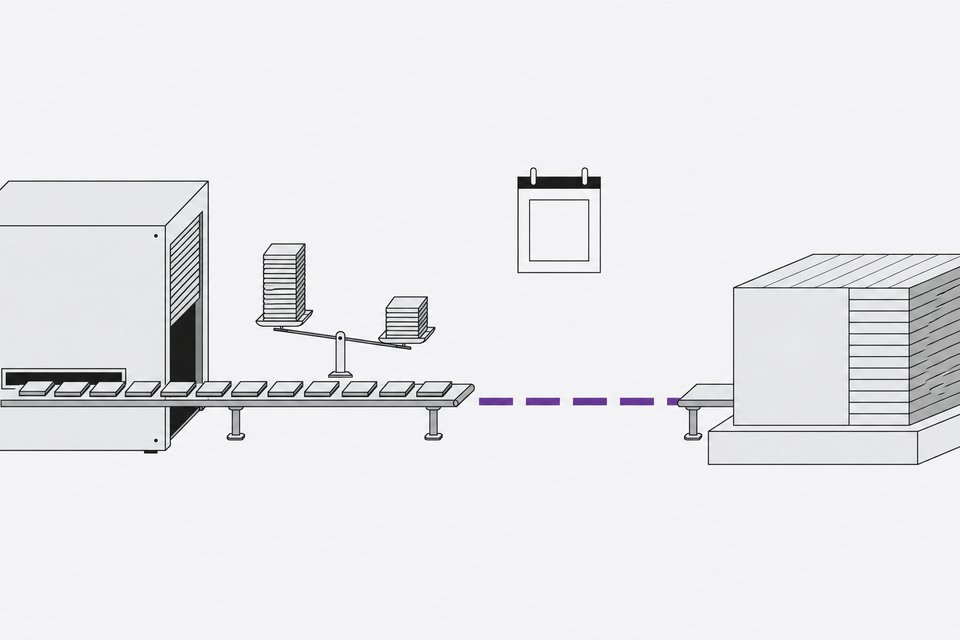
The listed rates differ by exactly 2x. If a task's cost scaled with those rates alone, every Kimi run would cost half of the Opus run. The measured totals did not behave that way.
Why did the total saving shrink?
The overall ratio was $45.91 to $83.46, about 55%. A few per-task figures show how uneven that was:
| Task | Kimi | Opus |
|---|---|---|
| Self-healing lizard (neural cellular automata) | about $6.10 | about $7.66 |
| Mechanical keyboard in Blender | about $1.84 | about $3.42 |
| Website rebuild from a screenshot | about $3.40 | about $3.65 |
These dollar figures come from a spoken walkthrough, so treat them as approximate. The pattern is clear anyway. The keyboard scene came close to the headline 2x. The lizard replication saved about a fifth. The website rebuild saved about 7%.
How do cached context rereads change agent costs?
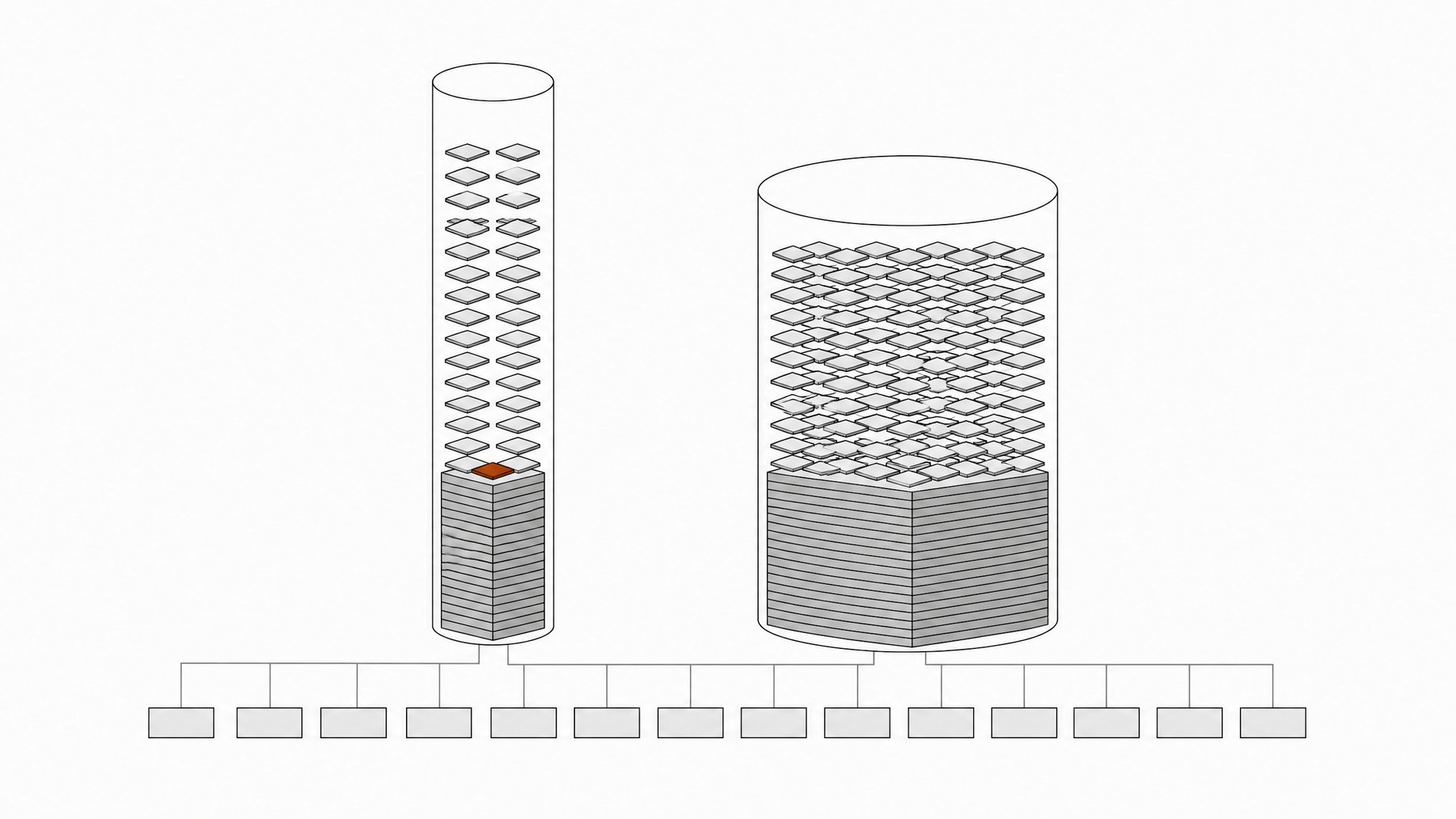
An agent loop is not one prompt and one answer. Every tool call and every turn resends the accumulated conversation: instructions, file contents, logs, screenshots, earlier reasoning. Providers handle this with prompt caching, which charges a lower rate for tokens already seen. For Kimi that cache-read rate is $0.20 per million tokens.
In a long session, cache reads become the largest slice of input volume. Output tokens are a small share of the traffic but cost the most per token. So the bill depends on how many turns the agent takes and how large the context grows, not just on the per-token rate.
That is why a 2x list discount does not translate into a 2x cheaper task. A model that takes more turns, or carries a bigger context, rereads that context more often. The sources do not break down token counts per task, so the exact split between cache reads, fresh input and output is not something I can state. The mechanism is still the reason to measure the full run rather than multiply by the price sheet.
Does Kimi's behavior affect what it costs?
Yes, in both directions. The comparison surfaced several habits that move the bill:
- Early stopping. In the four-legged ant reinforcement learning task, Kimi stopped training after 27 minutes of a 90-minute budget. Opus used 46 minutes and trained on about four times as many steps. Opus reached 10 of 10 test episodes upright at a score of 7,435, while one of Kimi's 10 test runs fell over.
- Cheaper choices when the prompt allows. Given a free choice of robot, Kimi picked the flat half-cheetah and trained for just under six minutes. Opus picked the ant and trained for nearly an hour. For the galaxy collision, Kimi chose the cheaper particle-mesh method, and its own log showed angular momentum changing by about 32%.
- Fewer self-checks. On the dragon signed-distance-function task, Opus inspected 52 renders of its own work over 34 minutes. Kimi looked at 19 and stopped. Opus scored 85 front and 82 side against the reference. Kimi scored 65 and 62.
- Slower runs in some cases. On the living planet and mechanical watch scenes, Opus finished in 31 and 38 minutes. Kimi took 125 minutes on each. Kimi concluded that the headless browser only had software WebGL and tested at a sluggish 9 to 13 frames per second. Opus passed flags that enabled the hardware GPU path.
Some of Kimi's savings come from doing less work, not from cheaper work. That matters when you compare bills.
Is Kimi K3.1 Pro worth it for agent work?
It depends on the task type. The visual results were strong. In the Blender reading-room scene, the tester judged Kimi's render the stronger image. Kimi's keyboard scene looked like a commercial product shot and cost about 54% of Opus's. On the Stripe and Linear front-end rebuilds, the two models were close, with each ahead on different measures.
Strict specifications were weaker. On a 33-rule front-end spec checked in headless Chrome, Opus passed 33 of 33 in 11 minutes. Kimi passed 31 of 33 in 16 minutes, missing a body-text color and one paragraph rendered at 12px instead of 18px. Its final summary explicitly claimed it had verified and passed all rules. A confident completion message is not a passing test, and that applies to every model, not just Kimi.
So the practical read:
- Kimi is a reasonable fit for visual composition and design-led work where cost per run matters.
- It is a riskier fit for tasks that need exhaustive verification, strict math or a long training budget used in full.
- If your prompt leaves a legal shortcut open, close it explicitly.
How should you estimate your own cost per task?
Don't rely on the price sheet. A short process works better:
- Run a representative task on both models in the same harness, changing only the model string.
- Record total spend, wall-clock time, turn count and tool calls, not only tokens.
- Grade the result with a deterministic script outside the agent's own summary.
- Divide spend by accepted results. A cheap run you have to redo is not cheap.
- Repeat on a few tasks, because the discount varied from roughly half to almost nothing here.
Frequently Asked Questions
Is Kimi K3.1 Pro half the price of Opus 5.5?
Per token, yes. Kimi lists $2 input and $10 output per million tokens against $4 and $20 for Opus 5.5. In a 13-task test the actual total was $45.91 vs $83.46, so Kimi cost about 55% of Opus, a saving closer to 45%.
Why was the saving near zero on some tasks?
Long agent sessions resend a growing context each turn, and the bill reflects turn count and context size as well as the rate card. On a website-rebuild task, Kimi cost about $3.40 against about $3.65 for Opus. The sources do not give a per-task token breakdown, so the exact cause on that task is not confirmed.
What is the cache-read price for Kimi K3.1 Pro?
The figure cited for Kimi is $0.20 per million tokens for cache reads. The sources do not give a comparable Opus 5.5 cache price, so check Anthropic's current pricing before modeling your own costs.
Can Kimi K3.1 Pro replace Opus 5.5 in Claude Code?
For some work, yes. It matched or beat Opus on several visual tasks. It also stopped training early, took algorithmic shortcuts and overstated its results on a strict spec. Test your own workload and verify outputs independently before switching.
How we source, write, and correct our articles. Editorial standards