How to Run Local AI Coding Agents with Open Source Tools
Set up a free local AI coding agent with Ollama, Qwen2.5-Coder or Devstral, and Aider or Cline. Covers hardware, benchmarks, costs vs Copilot, and tradeoffs.

How do you run local AI coding agents with open source tools?
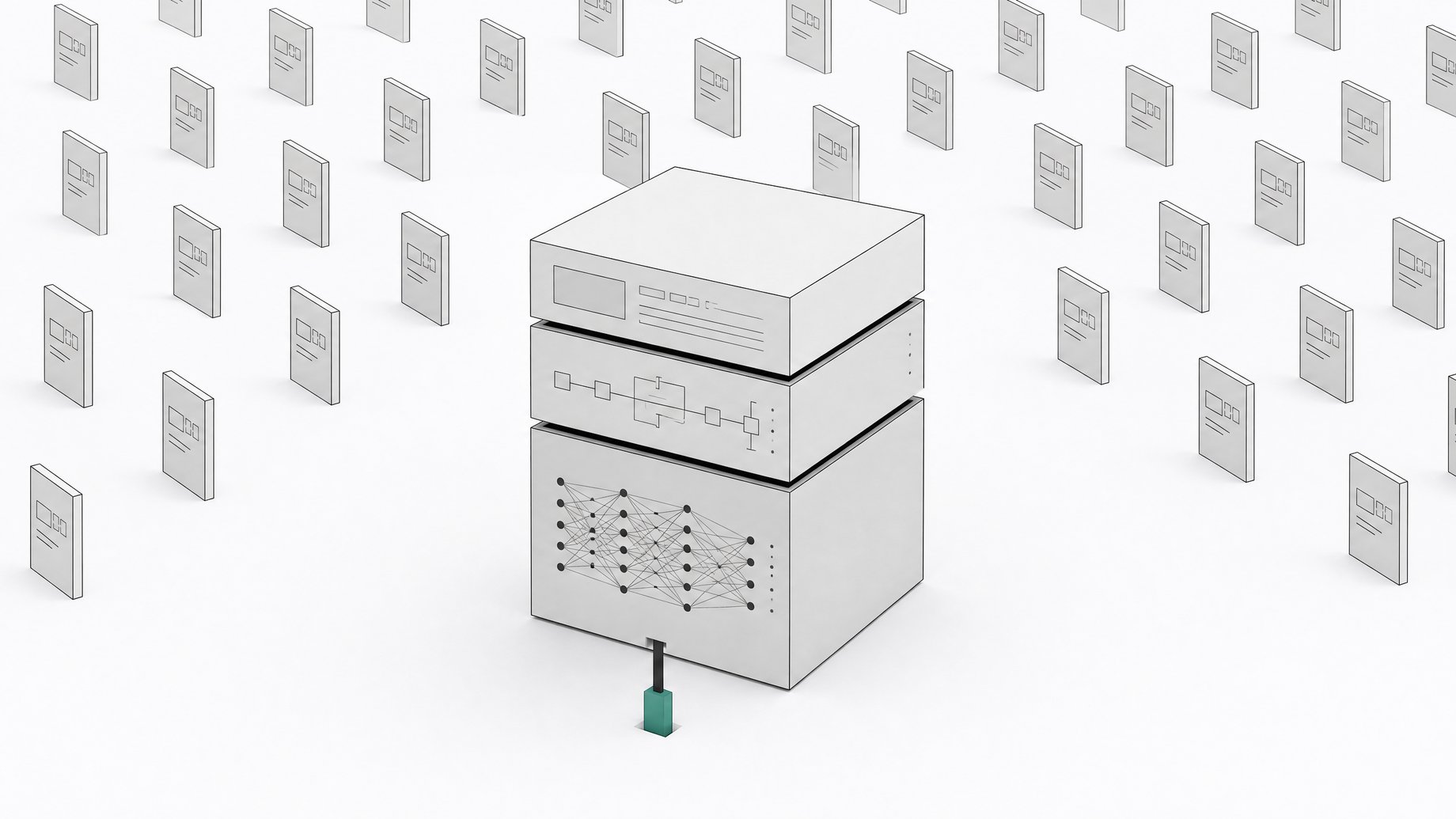
You run local AI coding agents, open source, by stacking three free layers: a local inference runtime like Ollama or vLLM, an open-weight coding model such as Qwen2.5-Coder or Devstral, and an open-source agent harness like Aider, Cline, or OpenHands. Together they replicate most of what Cursor, Copilot, and Claude Code do, minus the per-seat subscription and with your code never leaving your machine.
That's the whole premise, and none of these pieces are experimental anymore. The models have closed most of the gap with proprietary frontier models on real coding benchmarks, the runtimes are stable enough to run in production, and the harnesses are the same ones serious open-source contributors use daily. What used to require a research cluster now runs on a single workstation.
TL;DR
- A local AI coding stack replicates SaaS tools by combining an inference runtime, an open model, and an agent harness, and you can swap any one layer without touching the others.
- Open-weight models like Qwen2.5-Coder-32B are closing the gap with proprietary frontier models, though the hardest tickets still favor paid frontier models.
- A local stack turns recurring per-seat subscriptions into a one-time, amortizable hardware investment.
- Hosting code locally removes the data privacy risk of pasting code into outside tools and brings unauthorized shadow AI usage under IT control.
- Local models still lose on context length, agentic reliability, and hardware cost, so a hybrid approach is often the more honest answer for some teams.
What are the three layers of a local AI coding stack?
Before you touch a terminal, know what you're assembling. A local coding setup has three swappable parts, and the swap-ability is the whole point: you can upgrade any one layer without touching the other two.
- The inference runtime. The server that loads a model into GPU memory and exposes it over an API, usually one that mimics OpenAI's format so other tools can talk to it without custom code.
- The coding model. An open-weight model trained specifically on code, running entirely on your hardware, with no token metering and no data leaving the box.
- The agent harness. The orchestration layer that turns a plain model into something that reads your repo, plans multi-file edits, runs tests, and opens pull requests. This is what Cursor and Copilot bundle behind their UI; here it's a separate, swappable piece.
Which local inference runtime should you pick?
Ollama is the default starting point for most developers. It handles model downloads, quantization, and GPU memory management with minimal configuration, and it now integrates directly with agent harnesses originally built for proprietary APIs, including Claude Code, Codex, and Copilot CLI. Point an existing tool at a local Ollama endpoint instead of a cloud API key, and it often just works with little else changed.
For larger teams running bigger models or serving multiple developers from one GPU box, vLLM is the better fit. It's built for throughput, not single-user convenience, which matters once more than one person is hitting the same server. LM Studio sits at the other end: a GUI-first option that's friendly for a single developer experimenting on a laptop before committing to a server setup.
Most practical guides land on the same combination: Ollama for the runtime, running on commodity hardware, with the model served over its local OpenAI-compatible API. For the fuller hardware math, including what GPU tier buys you what model size, the practical setup guide for running agents on your own hardware walks through it in more detail. There's also a prepackaged route: Docker-based bundles that stand up Ollama alongside a vector store and web UI in one compose file, a reasonable shortcut if you don't want to configure each piece by hand.
Which open-weight coding model fits your hardware?
Model choice is where the local stack lives or dies, and it should be matched to the GPU you actually have, not the one you wish you had.
- Qwen2.5-Coder-32B-Instruct is the current reference point for open-source code generation. It was trained on 5.5 trillion code-heavy tokens and scores 88.4% on HumanEval, edging out GPT-4's 87.1% on the same test. It needs a serious consumer GPU or a small server, but it's the model most reviewers point to first.
- Devstral Small 2 (24B) is purpose-built for agentic coding harnesses rather than chat, and it's light enough to run on a single RTX 4090 or a 32GB Mac. It scores 68.0% on SWE-bench Verified.
- Devstral 2 (123B) is the flagship version of the same family, reaching 72.2% on SWE-bench Verified, but it needs roughly four H100-class GPUs, which puts it in small-server territory rather than on a single workstation.
- The original Devstral (24B) was the first open-weight model to top the open-source section of SWE-bench Verified at 46.8% when it launched, and it's still a reasonable baseline if you want something proven and widely documented.
- DeepSeek-Coder-V2-Lite is the pick for lighter hardware: a smaller footprint model that still performs credibly on multi-file edits when paired with a harness built for it.
For a longer breakdown of which model fits which VRAM budget, see the guide to the best local open-source LLM for coding. The short version: buy for the GPU you have today, not the one you're planning to get next year.
How do you wire up an open-source agent harness?
The model is the engine. The harness is what makes it drive.
- Aider runs in the terminal and is git-aware by default. It plans multi-file edits, applies them as diffs, and commits automatically, which makes review and rollback easy. It's the simplest way to pair a local model with real repository work.
- Cline is the leading open-source VS Code agent for developers who want an in-IDE chat experience closer to Copilot or Cursor. Developers who tried Continue.dev and found it limiting have largely converged on Cline, now widely described as the open-source gold standard for this category. Continue's codebase remains open-source even after its 2025 acquisition by Cursor, so it's still viable, but Cline has become the more common recommendation.
- OpenHands, built by All Hands AI, is the closest open-source equivalent to a Devin-style autonomous agent: point it at a GitHub issue and it can plan, edit, test, and open a pull request with minimal supervision. It has passed 85,000 GitHub stars and was a collaborator on Mistral's Devstral training, part of why the two pair so well.
For a fuller picture of what an agent-native IDE looks like once you move past a sidebar chat window, the piece on open-source AI IDEs for agents covers that shift in more depth.
How do local open-source agents actually perform vs. paid tools?
The gap is real, but it's narrowing fast. Aider's polyglot leaderboard, the most-cited independent benchmark for AI pair-programming edits, shows GPT-5 (high) scoring 88.0% correct, at a cost of about $29 for a full benchmark run. DeepSeek-V3.2-Exp, a fully open and locally runnable model, scores 70.2% correct on the same benchmark for under $1 a run.
That's roughly an 18-point accuracy gap for a cost difference of more than 30x. Whether that trade is worth it depends entirely on the task. For routine refactors, test generation, and bug fixes, the open model is often good enough. For the hardest, most ambiguous tickets, the frontier model still earns its price. Devstral Small 2's 68.0% on SWE-bench Verified versus Devstral 2's 72.2% shows the same pattern inside the open-weight world itself: bigger local models buy you real accuracy, at the cost of needing real hardware to run them.
How much cheaper is running local AI coding agents than paying for Copilot or Cursor?
GitHub Copilot Business runs $19 per user per month, and Copilot Enterprise runs $39 per user per month, both now metered through GitHub's AI Credits system. For a 20-person engineering team, Enterprise alone is roughly $9,360 a year, recurring indefinitely, scaling linearly with headcount.
A local stack flips that math: a per-seat subscription becomes a one-time GPU purchase, amortized over however long the hardware lasts, with zero marginal cost per token after that. A single RTX 4090-class card can run Devstral Small 2 for an entire team's experimentation, and once it's paid for, the per-query cost is effectively zero. Teams already feeling the pinch of flat-fee AI coding tools hitting usage caps have been exploring this exact tradeoff, which the piece on AI coding agent rate limits covers from the usage-ceiling side rather than the seat-fee side.
The honest caveat: hardware isn't free, and someone has to maintain it. But for teams already paying for GPUs for other workloads, or planning to scale a coding tool past a handful of seats, the breakeven point arrives faster than most SaaS budgets assume.
Why does 'local' also solve a governance problem, not just a cost one?
The cost argument gets the headlines. The governance argument is more urgent. Shadow AI, meaning employees using AI tools IT never approved, is already the default state of most software organizations. UpGuard's research found 81% of employees and 88% of security leaders report using unauthorized AI tools at work. Developers are not waiting for a sanctioned tool. They're already pasting code into whatever chatbot is open in another tab.
Samsung learned what that habit can cost the hard way: it banned staff use of generative AI tools after discovering employees had uploaded sensitive source code to a public platform. That's not a hypothetical compliance risk. It's a documented incident at one of the largest engineering organizations in the world.
A local coding stack doesn't just save money. It gives IT and security something they currently don't have: visibility. Code never leaves the network, there's no vendor data retention policy to audit, and the entire pipeline runs on infrastructure the company already controls.
When should you still pay for a hosted frontier coding model?
None of this is a free lunch. Here's where the local stack still loses.
- Context window ceilings. Many open-weight coding models still trail frontier proprietary models on usable context length, which matters more on large, tangled codebases than on small services.
- Agentic reliability gaps. The benchmark numbers are real, but autonomous multi-step tasks, like OpenHands resolving a GitHub issue end to end, still fail more often on open models than on the best proprietary agents when the task is genuinely ambiguous.
- Hardware cost floor. Running anything above the smallest coding models well requires a real GPU, not a laptop integrated chip. For a solo developer or a team without existing GPU infrastructure, that upfront cost is a real barrier, even if it beats a subscription over time.
- The hardest tickets. For the small fraction of work that's genuinely novel or architecturally risky, the accuracy gap shown on the Aider leaderboard still favors paying for the frontier model.
| Interface | Autonomy level | Manual review needed | In-IDE integration | |
|---|---|---|---|---|
| Aiderterminal-based, git-aware multi-file edits | Terminal, git diffs/commits | Low | High | No |
| RecommendedClinein-IDE chat closer to Copilot or Cursor | VS Code sidebar chat | Medium | Medium | Yes |
| OpenHandsautonomous issue-to-pull-request work | Point at a GitHub issue | High | Low | No |
If your team's workload leans heavily toward exploratory architecture decisions or very large monorepos, a hybrid approach, local for routine work and a hosted frontier model for the hard cases, is often the more honest answer than an all-or-nothing switch.
What does the quick-start checklist look like?
- Pick a runtime. Ollama for simplicity and broad harness compatibility, vLLM for multi-user throughput, LM Studio for GUI-first experimentation.
- Match the model to your GPU. Qwen2.5-Coder-32B for top code quality on serious hardware, Devstral Small 2 (24B) for single-GPU agentic work, DeepSeek-Coder-V2-Lite for lighter machines.
- Choose a harness for the job. Aider for terminal-based git-aware edits, Cline for in-IDE chat, OpenHands for autonomous issue-to-PR work.
- Set expectations with real numbers. Expect open local models to land somewhere between 46% and 72% on agentic coding benchmarks depending on size, against roughly 88% for the best paid frontier models.
- Budget the real tradeoff. Weigh a one-time GPU cost against $19 to $39 per seat per month, recurring, for the SaaS alternative.
- Treat it as a governance fix too. A sanctioned local stack replaces the shadow AI tools most developers are already using unsupervised.
The pieces here are not new or fragile. They're the same open-source projects serious engineering teams already run in production. What's changed is that the models are finally good enough that assembling them stops being a research project and starts being a Tuesday afternoon.
Frequently Asked Questions
Can local open-source AI coding agents really replace Cursor or GitHub Copilot?
For most routine work, yes. A stack of Ollama or vLLM, a model like Qwen2.5-Coder or Devstral, and a harness like Aider or Cline covers multi-file edits and IDE chat. For the hardest, most ambiguous tickets, paid frontier models still hold an accuracy edge, so many teams run a hybrid setup rather than switching entirely.
What GPU do I need to run a local AI coding agent?
Devstral Small 2 (24B) runs on a single RTX 4090-class GPU or a 32GB Mac, which is the practical entry point for most developers. Larger models like Qwen2.5-Coder-32B or the 123B Devstral 2 need more memory, up to multiple H100-class GPUs for the largest version.
Which open-source agent harness should I start with?
Aider is the simplest starting point if you're comfortable in a terminal and want git-aware multi-file edits. Cline is the better choice for an in-IDE chat experience similar to Copilot. OpenHands is for teams that want an agent to resolve GitHub issues autonomously, closer to a self-hosted Devin.
How much cheaper is a local AI coding stack than GitHub Copilot?
GitHub Copilot Business costs $19 per user per month and Enterprise costs $39 per user per month, recurring indefinitely. A local stack replaces that with a one-time GPU purchase and zero marginal cost per query after that, though it does require someone to maintain the hardware.
Does running AI coding models locally actually improve security over SaaS tools?
Yes, in a concrete way: code never leaves your network, so there's no third-party data retention policy to audit. This matters because unauthorized AI tool use is already widespread among developers, and incidents like Samsung's source code leak via a public chatbot show what's at stake when code leaves company infrastructure.
How we source, write, and correct our articles. Editorial standards