How to Build an Open Source AI Router to Replace Per-Seat Pricing
Build a self-hosted AI router with LiteLLM, open-weight models, and a vector database. Includes AT&T's 56% cost cut, setup steps, and per-seat cost comparison.

How do you build an open source AI router to replace per-seat pricing?
An open source AI tool router is built by putting a self-hosted gateway like LiteLLM in front of your model providers, routing cheap tasks to open-weight models and hard tasks to frontier models, and backing it with a self-hosted embedding model and vector database. AT&T did exactly this and cut costs on coding and other advanced tasks by as much as 56%, with only a 2% drop in output quality.
That's the short version. The rest of this piece is the build.
TL;DR
- AT&T used a self-hosted gateway to cut the cost of coding and other advanced tasks by as much as 56%, with only a 2% drop in output quality.
- ChatGPT Enterprise averages about $60 per seat per month, and a reported 150-seat minimum puts the entry floor near $108,000 a year.
- Roughly 8 in 10 employees use unauthorized AI tools, so a chunk of real usage happens outside corporate governance.
- Switching models mid-conversation can lose the cache that otherwise cuts cost to one-tenth, so a good router sometimes keeps a session on a pricier model.
- Self-hosting embeddings only beats API pricing at sustained, high utilization, roughly a billion-plus tokens a day against a modest GPU.
Why are enterprises rethinking per-seat AI pricing?
Per-seat AI pricing scales with headcount, not usage. ChatGPT Enterprise runs roughly $45 to $75 per seat per month, averaging around $60, with a reported 150-seat minimum that puts the entry floor near $108,000 a year before anyone has sent a single prompt. Microsoft Copilot's enterprise seat lands in a similar range. You pay the same amount whether an employee uses it twice a day or twice a month.
Employees are already routing around the official tools. UpGuard's 2025 survey of 542 security leaders and 1,020 employees found 8 in 10 employees use unauthorized AI tools, and 68% of security leaders admit to using unapproved AI themselves. A separate analysis of 176,460 real enterprise prompts found roughly half of employees are shadow AI users, with 45% of monitored prompts going through personal, non-corporate accounts. You're paying for governed seats while a chunk of real usage happens somewhere you can't see it.
The fix isn't a better vendor contract. It's a router you own.
What is an AI router?
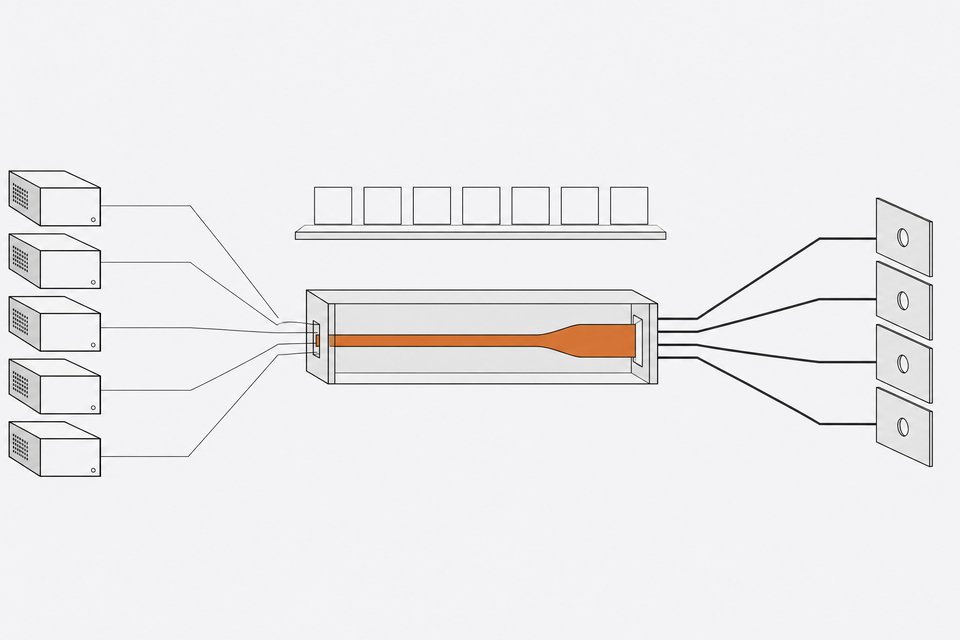
An AI gateway, or router, is a proxy that sits between your application code and the model providers. Instead of your app calling OpenAI's API directly, it calls your router, which exposes a single OpenAI-compatible endpoint and handles the rest: routing requests to the right model, failing over when a provider is down, caching repeated calls, issuing virtual API keys per team, and tracking spend down to the request.
You need this layer before you need more models. Without it, every team wires its own provider SDK, nobody has a single view of spend, and "which model handled this request" becomes unanswerable. With it, swapping a model is a config change, not a code change.
What does the reference architecture look like?
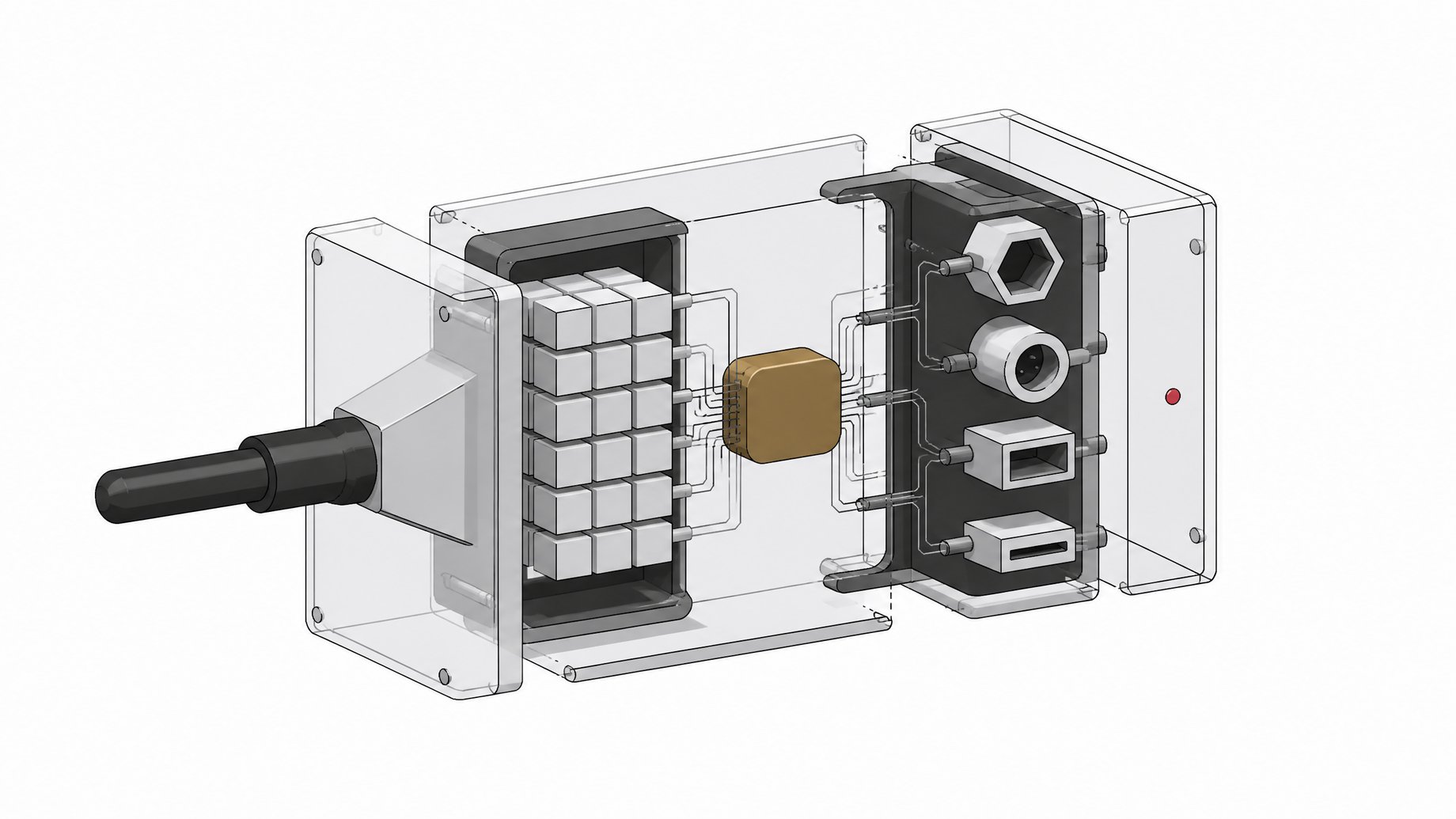
Four components do the work:
- A self-hosted gateway. LiteLLM is the most widely adopted open-source option, supporting 140+ providers and 1,800+ models behind one endpoint. Portkey's open-source gateway is a comparable alternative, with built-in guardrails for PII detection and jailbreak checks.
- A mix of models. Open-weight models (Llama, Gemma, Nemotron) for routine tasks, frontier models (OpenAI, Anthropic) for the hard ones.
- A self-hosted embedding model. BGE-M3, Qwen3-Embedding, or Nomic Embed, run on your own GPU infrastructure instead of called over an API.
- A self-hosted vector database. Qdrant, Weaviate, or pgvector on Postgres, depending on scale and existing infrastructure.
Everything downstream of this stack treats AI as infrastructure you run, not a subscription you renew.
How do you stand up the gateway?
Deploy LiteLLM's proxy via Docker. It's MIT-licensed and free to self-host, which means you pay for the model tokens and your own compute, not a gateway license. From there:
- Configure each provider (OpenAI, Anthropic, your open-model endpoints) once in the proxy's config file.
- Issue virtual keys per team or project, so Finance and Engineering hit the same gateway but are tracked and budgeted separately.
- Set per-key spend budgets so no single team can blow past its allocation unnoticed.
- Point every internal tool, agent, and script at the gateway's single OpenAI-compatible endpoint instead of calling providers directly.
This is the same move teams are making to own their agent orchestration layer instead of renting it seat by seat, as covered in Build vs. Buy in the Agent Era. The gateway is the equivalent move for raw model access.
How do you add cost-aware and cache-aware model routing?
This is where the real savings show up. AT&T built an AI Gateway on top of LiteLLM-style routing that sends easier queries to cheaper models and holds frontier models for the tasks that need them, cutting the cost of coding and other advanced tasks by as much as 56%, with only a 2% quality drop. AT&T currently routes about 40% of employee AI queries through open models like Nvidia Nemotron, Meta Llama, and Google Gemma, and is targeting 60 to 70% as daily token usage has grown from roughly 8 billion to 45 billion tokens.
The routing logic isn't just "always pick the cheapest model." AT&T's gateway is cache-aware: switching models mid-conversation loses a cache that otherwise cuts cost to one-tenth, so the router will sometimes keep a session on a pricier model specifically to preserve that cache savings rather than chase the lowest per-token price on every single call. Combined with fine-tuning and the open-model shift, AT&T reports cost reductions as high as 90% in some areas, already saving the company millions of dollars.
The lesson for your own setup: route on task difficulty first, then account for cache state before you jump models. A router that chases the cheapest token on every call will quietly cost you more over a long conversation than one that's willing to pay a premium to keep the cache warm.
Should you self-host embeddings?
Self-hosting your embedding model is a cost and sovereignty question, not an automatic win. Open models like BGE-M3 (MIT), Qwen3-Embedding (Apache 2.0), and Nomic Embed (Apache 2.0) can match or approach proprietary embedding quality on MTEB benchmarks and run entirely on infrastructure you control.
But the math isn't one-directional. One real-world pricing comparison found OpenAI's text-embedding-3-small at $0.02 per million tokens was actually cheaper than Arctic Embed L v2 ($0.038/1M) or Qwen3 Embedding 4B ($0.13/1M) served via cloud APIs, because a $1-an-hour GPU still costs $24 a day whether or not you're using it. Self-hosting only beats the API price at sustained, high utilization, roughly a billion-plus tokens a day against a modest GPU.
Use this decision rule:
- Self-host embeddings if your data cannot leave your infrastructure for compliance reasons, or your query volume is consistently high enough to keep a GPU busy.
- Stay on the API if your volume is bursty or low, since idle GPU time costs you more than per-token API pricing.
If you're already running your own Postgres instance, this is also a good moment to look at what else that database can absorb. 5 SaaS Tools You Can Replace With Open-Source Postgres and Local AI covers vector search, full-text search, and transcription running on infrastructure you already own.
Which vector database should you self-host?
For most teams, the choice is between pgvector and a dedicated vector database:
- pgvector on Postgres is the simplest option and handles under roughly 100 million vectors well, especially if Postgres is already in your stack.
- Qdrant (Rust, Apache 2.0) is the strongest budget-conscious pick, with the best free tier and native support for sparse and multi-vector search.
- Weaviate (BSD-3) is a solid choice when you need hybrid search combining vector similarity, BM25 keyword matching, and metadata filters.
All three are free to self-host. The decision is about scale and search features, not license cost. For a broader framework on deciding when owning this layer of infrastructure makes sense, see Building vs. Buying Database Infrastructure With AI.
How do you add guardrails and governance?
A self-hosted router that nobody audits is just shadow AI with a corporate logo on it. The components that make the difference:
- PII redaction at the gateway. Gateways like Portkey build this in at the proxy layer, catching sensitive data before it reaches a model provider.
- OWASP LLM Top 10 coverage. The OWASP GenAI Security Project, maintained by 600+ contributing experts, is the standard reference for the risks a router needs to mitigate, including prompt injection, sensitive information disclosure, and supply chain vulnerabilities.
- Per-key access controls and budgets, set at the gateway so no team or application can exceed its allocation or reach a provider it shouldn't.
- Centralized logging, so every request, model, and cost is visible in one place instead of scattered across personal ChatGPT accounts.
This governance layer is also the business case for building the router at all. UpGuard's survey found 23% of CISOs already know employee credentials are being shared with AI tools at their company. A gateway with virtual keys and logging closes that hole directly. Teams building their own infrastructure should also catalog what is actually running, so a router replacing shadow AI doesn't quietly become more shadow AI.
How much does a self-hosted AI router cost compared to per-seat SaaS?
Per-seat enterprise AI runs $45 to $75 a seat a month, call it $60 on average, with a six-figure annual floor once you hit vendor minimums. A self-hosted router costs infrastructure (GPU time if you self-host embeddings, hosting for the gateway and vector database) plus the engineering time to build and maintain it. There's no license fee for LiteLLM, Qdrant, Weaviate, or the open embedding models themselves.
Neither side of this comparison is free of risk. Large build projects run 45% over budget on average and deliver 56% less value than predicted, according to a McKinsey and Oxford study of more than 5,400 IT projects. But bought SaaS has its own waste: organizations use only about 54% of the licenses they pay for, leaving 46% idle and wasting an average of $19.8 million a year per organization. AT&T's own numbers are the clearest proof the build side can work at scale: a 56% cost cut on advanced tasks, a 2% quality tradeoff, and up to 90% savings once cache-aware routing and open models are combined. For a deeper look at how this build-vs-buy math plays out across infrastructure categories more broadly, see Build vs. Buy in 2026: The Open-Source Infrastructure Boom.
Who should build this, and who should just buy the seat?
Build the router if you have engineering capacity to maintain it, meaningful AI spend already, and a reason to want model-agnostic flexibility or data sovereignty. Buy the seat-based product if your usage is small, your team has no bandwidth to own infrastructure, or you're still validating whether AI tools are worth the investment at all.
A simple way to decide:
| Best Scale | Search Capabilities | License | Self-Hosting Cost | |
|---|---|---|---|---|
| pgvector on Postgresteams already running Postgres | Under ~100M vectors | Vector similarity only | PostgreSQL (open) | Free, uses existing Postgres |
| RecommendedQdrantbudget-conscious teams needing sparse or multi-vector search | Scales well beyond 100M | Sparse (SPLADE) + multi-vector (ColBERT) | Apache 2.0 | Free, best free tier |
| Weaviatehybrid search combining vector, keyword, and filters | Scales well beyond 100M | Vector + BM25 keyword + metadata filters | BSD-3 | Free to self-host |
- Headcount and spend. If you're paying for AI seats across hundreds of employees, the per-seat math already favors building.
- Engineering bandwidth. A LiteLLM deployment, routing logic, and guardrails need an owner. If nobody can take that on, don't build it yet.
- Compliance exposure. If data sovereignty or PII handling is a hard requirement, self-hosting embeddings and the vector database stops being optional.
- Shadow AI exposure today. If a large share of your employees are already using unapproved tools, as the surveys suggest most are, a governed router is a risk reduction project, not just a cost one.
What does the build checklist look like?
To recap the build:
- Deploy LiteLLM as a self-hosted proxy with virtual keys and budgets per team.
- Configure cost-aware, cache-aware routing between open and frontier models.
- Decide whether to self-host embeddings based on sustained token volume, not just per-token price.
- Pick pgvector, Qdrant, or Weaviate for your vector database based on scale and search needs.
- Layer in PII redaction, OWASP LLM Top 10 coverage, and centralized logging before you call it governed.
- Compare the real infrastructure and engineering cost against your actual per-seat spend, not the vendor's list price.
None of this requires a per-seat contract. It requires an afternoon with Docker and a willingness to own the thing you've been renting.
Frequently Asked Questions
What is an AI router or AI gateway?
It's a proxy layer that sits between your applications and your model providers, exposing one OpenAI-compatible endpoint while handling routing, failover, caching, virtual API keys, and spend tracking across every provider behind it.
Is LiteLLM free to self-host?
Yes. LiteLLM is MIT-licensed and free to self-host via Docker. You pay for the underlying model tokens and your own infrastructure, not a gateway license.
Does self-hosting embeddings always save money compared to an API?
No. One real-world comparison found OpenAI's text-embedding-3-small was cheaper per token than several open models served via cloud APIs. Self-hosting only beats API pricing at sustained high volume, roughly a billion-plus tokens a day against a modest GPU.
How much did AT&T actually save by routing AI queries to cheaper models?
AT&T cut the cost of coding and other advanced AI tasks by as much as 56%, with only a 2% drop in output quality, using a LiteLLM-based router. Combined with cache-aware routing and open-model adoption, it reports savings as high as 90% in some areas.
Should a small company build its own AI router instead of buying ChatGPT Enterprise?
Usually not yet. Building pays off when you have engineering capacity to maintain the gateway, meaningful existing AI spend, and real compliance or data sovereignty requirements. Smaller or low-usage teams are often better off on a per-seat plan until spend justifies the build.
How we source, write, and correct our articles. Editorial standards