When to Use Sub-Agents vs a Single Agent Loop
Anthropic argues teams overuse sub-agents. Learn the keep-in-loop test, the skills/tools/lookup split, the 30 to 50 tool limit, and how to fold safely.

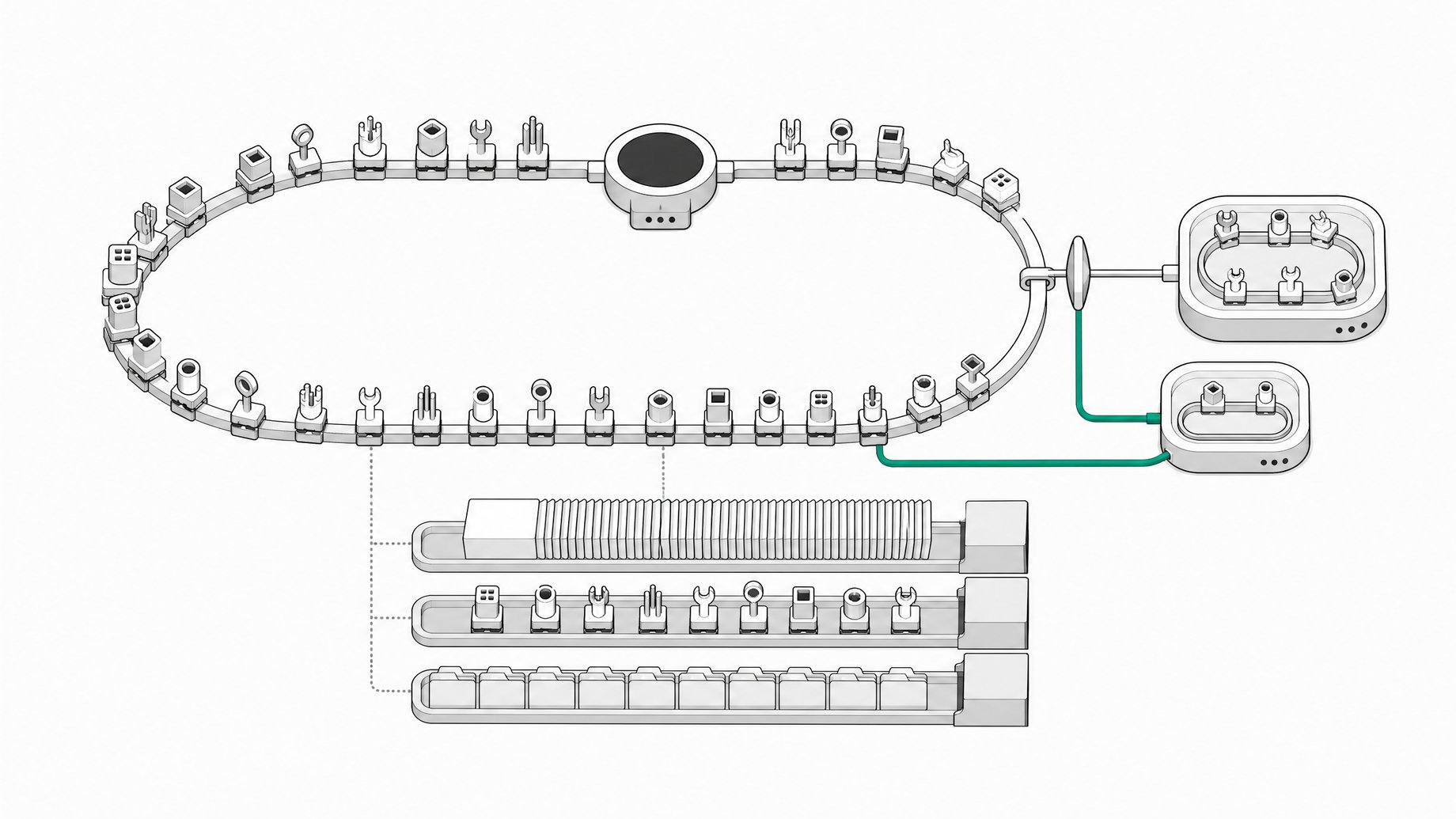
When should you use sub-agents instead of one agent loop?
Default to one main agent loop. Use a separate sub-agent only when you can name a reason: independent verification, parallel work in fresh contexts, or narrow permissions for a narrow job. Anthropic's article on folding sub-agents back into the main loop argues that companies overuse sub-agents. They copy their org chart into the agent, add an orchestrator on top, and pay for it in quality, cost, and latency.
TL;DR
- Anthropic's guidance says many teams copy their org chart into their agents, which is Conway's law applied to agent design, and the result often hurts quality while adding cost and latency.
- The preferred design is one main loop with progressive disclosure: short descriptions up front, full skills and tools loaded only when the task needs them.
- Put judgment in skills, actions in tools, and occasional facts in a knowledge base lookup instead of the prompt.
- Tool selection degrades once you pass roughly 30 to 50 tool definitions in the prompt, so folding does not mean dumping everything into one loop.
- Fold one sub-agent at a time, starting with the most-used or most tightly coupled pair, and measure with as few as 10 golden examples, run more than once.
- Keep a sub-agent separate only when you can measure that shared context hurts, when work parallelizes in disposable contexts, or when one agent keeps failing at tool choice or conflicting instructions.
Why do teams end up with too many sub-agents?
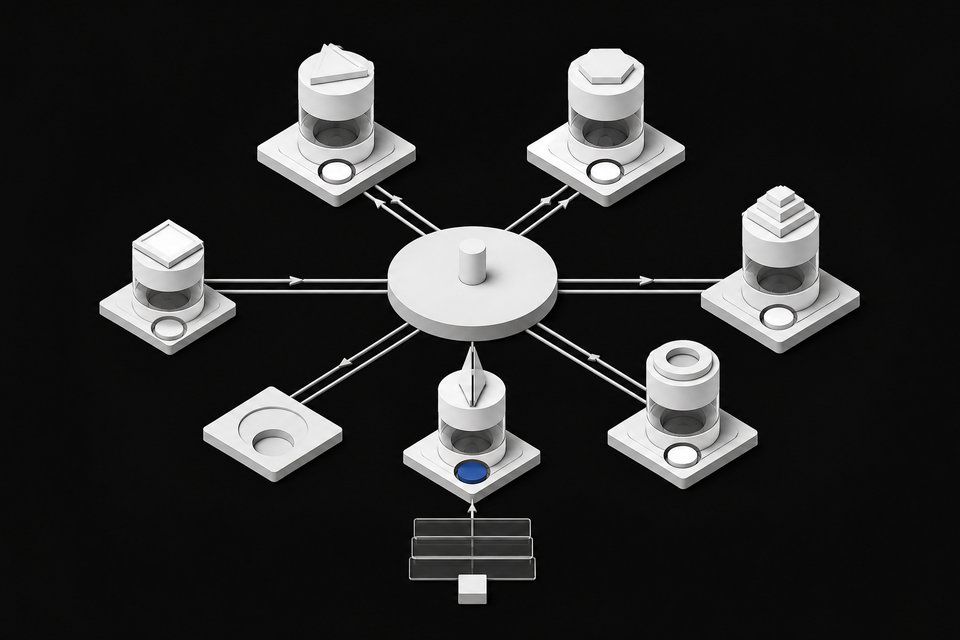
The pattern is familiar. Billing gets a billing agent. Support gets a support agent. An orchestrator sits on top and routes work between them. It looks tidy on a diagram because it mirrors how the company is organized.
That is Conway's law: systems end up shaped like the teams that built them. The article's argument is that this shape serves the org chart, not the task. Each extra agent is another full agent run, and each handoff is a place to lose information.
The article names four failure modes:
- Sub-agent brawl. Every team ships its own overlapping sub-agent and nobody owns the whole set.
- Frankenprompt. Each team adds one more sentence to the system prompt until the rules contradict each other.
- Telephone game. Every handoff drops a little detail, so the last agent works from a faded copy of what the first one knew.
- Latency stacking. Nested loops multiply runs. In one customer case the article cites, a single agent loop ran roughly two times faster than the multi-agent setup it replaced. That is one case, so treat it as a direction, not a benchmark.
What is progressive disclosure and why does it matter?
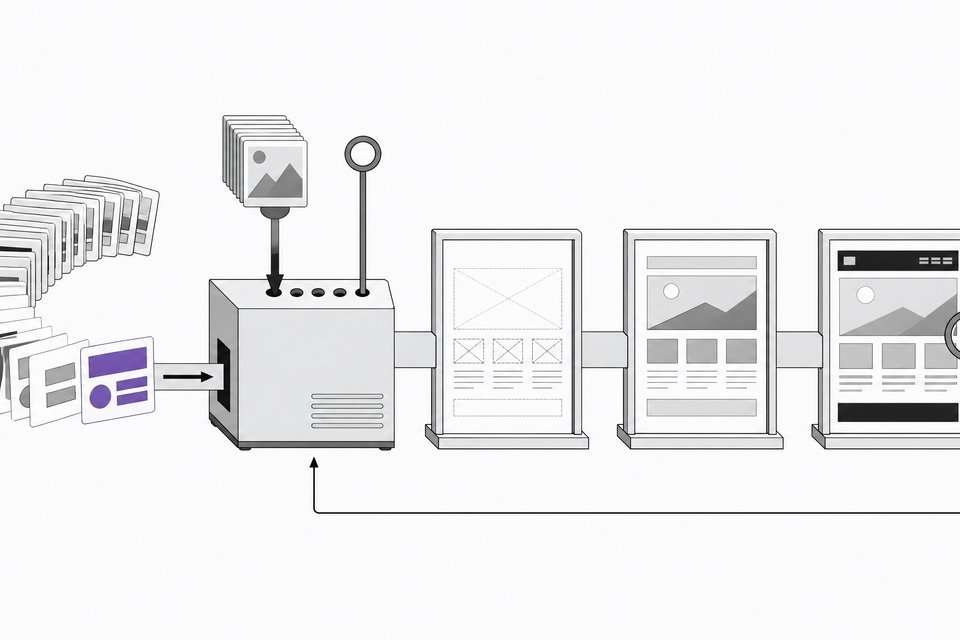
Progressive disclosure means the agent starts with short descriptions of its skills and tools, then pulls in the full version only at the moment it needs it. One agent can then cover a wide range of work without carrying every rule in every run.
Anthropic points to its own experience here. The article says the Claude Code system prompt was cut by over 80% for the more advanced models, in part by disclosing skills and tools this way instead of loading everything up front. That is a strong argument against the Frankenprompt problem: you do not need a separate agent to keep rules out of the way if the loop can load them on demand. For a practical walkthrough, see how to build a task-specific agent harness.
How do you decide what stays in the main loop?
The keep-in-loop test is simple. Keep work in the main loop when:
- Each step builds on the step before it.
- The steps share the same data.
- You almost always call the pieces together.
If two pieces always travel together, splitting them adds a handoff in the middle for no gain.
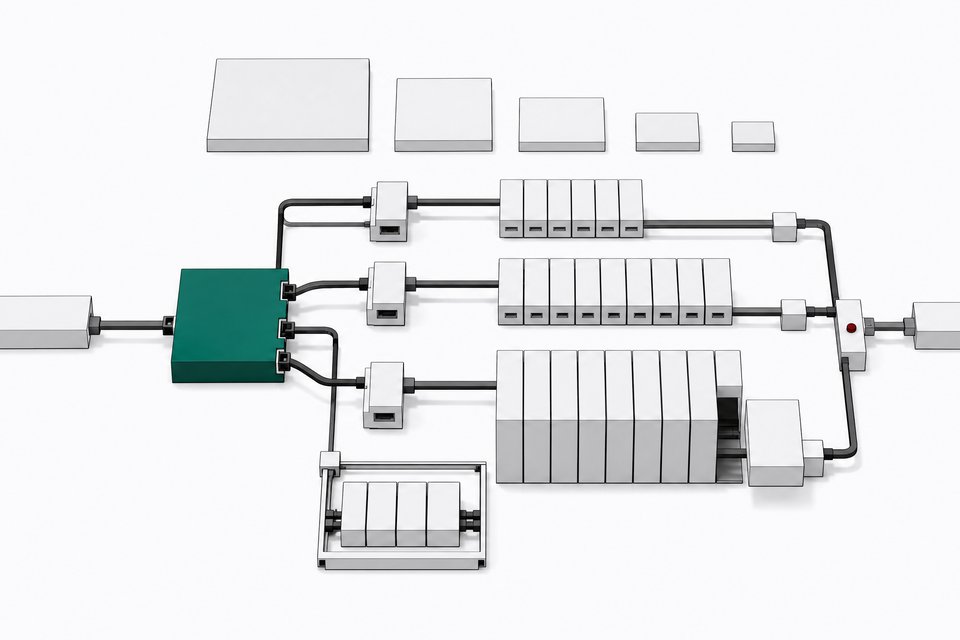
The article also says the main model now handles much of the routing, planning, and categorizing that people built separate components for last year. Standalone routers, planners, and narrow specialists are candidates to fold back. Its example replaces a classifier, a pipeline, separate branches, and an orchestrator with one clear prompt, four or five thin tools that work with data, and firm guardrails.
Should it be a skill, a tool, or a lookup?
Once work lives in one loop, the next question is which container holds each piece. The article's split cleans up most messy setups.
| What you have | Where it goes |
|---|---|
| Domain judgment, such as how an expert handles a case | Skill |
| An action, live data from a system, or a hard limit | Tool |
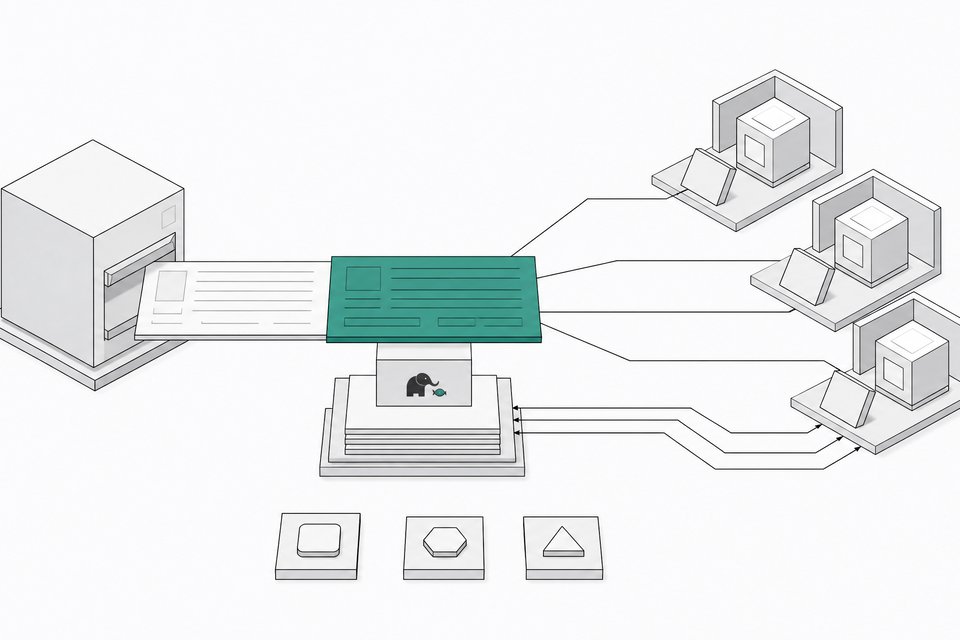
| A fact you only need now and then | Knowledge base lookup the agent calls on demand |
Notice what is missing: the always-on system prompt. Facts needed occasionally should not sit in the prompt at all.
Is there a limit to how much you can fold into one loop?
Yes. The article says tool choice degrades once you pass roughly 30 to 50 tool definitions in the prompt. A single loop is not a license to register every API you own.
The practical shape is one loop with a small set of well-named tools grouped by what the user wants to do. Everything else is disclosed only when needed. If you hit the ceiling and the agent starts picking the wrong tools, that is one of the legitimate signals that a split might be warranted.
How do you fold a sub-agent without breaking a working system?
Change one thing at a time and measure each change.
- Pick one sub-agent. Start with the one you use most, or the pair that is most tightly coupled.
- Convert it. Turn the sub-agent's prompt into a skill and its API calls into tools.
- Build golden examples. These are real tasks where you know what a good result looks like. The article says even 10 is enough to start.
- Run both versions. Run the old setup and the folded setup on the same examples and compare.
- Repeat each eval. Run it more than once.
- Move to the next sub-agent only after the first result holds up.
The repeat runs matter. The article describes a support chain where folding silently broke the flow, and the break showed up in only one of two runs. Run it once, pass by luck, and you have shipped a coin flip.
When should you keep a sub-agent separate?
The article gives three conditions:
- You can measure that the sub-agent's context makes the main agent worse.
- The work runs well in parallel in fresh contexts you can throw away when they finish.
- A single agent keeps struggling with tool choice or with instructions that conflict.
The rule underneath is to split by context, not by problem type. Good candidates need little from the rest of the system and hand back one compact result, such as independent research or a black-box check on finished work.
The article also lists where sub-agents earn their place:
- Verification. A fresh agent checking work it did not make can catch mistakes the original agent talks itself out of.
- Parallel work. Pieces that do not depend on each other can run at once.
- Modular permissioning. A narrow task gets narrow access, instead of one big agent holding the keys to everything.
Does this apply to coding agents and team modes?
The same trade-off shows up in coding tools that offer both a single chat and a team mode, where a planning agent dispatches workers with their own contexts. The creator who covered the article showed one such app, Panda Code, and was careful to say the article never uses that tool's vocabulary. The mapping is their interpretation.
Under that mapping, a team fits parallel read-only research, a feature split into data, interface, and tests with a separate reviewer, or bulk edits handed to cheaper models. A single chat fits a one-file typo, a small config fix, debugging one failing test where each attempt builds on the last, or consecutive edits to the same file. The costs are the ones the article predicts: every worker is another model run, and each summary handed back loses some detail.
The working rule is the same either way. Default to one chat or one loop, and earn the split with a reason you can name.
Frequently Asked Questions
Are sub-agents bad?
No. The article does not say that. They help with verification, parallel work, and narrow permissions. The complaint is that teams reach for them by default, often mirroring org structure, without measuring whether the split improves results.
What is the fastest way to tell if I have too many sub-agents?
Look for handoffs between pieces that always run together, overlapping sub-agents with no clear owner, and a system prompt that has grown contradictory. Those are signs of the brawl, Frankenprompt, and telephone-game patterns. Then test by folding one pair and comparing against golden examples.
How many tools can one agent handle?
The article says tool choice degrades past roughly 30 to 50 tool definitions in the prompt. Keep a small set of well-named tools grouped by user intent and disclose the rest only when needed.
How many evals do I need before folding?
The article says 10 golden examples is enough to start. Run each eval more than once, since a break may appear in only some runs.
Should facts go in a skill or the system prompt?
Neither, if you only need them occasionally. The article puts those in a knowledge base lookup the agent calls on demand. Skills are for domain judgment, and tools are for actions, live data, and hard limits.
How we source, write, and correct our articles. Editorial standards