How to Install and Use Taste Skill 2.1 for AI-Built Websites
Taste Skill 2.1 gives coding agents 20 design directions, public-domain photos and a browser inspector. Here is how to install it and where it falls short.

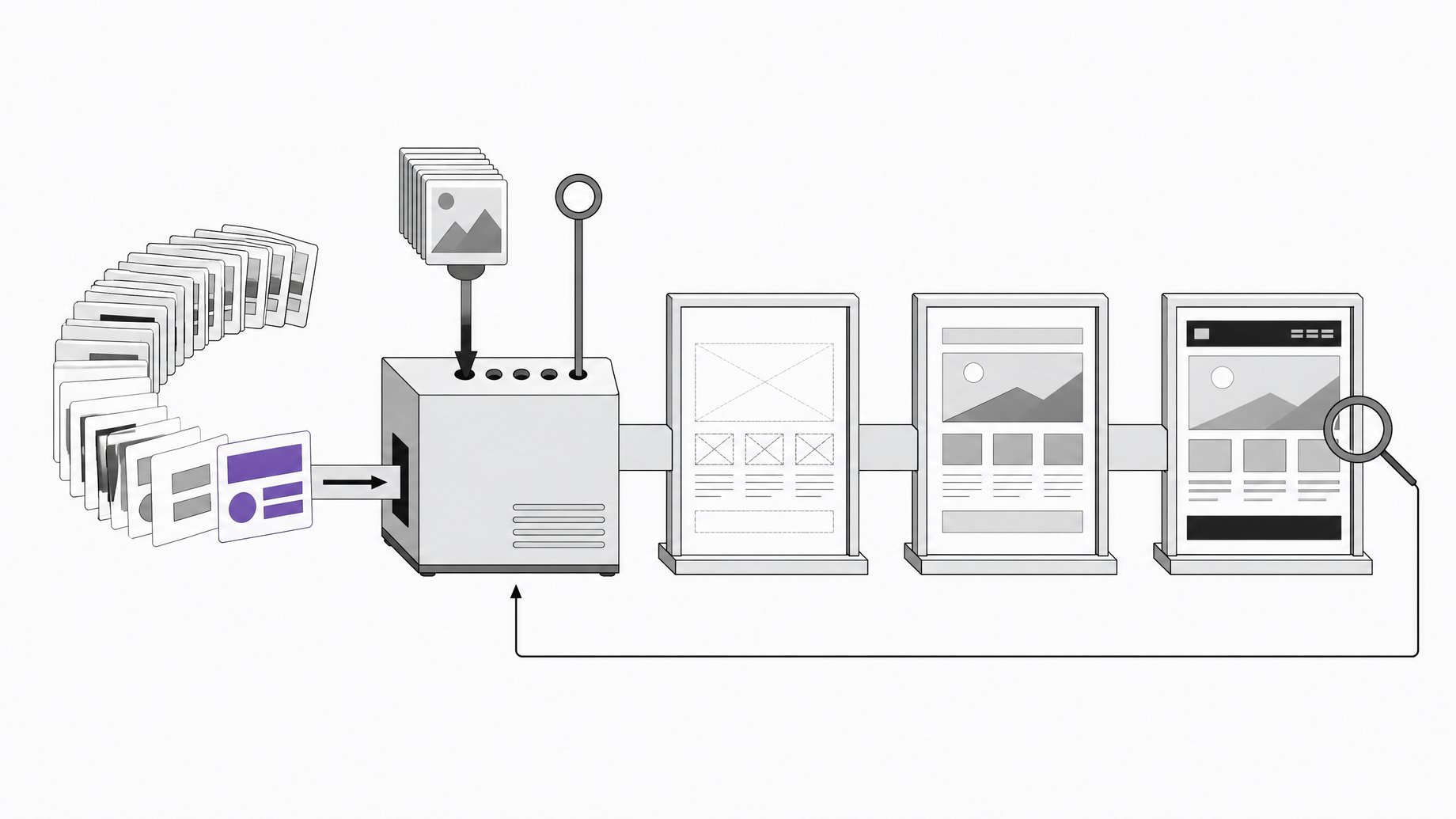
What is Taste Skill?
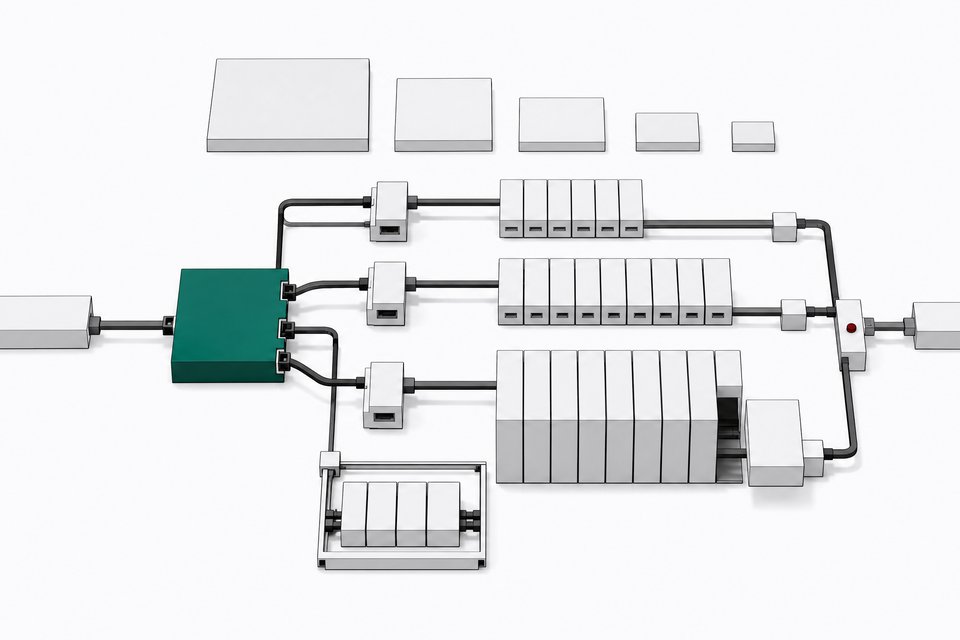
Taste Skill is an open-source skill for coding agents that stops them from producing the same generic website every time. Instead of letting the model invent a look, it forces a design direction, requires real photos, and checks the finished page in a real browser. It has over 108,000 GitHub stars and more than 7,000 forks. Version 2 rebuilt it as a folder with reference files, a library and scripts. Version 2.1 added app screens.
TL;DR
- Taste Skill takes the design decision away from the model. A script deals three of 20 directions, and the agent picks one that fits the client.
- The build follows six steps, from listing what is unique about the client to fixing the top three problems in up to three review rounds.
- Install with one
npx skills addcommand using the repo URL and the skill namedesign-taste-frontend. It needs Node 22 or newer and Chrome, Edge or Chromium, and no API keys. - An
inspectscript measures the page in a real browser at three widths and fails it on slop, rather than relying on a vibe check. - In one demonstrated run, the page passed on the third round after about 58 minutes, but the inspector missed a layout overlap and the model invented an address and prices.
- Expect slow, token-heavy builds and fast-moving releases. The skill itself estimates 30 to 45 minutes and a few hundred thousand tokens per build.
Why do AI-built websites all look the same?
Ask a model to invent a look and it picks the category default. That gives you a centered headline, a small label above it, three icon cards in a row, a soft gradient and a testimonial. None of it is wrong. Nobody decided any of it, either.
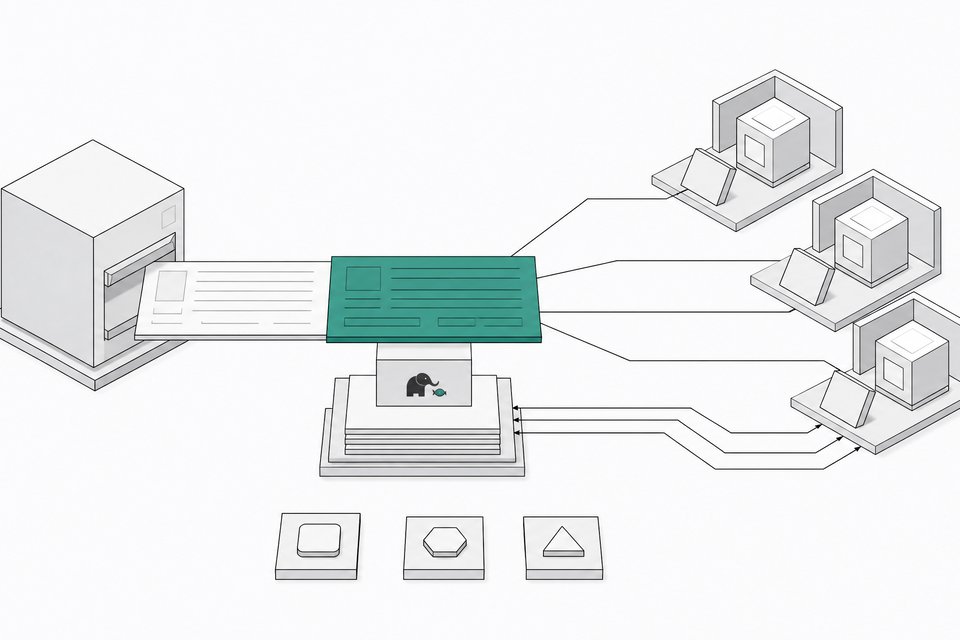
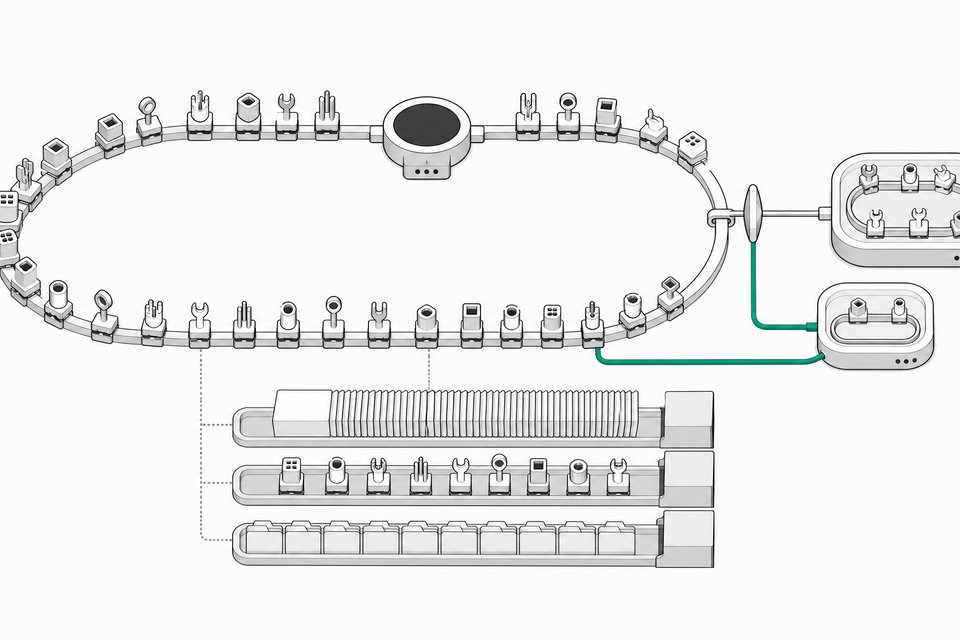
Taste Skill attacks this by removing the open-ended choice. Its directions come from a study of 247 curated websites, drawn from OnePageLove and Awwwards sites of the day. From that study the authors wrote down 20 directions, with names like "the name as a monument," "color chapters," "the dark room," "the specimen catalog" and "the product performs."
How does the Taste Skill build process work?
A build runs in six steps.
| Step | What happens |
|---|---|
| 1. Brief | The agent reads your brief and lists 8 to 12 things only this client has (the street, materials, opening hours, numbers in the brief). |
| 2. Direction | A script deals three of the 20 directions. The agent must pick the one that fits. |
| 3. Idea | The agent writes one sentence tying the client's own material to the chosen direction. |
| 4. Build | It builds the page using real pictures. |
| 5. Inspect | It checks the page in a real browser at three widths and fails it on slop. |
| 6. Review | It looks at its own screenshots and fixes the top three problems, for up to three rounds. |
The client-specific list in step 1 matters most. It gives the later steps concrete material, so the idea in step 3 can be about this shop on this street instead of a generic "modern, clean" brief.
Where do the photos come from?
Taste Skill skips gray placeholder boxes and generic stock images. It searches open collections including Wikimedia Commons, Openverse and The Met. It only offers public-domain, CC0, CC BY and CC BY-SA files, and it puts credits on the page. For a coffee shop, it can look for an archive photo of the street the shop sits on.
This works best for places and physical businesses. For a software product there is often no real picture to find, so the agent has to build the interface visuals itself.
What does the inspector actually check?
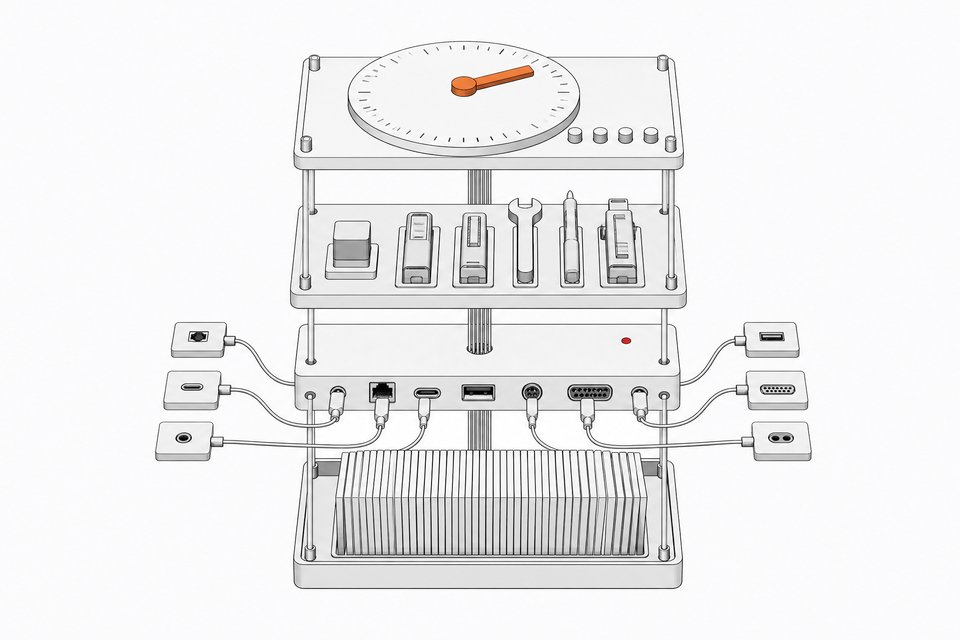
The inspect script opens your page in a real Chrome and measures it. Version 2.1 added checks on the frame of the page. A page fails if it has:
- no clear title on the first screen
- margins that don't match
- a section pushed to one side with half the screen empty
- a long blank gap
The thresholds come from the same study. Strong pages in the sample held their margins within a few pixels, so the checks use measurements instead of taste judgments.
Motion has its own research behind it. The authors studied the latest 100 Awwwards sites of the day, measured what moved, and turned that into motion rules and recipes. A new scroll scene engine lays the groundwork for big scroll moments, but the library of scenes is slated for 2.2. That part is not finished.
What did 2.1 add for dashboards and app screens?
Earlier versions only handled landing pages. Now the skill first asks whether you are building a page or an app screen. A dashboard, admin view or settings screen takes a separate route, distilled from a study of 23 real product screens. The agent gets one of seven app styles, such as the achromatic ledger, the data terminal or the pastel consumer.
The app rules are specific. No heavy shadows, no glass effects, no rainbow charts, no placeholder data, and the sidebar must fold away on a phone.
How do you install Taste Skill?
Requirements: Node 22 or newer, and Chrome, Edge or Chromium on your machine. The skill installs nothing extra and needs no API keys.
npx skills add <repo-url> --skill design-taste-frontend
Use the repo URL from the project's GitHub page. Check the README for the exact flag syntax, since it may change between releases. There are also a Claude Code plugin and a Codex plugin if you prefer those routes.
The repo now holds a single skill. The older ones, such as the minimalist and brutalist skills, moved to a separate repo called taste-skill-classics, with the same install names.
Then give your agent a brief the way you normally would. The skill triggers its own sequence from there.
What did a real run produce?
A creator ran the skill against one brief: a page for a two-person bike repair shop on a small street in Lisbon. The script dealt a direction called "the printed annual." The model adapted it with its own idea, that the shop's repair tag becomes the page. It listed what only this shop has, searched Wikimedia Commons for photos and saved the credits.
The inspector then did its job:
- Round one failed the page twice because headlines wrapped too much.
- Round two failed it once for a small label above a heading.
- Round three passed with zero failures.
Along the way the agent reviewed its own screenshots and even sent two fresh reviewers to look at the page. The full run took about 58 minutes.
The result did not look like a default AI page. It was a two-color print look in oxblood and gray, with huge type and archive photos. It still had flaws:
- On desktop, the photo strip spilled over the booking form, and the inspector passed it anyway.
- One reviewer flagged the overlap and the model dismissed it.
- Most photos were not from Lisbon.
- The model made up the address and the prices.
What are the limitations?
- Slow and token-heavy. The skill estimates 30 to 45 minutes and a few hundred thousand tokens per build. That is fine for a real project and wrong for a quick mockup. If you pay per token on an expensive model, costs add up per page.
- Model-dependent. The skill supplies a direction and checks, but the model still makes the choices, including bad ones like waving away a real bug.
- Photo coverage. Archive images suit places and shops. Software products often have nothing to photograph.
- Fast-moving releases. Version 2.1.0 broke loading in Claude Code because of a YAML mistake in the skill description. It was fixed in 2.1.2 the same day, with tests added. Pin a version if you need stability.
Is Taste Skill worth using?
If your agent's pages all look alike, yes. It gives you a reproducible process with measured checks, which a long style prompt cannot. Treat the output as a strong first draft. Review the page yourself, replace invented copy and prices, and verify that photos fit the client.
Because builds are long, a flat-rate plan or a cheaper open model may suit repeated runs better than per-token billing. You can also give the same brief to several agents on different models and compare the pages side by side, which shows quickly which model has taste. The Taste Skill team has also released a desktop app, Taste Code, in early beta. It is free and open source, runs Codex, Claude Code and Grok on your own subscriptions, and has a design mode that goes from brief to review.
Frequently Asked Questions
Does Taste Skill need API keys?
No. It installs nothing extra and needs no API keys. You need Node 22 or newer and a Chromium-based browser (Chrome, Edge or Chromium) so the inspector can open your page.
Does it only work for landing pages?
No. Version 2.1 asks whether you are building a page or an app screen. Dashboards, admin views and settings screens use a separate route with seven app styles and their own rules, such as no glass effects and a sidebar that folds away on mobile.
Can I use it with agents other than Claude Code?
Yes. It works with agents that load skills, and there are dedicated plugins for Claude Code and Codex. The npx skills add command installs it for other compatible agents.
Will the inspector catch every layout bug?
No. In the demonstrated run, the inspector passed a page where the photo strip overlapped the booking form on desktop. A human review is still needed, and agent-run reviewers can dismiss valid problems.
Where did the old Taste Skill variants go?
The minimalist, brutalist and other earlier skills moved to a separate repo called taste-skill-classics. They keep the same install names, while the main repo is now a single skill.
How we source, write, and correct our articles. Editorial standards