How to Run SenseNova-Loop-9B-Preview: Setup and Serving
Run SenseNova-Loop-9B-Preview with Transformers 5.18, LightLLM or an SGLang PR build: environment, BF16 loading, thinking mode, MTP and fine-tuning commands.

How do you run SenseNova-Loop-9B-Preview?
Install PyTorch 2.11.0 built for CUDA 13.0, then transformers==5.18.0, accelerate and safetensors. Load the model with AutoModelForCausalLM.from_pretrained using trust_remote_code=True and dtype=torch.bfloat16. For serving, the model card documents a LightLLM Docker image and an SGLang pull request build (#47281), since the architecture is custom and not in stock releases. The weights are Apache 2.0 licensed.
TL;DR
- The model card's checked environment is Transformers 5.18.0 with PyTorch 2.11.0 on CUDA 13.0, so pin those versions if you want the documented behavior.
- Loading requires
trust_remote_code=True, because the looped decoder with mHC is a custom implementation shipped with the checkpoint. - The simplest serving path is the LightLLM Docker image, shown with four GPUs (
--tp 4) and an OpenAI-style/v1/chat/completionsendpoint. - SGLang support comes from an unmerged pull request (#47281) that you clone, check out and install in editable mode.
- MTP is available for faster inference, while Dspark and Dflash2 are still in training.
- Fine-tuning uses a torchtitan fork with a single-node, 8-GPU script that takes your SFT dataset as JSONL.
What software does SenseNova-Loop-9B-Preview require?
The model card states the checked inference environment as Transformers 5.18.0 and PyTorch 2.11.0 with CUDA 13.0. Install a PyTorch build that matches your CUDA setup first (the card points to the official PyTorch selector), then the rest:
python -m pip install "transformers==5.18.0" accelerate safetensors
The model directory needs the configuration, tokenizer, chat template, model code and all weight shards. If you download a local copy, make sure the custom code files come with it. The card says the Transformers inference implementation's publication details are still to be announced, so the code in the Hugging Face repository is what you load today.
On hardware, the card gives no VRAM figure. It lists about 9B total parameters with a BF16 backbone and FP32 mHC routing parameters. Simple arithmetic puts the BF16 weights somewhere around 18 GB before activations and KV cache, but treat that as a rough floor, not a published requirement.
How do you load it with Transformers?
The card's example runs on a single GPU in BF16. The key pieces are the tokenizer and model calls with remote code enabled:
import torch
from transformers import AutoModelForCausalLM, AutoTokenizer

model_id = "sensenova/SenseNova-Loop-9B-Preview"
device = "cuda:0"

tokenizer = AutoTokenizer.from_pretrained(model_id, trust_remote_code=True)
model = AutoModelForCausalLM.from_pretrained(
    model_id,
    trust_remote_code=True,
    dtype=torch.bfloat16,
    device_map={"": device},
).eval()
Then build the prompt with the chat template and generate:
messages = [{"role": "user", "content": "What is 13 times 7? Reply with the number only."}]
prompt = tokenizer.apply_chat_template(
    messages,
    tokenize=False,
    add_generation_prompt=True,
    enable_thinking=False,
)
inputs = tokenizer(prompt, return_tensors="pt").to(device)

with torch.inference_mode():
    outputs = model.generate(**inputs, max_new_tokens=256, do_sample=False, use_cache=True)

print(tokenizer.decode(outputs[0, inputs.input_ids.shape[1]:], skip_special_tokens=True))
This uses greedy decoding with up to 256 new tokens. Set enable_thinking=True in apply_chat_template to turn on thinking mode. Change device to pick another GPU.
trust_remote_code=True executes Python from the model repository. Read the code first, or pin a revision, if you run this anywhere sensitive.
How do you serve it with LightLLM?
The card gives a four-GPU Docker example. Replace the mount path with your local checkpoint:
docker pull ghcr.io/modeltc/lightllm:main

docker run --rm --gpus all --ipc=host -p 8000:8000 \
  -v /path/to/SenseNova-Loop-9B-Preview:/model \
  -e LOADWORKER=4 -e LIGHTLLM_TRITON_AUTOTUNE_LEVEL=1 \
  ghcr.io/modeltc/lightllm:main \
  python -m lightllm.server.api_server \
    --model_dir /model --model_name SenseNova-Loop-9B-Preview \
    --tp 4 --host 0.0.0.0 --port 8000
Test it with a chat completion request:
curl http://localhost:8000/v1/chat/completions \
  -H 'Content-Type: application/json' \
  -d '{"model": "SenseNova-Loop-9B-Preview", "messages": [{"role": "user", "content": "Hello!"}], "max_tokens": 128}'
The --tp 4 flag sets tensor parallelism across four GPUs. The card labels this an example, not a minimum. Whether fewer GPUs work is something you would need to test. Note the image tag is main, which moves, so pin a digest if you need reproducibility.
How do you serve it with SGLang?
SGLang does not support the architecture in a normal release. The card tells you to use a build containing the SenseNova Loop implementation from SGLang PR #47281:
git clone https://github.com/sgl-project/sglang.git
cd sglang
git fetch origin pull/47281/head
git checkout -b sensenova-loop FETCH_HEAD
python -m pip install -e ./python

sglang serve --model-path /path/to/SenseNova-Loop-9B-Preview
Use a local checkpoint directory for the model path. Because this is a PR branch, it may change or be rebased. If the PR merges later, a regular release should replace this workflow.
The Hugging Face page also points to a vLLM pull request (#64832) for the same purpose. The copy of the page available here cuts off before any vLLM instructions, so check the model page directly for those steps.
How does the looped architecture change what you run?
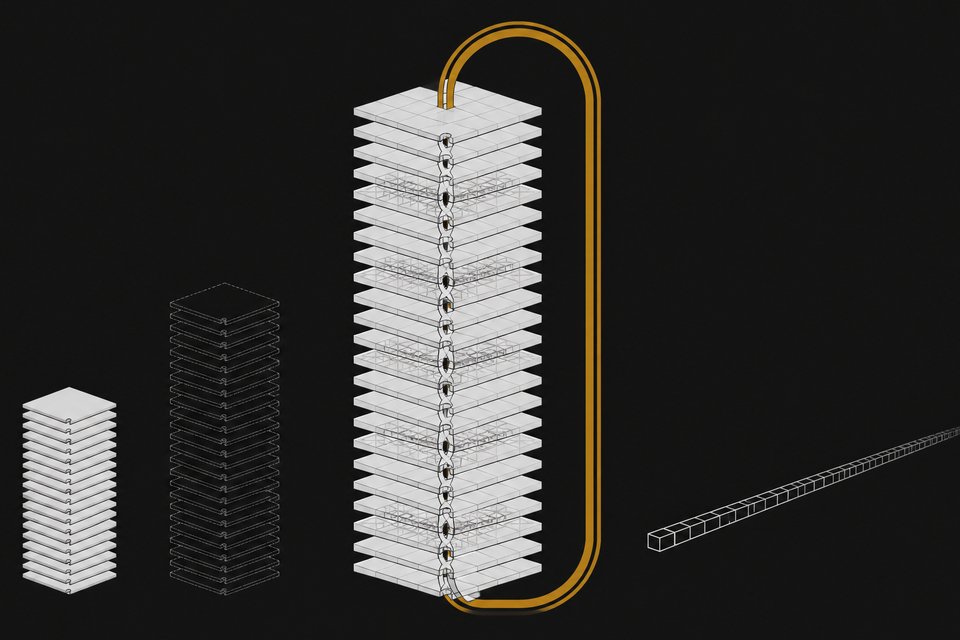
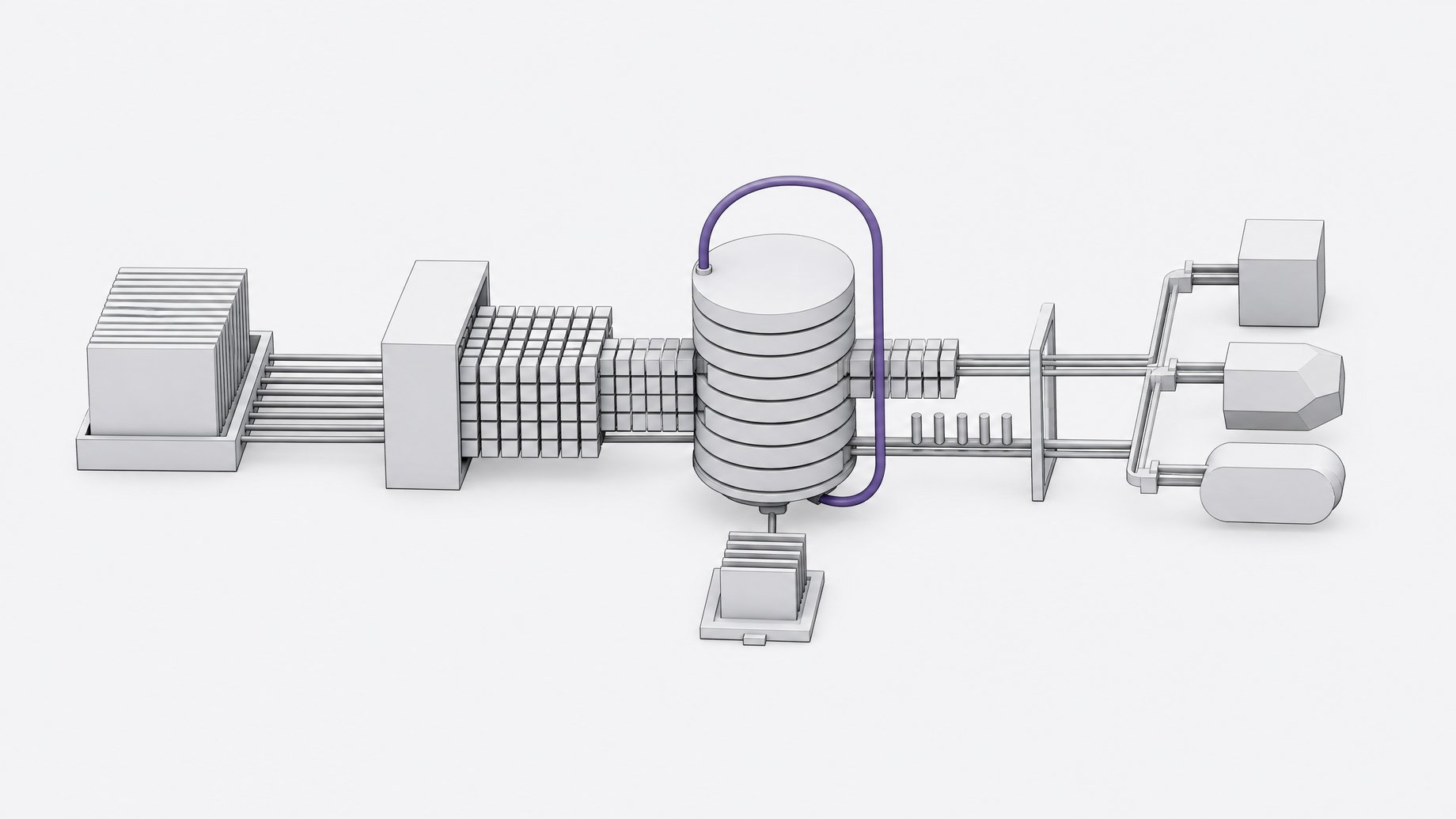
The model repeats a block of decoder layers with shared weights. Layers 0 to 3 run once, layers 4 to 27 run twice, then layers 28 to 31 and the output head finish the pass. That gives 56 decoder-layer executions from 32 distinct layers. Inside the loop, two residual streams are mixed by learned mappings (manifold-constrained hyper-connections, or mHC), with Sinkhorn normalization at 20 iterations.
Three practical consequences follow:
- Memory and compute diverge. The card lists about 9B total parameters but about 14.6B inference parameters. You store the smaller number and compute with the larger.
- Generic runtimes will not work. The loop range, pass count and mHC routing parameters are part of the checkpoint's execution configuration. A compatible engine must load them and reproduce the execution order, which is why serving needs LightLLM or a patched SGLang.
- Attention is hybrid. Each four-layer group has three linear-attention layers and one full-attention layer. The loop boundaries align with complete groups, so the pattern holds across both passes.
Other specs from the card: hidden dimension 4,096, feed-forward dimension 12,288, vocabulary 248,320, and 16 full-attention heads with 4 KV heads. Training context goes up to 262,144 tokens. Input is text and images, output is text.
What inference acceleration is available?
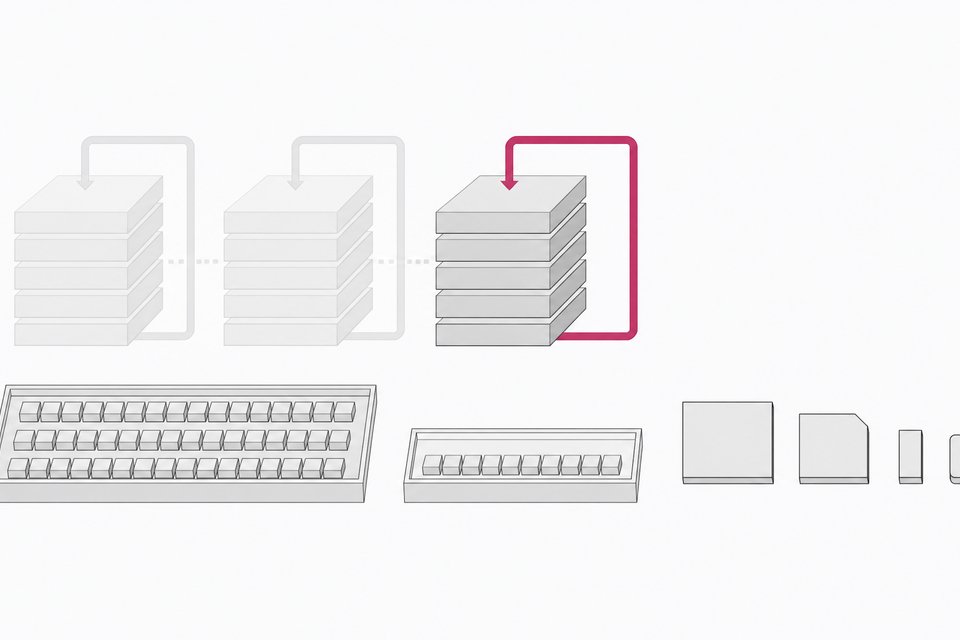
MTP (multi-token prediction) is listed as available. Dspark and Dflash2 are listed as in development, with training in progress. The card says practical speedups depend on workload, hardware and serving configuration, and it gives no numbers. The text I have does not show a server flag for enabling MTP, so check the LightLLM or SGLang documentation and the torchtitan training guide (which covers MTP training) before assuming a setting.
How do you fine-tune it?
The card documents SFT with mHC on one node with eight GPUs, using a torchtitan fork:
git clone https://github.com/OpenSenseNova/torchtitan.git
cd torchtitan
MODEL_PATH=/path/to/SenseNova-Loop-9B-Preview DATASET=/path/to/train.jsonl \
  bash examples/train/SenseNova-Loop-9B-Preview/mhc2_loop2_titan.sh
Point DATASET at your SFT data. The training guide in that repository covers configuration options, DPO and MTP training. Draft-model training for Dspark and Dflash2 uses a separate SenseSpec repository, each with its own run.sh under examples/, also on a single 8-GPU node.
Frequently Asked Questions
Do I need trust_remote_code=True?
Yes. The looped decoder and mHC routing are a custom implementation, and the Transformers example relies on trust_remote_code=True to load it. Without it, the architecture will not resolve.
Can I run it in a newer Transformers version?
The card only documents Transformers 5.18.0 with PyTorch 2.11.0 and CUDA 13.0, and recommends the documented environment for best performance. Other versions may work, but nothing in the card confirms it. Start with the pinned versions and change one thing at a time.
Does it handle images?
The card says the model accepts text and images and generates text. The provided Transformers example is text-only, so image input needs a different code path that the card excerpt does not show.
Is the model free to use commercially?
The card lists Apache License 2.0 for the license. Read the full license file in the GitHub repository before shipping a product on it.
Is this a finished release?
The name says Preview, the technical report is listed as TBD, and the Transformers implementation's publication details are still to be announced. Expect the tooling, especially the SGLang and vLLM pull requests, to change.
How we source, write, and correct our articles. Editorial standards