What Is an AI Skill File? SKILL.md vs MCP Servers Explained
An AI skill file (SKILL.md) is a markdown folder of instructions an agent loads on demand. Learn the format, token costs, and how it compares to MCP servers.

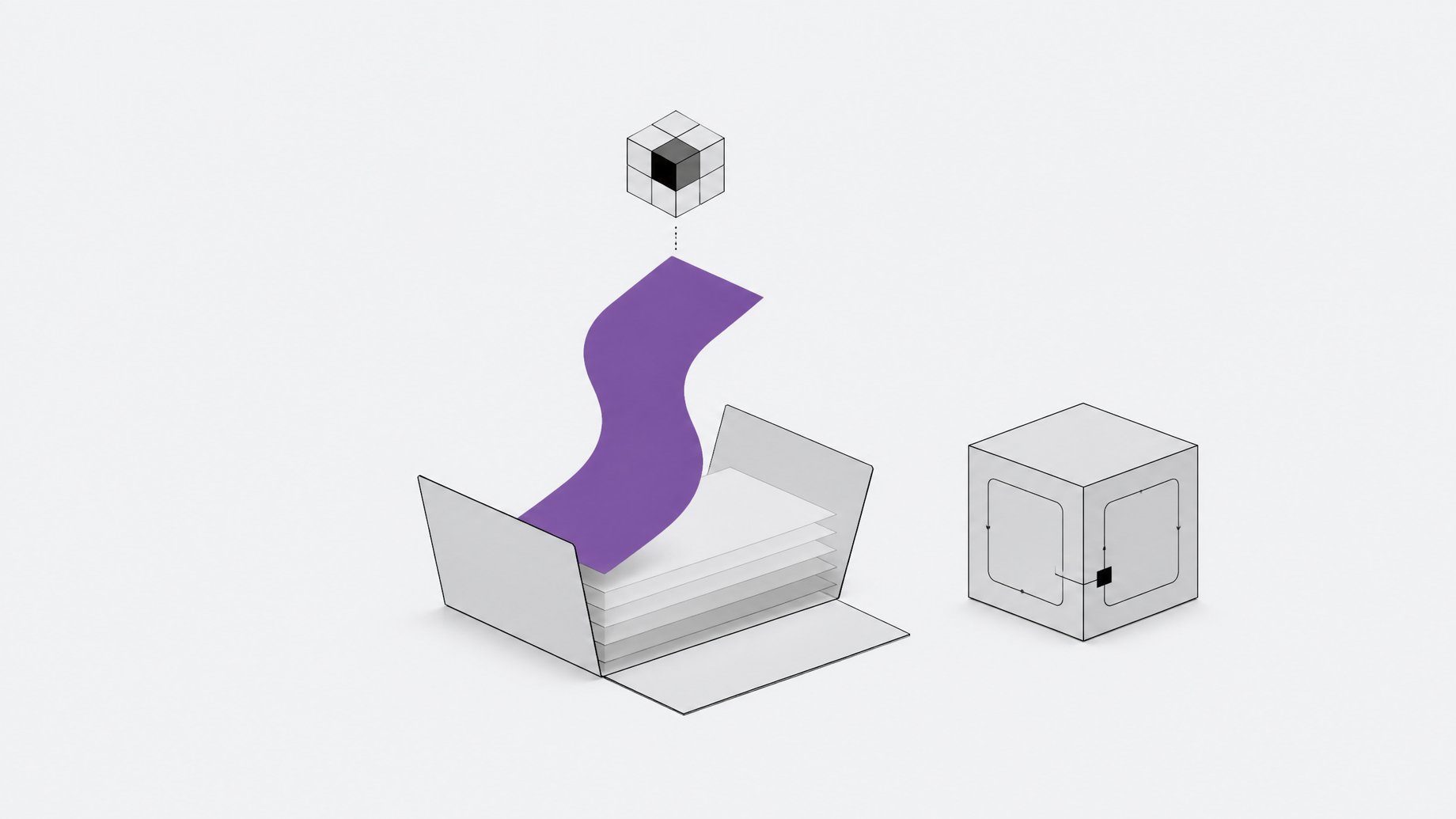
What is an AI skill file, and how does it compare to MCP servers?
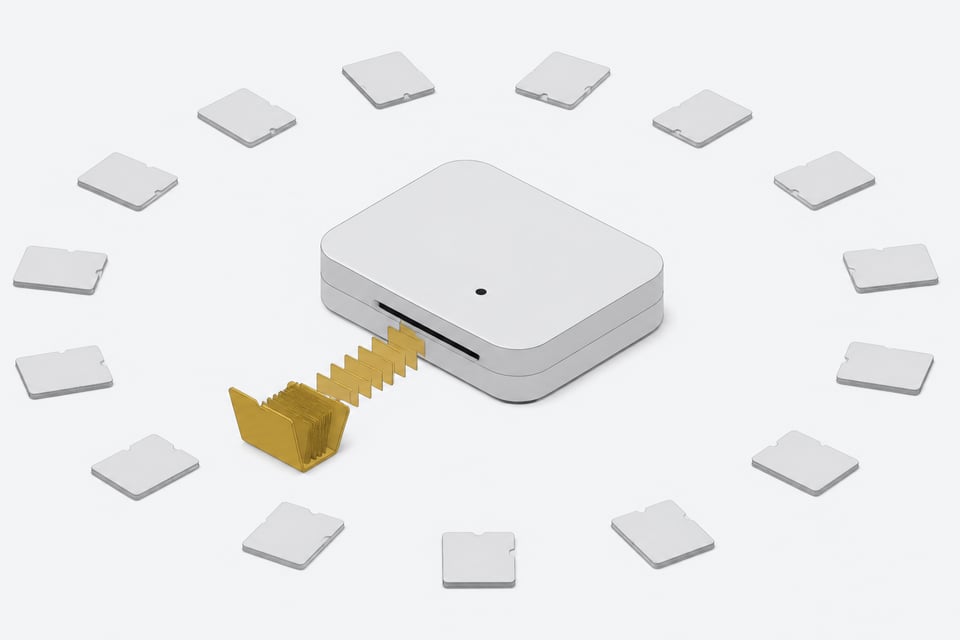
An AI skill file is a folder built around one document, SKILL.md: a short markdown file with YAML frontmatter up top and plain-English instructions below it, plus optional scripts, reference docs, and templates. An agent like Claude or Codex scans the folder names and short descriptions at startup, and only loads the full instructions when a task actually matches one. That's the whole mechanism. No process to start, no port to open, no credentials to rotate.
That simplicity is the point. For years, giving an agent a new capability meant standing up an MCP server: a running piece of software with its own runtime, its own auth, its own uptime to babysit. A skill file replaces most of that work with something closer to a README the agent actually reads at the right moment.
TL;DR
- A skill file sitting idle costs roughly 100 tokens, compared to 2,000 or more for an MCP server whose tool definitions stay loaded continuously.
- Skills load in three tiers, so an agent can carry dozens of them while only paying for the one or two it actually uses.
- Presenting MCP tools as a file tree the agent explores on demand cut one workflow from about 150,000 tokens to about 2,000, a 98.7% reduction.
- MCP and skills are complementary, since you still need a server for live access to external systems, while skills teach reusable procedures.
- Publicly listed Claude-compatible skills grew roughly 18.5x in 20 days, from 2,179 on January 16 to over 40,000 by February 5.
- Snyk's audit found 13.4% of tested skills had a critical-severity issue and 36.82% had a flaw of some severity, so skills are not safe automatically.
What does a SKILL.md file actually contain?
Strip a skill to its minimum and you get one required file. The YAML frontmatter at the top needs exactly two fields:
- name, capped at 64 characters, which the agent uses as a label.
- description, capped at 1,024 characters, which tells the agent when this skill is relevant.
Everything after the frontmatter is markdown prose: step-by-step instructions, examples, warnings about edge cases. The spec recommends keeping that body under roughly 5,000 tokens and the whole directory under 500 lines, which pushes authors to move anything long or reference-heavy into separate files instead of cramming it into the part that loads automatically.
Beyond those two required fields, a skill can carry optional metadata like license or tool-compatibility flags, and it can bundle three kinds of supporting material in subfolders:
- scripts/ — executable code the agent can run instead of writing it from scratch each time.
- references/ — longer documentation the agent only opens if the task needs that level of detail.
- assets/ — templates, boilerplate, or other files the instructions point to.
None of that loads until the agent decides it's needed. That's the mechanism worth understanding, because it's the whole reason skills don't bloat a context window the way a pile of tool definitions does.
Why do skill files barely cost any tokens?
Anthropic's design for Agent Skills runs on three loading tiers, and the cheapest tier is the one that's always on.
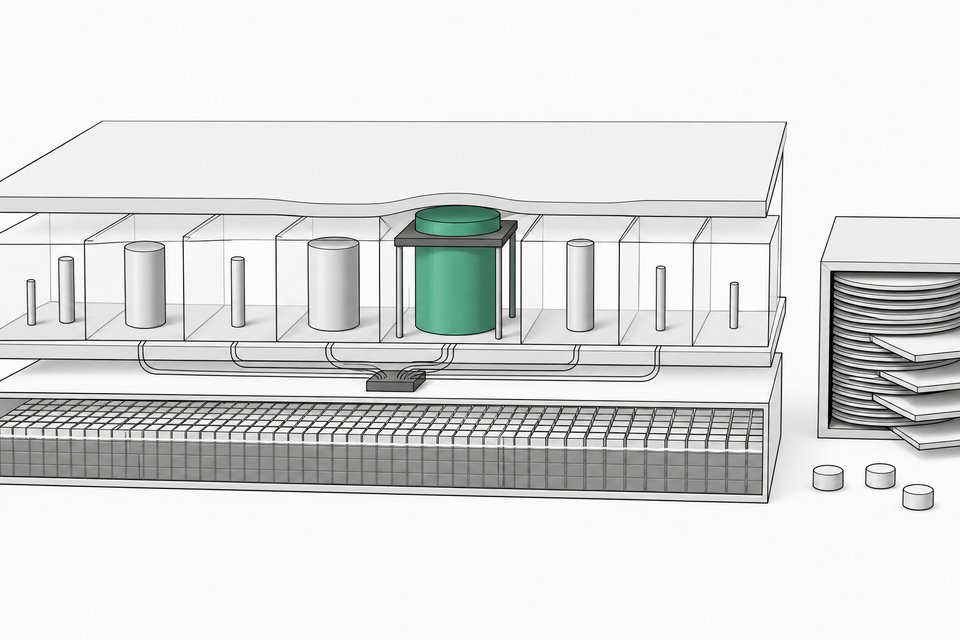
- Metadata, always loaded. Just the name and description sit in the system prompt at session start, roughly 30 to 50 tokens per skill.
- Full instructions, loaded on match. When a prompt lines up with a skill's description, the agent pulls in the complete SKILL.md body, which Anthropic's own community of skill authors has kept to a median of just 1,414 tokens across more than 40,000 published skills.
- Bundled files, loaded on demand. Scripts, references, and assets load only if the instructions actually call for them.
The practical result: an agent can carry dozens of skills around at essentially no cost while idle, and only pay the token price for the one or two it's actually using on a given task. That's the same math behind why your agent's real cost driver is context, not the model: load less, pay less. We've gone deeper on the loading model and the exact spec fields in a companion piece on how SKILL.md files work, if you want the full mechanics.
What's the difference between a skill file and an MCP server?
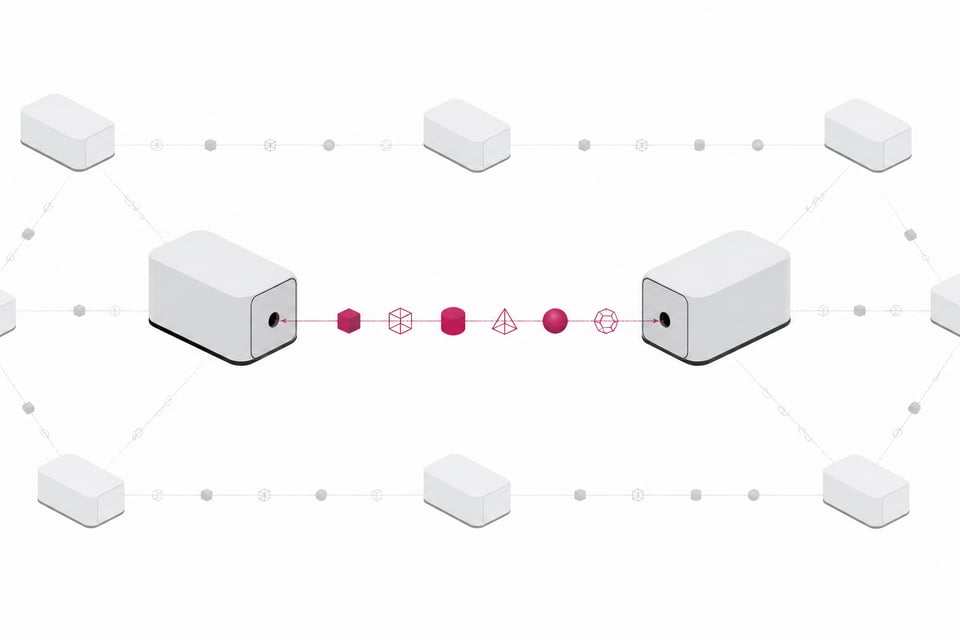
An MCP server is a client-server protocol. It runs as its own process, speaks JSON-RPC, needs authentication, and has to be deployed and kept alive somewhere. A skill is a directory an agent reads off disk. IBM's side-by-side framework puts real numbers on the gap:
- Setup. A skill is a markdown file. An MCP server means writing code, configuring auth, and deploying a server.
- Where it runs. A skill runs locally with zero network latency. An MCP server runs over a network, typically adding 50 to 500 milliseconds per call.
- Token cost while idle. A skill costs about 100 tokens sitting dormant. An MCP server's tool definitions can stay loaded at 2,000-plus tokens continuously.
- Offline capability. A skill works with no network. An MCP server generally doesn't.
MCP isn't obsolete, though. Anthropic's own engineers are explicit that the two are complementary, not rivals: MCP is for giving an agent live access to external systems and real data, while skills exist to teach an agent reusable procedures, including procedures for calling MCP tools more efficiently. If a task needs a persistent connection, OAuth, or a live database read, you still need a server somewhere. A skill can't open that door by itself.
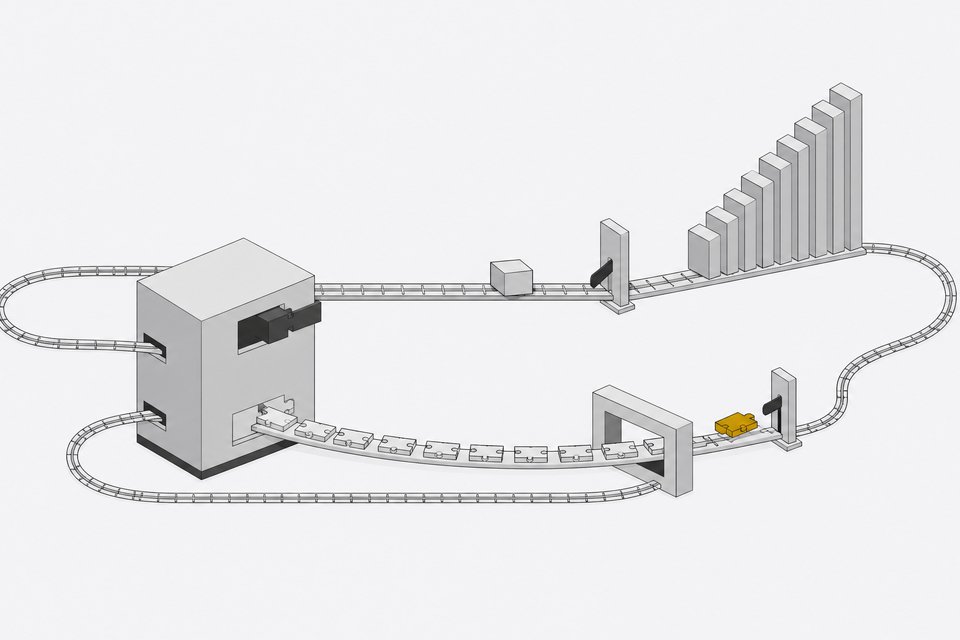
Anthropic's own numbers make the token-cost argument concrete even within MCP. When they tested presenting MCP tools to an agent as a file tree it could explore on demand, instead of loading every tool definition up front, one real workflow dropped from about 150,000 tokens to about 2,000, a 98.7% reduction. That's the same progressive-loading idea skills use natively, applied back onto MCP itself.
Why might skills replace some complex servers?
A lot of what currently lives behind an MCP server is really just procedural knowledge dressed up as infrastructure: how to format a report, how to run a lint check, how to structure a pull request description. None of that needs a live connection to anything. It needs an agent that remembers the steps.
For that category of work, a skill file wins on several fronts at once:
- Zero hosting cost. Nothing to deploy, nothing to pay a cloud bill for.
- Offline capability. The agent can run the procedure with no network at all.
- Version control. A skill is just files in a repo, diffable and reviewable like any other code change.
- Cross-tool portability. Because Agent Skills became an open, cross-vendor standard, the same folder works in more than 26 different tools without rewriting anything.
What skills can't do is replace a server that's actually doing server things: holding a live session, authenticating a user, reaching out to an external API with fresh credentials. Keep that line in mind before ripping out an MCP integration in favor of a markdown folder. The pattern emerging here looks a lot like the broader shift toward software built to be read and rewritten by an agent rather than called through a rigid API: plain text and direct access, instead of another piece of middleware to maintain.
How did skill files take over the industry in under three months?
Anthropic launched Agent Skills on October 16, 2025, as a way to give Claude procedural knowledge without building a bespoke agent for every task. On December 18, 2025, it published the spec as an open standard with a reference SDK at agentskills.io. Within 48 hours, Microsoft had it in VS Code and OpenAI had added it to ChatGPT and Codex CLI. By early 2026, Google's Gemini CLI, Cursor, GitHub Copilot, AWS's Kiro, JetBrains' Junie, and more than 20 other tools were reading the same folder structure.
The public ecosystem grew just as fast. A February 2026 study by Bosch Research and Carnegie Mellon University tracked 40,285 publicly listed Claude-compatible skills and found the pool had grown roughly 18.5x in 20 days, from 2,179 skills on January 16 to over 40,000 by February 5, including a single-day spike of 8,857 new skills on January 25.
Are AI skill files safe to use?
Not automatically. A skill isn't code-signed, isn't sandboxed by default, and doesn't go through any security review before it runs. Publishing one requires nothing more than a markdown file and a GitHub account. Once loaded, it inherits the full permissions of the agent carrying it: shell access, file reads and writes, and whatever credentials that agent already holds.
The numbers back up the concern. Snyk's February 2026 ToxicSkills audit examined 3,984 skills pulled from ClawHub and skills.sh. It found 13.4% (534 skills) contained at least one critical-severity security issue, and 36.82% (1,467 skills) had a flaw of some severity. Human review confirmed 76 skills carried genuinely malicious payloads, things like credential theft, backdoors, and data exfiltration, and 91% of those combined the malware with prompt-injection techniques. Eight of the confirmed malicious skills were still live on ClawHub when Snyk published. The Bosch/CMU study echoed the concern from a different angle, flagging skills that enable state-changing or system-level actions among the 46% of listed skills it found duplicated another skill's name or intent.
This is exactly the gap that shows up whenever employees start pulling AI-built tools into daily work without anyone tracking what's running or where. It's part of why some companies want a governed place for employee-built software to live, rather than scattering it across personal laptops, random GitHub accounts, and whatever skill folder someone copied off a forum post.
How do you build your first skill file?
The setup is genuinely small. A minimal skill is just a folder with one file inside:
| Setup | Latency | Idle Token Cost | Works Offline | |
|---|---|---|---|---|
| Skill Fileprocedural knowledge and offline tasks | Write a markdown file | Local, near-zero | ~100 tokens | Yes |
| MCP Serverlive external data and persistent connections | Write code, configure auth, deploy | 50-500ms per call | 2,000+ tokens | No |
my-skill/
  SKILL.md
And SKILL.md itself can be as short as frontmatter plus a few lines of instructions:
---
name: pr-description
description: Writes a structured pull request description from a git diff.
---

Summarize the diff in three sections: What changed, Why, How to test.
Drop that folder into your agent's skills directory, something like ~/.claude/skills for Claude, and restart the session. For a faster start, Anthropic maintains an official skills repository on GitHub with ready-made examples, and there's an npx skills installer that pulls community skills into your project in one command. Either path gets you a working skill faster than it takes to read this sentence twice.
The real test isn't whether you can build one. It's whether you can tell, six months from now, which folder on your machine is actually doing what. That's the next problem this format needs to solve.
Frequently Asked Questions
What is an AI skill file?
An AI skill file is a markdown document called SKILL.md, stored inside a folder, that gives an AI agent step-by-step instructions for a specific task. The agent only loads the full instructions when a prompt matches the skill's short description, so it can hold many skills at once without using much context.
Is a SKILL.md file the same as an MCP server?
No. A skill is a static folder the agent reads locally with no running process. An MCP server is live software with its own runtime, authentication, and deployment that connects an agent to external systems in real time. They solve different problems and Anthropic designs them to work together, not to replace each other.
Can a skill file replace an MCP server?
Sometimes. If the capability is really just a procedure, like formatting a report or running a lint check, a skill can replace the server entirely at zero hosting cost. If the task needs a live connection, fresh credentials, or an external API call, you still need an MCP server.
Are AI skill files safe to install?
Not automatically. Skills aren't sandboxed or code-signed by default and inherit the full permissions of the agent running them. A 2026 Snyk audit found over a third of sampled skills had a security flaw of some severity, and dozens contained confirmed malicious code, so skills from unknown sources should be reviewed before installing.
Where do I put a skill file for my AI agent to use it?
It depends on the tool, but most agents look in a dedicated skills directory, such as ~/.claude/skills for Claude. You can also install community skills with the npx skills command or pull examples from Anthropic's official skills repository on GitHub.
How we source, write, and correct our articles. Editorial standards