How Much VRAM Does Nanbeige4.3 33B Need Running on vLLM?
Nanbeige4.3 33B used just under 88 GB of VRAM on vLLM at long context, about 62 GB at full precision. Here is how to size hardware and cut memory.

How much VRAM does Nanbeige4.3 33B need with vLLM?
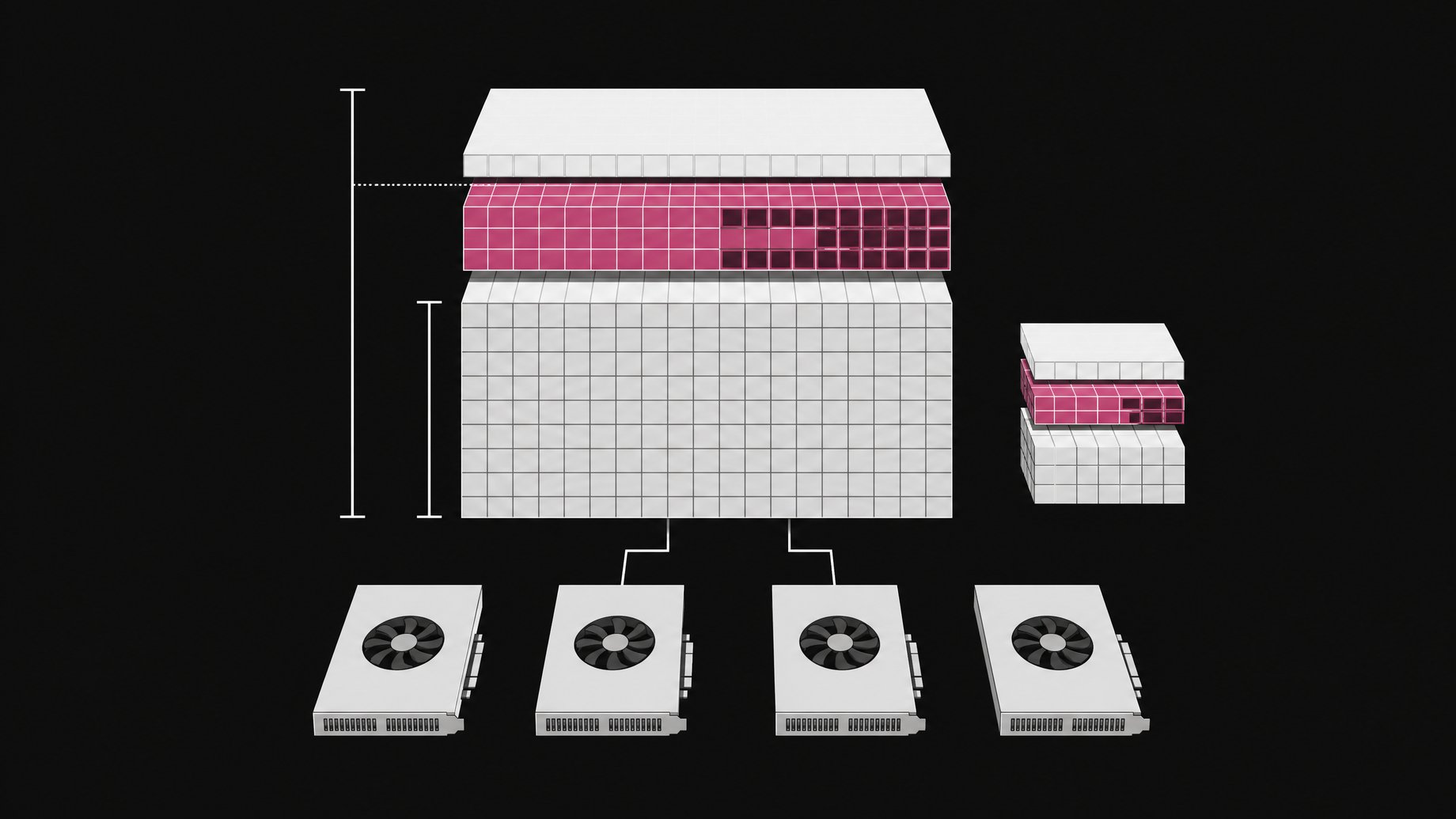
In one hands-on vLLM test, Nanbeige4.3 33B used just under 88 GB of VRAM while serving at a long context length. The same model at full precision needs around 62 GB, which is roughly the weights alone. The gap comes mostly from the context setting, because vLLM reserves memory for the KV cache. Lowering the context length brings the total down toward the 62 GB floor.
TL;DR
- Nanbeige4.3 33B was observed using just under 88 GB of VRAM in vLLM at a long context length.
- At full precision the model needs about 62 GB, which is the practical floor before any cache.
- Reducing the context length is the main lever for cutting the roughly 26 GB of extra usage.
- Both a base model and a fine-tuned variant exist, and the fine-tuned one was the model tested.
- The reviewer who ran it found it failed two practical tests (a bug hunt and an HTML animation) despite strong lab-published benchmarks, so validate it on your own workload before committing hardware.
What is Nanbeige4.3 33B?
Nanbeige4.3 33B is a 33 billion parameter dense language model from Nanbeige LLM Lab, the AI team inside Boss Zhaopin, a large Chinese hiring platform. The lab's pitch across earlier releases has been that its smaller models can beat larger ones. For this release it went further and described the model as Claude-level in the setup shown in the test.
"Dense" matters for memory planning. Every parameter is loaded and used, so you cannot count on a mixture-of-experts layout to shrink the footprint. You pay for all 33 billion weights.
Why does it use about 88 GB in one case and 62 GB in another?
Two things fill GPU memory when you serve a model: the weights and the KV cache. The weights are fixed by parameter count and precision. The KV cache grows with how much context the server is configured to hold.
The numbers line up with that picture:
| Setup | Observed VRAM | What it mostly reflects |
|---|---|---|
| Long context length in vLLM | Just under 88 GB | Weights plus a large KV cache and runtime overhead |
| Full precision, context reduced | Around 62 GB | Mostly the weights |
A quick sanity check on the floor. At 16-bit precision, each parameter takes 2 bytes. Thirty-three billion parameters times 2 bytes is about 66 billion bytes, or roughly 61 to 62 GiB. That matches the reported 62 GB figure.
One caveat. vLLM pre-allocates memory up to a configured fraction of the GPU, so the number you see in a monitor is often a reservation, not a minimum requirement. The 88 GB reading is a single observation from one setup, not a hard spec.
What hardware do you need to run it?
The source does not list a specific GPU. From the figures and general GPU sizes, you can reason about it:
- A 48 GB card cannot hold 62 GB of full-precision weights on its own.
- An 80 GB card can hold the weights with some room for cache, but the 88 GB observed at long context would not fit.
- A 96 GB-class card, or multiple GPUs gives headroom for the long-context configuration.
If you split across GPUs, vLLM supports tensor parallelism. The total memory you need stays similar, but it is divided across devices, plus some per-device overhead.
Quantizing to 8-bit or 4-bit would shrink the weights further in principle. The source does not mention any quantized Nanbeige4.3 releases, so check the model's official listing before planning around one.
How do you run Nanbeige4.3 33B with vLLM?
The test used vLLM to serve the model locally, then pointed an agent at the resulting endpoint. The exact command was shown on screen but not spelled out in the source, so treat the following as a generic template. Replace the model ID with the actual repository name for the variant you want.
pip install vllm

vllm serve <nanbeige4.3-33b-model-id> \
  --max-model-len 32768 \
  --gpu-memory-utilization 0.90
If you need more than one GPU:
vllm serve <nanbeige4.3-33b-model-id> \
  --tensor-parallel-size 2 \
  --max-model-len 32768
Once running, vLLM exposes an OpenAI-compatible HTTP API, so most agent frameworks and clients can connect by changing the base URL.
How do you reduce VRAM usage?
The reviewer noted that you can decrease the context length to bring usage down, though full precision would still need around 62 GB. Practical options, from most to least effective:
- Lower
--max-model-len. This shrinks the KV cache that vLLM has to plan for. It is the single biggest lever above the 62 GB floor. - Lower
--gpu-memory-utilization. This caps how much of the card vLLM reserves. Set it too low and the server may fail to start or have little cache. - Reduce concurrent sequences. Fewer simultaneous requests means less cache in use.
- Use a quantized build, if one exists. This cuts the weight footprint below 62 GB, with some quality tradeoff.
- Shard across GPUs. This does not cut total memory but lets smaller cards participate.
Match the context setting to your task. Agent workflows with long tool outputs need a large window. A chat or single-file code task usually does not.
What is the difference between the base and fine-tuned models?
There are two variants. The one tested was fine-tuned from the base model. In general, a base model is the raw pretrained checkpoint, useful for further fine-tuning or research. The fine-tuned model is tuned for instruction following, reasoning, and agent-style use.
For memory, the two should be close, since both are 33B dense models with the same architecture. The sizing in this article applies to either. For direct use as an assistant or agent, the fine-tuned model is the relevant one.
Is Nanbeige4.3 33B worth the VRAM?
That depends on your workload, and the evidence is mixed. The lab's published charts, as described in the review, show the model ahead of three similar-size rivals across eight tests, with large gaps on hard coding and terminal tasks. A separate occupation-based evaluation across 35 jobs also showed it scoring well, with some categories where a competing model still won.
The hands-on results were much weaker. The reviewer gave it a real application with one planted bug in a restaurant costing system, where yield loss was ignored and the system calculated that less meat was bought than served. After more than an hour, the model had flagged 14 or 15 issues without finding the actual bug. A second test, a single-file HTML animation of swaying banners, ran for over 45 minutes and hit the maximum output tokens while looping in its reasoning. The reviewer called it not production ready.
Those are two tests from one person, not a full evaluation. But long, circular reasoning is also a cost issue. If the model burns the whole context window thinking, a large context setting means more VRAM for little result. Test it on your own tasks with a modest context first, then scale up.
Frequently Asked Questions
Can I run Nanbeige4.3 33B on a single 24 GB or 48 GB GPU?
Not at full precision. The weights alone need about 62 GB, which exceeds both. You would need a quantized build (if available) or multiple GPUs.
Why did vLLM show nearly 88 GB when the weights are about 62 GB?
vLLM reserves memory for the KV cache based on the configured context length and its memory utilization setting. A long context length drives the reservation up. Lowering it reduces the total toward the weight size.
Does the base model need less memory than the fine-tuned one?
Not meaningfully. Both are 33B dense models, so weight memory is essentially the same. Context length and serving settings affect usage far more than the variant.
Is it good enough to replace a Claude-level model?
The reviewer's tests said no. It failed a bug-finding task and a code generation task, and he judged it well below the Claude-level claim. Published benchmarks look stronger, so run your own evaluation before deciding.
How we source, write, and correct our articles. Editorial standards