How Do You Clone a Paid App With Reverse Engineer Anything?
Step-by-step: add the open-source Reverse Engineer Anything repo to a ChatGPT project with folder access and remake an installed app like Screen Brush.

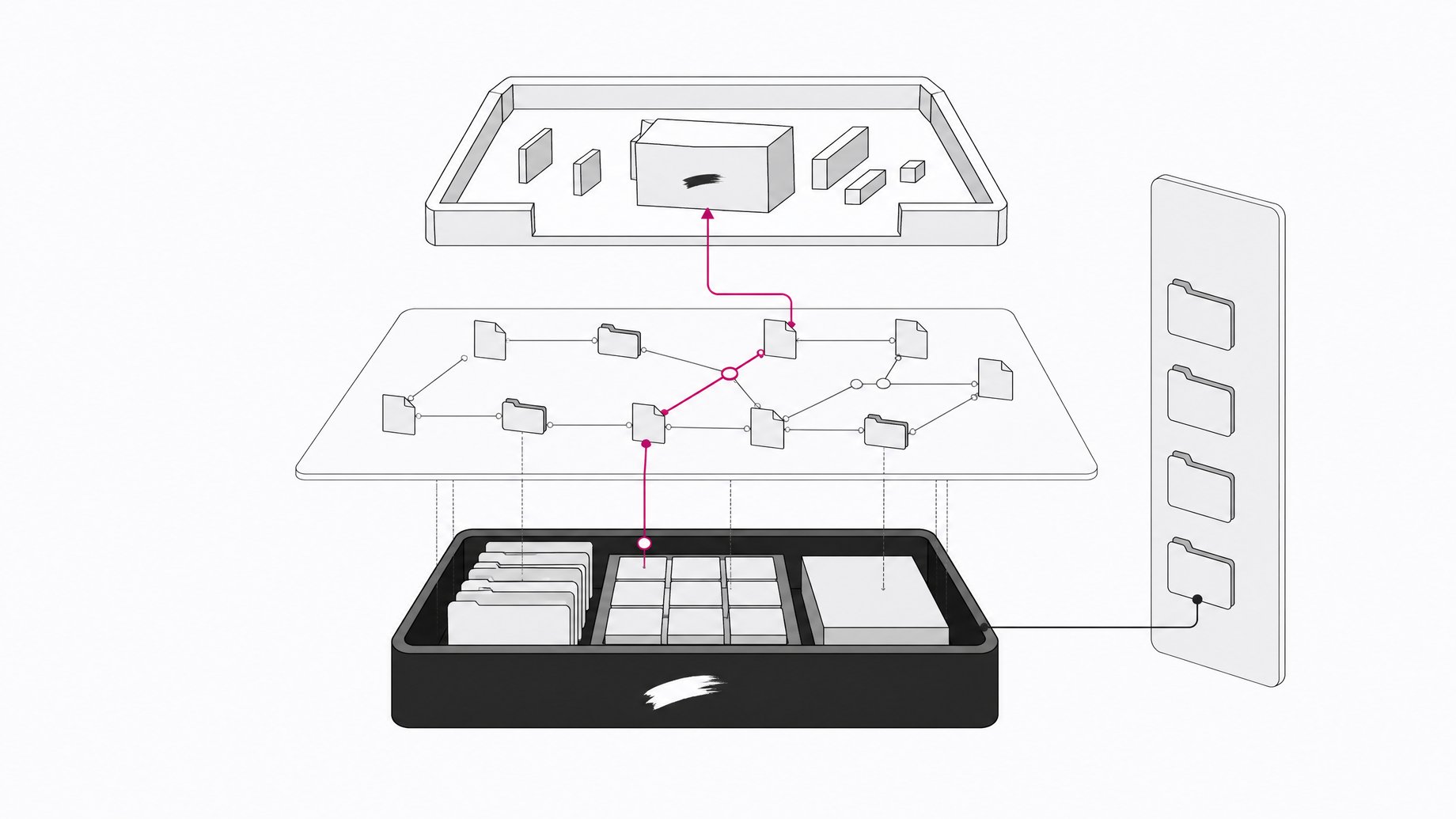
How do you make a free copy of a paid app with Reverse Engineer Anything?
Reverse Engineer Anything is a free, open-source GitHub repository. You paste its link into a chat inside a desktop AI app (ChatGPT, Codex, Claude desktop or Claude Code) that has access to a folder on your computer. Then you ask the AI to make a version of an app you already have, such as "make me Screen Brush." The AI works backward from the finished product and writes the files for your own customizable copy.
TL;DR
- Reverse Engineer Anything is an open-source GitHub repo with no subscription cost. You add its link to a chat and the AI uses it as instructions.
- You need a desktop AI app that can create files, ideally on a higher-tier plan, because the app writes to your local machine.
- The setup is a ChatGPT project with folder access, then a new chat inside that project with the repo URL and a one-line prompt.
- Set permissions to "approve for me" if you are new, so you confirm sensitive operations instead of granting full access.
- One creator rebuilt a screen-drawing tool in minutes and a Slido-style Q&A app that ChatGPT hosted through its sites feature.
- Because the result is yours, you can strip features you do not need and add ones the original lacked, such as a transparent background.
What does "reverse engineering" mean here?
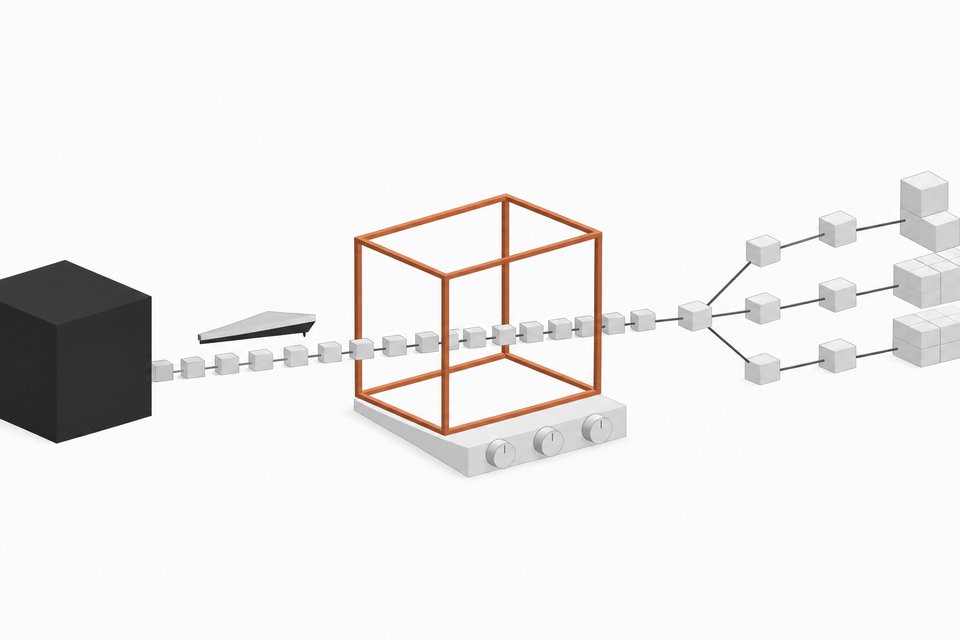
The usual way to build software is idea, then plan, then build, then iterate. Reverse engineering starts at the end. You begin with the finished product and work backward to figure out how to produce it.
A cooking analogy fits. Normally you gather ingredients and follow a recipe. Reverse engineering a dish means tasting the finished plate, working out what is in it, and writing the recipe afterward. The repo packages that approach so a general-purpose AI can apply it to software without you writing a spec first.
Neither AI app-building nor reverse engineering is new. What changes here is how little setup it takes. The creator who demonstrated it describes the whole process as a few minutes of work, and says the original audience of technical users was not a requirement.
What do you need before you start?
The requirements are short:
- An AI that can create files. The tool works by generating files, so a plain web chat is not enough for a standalone app.
- A desktop app. The desktop version of ChatGPT can manipulate files on your local computer. That matters if you want a standalone app installed on your machine.
- Ideally a higher plan. The demonstration recommended one, plus raising the model to one of the higher settings you have.
- The repo link. It is public and free. Take the exact URL from the creator's video description or search GitHub for "Reverse Engineer Anything" rather than typing it from memory.
ChatGPT is the simplest route. Codex reportedly works even better, and the Claude desktop app and Claude Code also work.
How do you set it up in ChatGPT step by step?
- Open Projects. In the ChatGPT desktop app, go to Projects in the sidebar and click Create.
- Name the project. Anything works. The demo used "YouTube demo REA."
- Give it a folder. Choose a folder on your computer, or create a new one (the demo made one in Documents). Click open, create the project, and choose to trust the folder.
- Start a new chat inside the project. This matters. The chat must live in the project that has folder access, or the AI cannot write files where you can use them.
- Paste the repo URL. Add the Reverse Engineer Anything link to the message.
- Write a simple prompt. Something like: "Make me Screen Brush," naming an app that exists on your computer. Add a sentence about the functionality you want.
- Raise the model setting. Pick one of the higher options available to you.
- Set access. Choose how much freedom the AI gets (see the next section).
After that, the AI builds the app. In the demo, the result was installed on the machine already, a drawing tool called AIA Ink. A few follow-up messages handled adjustments.
Which permission setting should you use?
ChatGPT lets you choose between asking for approval and giving broader access. The creator's advice: if you want to avoid confirming every step, you can pick full access, but newcomers should choose approve for me.
With that setting the AI may still ask you to approve certain operations. That is the point. You see what it wants to do on your machine before it does it. You trade a few extra clicks for control, which is reasonable when a model is creating and moving files on your computer.
A few habits help regardless of the setting:
- Point the project at a dedicated folder, not your whole Documents directory.
- Read approval prompts instead of clicking through them.
- Keep important work backed up before you let any AI write to your disk.
What can you actually build with it?
The demonstrations covered several cases:
| Target app | What was built | Notes |
|---|---|---|
| Screen Brush | A screen-drawing tool called AIA Ink | Draw and delete on screen. Customized to have a transparent background so the toolbar does not block demos. |
| Slido | A Q&A and voting app | Described as a close copy. Hosted through ChatGPT's sites feature, so no separate web hosting was needed. |
| Microsoft Word | An experimental rebuild | Mentioned as one of a bunch of other experiments, with no detail given. |
| Adobe apps | Copies of Photoshop, Premiere Pro and others | Reported as a separate project by another person, published as Artcraft. Not verified here. |
The Slido-style app is a good example of the time savings. Building it by hand, feature by feature, would take hours. Starting from the finished product and working backward collapsed that into one session. The creator said he could share it with a group, collect questions, and let people vote on them.
Why bother when the paid app already works?
Two reasons came up. The first is cost: no recurring subscription for something you only use in a narrow way. The second is fit. The original Screen Brush had, by the creator's estimate, around 20 features or more that he did not need. His own version kept the essentials and added a transparent background, something he had wanted from the start.
That customization is the real draw. A commercial app serves a broad audience. Your copy serves you.
Is it legal and safe to clone a paid app?
The sources do not address this, so treat the following as general caution, not legal advice. Recreating an app's behavior for personal use is a different thing from copying its code, branding or assets, or from publishing and selling a lookalike. Software licenses and terms of service often restrict reverse engineering. Trademarks and copyright still apply to a public clone.
Practical rules of thumb:
- Keep clones for personal or internal use unless you have checked the original's terms.
- Do not reuse the original's name, logo or artwork.
- Review any generated app before you run it, especially one that asks for system permissions.
- Expect gaps. A quickly generated copy will not match a mature product's polish, support or reliability.
Frequently Asked Questions
Is Reverse Engineer Anything free?
The repository is open source and free to use, and you add its link to a chat. You still need an AI service that can create files, and the creator suggests a higher plan, so your AI subscription may be the only cost.
Do I need ChatGPT, or do other tools work?
ChatGPT is the simplest option in the demonstration. Codex is said to work even better, and the Claude desktop app and Claude Code also work. The common requirement is a desktop tool that can create files on your computer.
Why must the chat be inside a project?
The project holds the folder permission. If the chat sits outside it, the AI cannot write and manage files in your chosen folder, which you need for a standalone app.
Which permission mode should beginners pick?
Choose "approve for me." The AI may ask you to confirm certain operations, so you stay in control of what it does on your computer. Full access saves clicks but gives up that oversight.
Can I change the app after it is built?
Yes. Keep chatting in the same project and describe what to change. The Screen Brush copy was adjusted over a few messages, including making its background transparent.
How we source, write, and correct our articles. Editorial standards