Penpot vs Doory: Which Self-Hosted Canva Alternative Is Better?
Compare Penpot and Doory, two free self-hosted open-source Canva alternatives, on cost, deployment, compliance, maintenance risk, and team size thresholds.

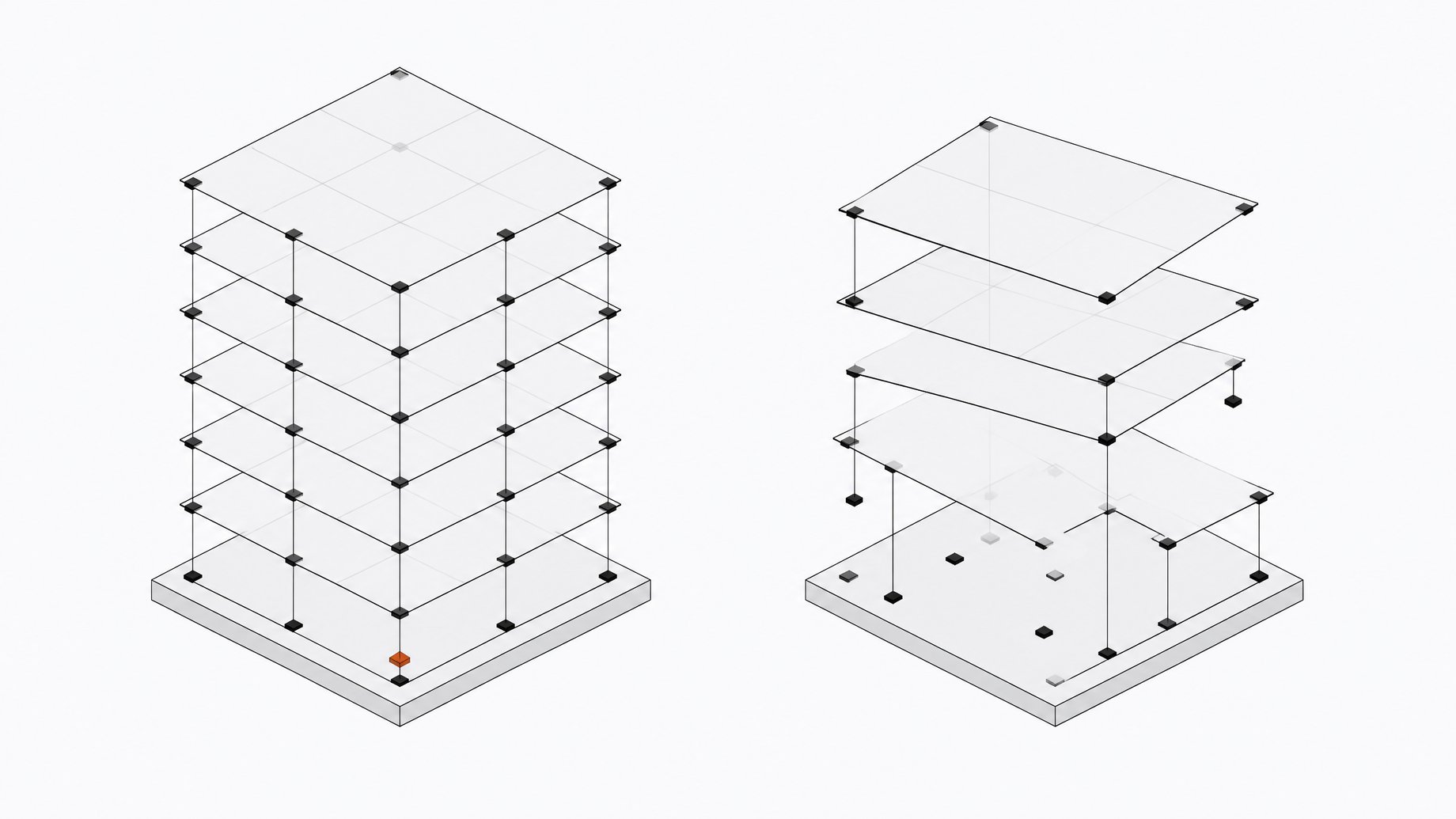
Which self-hosted Canva alternative is better, Penpot or Doory?
Penpot is the better choice for most teams, and Doory is a promising but unproven prototype. Both are worth taking seriously. Penpot is a mature, enterprise-grade design and prototyping platform you deploy on your own infrastructure through Docker, Docker Compose, Kubernetes, Helm, OpenShift, or Rancher. Doory is newer: a Canva-style editor you can stand up with one docker compose up, built almost entirely by Anthropic's Claude in a handful of commits. Both are free to run. Both answer the literal query. Whether either answers your actual problem depends on team size, how much Canva already costs you, and how much engineering time you can spend on infrastructure instead of a subscription invoice.
Strip away the branding and this is a build-vs-buy decision, not a Canva problem, and the right answer shifts with scale, the same way it does everywhere else in your stack. The category-by-category guide to self-hosted SaaS alternatives walks through the same logic for tools beyond design.
TL;DR
- Canva's SMB pricing rose nearly 77% year-over-year, which punishes teams that scale.
- Organizations waste an average of $19.8 million annually on unused SaaS licenses, and per-seat billing makes that waste easy to accumulate.
- Self-hosting removes the vendor from the data path, which gives you data ownership and easier compliance with GDPR, HIPAA, and SOC2.
- Penpot is a mature, enterprise-grade option you can deploy on your own infrastructure in many ways.
- Doory is an AI-generated prototype with no production track record and a single maintainer.
- Self-hosting is not free, because patching, upgrades, and incident response carry a real cost in engineering time.
How much does Canva actually cost a team over time?
Canva's published pricing looks modest in isolation: $144 per seat per year for Pro, $250 per seat per year for Business, and custom Enterprise pricing, usually quoted only above 100 to 150 seats, that adds IP and AI-output indemnity plus a dedicated success manager.
Actual spend tells a different story. Across 912 real Canva contracts, average SMB organizations (50 to 1,000 employees) pay about $2,900 a year; average enterprise customers (1,000-plus employees) pay closer to $29,852. The trend line is steep: SMB pricing rose 76.99% year-over-year, enterprise pricing rose 13.02%. Canva's terms reserve the right to change prices at any time with 30 days' notice, and its "Pay as You Grow" model bills every added seat automatically on the next cycle unless someone manually removes it.
That last detail matters more than it sounds. The per-seat line item grows by default, not by decision.
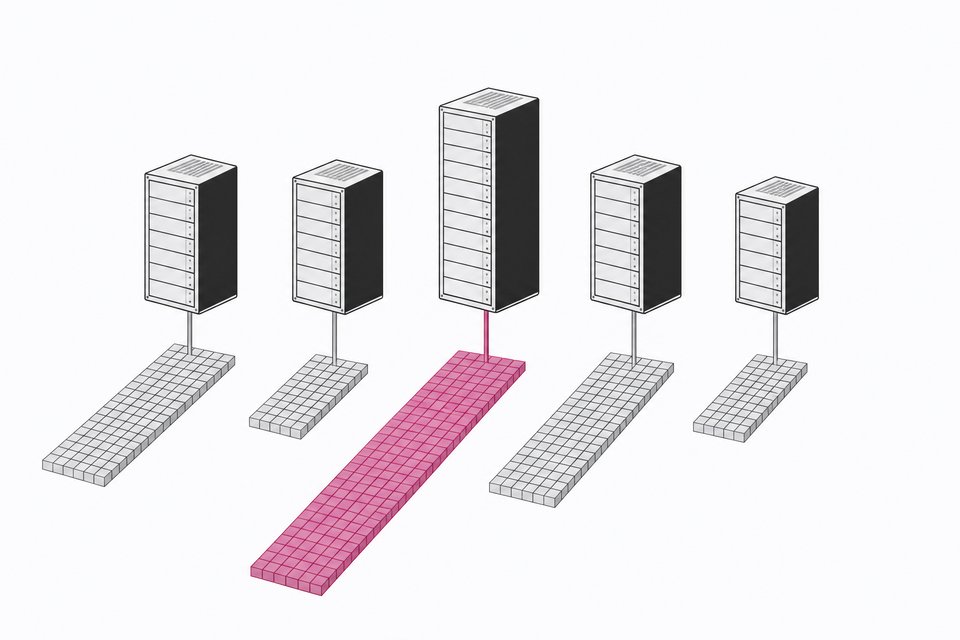
Why does per-seat pricing get worse as teams scale?
Canva isn't an outlier here. It's a case study in how SaaS pricing behaves generally. B2B SaaS pricing rose roughly 11.4% year-over-year in 2025, against general inflation of about 2.7%, and businesses now spend an average of $7,900 to $8,700 per employee annually on SaaS, up 27% over two years. Half of software companies surveyed say they're preparing further price increases.
Meanwhile, a lot of that spend is simply wasted. Independent SaaS management research puts the average organization's annual loss on unused licenses at $19.8 million, with 46 to 54% of provisioned seats sitting idle or underused in a given month. Design tools are especially exposed to this pattern: access gets granted broadly, every marketer, every PM, every contractor who might need to make a slide, and revoked rarely. That's exactly the kind of blind spot that usage visibility tools exist to close before it shows up as a surprise at renewal.
None of this is unique to Canva. It's what per-seat billing does to any tool past a certain headcount: the incentive to add seats is immediate and automatic, and the incentive to remove them is diffuse and nobody's job.
What does self-hosting buy you beyond cost?
Price is the obvious lever. For a regulated or IP-sensitive team, it isn't even the main one. Canva's Terms of Use explicitly prohibit using the service to build or market a competitive product, and prohibit scraping or data mining for AI or machine learning purposes, while separately stating that Canva and its "trusted partners" may use user content to improve AI-powered features unless a user opts out through privacy settings. For a legal, healthcare, or finance team, that's a compliance conversation, not a feature footnote.
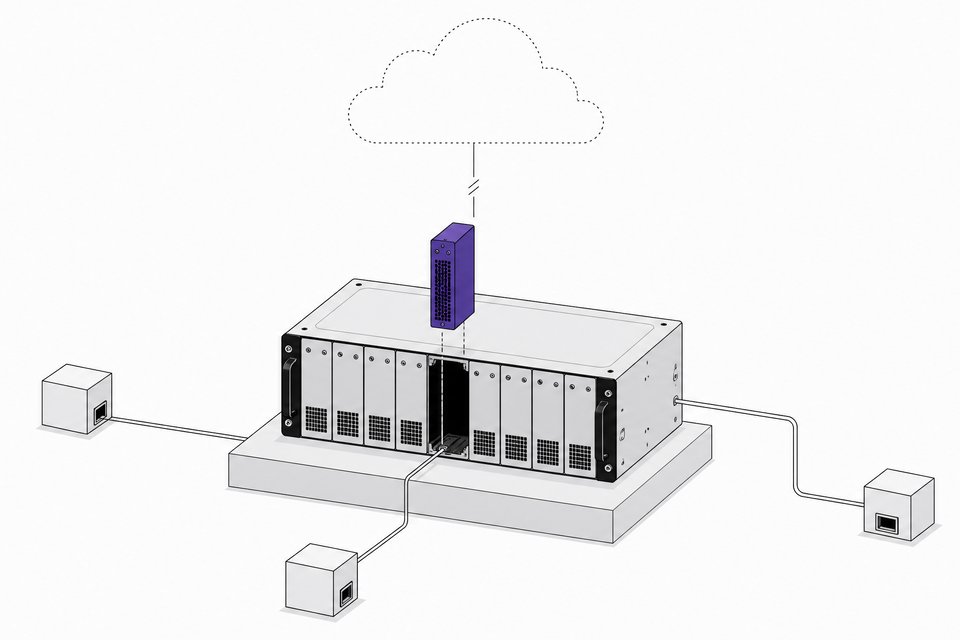
Self-hosting removes the ambiguity by removing the vendor from the data path entirely. Once you run the software yourself, questions about where your content goes, who trains on it, and who can change the deal unilaterally mostly disappear. Penpot makes this case directly, framing self-hosting as a route to data ownership, regulatory compliance under GDPR, HIPAA, or SOC2, and integration with internal SSO rather than a vendor's identity system.
Is Penpot the mature, enterprise-ready option?
Penpot is open source under the MPL 2.0 license and genuinely deployment-agnostic: private cloud, on-premise, or air-gapped, with configuration paths for Docker, Docker Compose, Kubernetes, Helm, OpenShift, and SUSE Rancher. It isn't a side project wearing enterprise clothing. Penpot's own enterprise materials make the case directly: traditional design tools charge $12 to $50 per user per month, compounding into hundreds of thousands of dollars a year for large or distributed teams, versus a self-hosted model where the organization mostly pays for infrastructure rather than seats, and inviting viewers or occasional contributors costs effectively nothing.
Penpot's own list of reasons large organizations self-host:
- Data ownership. Design files, brand assets, and client work stay on infrastructure you control.
- Regulatory compliance. GDPR, HIPAA, and SOC2 requirements are easier to satisfy when data never leaves your environment.
- SSO and infrastructure integration. Plug into the identity and infrastructure stack you already run instead of a vendor's.
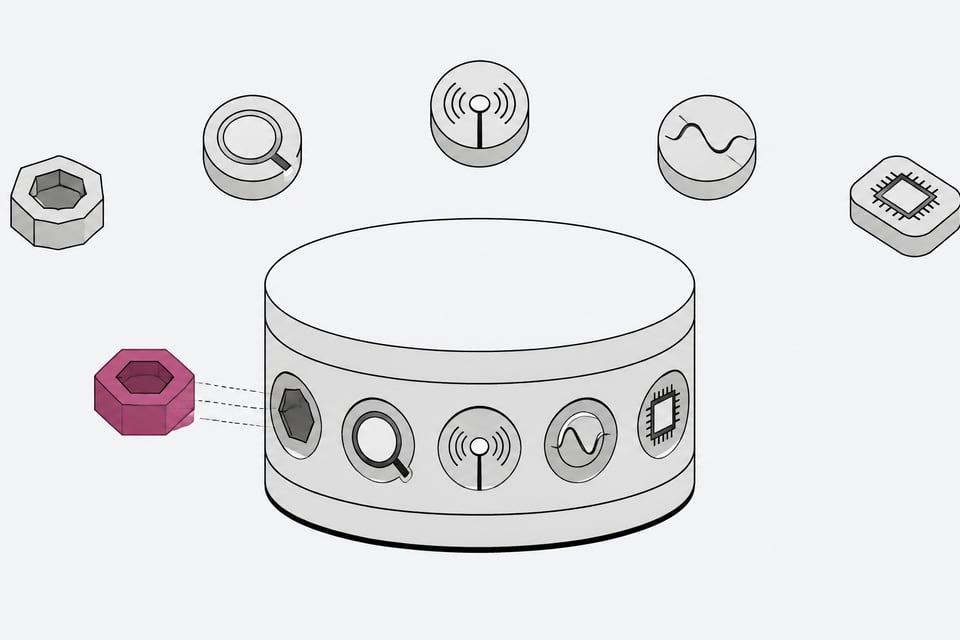
- Workflow customization. Plugins let teams adapt the tool to internal process rather than the reverse.
- Predictable performance at scale. No shared multi-tenant infrastructure competing for resources.
- Lower long-term costs. Infrastructure spend scales with usage, not headcount.
This is the option for a team that has already decided self-hosting is worth the operational commitment and wants something with a track record.
What is Doory, and what are its real risks as an AI-built contender?
Doory is the newer, flashier answer to the same search query, and it's worth knowing exactly what it is before treating it as a Penpot substitute. It's a React 19 and Fabric.js frontend over a Django, DRF, Channels, and PostgreSQL backend, self-hostable through a three-command Docker Compose setup, with free real-time co-editing and export to PNG, JPG, SVG, PDF, MP4, and GIF under an Attribution Assurance License. At the time of research it had 506 stars and 19 forks on GitHub.
Here's what should slow a buyer down: the entire initial codebase was generated by Claude in a handful of commits by a single maintainer. When it launched on Hacker News, community sentiment analysis found roughly 75% of the discussion skeptical, citing code quality, long-term maintenance risk from a single-maintainer AI-authored project, and a self-contradictory open-source license. One commenter put it bluntly: they were "horrified looking at the commit history," noting the whole project spawned from a single commit and questioning why anyone capable of self-hosting wouldn't just use something established instead.
That skepticism doesn't make Doory useless. It makes Doory, right now, a prototype with real functionality and no production track record, maintained by one person. It's a legitimate case study for anyone watching the broader shift toward self-hosting AI coding agents: software built almost entirely by an AI model, shipped fast, now facing exactly the scrutiny it should face before a team trusts it with brand assets or client deliverables.
When should a team actually ditch Canva?
Most teams don't need a philosophical stance on open source. They need thresholds:
- Team size. Below roughly 50 seats, Canva's absolute dollar cost is usually smaller than the engineering time it would take to stand up and maintain a self-hosted alternative.
- DevOps capacity. If nobody on the team already runs Docker or Kubernetes workloads for something else, self-hosting adds a new operational surface, not a free one.
- Compliance pressure. Regulated industries, or any team handling client IP under NDA, have a real reason to self-host beyond price, and that reason tends to outweigh the ops cost.
- Growth trajectory. If seat count is climbing fast and Canva's per-seat math is compounding, the payback period on self-hosting infrastructure shortens quickly.
- Tolerance for unproven tools. Penpot and Doory are not interchangeable here. One has years of production use behind it; the other has months and one maintainer.
This is the same math we've walked through for other infrastructure categories: the build vs. buy comparison for open-source data infra runs on nearly identical thresholds, just with different tools.
Why isn't the real cost of self-hosting zero?
The open-source pitch always undersells this part. "Free" software still needs someone to patch it, upgrade it, back it up, and get paged when it goes down. Industry analysis of self-hosted tooling in production is blunt about it: if your self-hosting total cost exceeds the managed service by 20% or more, you're paying a premium for worse reliability and more operational burden. You're just hiding the cost in your engineers' calendars instead of your SaaS invoice.
That math applies directly here. Budget honestly for:
- Infrastructure spend. Compute, storage, and bandwidth for self-hosted Penpot or Doory instances, scaled to your real usage.
- Patching and security maintenance. Someone has to track CVEs and apply updates on a schedule, not opportunistically.
- Upgrade cadence. New releases of Penpot (or Doory, if it matures) need testing before rollout, which is engineering time you're not spending on product work.
- Incident response. When the design tool goes down at 11pm before a launch, someone owns that page now, not Canva's support team.
We've made this same point about self-hosted AI gateways versus their SaaS equivalents: the decision isn't free-versus-paid, it's who owns the operational burden, and that burden has a real dollar value whether or not it shows up on an invoice.
Who should actually switch?
Segment the decision by team profile, not by principle:
- Solo users and small startups under roughly 20 seats. Stay on Canva Free or Pro. The per-seat cost is trivial relative to the engineering time self-hosting would consume.
- Mid-size teams in the 50 to 500 seat range, especially ones already running Docker or Kubernetes for other internal tools. Evaluate Penpot seriously. The licensing is clean, the deployment story is documented, and the cost curve flattens as infrastructure replaces per-seat billing.
- Teams with real infra capacity and appetite for risk. Pilot Doory for internal, low-stakes use. Don't put client-facing or brand-critical work on a single-maintainer, AI-authored codebase without a credible maintenance plan behind it.
| Deployment | Pricing model | Data control | Maintenance burden | Production track record | |
|---|---|---|---|---|---|
| Canvasolo users and small teams under ~20 seats | SaaS only | $144-$250+ per seat/year, custom above 100-150 seats | Low | Low | High |
| RecommendedPenpotmid-size teams (50-500 seats) already running Docker or Kubernetes | Self-hosted or cloud (Docker, Kubernetes, Helm, OpenShift, Rancher) | Infrastructure cost, not per-seat | High | Medium | High |
| Dooryteams with infra capacity piloting internal, low-stakes use | Self-hosted only (Docker Compose) | Free software, infrastructure cost only | High | High | Low |
Everybody else should keep running the Canva math against their actual seat count and actual growth rate, because the per-seat invoice doesn't stop growing on its own.
Frequently Asked Questions
Is Penpot really a free alternative to Canva?
The software itself is free and open source under MPL 2.0. What isn't free is the infrastructure to run it and the engineering time to maintain it, which is why Penpot's own pitch frames the savings as infrastructure cost versus per-seat licensing, not zero cost versus Canva's price.
Is Doory safe to use for client or production design work?
Not yet, by most accounts. Doory's codebase was built almost entirely by Claude in a handful of commits and is maintained by one person, which drew heavy skepticism in its own launch discussion over code quality and long-term maintenance risk. Treat it as a prototype worth watching, not a production tool.
How much does Canva actually cost a mid-size company per year?
Published pricing is $144 per person annually for Pro and $250 for Business, but real contract data shows average SMB organizations pay about $2,900 a year total, while average enterprise organizations pay about $29,852 a year, with SMB pricing rising nearly 77% year-over-year.
Does Canva use my designs to train its AI?
Canva's terms state that Canva and its trusted partners may use user content to improve AI-powered features unless the user opts out through privacy settings, and separately prohibit anyone from scraping or data-mining the platform for their own AI or machine learning purposes.
At what team size does self-hosting a design tool start to make financial sense?
There's no universal number, but a reasonable rule of thumb is once you're above roughly 50 seats and already running Docker or Kubernetes for other internal tools, the infrastructure cost of self-hosting Penpot tends to undercut Canva's per-seat billing over a year or two, especially if your seat count is still growing.
How we source, write, and correct our articles. Editorial standards