How Good Is Moss Image 5B, the Apache 2.0 Image Model?
Moss Image is a 5B open-weight text-to-image model under Apache 2.0. See its text rendering, layout control, benchmark claims, and where it falls short.

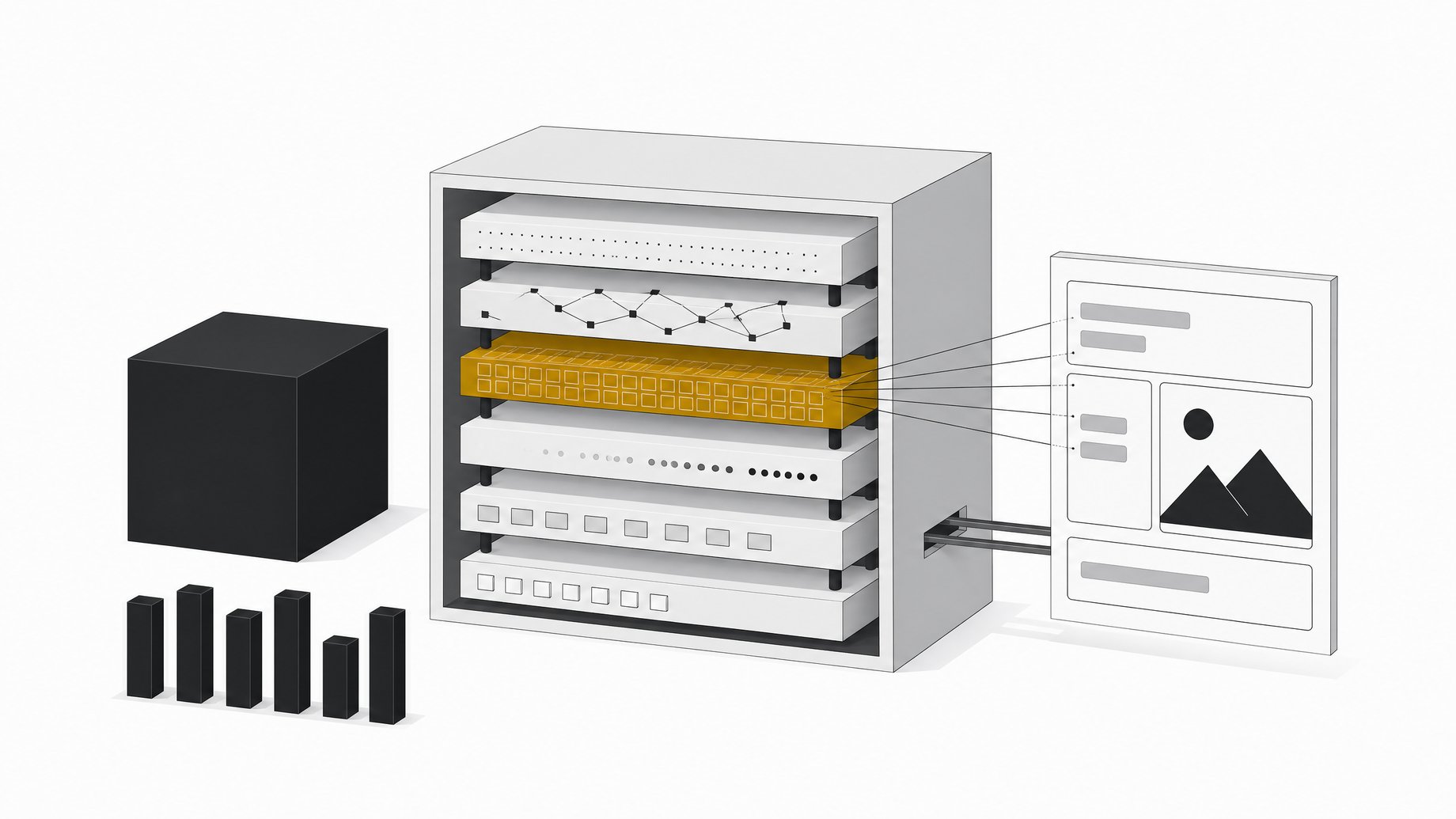
How good is Moss Image 5B?
Moss Image is a 5 billion parameter diffusion transformer from OpenMOSS, released under Apache 2.0 for both weights and code. For its size, it is strong. Photoreal portraits, product shots and styled art hold up well, and text rendering is its standout feature, backed by JSON layout control. It cannot edit images, it is slow at default settings, and it does not know every public figure.
TL;DR
- Moss Image is a 5B diffusion transformer trained from scratch by OpenMOSS, the team behind Moss TTS and the Mova video model.
- The Apache 2.0 license covers weights and code, so commercial use and product integration are allowed, unlike several strong open models with non-commercial or gated licenses.
- Text rendering is the headline strength, helped by a roughly 9B Qwen language model reading prompts of up to about 4,000 tokens.
- JSON layout prompts with bounding boxes let you place text and objects deliberately, which also makes text more accurate.
- The lab's long-text benchmark puts it near Nano Banana and GPT Image 2, but it is the lab's own benchmark, and no independent evaluation had turned up at the time of the review.
- It is text-to-image only. No image-to-image, no reference-based editing, and rarer faces need a LoRA.
What is Moss Image and who made it?
Moss Image is the first image model from OpenMOSS. The team previously released Moss TTS and the Mova video model. The model is a 5B diffusion transformer trained from scratch. It pairs with a Qwen language model as its text encoder (about 9B parameters), which is far larger than the encoders older image models used. That larger encoder is a big part of why it copes with long, complicated prompts.
There are two checkpoints:
| Checkpoint | Purpose |
|---|---|
| MOSS-Image-Base | Fine-tuning and LoRA training |
| MOSS-Image-SFT | Day-to-day generation |
The model card shows the SFT version producing clearer text grouping and a more organized whiteboard layout than Base in its own comparison. Use SFT unless you plan to train.
Why does the Apache 2.0 license matter?
Many capable open-weight image models carry restrictions. Some ship under non-commercial research licenses. Others, like Flux variants, sit behind a community license with gating. Apache 2.0 removes most of that friction. You can build it into a product, sell what it produces, and modify it without asking permission.
The reviewer also noted the model can produce both safe-for-work and NSFW content out of the box. That makes the license question and your own content policy two separate things. If you ship a product on it, you own the moderation layer.
How does it handle image quality?
Defaults on the SFT model are 50 steps, CFG of 3, a flow-matching Euler sampler and a shift of 5. At those settings:
- Photoreal portraits keep skin and fine detail.
- Product shots come out clean, with convincing background blur.
- Lighting is handled well in both realistic images and stylized ones like watercolor.
- Styles such as anime or named artistic looks work without extra training.
- Aspect ratios are flexible, from wide banners to phone wallpapers, across roughly 0.25 to 4 megapixels. One to two megapixels was the sweet spot in testing. In the Python API, dimensions must be multiples of 16.
This is good for 5B parameters. It is not a claim that it beats the largest closed models on every image type.
How good is its text rendering?
Text is the reason to look at this model. A single title is easy. A poster with title, date and venue works well. It renders English and Chinese in the same scene, handles chalkboard menus, and manages infographics with multiple callouts. The model card's own example is a handwritten Chinese sticky note on a refrigerator.
On the lab's long-text benchmark, Moss Image scores well above the other open models it was compared with. It sits just behind Nano Banana and a few percentage points behind GPT Image 2, according to the chart reviewed. Treat that with care. It is the lab's own benchmark, and the reviewer found no third-party evaluations yet.
It also fails. Push too many words onto one canvas and text starts to fall apart. Larger models may still beat it on dense text.
How does JSON layout control work?
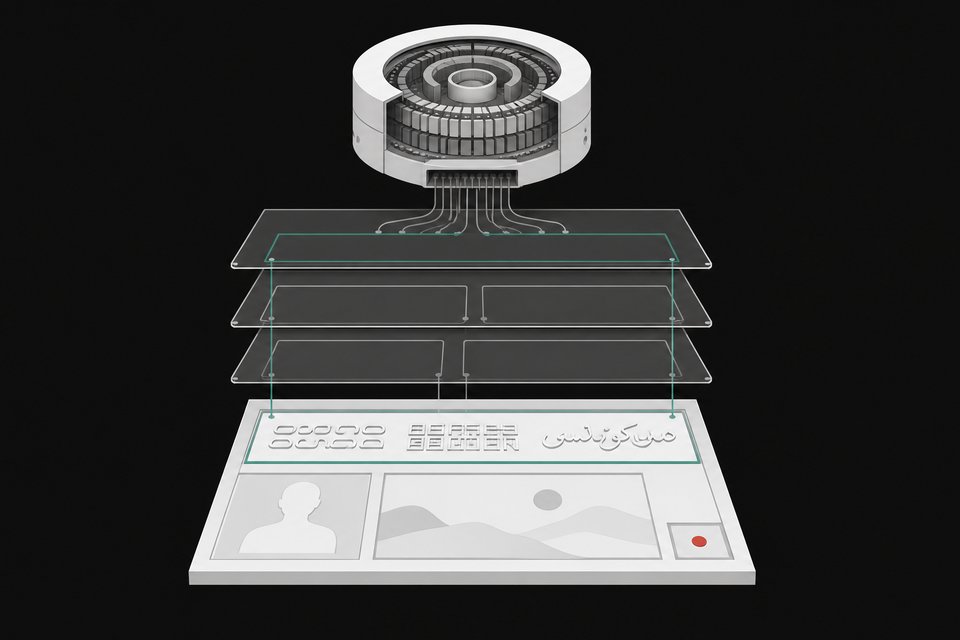
Alongside a normal prompt, you can pass a JSON layout. It describes the scene in a summary caption, then lists items such as text blocks or objects, each with a bounding box. Per the model card, layouts use summary.caption and items, with bbox_format: "yxyx" and bbox_coord_space: "abs_centralized". The user guide labels the layout feature experimental. The reviewer says the model was trained to follow this format rather than having it bolted on afterward.
In practice this gives you two things:
- Placement. You decide where a headline, logo or object lands, instead of hoping.
- Accuracy. In the reviewer's gallery app, an unguided generation drifted and got parts of the text wrong. The same scene with layout boxes was more accurate.
You can also iterate. Generate, see that an element belongs somewhere else, move the box and run again. Changing a couch from red to green, or adding "Ready Player One" to a poster, worked by editing the JSON. Side effects appear, though. Swapping a cat for a tiger also changed how a hoodie sat on a character, so tight control means specifying more details.
Since an LLM can write the JSON, you can chain a brief into a layout prompt and then into an image. OpenMOSS ships a prompt enhancer skill that converts ideas into detailed captions or spatial layout prompts. Its bundled script turns pixel-coordinate drafts into compact JSON.
Note this is not image editing. You are regenerating from a changed description, and results shift between runs.
What can't Moss Image do?
No editing. It is purely text-to-image. You cannot feed it a photo and change it the way you can with Nano Banana or Qwen Image Edit. Inpainting through ComfyUI works, with mixed results. In the reviewer's test, a cat swap worked, a dog swap was weaker, and one object was cut off.
Likeness gaps. It knows some celebrities well, Brad Pitt among them. Sam Altman did not come out right across attempts. A quick LoRA trained on a modest set of scraped images could insert him, though the results skewed younger because of the source photos. A Nano Banana comparison looked better on some details but still did not nail the face. The underlying issue is that Moss injects identity through weights, not through a reference image in context. If you need a specific person, product or style, plan on fine-tuning.
Speed. At 50 steps it is slow, around 30 seconds per image in the reviewer's setup. Older GPUs will take longer. The sources do not give VRAM requirements, so check the repository before planning hardware.
How fast can you make it?
The community moved quickly. Within about a week of release, people had published 8-step and 4-step LoRAs, quantized versions and a full fine-tune of the base model. The Moss team has said it is working on a few-step distillation, which could become an official turbo version. With the 8-step LoRA applied, the reviewer saw generation drop well under the 30-second baseline.
How do you run it?
The checkpoints are on Hugging Face and ModelScope. Requirements from the model card: Python 3.10 or later, an NVIDIA GPU with CUDA, and PyTorch 2.9 or later.
pip install "diffusers>=0.38" "transformers>=5.3" "accelerate>=1.10" "safetensors>=0.6" "Pillow>=10"
You load it through DiffusionPipeline with custom_pipeline="pipeline_moss_image" and trust_remote_code=True. The transformer and text encoder run in bfloat16, while the VAE and initial noise use float32. The VAE is the FLUX.2 small decoder. ComfyUI has a native plugin you can find by searching "MOSS-Image" in ComfyUI Manager, and the reviewer also ran it through SGLang and vLLM-Omni.
Is Moss Image worth using?
It fits if you need text-heavy images, precise element placement, and a license you can build a product on. It does not fit if your workflow depends on editing existing photos or conditioning on a reference face. An editing version would change that picture, but nothing in the sources confirms one is coming.
Frequently Asked Questions
Is Moss Image really free for commercial use?
The model card says the weights and bundled inference code are released under Apache 2.0, which permits commercial use. That is the license on the Hugging Face model. You remain responsible for how you use outputs, including content moderation.
Can Moss Image edit existing photos?
No. It is text-to-image only, with no image-to-image mode. Standard inpainting in ComfyUI works to a limited degree. Layout JSON lets you modify a scene description and regenerate, but that creates a new image.
How does it compare with Nano Banana and GPT Image 2?
On the lab's own long-text benchmark, it lands close to both and well ahead of other open models. No independent evaluations were available at the time of the review. Closed models also offer editing, which Moss Image lacks.
Can I add a specific person or style?
Yes, through training. The Base checkpoint exists for LoRA and fine-tuning. A reviewer trained a quick LoRA to add a person the model did not know. Code examples for training were still catching up at the time.
Is there a faster version?
Community 8-step and 4-step LoRAs exist, along with quantized builds. OpenMOSS has said it is working on few-step distillation.
How we source, write, and correct our articles. Editorial standards