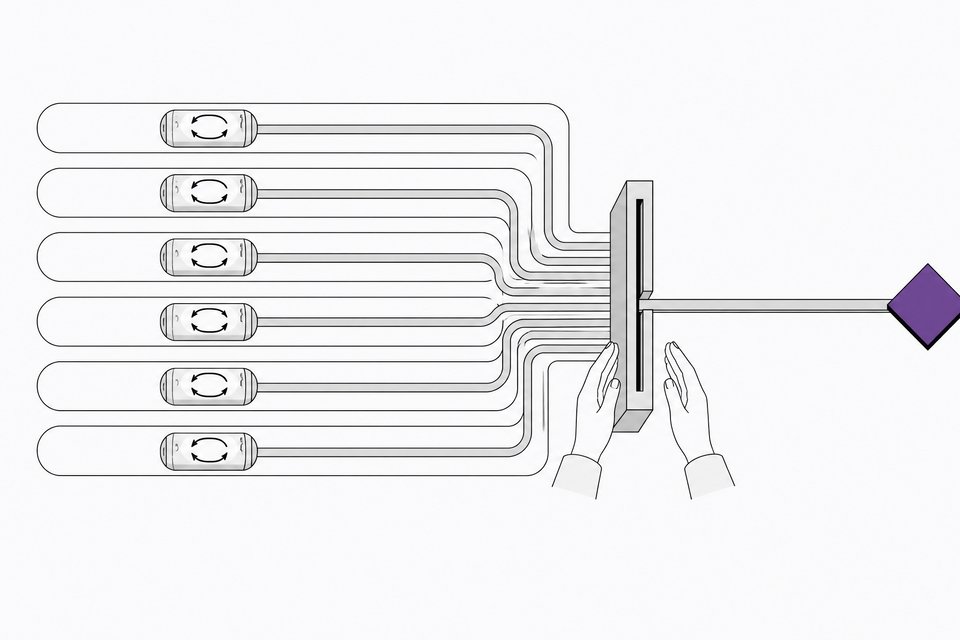
How to Run Multiple AI Coding Agents on One Repo Safely
Learn how to run several AI coding agents on one repo without merge conflicts, using git worktrees, ownership-based task splits, serial merges, and CODEOWNERS.

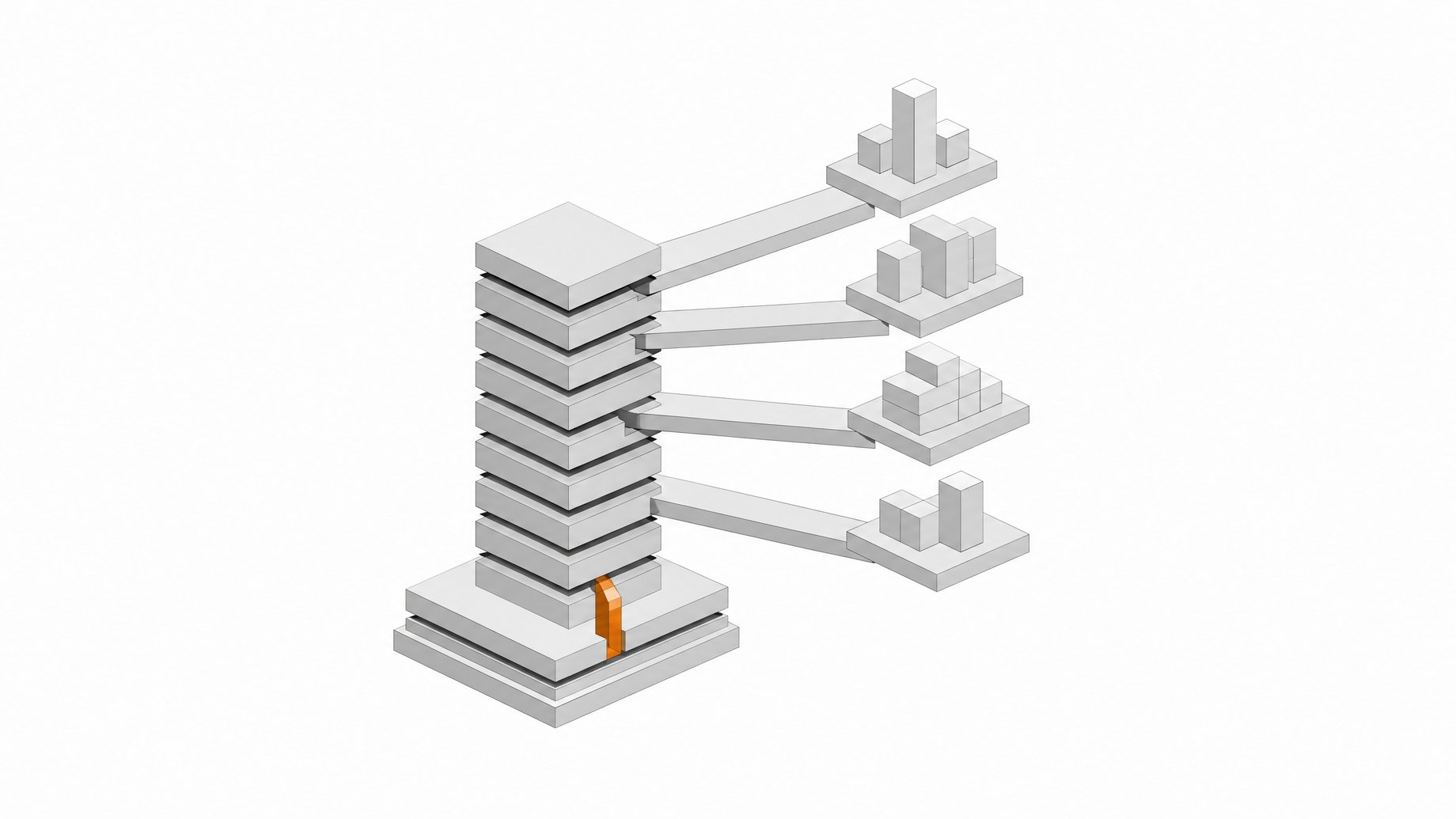
How do you run multiple AI coding agents on one repo safely?
Running multiple AI coding agents on one repo safely comes down to four things: give each agent its own git worktree for file-level isolation, assign ownership of files and modules up front instead of just splitting by branch, merge each agent's work one branch at a time with a full test run between merges, and gate every resulting PR with CODEOWNERS and branch protection. Skip any one of those and "parallel agents" turns into "parallel merge conflicts."
TL;DR
- Giving each agent its own git worktree prevents file-level collisions during active coding.
- Pull requests from different agents cause merge conflicts about twice as often, so cross-agent PRs need extra care.
- Assigning file ownership before agents write code prevents structural merge conflicts.
- Merge branches one at a time, running the full test suite between merges.
- AI adoption has increased copy-pasted code and drastically reduced proper code refactoring.
- Review bandwidth, not git architecture, is the real bottleneck for parallel AI agents.
Why does running two agents on one repo break things?
The naive setup: open two Claude Code windows, point them at the same checkout, let them go. It fails fast, because both agents are editing the same files, the same index, and the same HEAD. One agent's half-finished edit becomes the other agent's broken context.
Fix that with isolation and the collision risk doesn't disappear. It just moves downstream to merge time. A large empirical study of 33,596 AI-agent-authored pull requests across 2,807 GitHub repositories found that when two PRs are open and active in the same repo at the same time, cross-agent pairs produce a textual merge conflict 41.7% of the time, versus 19.8% for pairs from the same agent. That's roughly double the conflict rate, and the confidence intervals don't overlap, so it's not noise.
This isn't an edge case, either. The same study found 40.2% of the repos examined had agent-authored PRs that were temporally co-active, and those co-active pairs accounted for 79.4% of all agent-generated PRs in the dataset. Running agents in parallel on a shared repo is already the default, not the exception. Most of the resulting conflicts, 84.4%, land in actual source files rather than lockfiles or manifests, and nearly 42% are structural: one agent modifies a file another agent deletes, or two agents add a file with the same name independently. A merge tool doesn't resolve that kind of conflict automatically.
How do you give every agent its own git worktree?
The first fix is file-level isolation, and the tool for that is a git worktree. A worktree is a linked working directory with its own files, its own index, and its own HEAD, but it shares the same underlying .git object database and history as your main checkout. Each linked worktree is just a .git file pointing back at the main repo's .git/worktrees/ folder, not a second clone. That's why you can spin up five of them without copying your repo five times.
A basic two-agent setup:
- Create a worktree per task:
git worktree add ../repo-feature-a feature-aandgit worktree add ../repo-feature-b feature-b. - Start each agent inside its own worktree directory, so its file edits, commits, and branch state never touch the other agent's files.
- With Claude Code specifically, pass
--worktree(or-w) with a name and it creates the isolated worktree and branch for you automatically. - Tear down worktrees once a task is merged with
git worktree remove, so stale checkouts don't pile up.
Claude Code treats this as first-class behavior. Subagents can be pinned to run in their own worktree by adding isolation: worktree to their frontmatter, and a periodic sweep cleans up worktrees that no longer hold uncommitted or unpushed work. It's the same pattern covered in more depth in our rundown of the best AI coding agents, several of which now ship worktree support natively rather than as a bolt-on.
What don't git worktrees isolate?
This is where teams get burned. Worktrees isolate who edits which files. They don't isolate everything else an agent touches while it runs.
Shared across every worktree in a repo, whether you want it shared or not:
- Ports and running processes. Two dev servers on the same port will fight, and an agent won't necessarily notice until the other agent's build silently fails.
- Databases and caches. If both worktrees point at the same local database, one agent's migration or test run corrupts the other's state.
- Env files and credentials.
.envfiles, API keys, and secrets aren't duplicated per worktree by default, so agents can read or clobber each other's config. - Git stashes and git config. Both live at the repo level, not the worktree level, so a stash from one task can show up where another agent doesn't expect it.
- Ignored build artifacts. Anything in
.gitignorehas to be rebuilt separately in every worktree, since worktrees don't share build output.
GitButler, which builds a git client around exactly this workflow, puts it bluntly: "you can easily create merge conflicts between them without knowing," because the worktrees are separate working directories that still eventually have to reconcile. One engineer tracking this closely logged 465 blocked commands over two months from a hook enforcing worktree boundaries, a sense of how often agents try to step outside their lane without a guardrail.
The fix is mechanical: assign each task its own port range and database name (or a per-task docker-compose project), use a .worktreeinclude pattern to pull in the local env files a task actually needs, and write a negative isolation test that fails loudly if two worktrees touch the same port or database at once.
Why partition work by ownership, not just by branch?
Isolating files is necessary but not sufficient. The deeper fix is deciding, before any agent writes a line of code, who owns which files and modules for this round of work.
Branch isolation tells git which commits belong to which task. It says nothing about whether two tasks are going to touch the same function, the same config file, or the same shared type definition. That's exactly where the structural conflicts in the AIDev-pop data cluster: modify/delete and add/add conflicts are what happen when two agents both believe they're the one responsible for a file.
In practice, ownership partitioning means:
- Draw module boundaries before assigning tasks. If agent A owns the auth module and agent B owns the billing module, overlapping edits in a shared
utils.tsfile are the thing to catch at task-assignment time, not at merge time. - Treat shared files as a third category. Anything both agents might touch (shared types, a common config, a schema file) gets assigned to one agent explicitly, or gets its own dedicated small task so it's merged first and the other agent rebases on top of it.
- Prefer narrower task scopes over bigger ones. A task that touches three files is easy to reason about. A task that touches thirty files is a structural conflict waiting to happen.
This is the same discipline covered from the CI side in our piece on AI agents breaking CI/CD: pipelines built for human-paced commits can't catch an "intent conflict" where two technically valid changes contradict each other's purpose. Ownership partitioning is the upstream fix for the same problem.
How do you scale past two agents?
Two agents is the easy case. Getting to three, four, or five takes a bit more infrastructure.
- Use subagents with pinned isolation. Claude Code lets you fan work out to subagents, each with
isolation: worktreein frontmatter, so a single orchestrating session can run several isolated workers without you manually managing each worktree. The/batchcommand takes this further, interviewing you about a larger migration and then fanning the work out across as many worktree agents as the task needs. - Use sparse checkouts in large monorepos.
worktree.sparsePathsuses git sparse-checkout so a worktree only materializes the directories a task actually needs, keeping worktree creation fast and disk use sane as agent count grows. Pairing it withsymlinkDirectoriesavoids duplicating something likenode_modulesacross every worktree. - Scope context per directory. Per-directory
CLAUDE.mdorAGENTS.mdfiles let each agent load only the conventions relevant to the package it's working in, instead of the entire repo's instructions. That cuts token waste and the odds an agent "helpfully" wanders into a module it doesn't own.
Teams thinking about reclaiming an AI-native dev cycle they actually own will recognize this pattern: the goal isn't maximum agent count, it's a workflow where adding another agent doesn't add proportional risk.
Why merge serially, never simultaneously?
Once two or more branches are ready, the temptation is to merge them together and let CI sort it out. Don't. The documented workflow is serial: merge one branch, run the full test suite against the result, then merge the next one. Branches that each pass tests individually can still break once combined, because neither agent knew about the other's changes while writing its own.
Before you merge for real, predict the conflict. git merge-tree --write-tree performs the merge in memory and tells you whether it will be clean, without touching your actual branches. Run it against every pending branch pair before you pick a merge order, and merge the clean pairs first. That cuts the number of conflicts you have to resolve by hand later.
If two agents independently solved the same problem, don't blend their solutions into one Frankenstein diff. Pick one, discard the other, and have the discarded agent's branch rebased or re-tasked. Merging a hybrid of two competing implementations is how you end up with the kind of silently duplicated, unrefactored code that GitClear's analysis of 211 million changed lines flagged as a growing problem: copy-pasted code rose from 8.3% to 12.3% of changed lines as AI-assisted coding spread, while the share of code that got properly refactored fell from around 25% to under 10%.
How do you govern the pull requests, not just the code?
Isolation and merge discipline handle the git mechanics. They don't handle review, and that layer matters more as agent output volume climbs. DORA's 2025 survey of nearly 5,000 technology professionals found AI adoption among developers had jumped to 90%, a 14-point year-over-year increase, with a median of two hours a day spent working with AI tools and 65% reporting heavy reliance on it for development work. That's a lot more AI-generated diff hitting review queues than most teams' review processes were built for.
The standard governance pattern has three parts:
- CODEOWNERS for routing, branch protection for enforcement. CODEOWNERS tells GitHub who should review a given path, but on its own it's only a notification. Branch protection rules requiring code-owner approval are what actually block a merge until the right person signs off.
- Protect the CODEOWNERS file itself. If an agent or a careless PR can edit CODEOWNERS without review, ownership can be silently rewritten to remove the one reviewer who would have caught a sensitive change.
- Keep instructions and ownership separate. AGENTS.md tells an agent which commands and conventions apply to a repo; CODEOWNERS decides who signs off on what the agent produced. AGENTS.md has become a genuinely vendor-neutral standard here, adopted across more than 60,000 open-source projects and supported by Claude Code, Cursor, Copilot, and Codex alike.
Size matters too. GitHub built native stacked pull requests specifically because agents produce large diffs fast, breaking a 1,500-line AI-generated change into a chain of small, independently reviewable PRs rather than one PR nobody can review properly in a sitting. Tooling like gh-stack, plus commands to rebase or sync a stack, propagates fixes up the chain without forcing a reviewer to re-read the whole thing from scratch. If you're coordinating several agents, make small, stacked PRs the default output format, not an afterthought.
What reference setup can you check into every repo?
A minimal baseline worth standardizing across repos:
- An
AGENTS.mdat repo root with build/test commands, naming conventions, and any directories an agent should never touch. - Per-directory
AGENTS.mdorCLAUDE.mdfiles in large packages, scoping context so agents don't load irrelevant conventions. - A checked-in worktree config (
worktree.sparsePaths,symlinkDirectoriesfor monorepos) so every contributor spins up the same lightweight worktree shape. - A
.gitignoreentry for worktree directories created outside the main repo path, so stray worktrees never get committed by accident. - A documented base ref (usually
mainor a short-lived integration branch) that every new worktree branches from, so agents aren't accidentally stacking on top of each other's unmerged work. - A CODEOWNERS file with branch protection on sensitive paths, and branch protection on CODEOWNERS itself.
None of this is exotic. It's the same checklist a careful team would use for human contributors, applied with a bit more paranoia because agents move faster and ask fewer clarifying questions before they commit.
How many AI coding agents can you run at once?
There's a real ceiling, and it isn't set by git. Anthropic's own Claude Code team recommends 3 to 5 parallel sessions as the practical sweet spot, each in its own worktree, rather than maximizing concurrency for its own sake.
The constraint past that point is human review bandwidth, not merge mechanics. Worktrees can isolate ten agents' files. CODEOWNERS can route ten agents' PRs. But someone still has to read every diff, catch the structural conflicts automated checks miss, and decide which of two competing solutions survives. That person doesn't scale the way a worktree does. Add agents until your review queue, not your git setup, tells you to stop.
Frequently Asked Questions
Can two AI coding agents work on the same repo at the same time without conflicts?
Yes, but only with deliberate setup. Give each agent its own git worktree for file isolation, assign ownership of files and modules so they aren't both touching the same code, and merge their branches one at a time with full test runs between merges. Without that structure, cross-agent PR pairs conflict about 41.7% of the time versus 19.8% for same-agent pairs, according to a study of over 33,000 agent-authored PRs.
Do git worktrees fully prevent merge conflicts between AI agents?
No. Worktrees isolate which files each agent edits in its own working directory, but they share the same git history, and they don't isolate ports, databases, caches, env files, or git stashes. Conflicts between two agents' changes still surface when their branches get merged, so worktrees move the conflict to merge time rather than eliminating it.
How many AI coding agents can you realistically run in parallel on one repo?
Anthropic's own Claude Code team recommends 3 to 5 parallel sessions as the practical sweet spot, each in its own worktree. Past that, the limiting factor isn't git or isolation tooling, it's how much AI-generated diff a human reviewer can actually read and approve.
What's the difference between isolating agents by branch and isolating them by ownership?
Branch isolation only controls which commits belong to which task. Ownership partitioning decides, before work starts, which agent is responsible for which files or modules. Most of the serious merge conflicts in agent-authored PRs are structural, meaning one agent modifies a file another agent deletes, or two agents add a file with the same name, and ownership assignment is what actually prevents that, not just branching.
How should you merge multiple AI agents' branches into main?
Serially, never all at once. Merge one branch, run the full test suite against the result, then merge the next branch and test again. Use git merge-tree --write-tree to predict whether a merge will produce conflicts before you attempt it for real, and if two agents solved the same problem differently, pick one solution instead of blending them.
How we source, write, and correct our articles. Editorial standards