How Do I Protect Myself After the PHP Vulnerabilities?
Steps for consumers and site owners after the PHP flaws: hardware keys, fewer accounts, patch and confirm, OAuth, and family verification phrases.

What should you do right now to protect yourself after the PHP vulnerabilities?
Shrink what can be attacked, then harden what remains. Consumers should delete accounts they don't need, replace SMS codes with a hardware security key or authenticator app, use a unique password on every account, and agree on a verification phrase with family. Site owners should patch PHP, confirm the fix is actually running, cut unneeded sites and APIs, and hand logins to a provider through OAuth. If you can't patch quickly, authorities have advised taking the site offline.
TL;DR
- PHP is estimated to run about 70% of websites, and the NSA's cyber account warned that critical vulnerabilities often provide a direct path to a server's file system or database.
- If a site owner can't patch right away, the NSA and Japan's prime minister both suggested taking the system offline until it's mitigated.
- Consumers get the biggest risk reduction from deleting accounts that hold duplicate personal data.
- SMS codes are weak, so move important accounts to a hardware security key or an authenticator app.
- Site owners should patch, then confirm the fix is live, and stop storing passwords and customer records they don't need.
- AI-driven scams make a family code phrase a cheap defense against fake calls and messages.
What actually happened with PHP?
Security researchers working with OpenAI's cybersecurity tooling, as part of its Patch the Planet initiative, found critical flaws in PHP. PHP underlies an estimated 70% of websites, including WordPress, which powers a huge share of content sites.
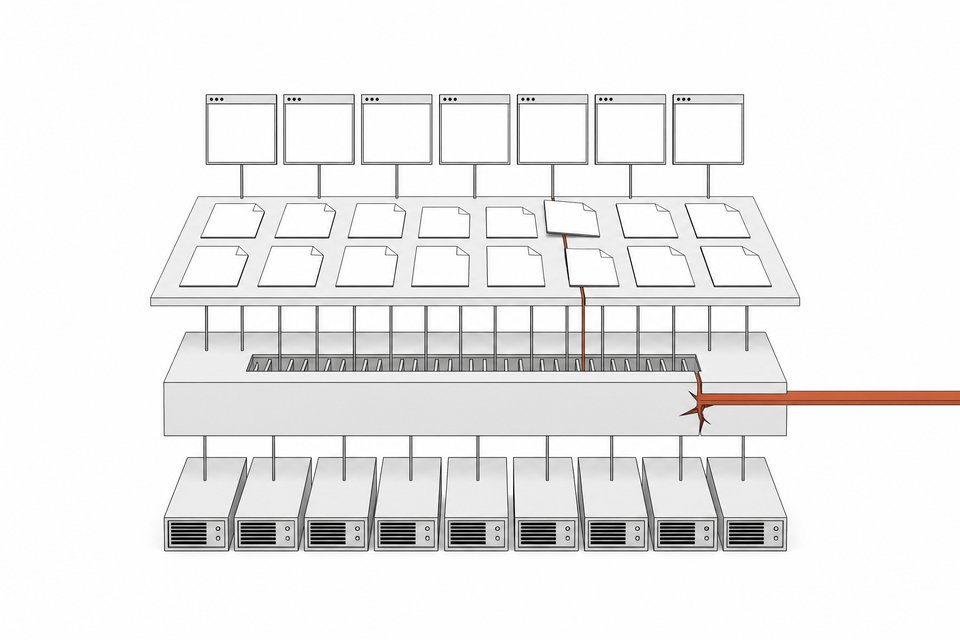
The NSA cyber account said the vulnerabilities often provide a direct path to a server's file system or database. In the WordPress case described by the researchers, an attacker could execute code remotely under the right conditions without logging in. The reported bug class involves PHP's handling of out-of-memory conditions and interrupted work.
Reports were still developing when this coverage was made. One creator said it appeared details had leaked before patches were widely applied, and that Cloudflare was already seeing early attacks. He couldn't verify either claim. Treat both as unconfirmed and check PHP's official security announcements and your host's notices.
Why does this matter even if you don't run a website?
Your data sits on sites other people run. Many are poorly maintained, and nobody is watching to hit the update button. A familiar site name doesn't guarantee a clean page, because a compromised site can harvest data from visitors.
Risk also isn't evenly spread. The sources argue that large, well-resourced companies, and those with access to advanced defensive AI programs, are safer than mid-sized organizations without dedicated security teams. Your exposure depends heavily on where you've left your information.
What should consumers do?
Work through these in order. The first two matter most.
- Delete accounts you don't need. Every service that stores your name, birth date, or card details is another place that data can leak. You'll always need some, like banking. You don't need dozens of news subscriptions or minor apps that ask for personal details. You won't be perfectly safe, but each removed account removes one place your data can be stolen.
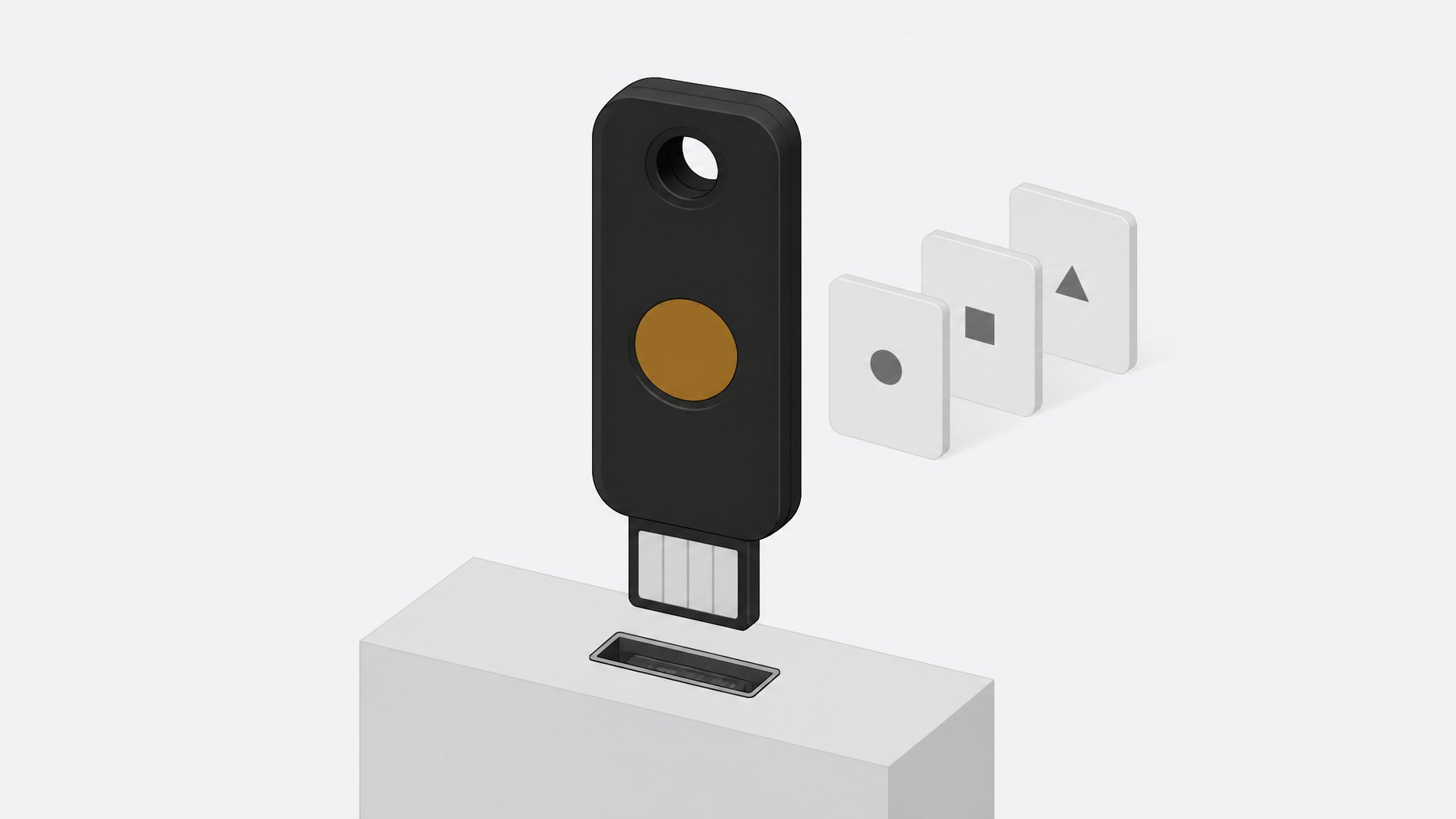
- Stop relying on SMS for verification. Phone-number-based verification has proven easy to defeat through social engineering and automated attacks. Use a hardware security key (a physical device you plug in or tap) or an authenticator app such as Google Authenticator. Start with email, banking, and anything tied to money.
- Use a unique password for every account. If one site leaks your password, attackers shouldn't be able to walk into your other accounts. A password manager makes this practical. Change passwords on accounts you've used on sites that may be poorly maintained.
- Keep devices current. Update your operating system, browser, and apps, and keep checking for new updates. Security expert Matt Johnson, quoted in one video, also suggested running antivirus on every device including phones, keeping ad blocking on, turning off autoplay of active content, and being wary of links in texts and emails.
- Set a family code phrase. Pick a phrase only your family knows and ask for it when someone calls or messages asking for money or sensitive information. AI-driven scams can imitate real people, and elderly relatives are common targets.
Some commentators also suggest keeping a couple of weeks of cash, food, and water in case critical services go offline. That is a personal call, not a requirement.
What should website owners do?
How do you patch and confirm?
Apply the PHP update from your host, distribution, or the PHP project as soon as it's available. Then verify it. Updating a package doesn't help if the old process is still running or your host hasn't applied the fix.
php -v
Check the version, then compare it against the official advisory. Many Linux distributions backport fixes without changing the upstream version number, so also check your distribution's security tracker. Restart PHP-FPM or your web server after patching. If you're on managed hosting or WordPress hosting, ask the provider for written confirmation.
If you can't patch promptly, the NSA and Japan's prime minister both pointed to suspending the site or system as a reasonable stopgap.
How do you reduce your attack surface?
Ask hard questions about everything you run:
- Do you need all your websites? If you run many sites on many stacks, consolidate or retire some.
- Do you need public APIs?
- Do users really need to log in?
- What are you storing? Customer records on your site make you a target and may make you liable after a breach.
Why use OAuth?
If users type usernames and passwords into your service, you hold something attackers want. Signing in through a large provider such as Google means you never store those passwords. Some people consider this less secure in principle. The argument for it is that a large provider has spent far longer on the problem than a small team, and you don't want to be the one who leaks credentials.
How should you verify high-value customers?
For expensive services, add a step that is harder to fake remotely. A phone call may not be enough when voices can be imitated. Meeting in person or visiting a client's site is slower, but it raises both security and the perceived value of the service.
Is the threat likely to get worse?
The sources suggest so. Automated attacks are described as becoming routine, including a claim that hackers used Claude, Grok, and Kimi to automate an attack on 400 banks. That claim comes from a single creator's summary and I couldn't confirm it independently. One source also said freely downloadable models can now run attack suites that restricted frontier models were meant to defend against only months earlier. If that holds, defenders have less time between a flaw being found and it being exploited.
Large data exposures were also reported in Japan, with accounts numbering in the millions across several companies. The figures came from a video and I haven't verified them.
The practical conclusion is the same either way. Collect less data, keep less of it, patch quickly, and make impersonation harder.
Frequently Asked Questions
Should I stay off the internet for a few days?
Some researchers suggested limiting web activity in the first days after the disclosure, mainly because unpatched sites could be compromised. Total avoidance isn't realistic for most people. Skip unnecessary browsing and logins, avoid clicking links in unexpected messages, and prioritize changing credentials and setting up stronger authentication.
Is an authenticator app good enough, or do I need a hardware key?
Either is a clear improvement over SMS codes. A hardware key is generally considered stronger, since it's a physical device and harder to phish. If you have neither set up, start with an authenticator app today and add a key for your most important accounts.
How do I know if my WordPress site is affected?
WordPress runs on PHP, so the underlying PHP version is the question. Check the PHP version your host runs, compare it with the official advisory, and ask your host to confirm the patch. Keep WordPress core, themes, and plugins updated as well.
Will deleting old accounts really help?
Yes, within limits. A deleted account is a place your data can no longer leak from, assuming the service actually removes it. Fewer accounts means fewer breach notices and fewer passwords to manage. It reduces risk and doesn't eliminate it.
How we source, write, and correct our articles. Editorial standards