How to Audit Connected Apps and AI API Keys After a Breach
Check which apps can reach your accounts, prune Google permissions, rotate exposed AI API keys, and look for billed usage from stolen keys after a breach.

How do I audit connected apps and AI API keys after a breach?
Start with two lists. First, list every outside app authorized to reach your important accounts (Google is the best place to begin), read what each one can do, and remove what you don't need. Second, list every AI API key you have pasted into a tool, rotate any that touched a compromised service, and check your provider's usage and billing pages for activity you didn't generate. Treat every key like cash, because that is how thieves treat it.
TL;DR
- AI API keys behave like cash. Anyone holding your Claude or Codex key can run models on your account, resell access, and leave you the bill.
- Review connected apps in each important account. In Google, you can see and remove access granted to outside apps, and each connection shows what it permits.
- Keep only the access you actually use. Fewer connections means a smaller attack surface, which is the simplest defensive move available.
- If a tool you installed shipped a bad release, assume compromise. Contain it, rotate every secret it could see, and deal with access that already happened.
- A clean source repository does not prove a clean install. The LiteLLM disclosure described a distributed release with malicious files while the official source tag looked fine.
- Check billing and usage, not just settings. Stolen keys show up as spend and requests you don't recognize.
Why are AI API keys suddenly such a target?
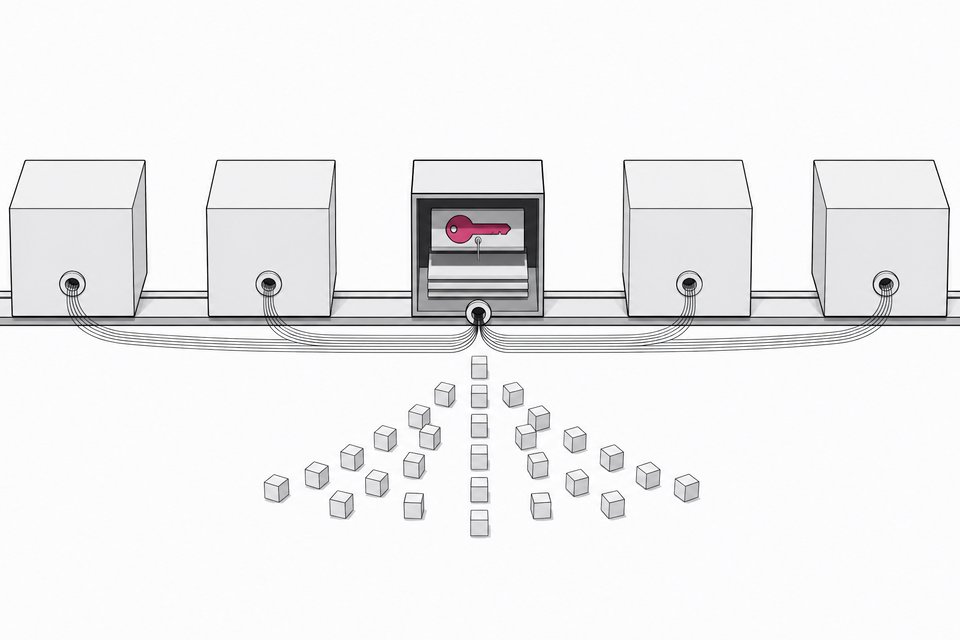
A key to a model provider is a bearer credential. Whoever holds it can spend your money on inference. There is no second step that checks whether the person at the keyboard is you. A thief can use the key to run their own workloads, or sell access to someone else, and your account absorbs the cost.
The recent run of incidents made this concrete. A widely used tool for connecting applications to AI models shipped a release that stole developers' keys. A hosting company said it was shutting down after another breach. A founder took a product offline after warnings that the company's AI and payment keys had been compromised. The common thread is that keys live in many places (config files, gateways, CI jobs, hosted apps), so one weak link exposes all of them. If your app runs on Railway, here is how to rotate keys after the Railway breach.
Attackers are also getting cheaper to field. Agents can read unfamiliar code, form a hypothesis, test it, and retry without tiring. That lowers the cost of probing for exposed secrets, which means a small target is no longer too small to bother with.
How do I review connected app access in Google?
Open your Google account's security settings and find the section that lists third-party apps and services with access to your account. The exact label changes over time, but the page does the same job: it shows each outside app and what it is allowed to do.
For each entry:
- Read the permission description. Note whether it covers basic profile info, reading files, or changing them.
- Ask whether you still use the app. If you can't remember connecting it, that is a reason to remove it.
- Remove access for anything unused or broader than its job requires.
- Repeat for other important accounts (email, code hosting, cloud, payment, any AI provider console).
The logic is old and sound. Every connected app can depend on hosting providers and software you have never heard of. A weakness anywhere along that chain can expose your documents or calendar, and you would not know until it mattered. Pruning shrinks that chain.
Can an AI assistant help with the audit?
Yes, with one rule: give it descriptions, not secrets. Copy the app names and their permission descriptions from your account settings and ask Claude, Codex, or whichever assistant you use to flag the risky ones. Good questions to ask:
- Which of these permissions are broader than the app's apparent purpose?
- Which apps could read or modify my files?
- What should I remove first, and what could break if I do?
- What should I re-check the next time a service I use is breached?
Ask it to write down everything it reviews so you leave with a record. That log makes the next audit faster, because you can compare against it instead of starting over. Never paste a live API key into a chat to "check" it. If you do, you have just created another copy to worry about.
What do I do if a tool I installed shipped a malicious release?
The LiteLLM case is a useful template. Its October disclosure described a release containing credential-stealing malware, and it had dealt with an earlier compromise in March. The guidance for anyone who installed the affected release was blunt: treat the environment as compromised, follow the containment instructions, and rotate the secrets.
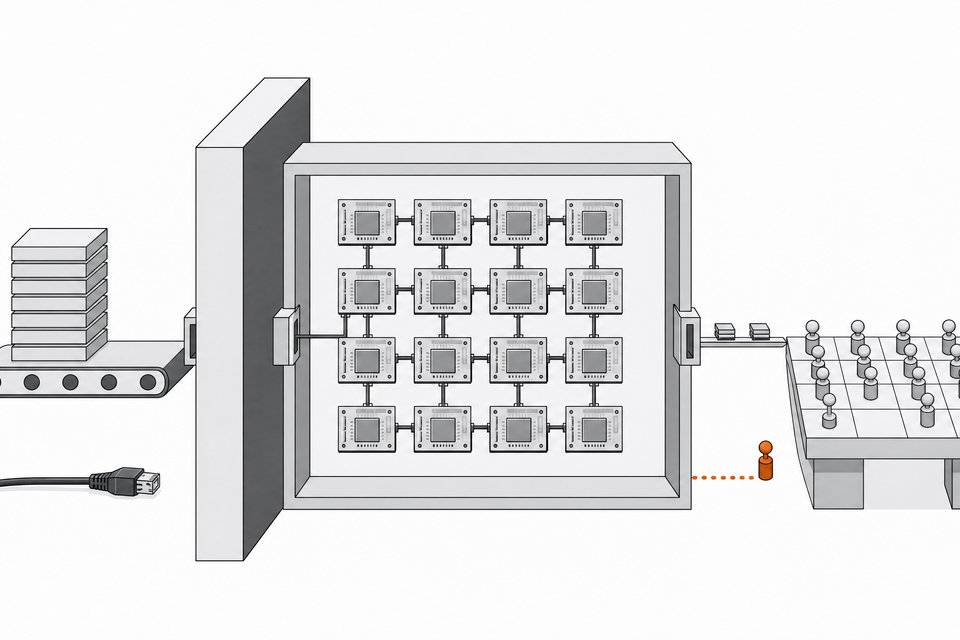
Consider a typical setup. A customer application sends requests through an AI gateway that holds keys to several model providers. Automated jobs build and deploy it, and other applications share the same gateway. Then the disclosure lands.
Checking the source repository and finding it clean tells you less than you would hope. The disclosure said the official source tag was clean while the distributed release contained the malicious files. What matters is what your machines actually installed. So work through it in this order:
| Step | What to do |
|---|---|
| Identify | Find every place the affected version was installed, including build jobs and other apps sharing the gateway. |
| Contain | Isolate or take down affected instances before changing anything else. |
| Rotate | Replace every secret the environment could read: model provider keys, cloud credentials, deploy tokens. |
| Review | Look for what already happened with the old credentials, not just what could happen next. |
| Rebuild | Reinstall from a version the vendor confirms as safe, and pin it. |
Upgrading alone does not solve it. The old keys were already exposed, so they stay dangerous until you revoke them.
How do I check whether someone used my stolen key?
Revoking a key stops future abuse. It does not tell you whether past abuse occurred. Check these after rotating:
- Provider usage dashboard. Look for request volume, models, or time windows that don't match your own work.
- Billing page. Unexpected charges are the clearest sign. Compare against a normal week.
- Per-key breakdowns. If your provider lets you separate keys by project or app, a spike on one key narrows the source.
- Other credentials in the same place. If the compromised tool held payment or cloud keys too, check those accounts for activity as well.
If you find unfamiliar usage, contact the provider's support. Say which key, which dates, and what you've already rotated.
How do I make keys less costly to lose?
You can't prevent every theft, so limit what a stolen key can do.
- Use a separate key for each app or project, so one leak is easy to trace and cheap to revoke.
- Set spending limits or alerts where your provider offers them.
- Keep keys out of source code and shared documents. Use environment variables or a secrets manager.
- Give each key only the access it needs.
- Delete keys for projects you no longer run.
- Re-check connections whenever a service you rely on reports a breach. At the current pace, that can mean often.
Frequently Asked Questions
What is an AI API key, and why does it matter if it's stolen?
It is a credential that lets software call a model provider on your account. If someone steals it, they can run models and you pay for the usage. They can also sell access to others, which can multiply the cost.
How often should I review connected apps?
Do a full pass now, then again whenever a service you use reports a breach. A lighter check every few months catches apps you've forgotten about. Keeping a written record of each audit makes the repeat reviews quicker.
Is it safe to paste my keys into an AI assistant to check them?
No. Give the assistant app names and permission descriptions instead. A key pasted into a chat is another copy outside your control, and you would then need to rotate it.
If my source code looks clean, am I safe after a bad package release?
Not necessarily. In the LiteLLM disclosure, the official source tag was clean while the distributed release carried malicious files. Verify what was actually installed, then rotate the secrets that environment could reach.
What should I do first if I suspect a key was stolen?
Revoke or rotate it right away, then check usage and billing for activity you didn't make. Do the same for any other credentials stored alongside it.
How we source, write, and correct our articles. Editorial standards