How Much Does Hostinger KVM2 VPS Cost, and Can It Host AI?
Hostinger KVM2 VPS specs (2 vCPU, 8 GB RAM, 100 GB NVMe, 8 TB bandwidth), the 24-month deal, and whether it can host an AI project or agent.

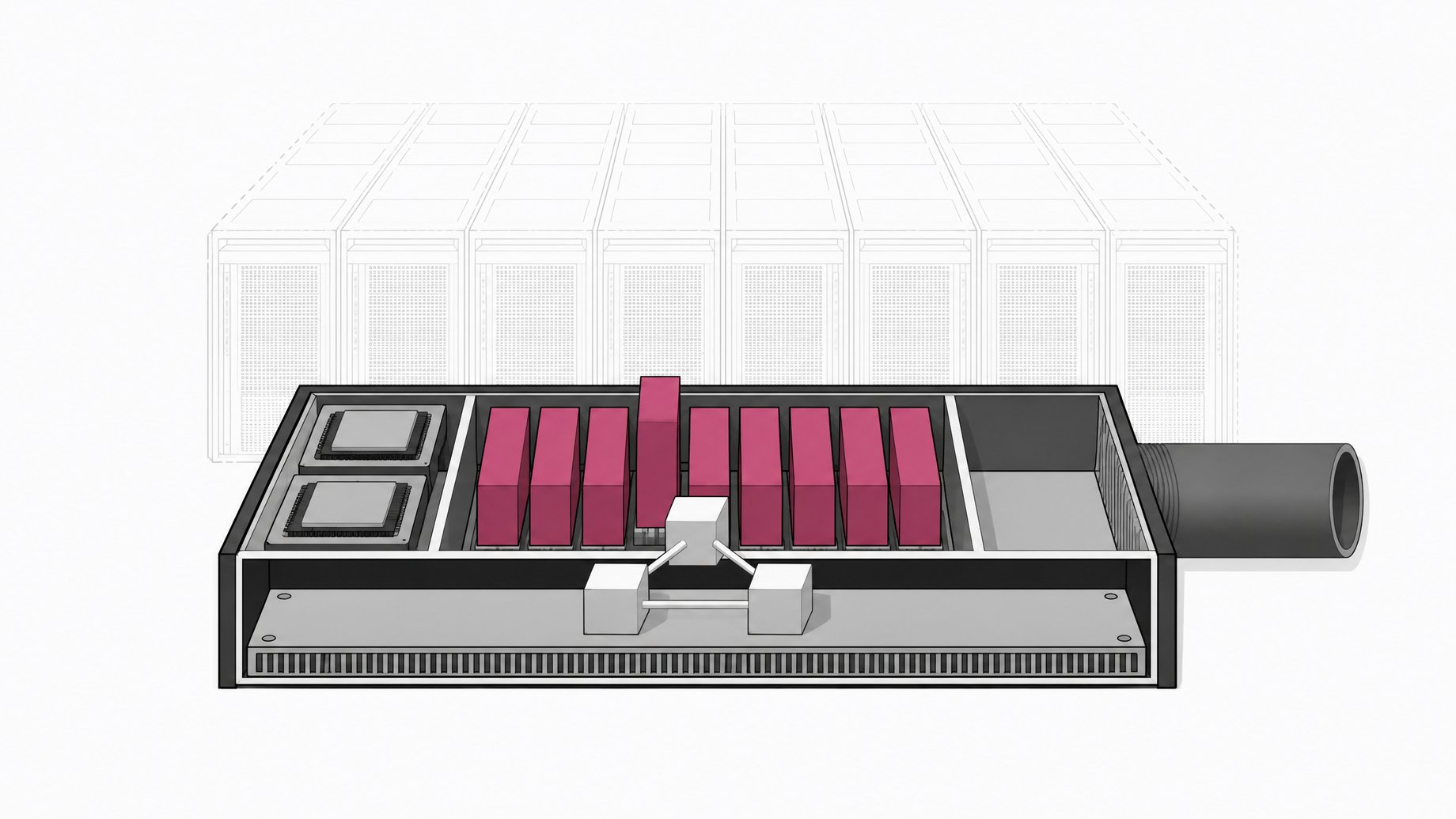
How much does the Hostinger KVM2 VPS cost, and is it enough for an AI project?
KVM2 is Hostinger's mid-tier virtual private server. It includes 2 virtual CPU cores, 8 GB of RAM, 100 GB of NVMe storage, and 8 TB of bandwidth. The price depends on the term you pick, and the deal discussed here is a 24-month commitment. One caveat: the creator's quoted price came through as "$879 a month" in the transcript, which is almost certainly a speech-to-text error, so confirm the real figure at checkout. For hosting an AI app, agent, or MCP server that calls hosted models, the specs are plenty. For running models locally, they are not.
TL;DR
- KVM2 offers 2 vCPU, 8 GB RAM, 100 GB NVMe, and 8 TB bandwidth, and the creator calls it Hostinger's most popular plan.
- The quoted deal applies to a 24-month term, and the dollar figure in the source is garbled, so verify the price on the checkout page.
- The plan suits websites, game servers, MCP servers, and always-on agents that call outside model APIs.
- A VPS like this has no GPU, so it is the wrong tool for serious local model inference.
- Setup involves picking a server location near your users, a plain OS (Ubuntu in this case), and then optional extras.
- The coverage comes from a sponsored segment, though the creator says he gets no commission on purchases.
What does the KVM2 plan include?
The specs below come straight from the creator's walkthrough.
| Resource | KVM2 |
|---|---|
| Virtual CPU cores | 2 |
| RAM | 8 GB |
| Storage | 100 GB NVMe |
| Bandwidth | 8 TB |
| Quoted term | 24 months |
For context, 8 GB of RAM is comfortable for a typical web app, a database, a reverse proxy, and a few background workers on one box. NVMe storage keeps disk-heavy tasks like logging match results fast. 8 TB of bandwidth is far more than most hobby projects will use.
What is the actual KVM2 price?
This is where the source needs care. The transcript reads "$879 a month" and calls it "an insane deal." A price like that cannot be right for a 2 vCPU, 8 GB plan, and it reads like a transcription slip for a far smaller monthly number. The source does not let me confirm the digits, so I won't guess one.
What the source does support:
- The advertised deal is tied to a 24-month commitment.
- You choose the term during checkout, and longer terms usually carry the lowest monthly rate.
What to check yourself before paying:
- The monthly rate shown at checkout for your chosen term.
- The renewal price after the promotional period ends. Introductory VPS rates commonly renew higher.
- Whether any add-ons you select change the total.
Is KVM2 enough to host an AI project?
It depends on what "AI project" means. The distinction matters more than the spec sheet.
Good fit:
- A web front end and API for an app that calls hosted models.
- An MCP server that other tools or agents connect to.
- An always-on agent that runs around the clock instead of on your laptop.
- A benchmark or game server where outside language models connect and play against each other.
Poor fit:
- Running large open-weight models locally. A VPS with 2 vCPUs and no GPU will be painfully slow for inference.
- Training or fine-tuning anything of size.
The example in the source is Bloodbench, a benchmark the creator built where frontier language models manage fantasy football teams through a league. The game engine, rules, and a visual interface for human players all need to be reachable online, and the design lets other models connect to play matches. That is a workload about serving requests and keeping game state, which a small VPS handles well. The heavy thinking happens on the model providers' side.
KVM1 or KVM2 for a spectator-facing app?
The source excerpt cuts off before a direct KVM1 comparison, so I can't quote its numbers. The general logic is easy to apply, though.
A spectator-facing app has bursty traffic. Quiet most of the day, then a spike when someone shares a live match. Concurrent viewers, live updates, and a database all compete for RAM and CPU at the same moment. If you also run game logic, agent connections, and a web server on one machine, the extra headroom of 2 vCPUs and 8 GB is a sensible buffer.
A smaller plan can work for a static site or a low-traffic demo. If your project might get a traffic bump, start from the mid-tier. Moving up later is usually possible, but a resize can mean downtime or a migration, so check Hostinger's upgrade path first.
How do you set up a KVM2 VPS?
The checkout flow in the walkthrough went like this:
- Choose the plan. Select KVM2.
- Choose the term. The deal discussed was the 24-month option.
- Pick a server location. Choose the one with the best latency for your audience. The creator picked the United States.
- Pick the operating system. He chose the plain OS option, which gives a vanilla install with no preloaded apps, and selected Ubuntu.
- Review optional extras. The later options in the flow, which reportedly include things like a malware scanner and Docker management, are not covered in the excerpt, so check what each one does and whether it costs extra.
Why Ubuntu LTS?
Ubuntu was the creator's personal preference, and he says to pick whatever you know if you have a favorite. If you choose Ubuntu, an LTS release is the usual safe pick. LTS versions get long security support windows, and most tutorials, Docker images, and AI tooling docs assume Ubuntu. That makes troubleshooting easier.
A plain OS also keeps you in control. You install only what you need, which matters for security and for keeping RAM free for your app.
Do you need Docker on the server?
Not strictly. But containers are a common way to run an app, a database, and a reverse proxy side by side without dependency clashes, and they make redeploys simple. If the panel offers a Docker manager, it can save some command-line work. If you are comfortable with a terminal, installing Docker yourself on Ubuntu works the same way.
Should you trust a sponsored recommendation?
The creator states that Hostinger sponsored the segment and that he receives no commission on purchases. He also says he has used the KVM2 plan across several earlier projects. Treat that as one user's experience, not a benchmark. Sponsorship does not make the specs wrong, but it is a reason to verify the price, renewal terms, and refund policy yourself.
Frequently Asked Questions
What are the Hostinger KVM2 specs?
KVM2 includes 2 virtual CPU cores, 8 GB of RAM, 100 GB of NVMe storage, and 8 TB of bandwidth. The creator describes it as Hostinger's most popular plan.
Can KVM2 run AI models locally?
Not well. It has no GPU, and 2 vCPUs are too few for practical inference on large models. It works best as a host for apps, agents, and servers that call external model APIs.
How long is the KVM2 deal term?
The deal discussed is for 24 months. The dollar amount in the transcript is garbled, so check the monthly price and the renewal rate at checkout before committing.
Which operating system should I choose?
The walkthrough used the plain OS option with Ubuntu. If you have no strong preference, an Ubuntu LTS release is a common choice because of its long support window and broad tooling documentation.
Is the KVM2 recommendation independent?
No. The source says Hostinger sponsored the segment, though the creator says he earns no commission on purchases. Verify pricing and terms on Hostinger's site.
How we source, write, and correct our articles. Editorial standards