Claude Duet vs Dot vs Muse vs Grok Bot: Which to Pick?
Compare Meta's Muse, OpenAI's Dot, xAI's Grok Bot and Claude Duet on price, Slack support, setup effort and which always-on AI agent suits you.

Which always-on AI agent should you pick?
It depends on the job. Pick Meta's Muse for purely personal use with the least setup, since it has a generous free plan. Pick OpenAI's Dot if you want an agent inside Slack or a partner for one specific project, but it currently requires the $100 Pro plan. Pick xAI's Grok Bot if you want to build a custom system for a small business. Claude Duet looks promising, but it is still a waitlist-only research preview.
TL;DR
- Muse is the lowest-effort option for personal tasks, with a quick onboarding and a generous free plan.
- Dot is the strongest Slack agent, and creators who use it describe it as the best for tasks like booking meetings, but access currently sits behind the $100 Pro plan.
- Grok Bot suits tinkerers and small-business builders because it has its own cloud computer and supports many purpose-built bots, at the cost of more setup.
- Claude Duet is a research preview that Pro and Max subscribers can join a waitlist for, so most people cannot try it yet.
- Your setup is portable. Rules and instructions are mostly plain text, so you can move them between agents.
What is an always-on AI agent?
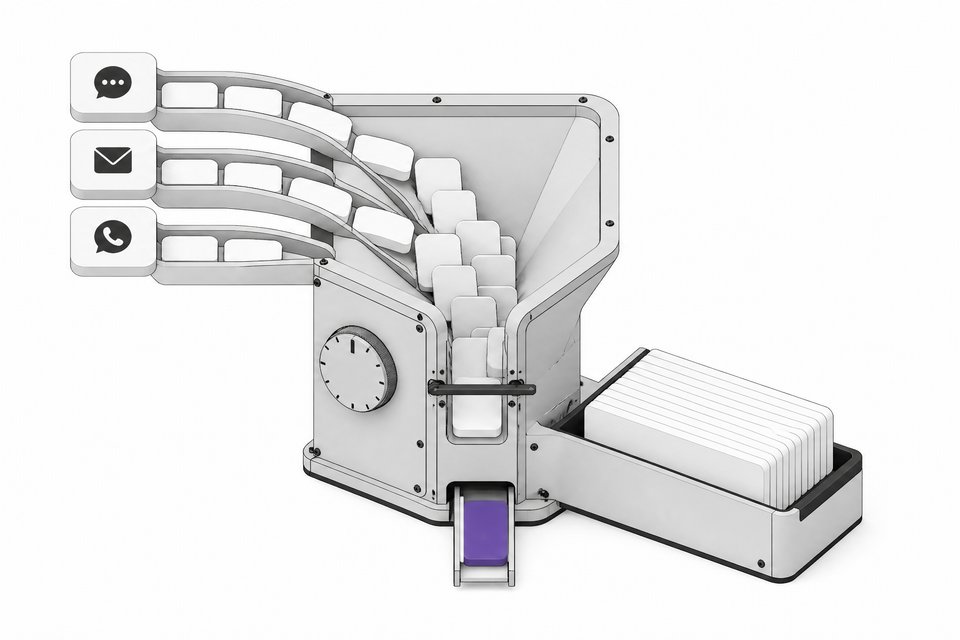
An always-on agent runs 24/7, often with its own cloud computer, and tells you what needs attention without waiting for a prompt. It is the consumer version of what hobbyists built in spring with OpenClaw and then Hermes Agent: agents on a dedicated machine that were highly customizable but came with plenty of headaches.
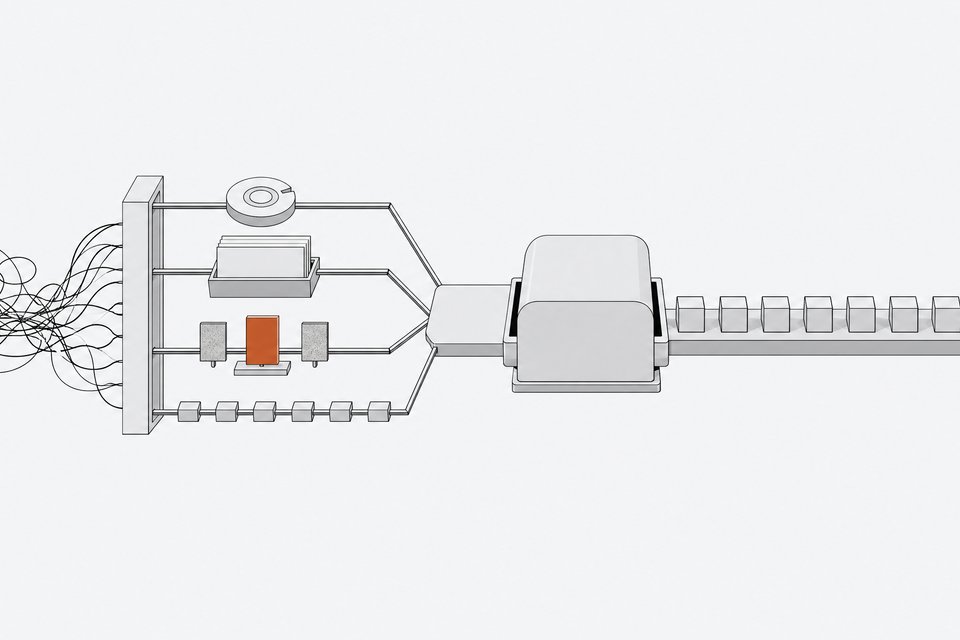
Meta, OpenAI, xAI and now Anthropic have packaged that idea into products. The four covered here are Muse, Dot, Grok Bot and Claude Duet. They overlap a lot, but they differ in price, setup and where they work best.
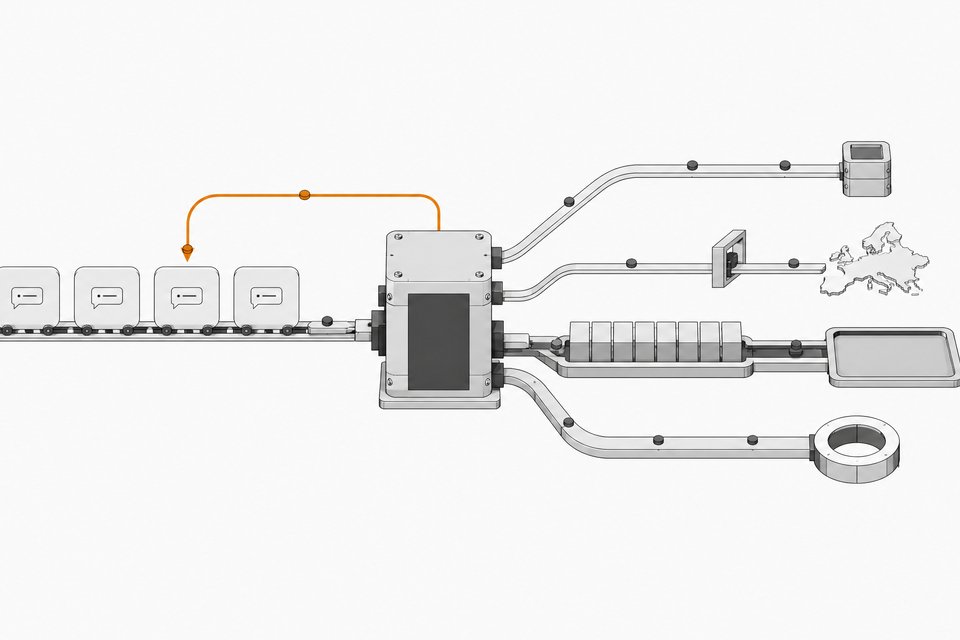
How do Muse, Dot, Grok Bot and Claude Duet compare?
| Agent | Maker | Access and price | Best for | Setup effort |
|---|---|---|---|---|
| Muse | Meta | Generous free plan | Personal tasks | Low. Quick onboarding |
| Dot | OpenAI | Pro plan only ($100) | Slack and single projects | Low to moderate |
| Grok Bot | xAI | Not covered in the sources | Custom systems for life or business | Higher. You build multiple bots |
| Claude Duet | Anthropic | Research preview, waitlist for Pro and Max subscribers | Multitasking, small-business dashboards | Unknown until wider release |
Which agent is best for personal use?
Muse. The pitch is simple: do the quick onboarding and you have a personal assistant. The free plan is the main draw, so you can test it without committing money. Reviewers note this kind of use pays off most for personal tasks. If you want an agent that handles your own reminders and errands, you do not need the extra control Grok Bot offers.
Which agent is best for Slack?
Dot. One creator who tested several of these agents calls Slack the use case where Dot stands out, and notes that Slack is one of only two integration buttons in the Dot interface. His main example is appointment booking. He adds Dot to a Slack chat with a colleague, asks for meeting times, and Dot replies in a format he specified.
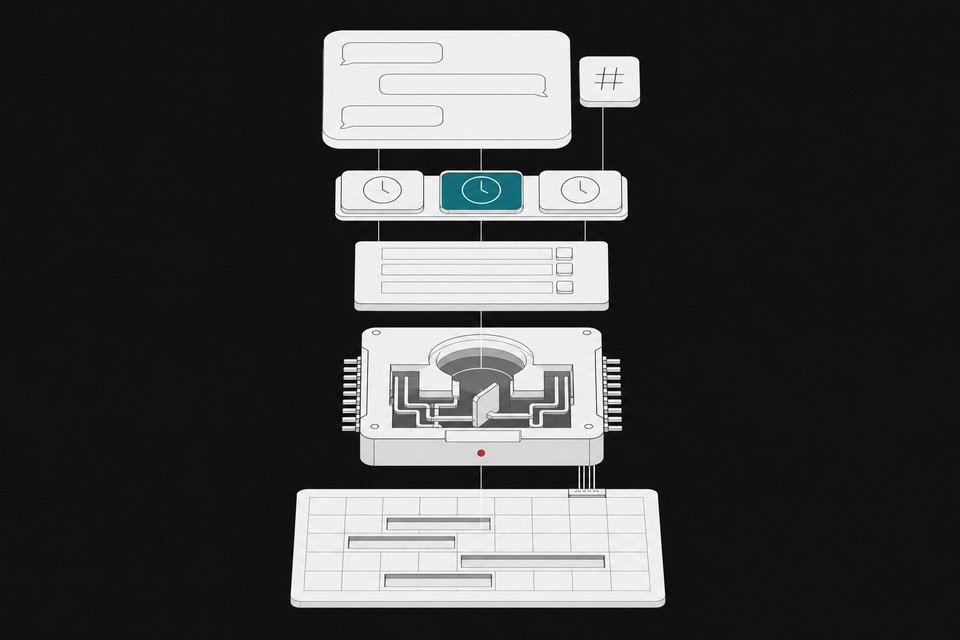
Dot does more than read a calendar. He gave it a set of 20 to 25 rules about how he likes meetings handled. Examples include keeping meeting-free days free and adding a 30-minute recharge block after more than four hours of meetings. He also gave it a tier list of which company meetings can be moved. In ChatGPT settings, under personalization, custom rules let others request times and confirm bookings.
The same setup is possible in Grok Bot, according to that creator, but he found the setup more complicated and the xAI models inferior to OpenAI's for this. That is one person's experience, not a benchmark.
The catch is price. Dot is still limited to the $100 Pro plan. The same creator expects it to come down to the $20 plan eventually, but that is a prediction, not an announcement.
Is Grok Bot worth it for a small business?
If you are willing to build, yes. Grok Bot runs on a cloud computer, which matters for services with no clean integration. The creator stays logged into WhatsApp on the web there, and the agent uses it as if it were open on a desktop. That is hard to replicate with connectors alone.
His setup is a set of single-purpose bots:
- A daily brief that pulls Slack, messages, WhatsApp and several email accounts into one summary.
- An hourly check that flags urgent items.
- A bot that prepares him for upcoming meetings.
- A bot that reviews and improves the other bots.
- An event scanner that checks his calendar and location and suggests local events.
He says you do not need prompting expertise, just an idea of what work the agent could do. He also warns that a daily brief takes about a week of feedback before it becomes really useful. It is not set-and-forget.
One workaround he describes: have Grok Bot log into your ChatGPT account on its cloud computer and draft messages there, to get OpenAI's writing style with Grok Bot's convenience. Another reviewer reported that recent updates and better voice input have made Grok Bot solid for people building a small operating system for their business.
What do we know about Claude Duet?
Duet is Anthropic's entry. It is a research preview, and Pro or Max subscribers can join a waitlist. Access is being granted selectively, and one reviewer quoted here had not yet been chosen to try it at the time of writing. Everything below comes from Anthropic's demo material and secondhand descriptions, not hands-on testing.
What the demo shows:
- Proactive messages. It opens the day with a summary of items like a health permit, hiring decisions and a renewal.
- Tool use. The demo shows it pulling from point of sale, an online store, CRM, support, payroll and a bank.
- An inline dashboard. A clean dashboard appears in the chat itself.
- Drafting. It can draft emails and messages for you to send.
- Connectors. Gmail, Slack, QuickBooks, Stripe, Gusto, LinkedIn, DocuSign, HubSpot, Canva and Shopify.
- Safety. Anthropic says it ships with a dedicated classifier and a safety system prompt that checks each message to guard against leaks of sensitive information.
One reviewer's default recommendation, based on what he has seen, is Duet. It is a standalone app, which makes it simple to get into, and it lets you work on several things at once with a better interface than Dot currently offers. He positions it as the up-and-coming tool for people building a small-business or solopreneur operating system, thanks to stronger models. Treat that as a first impression until more people can test it.
Will your setup carry over if you switch?
Mostly. The effort you put into rules, briefs and bot instructions is text. The Dot user in the sources notes he can ask it to list every meeting-booking rule, paste that into a calendar bot in Grok Bot, and carry on. He also moved bots from OpenClaw into Grok Bot via a handoff package. Grok Bot is reportedly planning support for other models, though that is a claim, not a shipped feature.
So you are not locked in. The practical advice is to write your rules down somewhere you control.
How should you choose?
- Personal only, minimal effort: start with Muse and its free plan.
- Slack-heavy work or a defined project: use Dot if you can justify the $100 Pro plan.
- Custom system for a business, comfortable with setup: Grok Bot.
- Standalone app with multitasking and a business dashboard: join the Claude Duet waitlist if you are on Pro or Max, and use another agent meanwhile.
Frequently Asked Questions
Is Claude Duet available to everyone?
No. It is a research preview. Pro and Max subscribers can join a waitlist, and Anthropic appears to be admitting people selectively.
Do I need the $100 plan to use Dot?
At the time of these reviews, yes. Dot is available only on the Pro plan at $100. One reviewer expects it to reach the $20 plan eventually, but nothing in the sources confirms that.
Can I use these agents without technical skills?
Yes, with differences. Muse is the quickest to set up. Grok Bot takes more work because you create separate bots for different jobs, though it does not require prompt-engineering expertise.
Can I move my agent's rules to a different tool?
Largely. Rules and instructions are text, so you can ask one agent to list them and paste them into another. Integrations and connectors still need to be set up again.
Which agent handles Slack best?
In the sources, Dot. Slack is built into its interface, and one creator uses it daily to coordinate meeting times in Slack chats. Claude Duet also lists Slack as a connector, but it has not been widely tested.
How we source, write, and correct our articles. Editorial standards