How to Set Up an AI Agent to Schedule Meetings in Slack
How to add a personal AI agent to Slack, give it calendar access and a written rule set, and have it propose meeting times in a format you define.

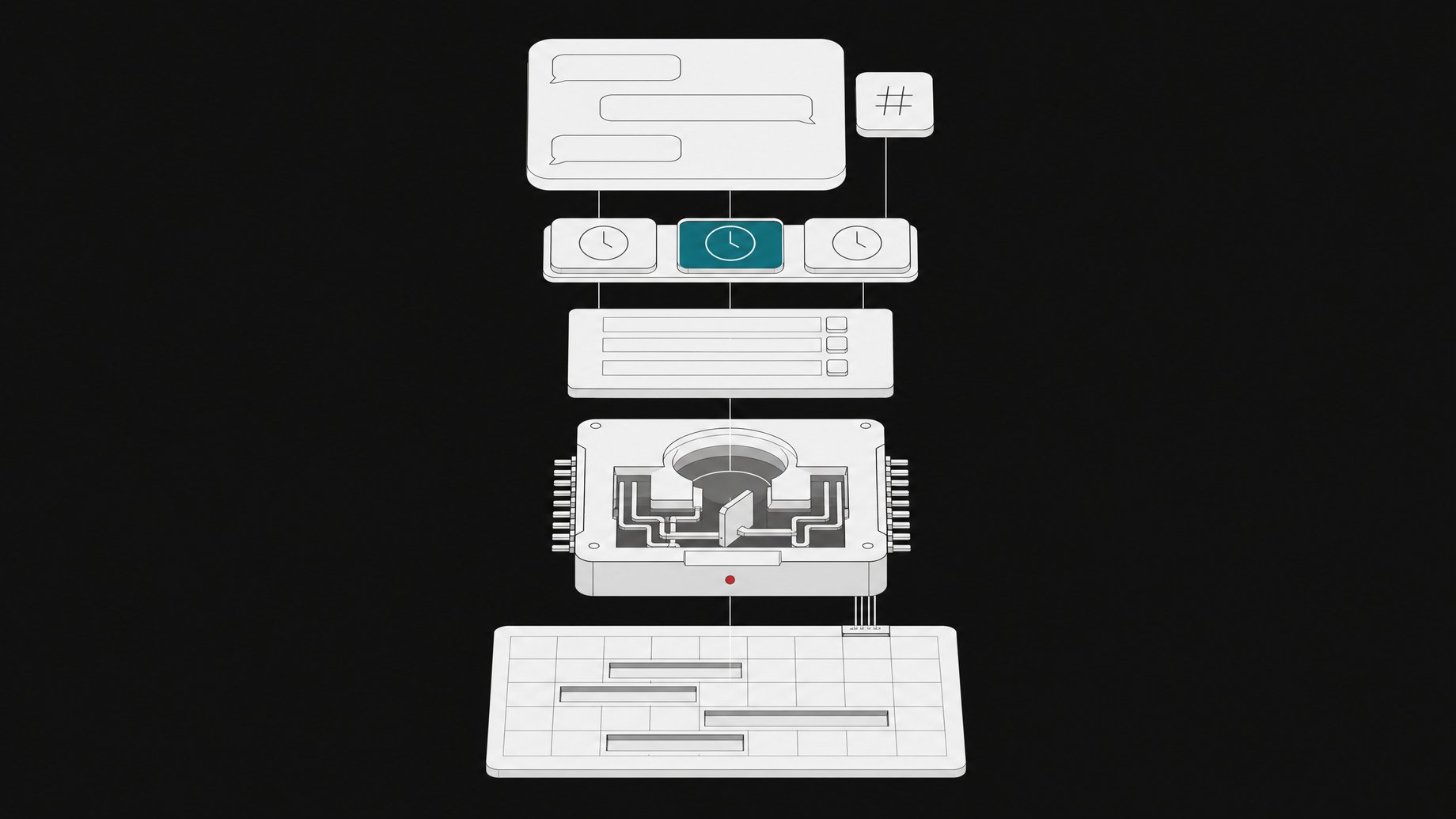
How do you set up an AI agent to schedule meetings in Slack?
You add your personal agent to a Slack chat, connect it to your calendar, and give it a written set of rules about how you run your day. When someone asks for a meeting, you tell the agent to propose times. It checks your calendar, applies your rules, and posts options in the format you specified. One creator who runs this setup describes a rule set of roughly 20 to 25 rules. It is the use case he leans on most.
TL;DR
- A scheduling agent needs two inputs: live access to your calendar and a written rule set that captures how you actually work.
- The agent lives inside the Slack conversation, so you can pull it into any existing chat instead of switching to a separate booking tool.
- Rules are what separate this from a basic availability checker. Examples include protecting meeting-free days and adding a 30-minute recharge block after more than 4 hours of meetings.
- A tier list of meetings tells the agent which commitments are non-cancelable and which could move if something more important comes up.
- You define the output format once, and the agent posts proposed times that way every time.
- Expect to refine the rules over time, since the rule set the creator describes runs to roughly 20 to 25 rules.
What does this setup actually do?
The core idea is simple. You are in a Slack chat with a colleague, in this case a project manager. You bring your agent into that chat and ask it for meeting times. The agent reads your calendar, filters the openings through your rules, and posts a short list of options.
The creator who demonstrated this calls his agent "Mini Alfredo" and says it works well because it interfaces so cleanly with Slack. That is the point of the pattern. Scheduling already happens in chat ("when are you free this week?"), so the agent answers where the question was asked.
Calendar access alone would get you a list of empty slots. The rule set is what makes the suggestions usable without you editing them.
What rules should you give a scheduling agent?
The source describes three kinds of rules. They show the range of what you can encode.
| Rule type | Example from the source | What it does |
|---|---|---|
| Protected days | If it's a meeting-free day, keep it a meeting-free day | The agent never offers slots on those days |
| Load limits | If there are more than 4 hours of meetings, add a 30-minute recharge block right after | The agent builds in recovery time instead of stacking calls |
| Priority tiers | A tier list of company meetings, from absolutely non-cancelable to potentially movable | The agent knows what it can reschedule and what it must leave alone |
The creator says his list runs to something like 20 to 25 rules. You do not need that many on day one. Start with the constraints that annoy you most when you schedule by hand.
How should you write the rules?
The source does not specify a format, so this part is practical advice rather than a documented method. Plain language works well for agents that read instructions as text. Keep each rule to one sentence and make it testable. "Keep Fridays meeting-free" is clear. "Try not to be too busy" is not.
A few habits help:
- State the trigger and the action together ("after 4 hours of meetings, add 30 minutes of recharge").
- Name your meeting-free days explicitly, not by vibe.
- List your meeting tiers with real examples from your calendar, so the agent can match events to a tier.
- Add exceptions as their own rules rather than burying them in other ones.
How do meeting tiers work?
The tier list is the most interesting rule type. Most scheduling tools treat every calendar event as equally immovable, or equally movable. A tier list gives the agent a ranking.
In the creator's setup, the tiers cover meetings within the company, from absolutely non-cancelable down to potentially movable. If a high-priority request arrives and the only open slot conflicts with a low tier meeting, the agent has a basis for suggesting that slot anyway. Without the tiers, it would have to skip the slot or guess.
If you build your own, define each tier by example. A board meeting, a customer call, and a weekly internal sync probably belong in different tiers. Write down which ones the agent may propose moving, and which it must never touch.
How should the agent format its proposed times?
The creator says the agent posts times "exactly in the format" he told it to use. That detail matters more than it sounds. When a colleague sees the same layout every time, they can reply quickly, and you can scan the options at a glance.
Decide on these points and put them in your instructions:
- How many options to offer.
- Whether to show times in your time zone, the other person's, or both.
- How to label the date (weekday plus date avoids confusion).
- Whether to include meeting length.
- Whether to add any short note, or post only the times.
Specify the format as a literal template with an example. Agents follow a concrete sample more reliably than a description.
How does the Slack workflow look in practice?
Based on the demonstration, the flow is short:
- Open the Slack chat where the meeting request lives.
- Add your agent to that chat.
- Ask it for meeting times.
- The agent checks your calendar and your rules.
- It posts options in your chosen format, visible to everyone in the chat.
Because the agent posts in the shared thread, the other person responds right there. You stay in one place for the request, the options, and the confirmation.
What are the limits and risks?
The source is one creator describing a personal workflow, so treat it as a pattern to adapt, not a benchmarked product. A few cautions follow from the setup itself.
- Calendar access is sensitive. The agent can see your events. Check what permissions you grant, and whether read-only access is enough for proposing times.
- Shared chats expose output. Anything the agent posts is visible to the other participants, so keep private event details out of your format.
- Rules drift. Your preferences change. Review the rule set when your schedule changes.
- Verify early outputs. Check the first batch of suggestions against your calendar before trusting the agent with important contacts.
- Rule conflicts. With 20 or more rules, two will eventually collide. Tiers and explicit priorities help the agent resolve them.
Is this worth setting up?
If you schedule many meetings through Slack, probably. The cost is the time spent writing down rules you currently carry in your head. That exercise has value even if the agent underperforms, because it forces you to define what your calendar protects.
If you have few meetings or a flexible calendar, a simple availability link may be enough. The rule-driven approach pays off when your constraints are specific: meeting-free days, recovery time, and a clear hierarchy of what can move.
Frequently Asked Questions
Does the agent need more than calendar access?
Yes. In the described setup, the agent has calendar access and a separate set of written rules. The calendar shows what is free. The rules decide which free slots are acceptable, how to protect focus time, and which existing meetings could move.
How many rules do I need?
The creator mentions something like 20 to 25 rules, but you can start with far fewer. Begin with meeting-free days, a recovery block rule, and a basic tier list. Add rules as you notice suggestions you would have rejected.
Can the agent work in any Slack chat?
According to the demonstration, you can add the agent to any Slack chat, including a one-on-one style conversation with a colleague. Whether this works in your workspace depends on your agent platform and your Slack admin settings, so check both.
What is a recharge block?
It is a buffer on your calendar. In the example, if you have more than 4 hours of meetings, the agent places a 30-minute recharge block right after, so the schedule does not run back to back without a break.
How we source, write, and correct our articles. Editorial standards