How Do You Set Up an AI Daily Brief That Flags Urgent Items?
Set up an AI daily brief plus an hourly urgent-alert agent that pulls Slack, email and WhatsApp, then refine it with a week of feedback.


How do you set up an AI daily brief that catches you up and flags urgent items?
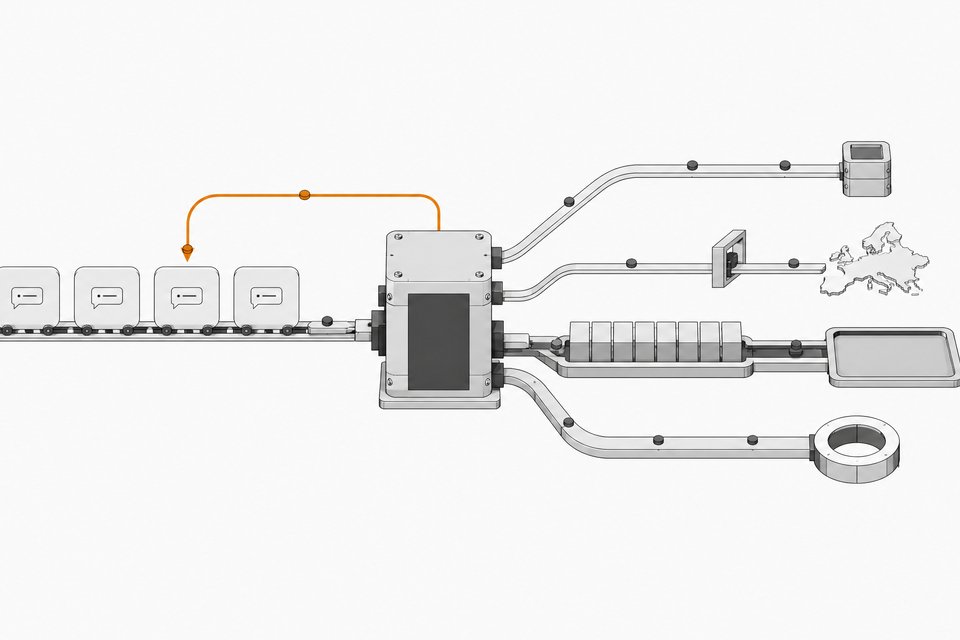
Run two scheduled agents. One runs once a day, reads your connected apps (Slack, email, messaging), and summarizes what you missed. The other runs hourly, scans the same sources for anything time-sensitive, and notifies you only when something needs action. You can build both in an always-on agent app like Grok Bot or in ChatGPT's scheduled tasks. Expect to spend about a week correcting the output before it gets good.
TL;DR
- The daily brief is one of the most common everyday uses of AI agents, and it works best after months of refinement and connection to the apps you actually use.
- Pair it with an hourly urgent check so the daily summary can stay calm while burning items still reach you.
- The setup is the easy part. A week of feedback on what is relevant and what is noise is what makes the brief useful.
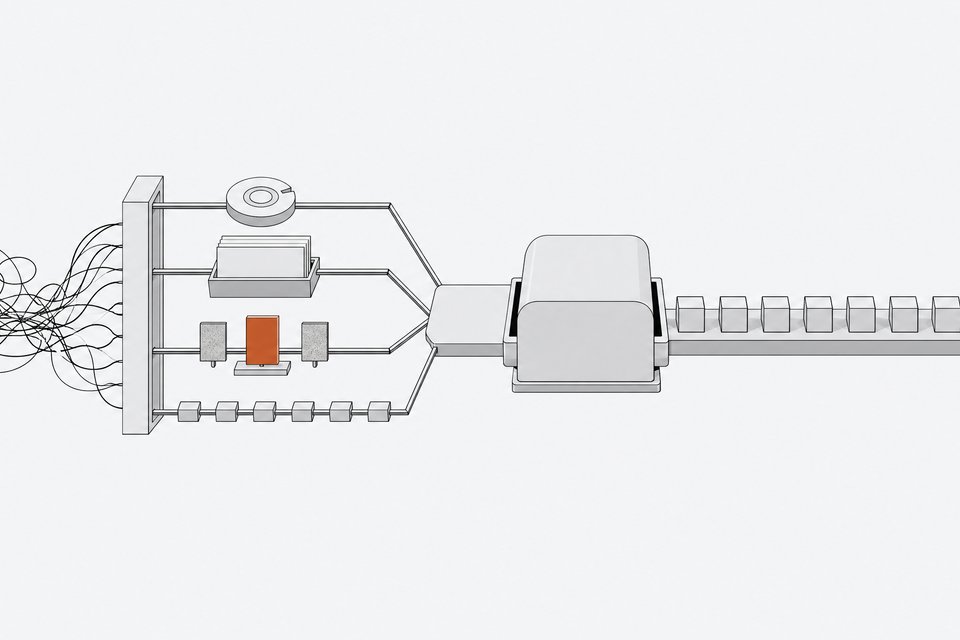
- Connectors decide what the brief can see. Hard-to-connect sources like WhatsApp are where an agent with its own cloud computer helps.
- You can build this in ChatGPT scheduled tasks or in a dedicated always-on agent such as Grok Bot. The tradeoff is setup effort against flexibility.
- Your priorities and rules are plain text, so you can move them between tools if you switch.
Why build a daily brief at all?
The creator behind the workflow described here calls it the top use case of AI agents for ordinary people, and says nothing else let them disconnect from technology as much. The reason is simple. Without a brief, you keep one eye on Slack, messages, WhatsApp, and several inboxes all day. With one, those streams funnel into a single summary, and you check that instead.
The claimed payoff is less time on admin, not zero admin. Staying on top of messages is still part of the job. The brief just shrinks the time spent doing it.
What do the two agents actually do?
| Agent | Schedule | Job | Output |
|---|---|---|---|
| Daily brief | Once a day | Catch you up across Slack, email, WhatsApp, and other systems | A prioritized summary |
| Urgent check | Hourly | Look for items that may need attention now | A notification only when something is burning |
Keep them separate. A single agent that tries to summarize everything and also decide what is urgent tends to blur both jobs. Splitting them lets you tune each one. The daily brief can be thorough. The hourly check should stay quiet unless it has a reason to speak.
How do you build it step by step?
- Pick the sources that cost you the most attention. Start with the two or three you check compulsively, such as Slack, your main email, and a messaging app. Add more later.
- Connect them. Use the tool's connectors for services that offer them. For harder ones, see the WhatsApp section below.
- Write your priorities down. Tell the agent what matters right now. In the example workflow, a pending US visa application was the top priority, so the agent placed anything related to it under "urgent."
- Create the daily task. Ask for a catch-up summary with an "urgent" section first, then everything else grouped by source.
- Create the hourly task. Ask it to check only for items that need attention soon, and to notify you only if it finds one.
- Review the first outputs critically. Mark what was useful and what was noise, then feed that back.
An example instruction for the hourly agent, which you should adapt:
Every hour, check Slack, my email accounts, and WhatsApp.
Notify me only if something needs my action soon.
My current top priority is [your priority]. Anything related
to it counts as urgent. Ignore newsletters, promotions, and
automated notifications unless they mention [keywords].
Why does a week of feedback matter so much?
A brief is not a set-and-forget tool. It does work on day one, but the creator's experience was that usefulness increases dramatically after about a week of correcting and fine-tuning it. The agent starts out guessing what you care about. Every correction narrows that guess.
Useful feedback is specific:
- "This sender is never urgent."
- "Anything from this project should always be near the top."
- "Stop summarizing this channel."
- "You missed the message about X. Here is why it mattered."
Treat the first week as training. Spend a few minutes each day telling it what it got wrong, and ask it to update its own instructions so the corrections persist.
Where should you build it: ChatGPT or an always-on agent?
Both work. The brief is mostly about connectors, not the model.
| ChatGPT scheduled tasks | Grok Bot (always-on agent) | |
|---|---|---|
| Where to start | A new chat, then the scheduled/work tasks area | The agent app's own interface |
| Strength | Simple to start with supported connectors | Has its own cloud computer, so it can use sites that lack easy connectors |
| Weakness | Limited to what connectors reach | Takes more setup, and you build separate bots per purpose |
| Writing quality | Strong OpenAI models | The creator found the xAI models weaker for writing |
The source describes Grok Bot as better for people ready to customize, a kind of operating system for your life or business. It describes other, more turnkey assistants as better for quick personal use. If you want something running in five minutes, that is the simpler path. If you want multiple connected bots, Grok Bot fits better.
How do you handle WhatsApp and other awkward sources?
WhatsApp is the hard one. Official connections are not simple, and the creator notes that third-party services can work around it through a WhatsApp Business account. Their own approach was different. The agent's cloud computer stays logged into WhatsApp Web, and the agent reads it as if it were open on a desktop.
That is the main practical advantage of an agent with its own computer. Anything you can log into in a browser becomes a possible source, even without a formal integration. Think through the security side before doing this, since you are giving an agent a live session on a personal account.
One more tip from the same workflow: if you want better writing than the agent's default model provides, let the cloud computer log into your ChatGPT account and instruct the agent to draft messages there. You keep the agent's convenience and get the stronger writing style.
Should you split your brief into several bots?
Once the basic brief works, it makes sense to add narrow bots rather than overloading one. The creator describes separate bots for specific jobs, such as one that prepares meetings and another that reviews and improves the others daily. They describe it as just connected systems that compound really nicely: each bot is simple, but together they build on each other.
Start with one daily and one hourly agent. Add a third only when you find a recurring task the brief handles badly.
Will you be locked into one tool?
Not much. Your priorities, rules, and feedback are text. You can ask an agent to list its rules, copy them, and paste them into another tool. The creator did this when moving systems from one agent setup into Grok Bot, using a handoff package. If a better model becomes available in your tool later, you can bring the same instructions along.
Frequently Asked Questions
How long until an AI daily brief becomes useful?
It works from the first run, but the source experience is that quality jumps after about a week of corrections. Plan to give feedback daily during that period.
Do I need prompting skills to set this up?
No. The setup is described as fairly intuitive. What you need is a sense of what work the agent could do for you and a clear idea of your priorities.
Can I do this in ChatGPT without a separate agent app?
Yes. You can create scheduled tasks from a new chat in ChatGPT. The limit is which connectors are available, so check that your key apps are supported before you commit.
Why keep the urgent check separate from the daily summary?
The two jobs have opposite goals. The summary should be complete, while the urgent check should stay silent unless something needs you. Separate agents let you tune each without breaking the other.
How we source, write, and correct our articles. Editorial standards