How to Replace SaaS With AI Internal Tools (Without Blowing Up Compliance)
A category-by-category guide to replacing rented SaaS with AI-built internal tools, with honest build costs, real company savings, and governance guardrails.

How do you replace SaaS with AI internal tools without blowing up compliance?
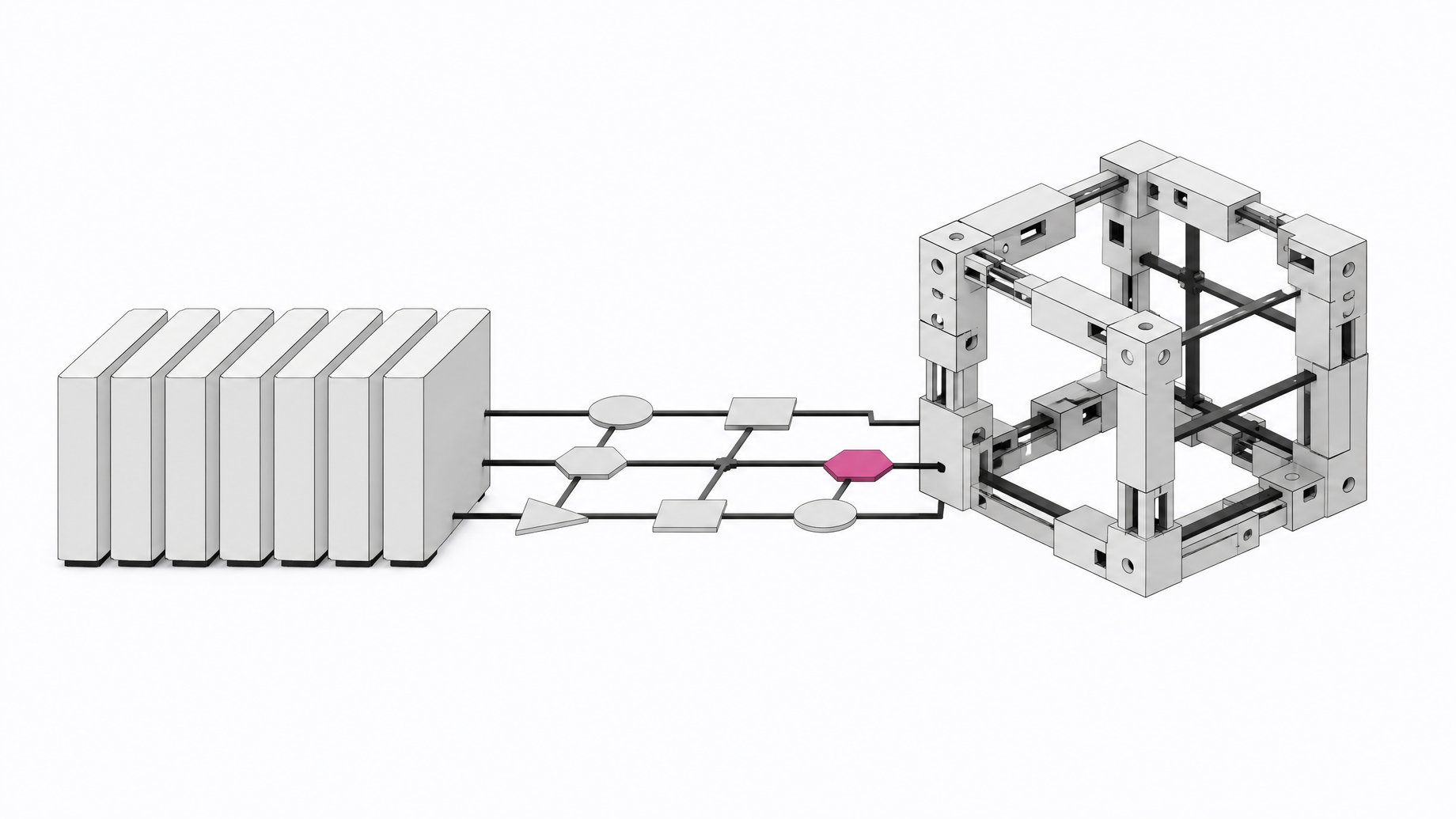
You replace SaaS with AI internal tools by starting with thin, per-seat workflow and admin software, not deep systems of record. You price the build in engineer-hours and ongoing maintenance, not against the vendor's sticker price. And you govern what gets built from day one, because employees are already building this stuff whether IT signs off or not.
That's the whole playbook, compressed. Everything below is the detail you need to run it without creating a worse problem than the one you started with.
TL;DR
- SaaS cost per employee hit roughly $9,100 by the end of 2025 while the application count stayed essentially flat, so the growth is price, not volume.
- AI coding tools collapsed the cost of the alternative, and 35% of enterprise teams have already replaced at least one SaaS tool with a custom AI-assisted build.
- Start with thin tools like workflow automation and internal admin tools, and leave ERP, payroll, and GRC platforms alone because the vendor's liability and certifications are the actual product.
- Price a build with the maintenance tail included, since a typical internal build runs about $375,000 up front and then another $125,000 to $250,000 a year in perpetuity.
- For production internal tools, control beats raw speed, so most teams use AI to write discrete code pieces they can test rather than prompting a complete app end to end.
- Sixty percent of builders created software outside IT oversight in the past year, so you need guardrails that scale with data access, such as role-based access control, audit logs, and a lightweight review gate.
- Track hours saved per week, dollars displaced from the vendor, and time to production, because without a number you can't prove the build worked.
Why does the SaaS bill keep growing even when your tool count doesn't?
Most finance leaders assume SaaS sprawl means more apps. It doesn't. The average enterprise now spends $55.7 million a year on SaaS across roughly 305 applications, up 8% year over year, while the application count has stayed essentially flat. The growth is price, not volume. SaaS cost per employee hit roughly $9,100 by the end of 2025, up from $8,700 in 2024 and $7,900 in 2023, inflating at nearly five times the general consumer rate across G7 countries.
Much of that increase is invisible until the invoice lands. Seventy-eight percent of IT leaders reported unexpected charges tied to AI features or consumption-based pricing in the past year, and 61% of organizations had to cut other projects because of unplanned SaaS cost increases. When the vendor controls the pricing lever and you don't, "just keep renewing" stops being a neutral default. It's a risk you're carrying without realizing it.
Why did building internal tools get so cheap?
This isn't a new argument. What's new is that the cost of the alternative collapsed. Retool CEO David Hsu put it plainly to Newsweek: "Two years ago, a custom internal tool might take an engineering team weeks and cost six figures. Today, a business operations lead with the right platform can have a working prototype in a day or two." That's not a marketing claim from a vendor with nothing to lose. McKinsey's 2026 State of AI survey, covering 1,719 respondents across 97 countries, found that 32% of organizations have already decided against buying at least one software product or feature because they could build the functionality internally with agentic coding tools, rising to 41% in tech companies and nearly half among AI "high performers."
The mechanism worth understanding: AI coding agents didn't make developers faster at writing boilerplate. They made it possible for someone who isn't a developer to produce something that works. That's a structural shift in who can build, not just how fast. For a deeper look at how far agentic coding has pushed this, see how AI agents that run whole workflows are breaking the per-seat pricing logic SaaS was built on.
Who's already replacing SaaS with AI-built tools?
This is happening now, not in some projected future. Retool's survey of 817 builders found 35% of enterprise teams have already replaced the functionality of at least one SaaS tool with a custom AI-assisted build, and 78% expect to build more custom internal tools in 2026.
The dollar figures from real companies back it up:
- West Monroe avoided more than $300,000 a year in vendor costs by building payroll-check and manager-insight tools in-house with ChatGPT and Codex.
- Gray, a construction and engineering firm, expects to avoid $1 million in vendor and consulting fees by building its own financial forecasting tool, replacing software that cost $175,000 a year in service fees alone.
- ClickUp cut $200,000 a year in automation software spend by building six AI tools internally in Retool.
- Harmonic dropped a $20,000-a-year third-party tool after getting slow vendor support, building the replacement itself.
None of these are speculative pilots. They're line items that went to zero.
What does it actually cost to build an internal tool with AI?
Most teams get this math wrong in both directions. Some assume building is free because the prompt took ten minutes. Others assume it's unaffordable because the last internal build their company tried ran over budget by a factor of three. Neither instinct is reliable. You need an actual number.
CloudZero's framework for pricing internal tooling builds is a useful anchor: a typical internal software build runs about $375,000 before it processes anything real, based on two engineers working for three quarters. After that, budget another $125,000 to $250,000 a year in perpetuity, covering integration breakage, new model and tool churn, and the inevitable dispute queue. That's roughly half to one full engineer, forever, not once.
Maintenance is the part people underprice most. Integration-specific upkeep commonly runs 15-25% of the original build cost annually. One cited example from integration vendor Albato shows a Microsoft Dynamics integration taking 350 hours to build initially, plus 35 hours a month in ongoing maintenance, meaning cumulative maintenance cost exceeds the original build within two years. If you're not budgeting for that tail, you haven't done the build-vs-buy math. You've done the build-vs-nothing math. We've walked through this comparison in more detail in the build-vs-buy math behind why building is now the rational default for a growing list of tools.
Which SaaS tools should you replace first?
Start with the thin stuff. Per Retool's category breakdown, these are the share of teams that report each category at risk of replacement:
- Workflow automation - 35%
- Internal admin tools - 33%
- BI dashboards - 29%
- CRM and form builders - 25%
- Project management - 23%
- Customer support tools - 21%
What you should not touch yet:
- ERP systems. Deep integration surface area, high switching cost, and liability if you get it wrong.
- Payroll. Compliance exposure that a vendor's certifications exist specifically to absorb.
- GRC and governance platforms. The product you're buying is partly the vendor's regulatory accountability, not just the software.
osFoundry's framing on this is useful: internal CRUD apps, admin panels, dashboards, and simple automation glue are worth replacing; deep, compliance-heavy systems of record, and anything where you need a vendor's liability or constant regulatory updates, are not. If you need a repeatable way to sort your own stack into these buckets, this four-question framework for deciding what deserves a prototype, a fast build, or real engineering investment is the right starting point.
How do you choose a build method?
Not every build method is the same, and the gap matters more as the tool touches real company data. Retool's data shows only 31% of builders are prompting their way to a complete app end to end. The majority, 72%, use AI to write and integrate discrete code pieces they can test and control. That tells you something: for production internal tools, control beats raw speed. Pure vibe-coding platforms optimize for a fast prototype, which is great for proving a concept, but most teams still want a human reviewing the integration points before it touches a live database.
Three broad lanes exist:
- AI-only app builders (prompt-to-app tools). Fastest to a demo. Best for validating that a workflow is worth building at all.
- Coding assistants inside a real IDE. Slower than a pure prompt, but the output is code your team can read, test, and own long term.
- Enterprise AppGen platforms. Built for internal tooling specifically, with permissions and data connections baked in, trading some flexibility for a faster path to something IT will actually sign off on.
If you want the step-by-step version of what this looks like for a $50-a-month tool specifically, this practitioner's walkthrough of describing a workflow and shipping it in an afternoon covers the mechanics.
How do you govern AI-built internal tools?
Here's the uncomfortable part: this is already happening without your permission. Sixty percent of builders surveyed by Retool created software outside IT oversight in the past year, and only 17% cited lack of IT sanction as something that blocked them. Microsoft's 2025 Work Trend Index found a similar pattern at the AI-tool level: 78% of AI users at work bring their own AI tools rather than ones provided by their employer. Gartner projects that by 2027, 75% of employees will acquire, modify, or create technology outside their IT department's visibility, up from 41% in 2022.
The right response isn't a ban. It's guardrails that scale with how much data a tool touches:
| Speed to prototype | Control over code | Maintenance burden | Compliance readiness | |
|---|---|---|---|---|
| AI-only app buildersvalidating a workflow is worth building at all | High | Low | Medium | Low |
| Coding assistants in an IDEproduction tools your team must own long term | Medium | High | Medium | Medium |
| Enterprise AppGen platformstools IT can sign off on quickly | Medium | Medium | Low | High |
- Role-based access control on anything connected to a real database, not just the login screen.
- Audit logs for who built what, when, and what it reads or writes.
- Data residency and retention rules that match what your compliance team already requires of vendor SaaS.
- A lightweight review gate before an internally built tool goes from someone's laptop to production use by a team.
If you're trying to get a handle on what's already been built across your organization before you can govern any of it, that's the first problem to solve, not the last. Having a single system of record for what software your teams actually run and own, rather than a scattered mess of personal builds and forgotten subscriptions, is the starting point for any of this working: Remy exists for exactly this gap between shadow building and real oversight.
How do you measure ROI on a build?
The biggest blind spot in this whole shift is measurement. Thirty-five percent of organizations surveyed by Retool have not established any AI productivity metrics at all, even though about half of builders who ship production software report saving six or more hours a week. Without a number, you can't defend a build the way you can point at a canceled SaaS invoice.
MIT's NANDA initiative found that 95% of corporate generative AI pilots fail to deliver measurable financial ROI, a failure rooted in poor integration and misaligned priorities, not bad models. That's a warning against assuming any AI-built tool pays for itself automatically. Track three things from day one: hours saved per week by the people using it, dollars displaced from the vendor you stopped paying, and time from idea to something in production use. If you can't answer all three after three months, you haven't proven the build worked. You've just moved the cost somewhere less visible.
What does this mean for your SaaS stack going forward?
SaaS isn't dying. The bar for buying it just got higher. The honest version of how to replace SaaS with AI internal tools is: buy the compliance-heavy systems of record where a vendor's liability and certifications are the actual product, and build the thin, per-seat workflow and admin tools where the only thing you were ever paying for was convenience. Price the build in engineer-years including the maintenance tail, not against a monthly invoice. Govern what gets built before it becomes a breach headline instead of a line-item savings. And measure it, so the next renewal decision is based on a real number instead of a vibe.
That's not a rip-and-replace strategy. It's a migration, one category at a time, starting with the tools that were never worth the markup in the first place.
Frequently Asked Questions
How do you decide which SaaS tools to replace first with AI-built internal tools?
Start with thin, per-seat workflow tools where you're mostly paying for a UI wrapper around simple logic: internal admin panels, BI dashboards, form builders, and automation glue. Retool's data shows these categories, plus CRM and project management tools, carry the highest replacement risk. Leave ERP, payroll, and GRC systems with vendors since you're also buying their compliance liability.
What does it actually cost to build an internal tool instead of buying SaaS?
Price it in engineer-hours, not sticker price. A typical fully loaded internal build runs around $375,000 for two engineers working three quarters, before any ongoing maintenance. Budget another $125,000 to $250,000 a year afterward for upkeep, roughly half to one full engineer permanently. Compare that total, not just the build cost, to the SaaS contract's full-year TCO.
Is it safe to let employees build their own internal tools with AI?
It's already happening regardless of permission: 60% of builders surveyed by Retool created software outside IT oversight in the past year. The fix is governance, not prohibition: role-based access control, audit logs, data residency rules, and a lightweight review gate before anything touches production data.
Which SaaS categories should never be replaced with a self-built AI tool?
Deep, compliance-heavy systems of record stay with vendors: ERP, payroll, and GRC platforms. You're not just paying for the software there, you're paying for the vendor's liability, certifications, and ongoing regulatory updates, which are much harder and riskier to replicate internally than a workflow dashboard.
How do you measure whether an AI-built internal tool actually paid off?
Track three numbers from the start: hours saved per week by the people using the tool, dollars displaced from the vendor subscription you canceled, and time from idea to production. Without these, you can't defend the build's ROI, and 35% of organizations currently track none of them.
How we source, write, and correct our articles. Editorial standards