How Do You Use Codex as an AI Operating System for Business?
Learn how one creator set up Codex as a business OS: persistent project context, reusable skills, plugins, sub-agents, schedules and phone voice control.

How do you use Codex as an AI operating system for business?
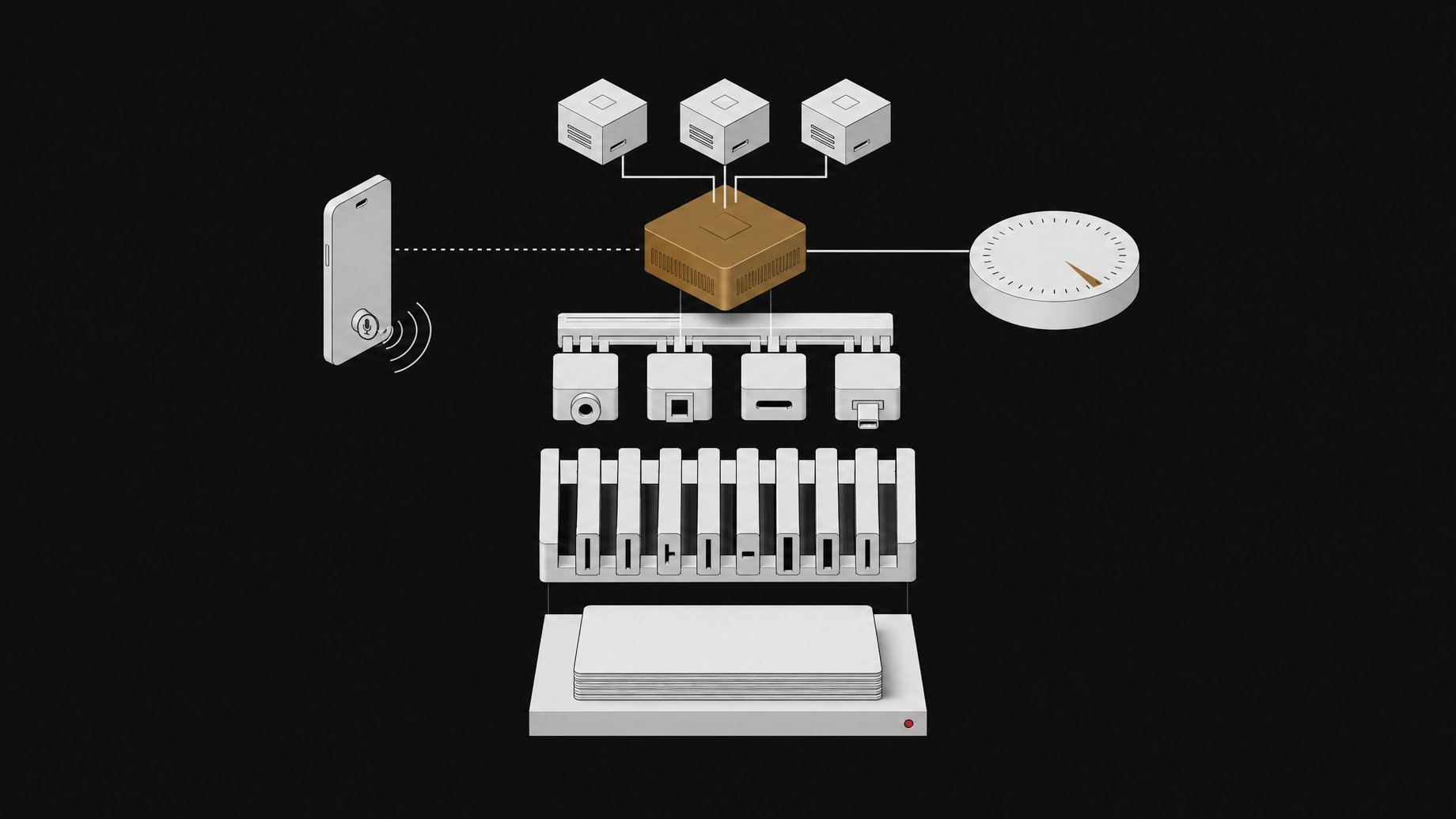
You stop treating Codex as a coding tool and treat it as one long-lived workspace. Keep a single project that holds your files, past work and preferences. Add reusable skills for repeatable tasks. Connect plugins and browser access so it can work in Gmail, ClickUp, Google Drive and Canva. Then add parallel sub-agents, scheduled runs and voice control. One creator built exactly this and named the project "Herc 2."
TL;DR
- A single persistent project means you stop re-explaining your business, files and preferences every time you open a new chat.
- Skills package repeatable workflows, such as YouTube descriptions, timestamps, LinkedIn posts and X articles with screenshots, so you do not rewrite the instructions each time.
- Plugins and browser access let Codex act inside tools you already use, including Gmail, ClickUp, Google Drive, Canva and sites where you are already logged in.
- Sub-agents split research into parallel tasks instead of one long serial thread.
- Scheduled workflows run on their own, and voice control from a phone can direct Codex while it keeps working on your computer.
- The approach is a setup pattern, not a product feature. You build it piece by piece, and each layer is optional.
Why use a coding agent for non-coding work?
Codex can read files, run tasks, call tools and keep going on a multi-step job. Those are the same abilities a business assistant needs. The difference is what you point it at.
The creator behind this setup says they barely use Codex for coding anymore. They use it to run their business. The pitch is simple: a general chat window forgets you, while a project-based agent can remember where things live and how you like them done.
What does a persistent project actually give you?
Context. Most people lose time re-explaining who they are, what their channel or company does, and where files are stored. A persistent project fixes that by keeping the working material in one place.
In the "Herc 2" example, the project knows the creator's files, projects, previous work and preferred style. Opening a new chat does not mean starting from zero.
If you want to copy the idea, the practical steps are:
- Create one dedicated project folder for business work, separate from any code repositories.
- Put in the material you keep re-pasting: brand voice notes, past scripts or posts, templates, and links to key documents.
- Write down your standing preferences in an instructions file the agent reads at the start of a session. Codex supports project-level instruction files for this, though the exact filename and behavior depend on your version, so check the current docs.
- Update that file when you notice yourself correcting the same mistake twice.
How do skills turn repeat work into one-step tasks?
A skill is a saved, reusable set of instructions for a specific job. You write it once. After that, you invoke it instead of explaining the job again.
The source example centers on YouTube. Drop in a video and the setup already knows how to produce:
- the video description
- timestamps
- LinkedIn posts
- an X article with screenshots
That is a good model for any recurring content or operations task. Look for work where the input changes but the steps stay the same: weekly reports, proposal drafts, meeting follow-ups, product listings. Those are the best candidates for skills.
A useful skill spells out the input it expects, the steps in order, the format of the output and what a good result looks like. Vague skills produce vague work, so include an example output.
How do plugins and browser access extend Codex beyond files?
Files alone only get you so far. Business work lives in other tools. Plugins connect Codex to those tools, and browser access lets it operate sites directly.
The creator lists these as working targets:
| Tool | Typical business use |
|---|---|
| Gmail | Reading, drafting and organizing email |
| ClickUp | Tasks and project tracking |
| Google Drive | Finding and storing documents |
| Canva | Design assets |
| Logged-in websites | Anything with a web interface but no connector |
The browser piece matters because many tools have no clean integration. If Codex can use a browser session where you are already signed in, it can handle web-only tasks. That also raises the stakes. An agent logged in as you can send email and change records as you. Start with read-only or low-risk tasks, review drafts before anything is sent, and be deliberate about which accounts you expose.
How do sub-agents speed up research?
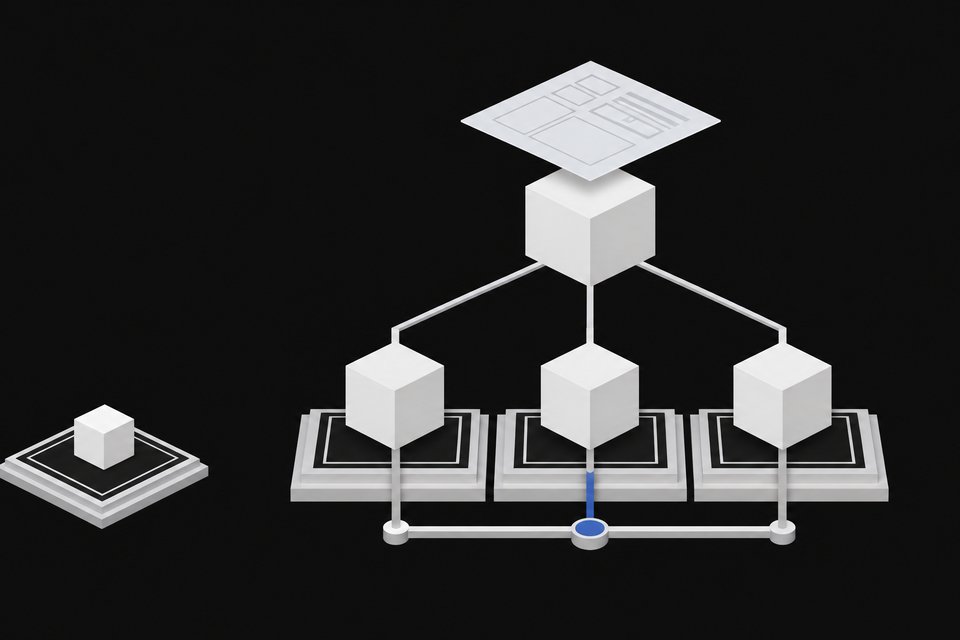
Sub-agents let the main agent hand separate questions to separate workers that run at the same time. Instead of researching competitors, pricing pages and customer feedback one after another, you split them and merge the results.
This works best when the subtasks are independent. Three unrelated research questions parallelize well. A chain where each step needs the previous answer does not. Give each sub-agent a narrow brief and ask for a short, structured summary so the main thread can combine them without drowning in raw notes.
Can Codex run on a schedule?
Yes, in the sense that the creator describes scheduling workflows to run automatically. Anything you can phrase as a skill is a candidate: a morning summary, a weekly content package, a recurring check of a task board.
Build the workflow manually first. Run it several times, fix the rough edges, and only then schedule it. Automating a flaky process just produces flaky results on a timer.
Can you control Codex by voice from your phone?
The creator says they can direct everything by voice, including from a phone, while Codex keeps working on their computer. The computer does the work and the phone is a remote control.
That changes how you use it. You can queue a task while away from your desk, then review the result when you return. The same caution applies as with browser access: a spoken instruction can be misheard, so keep sensitive actions behind a review step.
Is this setup worth building?
It depends on how repetitive your work is. The payoff comes from reuse. If you do the same kinds of tasks every week, the persistent context and skills save real time. If your work is mostly one-off and varied, the setup cost may not pay back quickly.
A sensible order of build:
- Persistent project with your context and preferences.
- One or two skills for your most repeated task.
- One plugin for the tool you use most.
- Sub-agents, schedules and voice only after the basics are reliable.
The source material is a creator's overview rather than a technical spec, so it does not give details on pricing, usage limits, plugin availability by plan, or how reliable each step is. Check those against current documentation before you commit your workflow to it.
Frequently Asked Questions
Do I need to know how to code to use Codex this way?
The workflows described are business tasks like writing descriptions, posts and research, not programming. You will still be setting up a project, writing instructions and connecting tools, which is more technical than a normal chat window. Comfort with files and settings helps more than programming skill.
What is the difference between a skill and a plugin?
A skill is a saved set of instructions for a repeatable job, such as turning a video into a description and timestamps. A plugin connects Codex to an outside tool such as Gmail or Google Drive. Skills define how to do the work, and plugins define where it can act.
Is it safe to give Codex access to Gmail and logged-in sites?
It carries real risk, because the agent can act with your permissions. Limit access to what a task needs, begin with low-risk or read-only work, and review anything outbound before it goes out. Treat it like onboarding a new assistant, not a trusted employee on day one.
Can this replace a human assistant or ops team?
The source shows it handling content packaging, research and cross-tool tasks, not replacing judgment. It fits best as a way to remove repetitive steps. Decisions, relationships and quality checks still need a person.
How we source, write, and correct our articles. Editorial standards