How Much Does OmniHuman 2.0 Cost and What Can It Make?
ByteDance's OmniHuman 2.0 turns one image and audio into up to five minutes of 720p video. Price fell from 12 to 7 cents per second, about $21 per full clip.

How much does OmniHuman 2.0 cost?
OmniHuman 2.0 costs 7 cents per second of generated video, down from 12 cents per second for the previous version. A maximum-length clip of five minutes (300 seconds) comes to about $21. ByteDance's model takes a single image plus an audio track and produces a video of that person talking, singing, or acting. It outputs 720p and is available through BytePlus and its API.
TL;DR
- OmniHuman 2.0 is priced at 7 cents per second, a cut from 12 cents per second on the earlier model.
- A full five-minute video costs roughly $21, based on that per-second rate.
- The maximum clip length rose from 60 seconds to five minutes in one continuous shot, so you no longer have to stitch short clips together.
- Output is capped at 720p, with no 1080p or 4K option.
- You can reach the model through BytePlus and its API.
- The public examples are ByteDance's own demo reel, and the deepfake risk from a one-photo workflow is real.
What does OmniHuman 2.0 actually do?
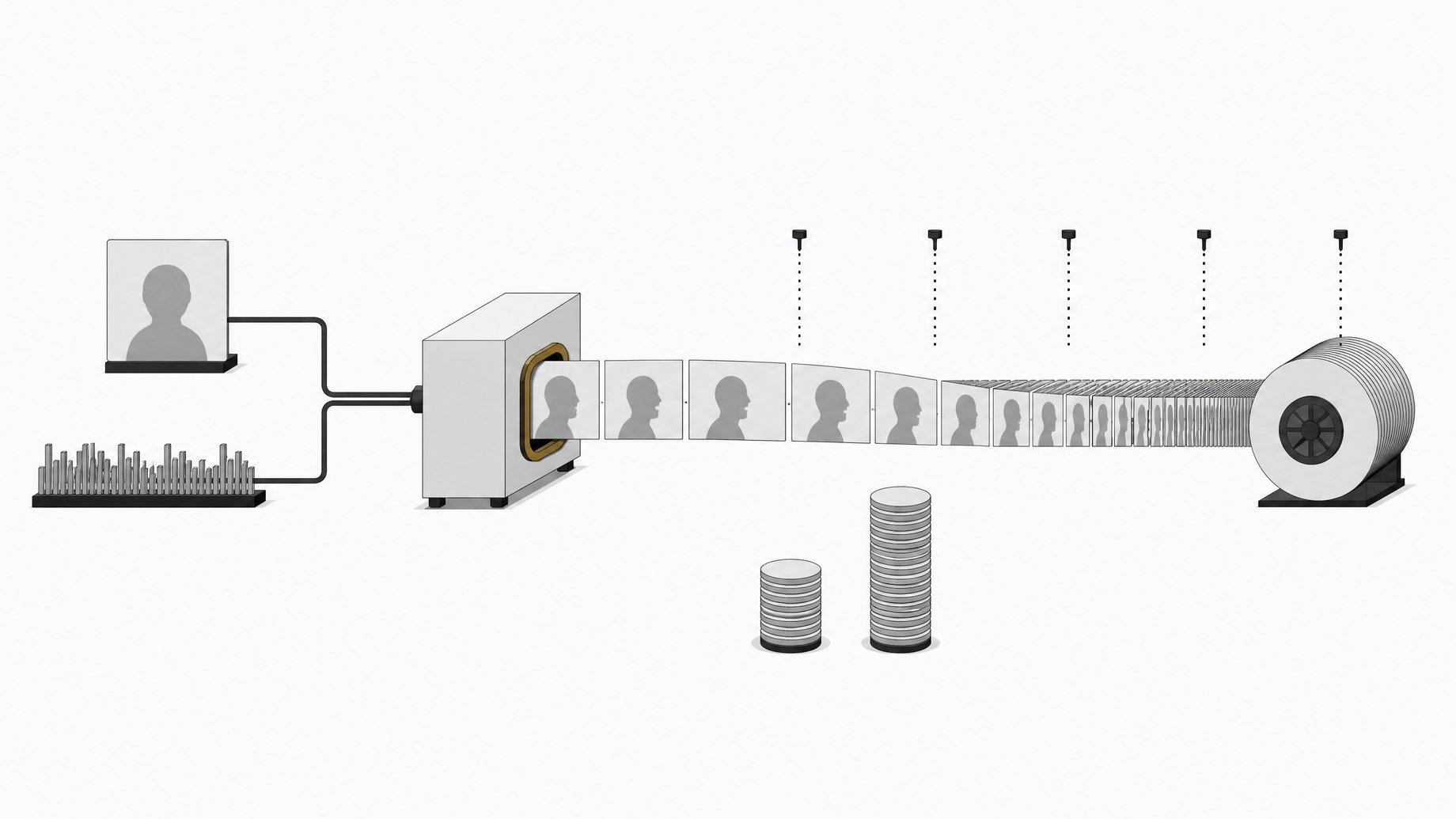
You give it one image and one audio file. It generates a video in which the person in the image speaks, sings, or acts out the audio. You can also add text prompts to control camera moves or to add elements that were not in the original photo.
It is not limited to human subjects. The demos include cartoon characters and animals. The released examples cover spoken dialogue and a singing clip.
How is the pricing calculated?
Billing is per second of output video. The math is simple:
| Clip length | Cost at 7 cents per second |
|---|---|
| 10 seconds | $0.70 |
| 60 seconds | $4.20 |
| 5 minutes (300 seconds) | $21.00 |
The previous version charged 12 cents per second. At that rate, 60 seconds (its maximum length) would have cost $7.20. The new rate is about 42 percent cheaper per second.
I have not seen a published breakdown of extra fees, minimums, or volume tiers in the material available for this article. Check the BytePlus pricing page before you budget a project, especially if you expect to regenerate clips often. Lip sync output varies, and you will probably generate more than one take.
What changed from the previous version?
Two things matter most.
- Length. The earlier model topped out at 60 seconds. Version 2.0 goes to five minutes in one continuous shot. That removes the seams, both visual and audible, that appear when you join short segments.
- Price. The per-second cost dropped from 12 cents to 7 cents.
Resolution stays at 720p. If you need broadcast-grade sharpness, you would have to upscale the result with a separate tool.
Where can you access OmniHuman 2.0?
The model is available now through BytePlus and through its API. That makes it a developer-facing product rather than an open-weight release. I have no source indicating downloadable weights, so plan around a hosted service and per-second billing.
Is the output good enough to use?
That depends on your tolerance. Several caveats apply.
- The demos are curated. Everything shown publicly so far comes from ByteDance's own demo reel. Early viewers reported the background shifting around in at least one clip.
- Lip sync still has gaps. One reviewer who covered the release said AI lip sync videos still do not fully work for him. The tech is much better than it was a couple of years ago, but it is not yet convincing to every viewer.
- 720p is the ceiling. Fine for social clips and previews, limiting for anything displayed large.
- Long clips are unproven. A five-minute continuous shot is the headline feature. Independent testing of consistency over that full length is thin so far, so test a short clip before committing $21 to a long one.
What are the deepfake concerns?
The workflow needs only one photo and any audio. That lowers the barrier to making a video of a real person saying things they never said. The risk is obvious and worth taking seriously if you build products on top of this kind of API.
If you ship something that uses it, consider getting explicit consent from anyone whose likeness you animate, labeling the output as AI-generated, and checking the provider's usage policy. The current quality gives some limit to deception, since viewers can often spot the artifacts. That margin will likely shrink as models improve.
Who should consider OmniHuman 2.0?
It fits a few use cases well:
- Explainer or narration videos where a character delivers a long monologue.
- Character animation for stylized or cartoon figures.
- Music and singing clips built from a single image.
- Prototyping avatar features before investing in a custom pipeline.
It fits less well if you need high resolution, strict background stability, or a fully open model you can run locally.
How does it pair with text-to-speech?
OmniHuman takes audio as input, so you need a voice track first. You can record one or generate it with a text-to-speech model. Fish Audio's Drama 3, released around the same time, lets you write performance directions in square brackets, such as whispering specific words. Its API was priced at about $10 per million characters at launch, rising to $50 after November 12th. Those costs are separate from OmniHuman's per-second video charge, so add both when estimating a project.
Frequently Asked Questions
How much does a five-minute OmniHuman 2.0 video cost?
About $21. The rate is 7 cents per second, and five minutes is 300 seconds. Retakes add to the total, since each generation is billed.
What resolution does OmniHuman 2.0 output?
It generates at 720p. There is no 1080p or 4K option, so upscaling would need to happen in a separate step.
How long can an OmniHuman 2.0 clip be?
Up to five minutes in one continuous shot. The previous version stopped at 60 seconds.
Where can I use OmniHuman 2.0?
It is available through BytePlus and its API. The sources do not mention downloadable weights or local use.
Can it animate things other than people?
Yes. The demos show it working with cartoon characters and animals, as well as real-looking human subjects.
How we source, write, and correct our articles. Editorial standards