How to Run Local AI on Old Hardware (No GPU Required)
You don't need a GPU or a new machine to run local AI. Here's how to turn a decade-old laptop into a subscription-free, fully capable agentic dev environment.

- 01Quantization and efficient runtimes allow old hardware to run local AI without needing a GPU.
- 02Omarchy Linux installs in under five minutes on old hardware and includes pre-wired AI agents.
- 03An 8GB RAM machine comfortably runs 7B-class models locally using Ollama's Q4 quantization.
- 04On older CPUs, 0.6B to 2B parameter models provide the best interactive, real-time performance.
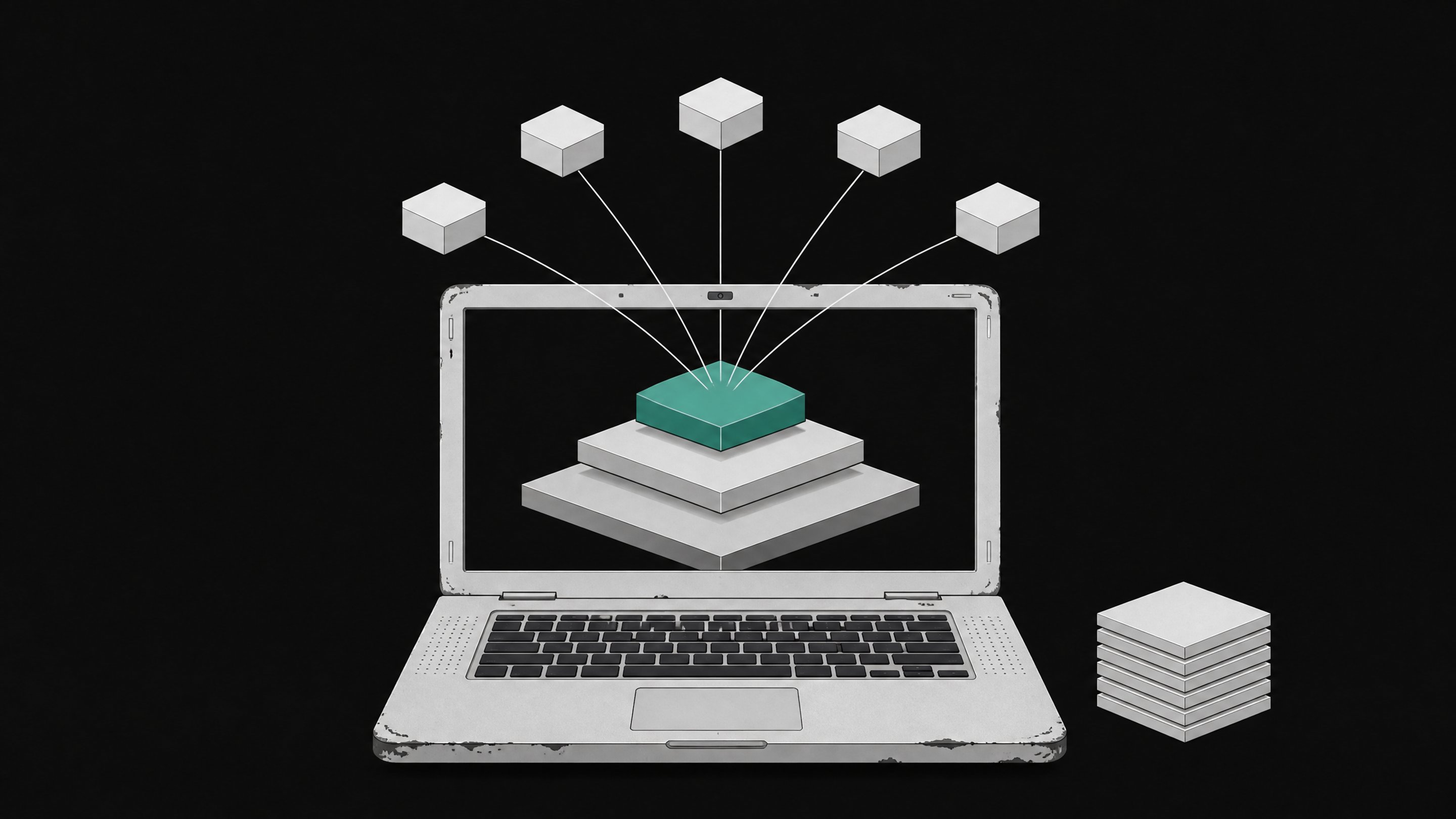
Yes, you can run real local AI on an old laptop or desktop, no GPU required. Omarchy Linux runs on a 2011 ThinkPad X220 with just 2GB of RAM, and paired with quantized models through Ollama, that same decade-old machine can run agentic coding tools you own outright.12
This isn't a party trick. It's a real shift in what local AI requires. Two years ago, running a language model on your own machine meant a dedicated GPU with real VRAM. Now quantized model formats and efficient runtimes make GPU-free, CPU-only inference practical on hardware that would otherwise be heading to a recycling bin or a landfill.345
Why your old laptop is more capable than you think
Developers have been turning old hardware into local AI tools for a while now. Omarchy just made it official. DHH, the creator of Omarchy, has said it plainly: "We have endless testimonials from people bringing back 10+ year old machines, some with as little as 4GB RAM, and enjoying them more with Omarchy than a modern mac."6 Omarchy's own project page shows the OS running on that 2011 ThinkPad X220 with 2GB of RAM and, in their words, "room to spare."1
Reddit's r/omarchy community backs this up with real hardware, not marketing copy. One user reported installing it across a ThinkPad X220, an X230, an X1 Carbon from 2019, and two 2015 MacBook Pros, writing: "no need getting brand new machine, it has plenty of power for my needs."7 They bought a refurbished ThinkPad for $250 specifically to run it.7
The install itself is fast. Omarchy can complete in as little as 35 seconds on modern hardware and shouldn't take more than 5 minutes even on something a decade old.8 The barrier to trying this is measured in minutes, not weekends.
What hardware do you need to run local AI?
Check that your hardware clears a few basic thresholds before you touch an installer. Requirements scale with what you want to run, not just whether the OS will boot.
- RAM floor for the OS itself. Omarchy has run on machines with as little as 2GB, though 4GB is the more common low end reported by real users.16
- RAM floor for local model inference. Ollama's documented minimum is 8GB RAM, 10GB of free disk space, and a 64-bit CPU with AVX2 support. No GPU is required.9
- CPU instruction set. AVX2 support matters more than clock speed for inference throughput. Most machines from roughly 2013 onward have it.9
- A USB drive, at least 8GB, for the install media.
- A wired keyboard as backup. Wi-Fi and Bluetooth drivers on the live installer can be finicky on older laptops, so keep a USB keyboard nearby in case you need to navigate BIOS or the installer manually.
With 2 to 4GB of RAM, the OS runs fine but keep model choice modest. With 8GB or more, you're in Ollama's official comfort zone and can run genuinely useful models.9
Step 1: Back up and prep the old machine
Back up whatever you care about before you wipe anything. Omarchy's default install path uses full-disk encryption and will overwrite the existing OS unless you deliberately set up dual boot.8
Then check the BIOS. Omarchy requires disabling Secure Boot and, on many machines, TPM as well, since it isn't signed the way commercial OS installers are.8 It's a five-minute BIOS menu change, but it's the step people forget, and then they can't figure out why the USB drive won't boot.
Step 2: Download and flash the Omarchy ISO
Download the Omarchy ISO from the official project site, then flash it to your USB drive with a tool like balenaEtcher or caligula. Both handle the write-and-verify process automatically, which matters on old hardware, where a bad flash wastes an entire boot cycle troubleshooting a problem that isn't actually there.
Once flashed, boot from the USB drive. On most machines this means hitting F12, F2, or Esc during startup to reach a boot-device menu, then selecting the USB stick over the internal drive.
Step 3: Install Omarchy
The Omarchy installer asks a short set of configuration questions, typically around five, covering disk target, encryption, and hostname. From there it runs unattended.
Decide on your disk setup before you start:
- Full-disk install. The simplest path. Erases the drive and installs Omarchy as the only OS, with full-disk encryption on by default.8
- Dual boot. Preserves your existing OS alongside Omarchy. Requires manual partitioning and a bit more care during setup.
- No encryption. Available if you want to skip the encryption step, though full-disk encryption is the default and generally the safer choice for a daily-driver machine.
| Setup Complexity | Preserves Existing OS | Encryption On by Default | Time Investment | |
|---|---|---|---|---|
| RecommendedFull-disk installmost users wiping an old machine for a clean start | Low | No | Yes | Low |
| Dual bootkeeping a working OS alongside Omarchy | High | Yes | Yes | Medium |
| No encryptionskipping the encryption step on low-stakes hardware | Low | No | No | Low |
Installation time is short across the board: as fast as 35 seconds on modern hardware, and under 5 minutes even on an old machine.8 If you're testing this on hardware you were about to throw out anyway, the entire experiment, from BIOS change to working desktop, fits inside a coffee break.
Step 4: Set up local AI with Ollama and llama.cpp
Once Omarchy is running, install Ollama. It handles model downloading, quantization formats, and inference under one command-line tool. The official minimum is 8GB RAM, 10GB free disk, and AVX2 support, with no GPU required.9
The trick that makes any of this fit on old hardware is quantization. Models are normally trained and stored at 16-bit or 32-bit floating-point precision. Quantized formats like GGUF, particularly the Q4_K_M variant, compress that down to roughly 4 bits per weight, cutting model size by about 75% with minimal quality loss for most tasks.10 That's the difference between a model that needs 16GB of RAM and one that needs 4GB.
Match your model choice to your actual RAM, not your ambitions:
- 8GB RAM: comfortably runs 7B-class models at Q4 quantization, per Ollama's own guidance.9
- 16GB RAM: runs 13B to 14B models.9
- 24GB or more: opens up 32B-class models.9
- Below 8GB: stick to 0.6B to 1B models. They're small enough to stay responsive even on genuinely old CPUs.
One Reddit user running Linux Mint on a refurbished Dell OptiPlex with an i5-8500 and 32GB RAM, bought for around $120, runs 12B GGUF models through KoboldCPP without a GPU at all.3 That's not a fringe case anymore. It's a reasonable weekend project.
Step 5: Wire up an agentic coding workflow
This is where old hardware stops being a curiosity and starts being a tool. Omarchy ships ten AI coding-agent CLIs pre-wired as lazy-loaded launcher stubs, including Claude Code, Codex, OpenCode, GitHub Copilot CLI, Crush, and Grok.2 Nothing downloads until you actually run one, so the base install stays lightweight even on constrained machines.2
Point these agents at your local Ollama models, or run a hybrid setup where small local models handle quick, low-stakes tasks and a cloud API is reserved for the heavy lifting. Either way, the coding environment lives on hardware you own, and you decide what talks to the internet and what doesn't. For a deeper walkthrough of self-hosting the agent layer itself, self-hosting AI coding agents covers the sandboxing and infrastructure choices in more detail.
How fast is local AI on old hardware?
Set your expectations by model size, not by hope. Independent CPU-only benchmarks converge on a consistent pattern.
On a six-year-old laptop with an Intel i5-10210U and 8GB RAM, Qwen 3 0.6B streams at roughly 28 to 32 tokens per second, near-instant for most purposes, while Gemma 3 1B holds around 18 tokens per second, still comfortably interactive.5 A separate test on an Intel i5 with 12GB RAM found the same shape: 0.6B to 1B models hit 18 to 36 tokens per second, 3B to 4B models drop to 6.9 to 9.9 tokens per second, described as "slow but workable," and 7B to 8.9B models fall to 3 to 4.3 tokens per second, usable mainly for tasks you can walk away from.4
That's the honest trade-off. On genuinely old, GPU-less hardware, the 1B to 2B parameter range is the sweet spot for anything you want to interact with in real time. Larger models work, but treat them as background batch jobs, not chat partners.
Why this matters: ownership over rental
Stacking commercial AI subscriptions adds up fast. ChatGPT Plus and Claude Pro each run $20 a month individually, and users report hitting rolling 5-hour and weekly usage caps even while paying for the premium tier.11 Multiple accounts across tools can push a single person's AI subscription bill to $100 or more a month.11
Omarchy itself is free and open source, funded by the nonprofit Omacom Foundation, which has raised over $18.5 million from backers including DigitalOcean, Alibaba Cloud, and AI labs like OpenAI and Anthropic.212 That's a structural bet that the OS layer can outlast the subscription model it reduces reliance on, an argument laid out in more detail in the 2026 self-hosted AI development stack.
There's an environmental case too. The world generated 62 million tonnes of e-waste in 2022, up 82% from 2010, and e-waste is growing five times faster than documented recycling.13 A ThinkPad that would otherwise sit in a drawer or a landfill can instead run a coding agent you own outright, for as long as the hardware holds up. If you're weighing this against buying new hardware for AI work, the real 2026 cost case for local versus cloud AI walks through the spreadsheet.
None of this requires a platform that manages the tradeoff for you. Tools like Remy exist for teams who want the agentic layer wired up without hand-rolling every piece, but the underlying lesson holds either way: the machine on your desk, and the models running on it, are assets you can own rather than subscriptions you keep paying for.
That's the actual shift. Not that old hardware is secretly powerful, though it's more capable than most people assume, but that the software stack finally caught up to it. Quantization made the models small enough. Ollama and llama.cpp made the runtimes efficient enough. And an OS built to run agentic tools out of the box made the whole thing fast enough to try during a lunch break. The ThinkPad in your closet was probably never the bottleneck. The assumption that you needed something newer was.
Yes. Ollama's documented minimum is 8GB RAM, 10GB free disk, and a 64-bit CPU with AVX2 support, with no GPU required. Real-world tests on six-year-old CPU-only laptops show small quantized models running at 18 to 32 tokens per second, which is fast enough for interactive use.
For the OS alone, Omarchy has run on as little as 2GB, with 4GB being a more typical comfortable minimum. For running models through Ollama, 8GB is the official floor and supports 7B-class models at Q4 quantization. 16GB opens up 13B to 14B models, and 24GB or more supports 32B-class models.
Omarchy is free, open source, and backed by the nonprofit Omacom Foundation, which has raised over $18.5 million from corporate patrons including DigitalOcean, Alibaba Cloud, OpenAI, and Anthropic. Installation defaults to full-disk encryption and typically completes in under 5 minutes even on decade-old hardware, though you must disable Secure Boot and TPM in the BIOS first.
Stick to 0.6B to 1B parameter models if your machine has less than 8GB of RAM. These run at 18 to 36 tokens per second on old CPUs, which feels near-instant. 3B to 4B models are workable but slower, and 7B-plus models drop to 3 to 4 tokens per second, better suited to tasks you can walk away from than live chat.
ChatGPT Plus and Claude Pro each cost $20 a month individually, and users report hitting rolling usage caps even on paid tiers. Stacking multiple AI subscriptions can push costs to $100 or more a month per person. Local AI on hardware you already own has no recurring fee and no usage cap, at the cost of running smaller, slower models.
- 1Runs great on ancient hardware (Omarchy 'Potato' page)Omarchy / Omacom
- 2What Is Omarchy? DHH's Agentic Linux Distro ExplainedMindStudio
- 3CPU-only, no GPU computers can run all kinds of AI tools locallyReddit (r/LocalLLaMA)
- 4Can You Run LLMs Locally Without a GPU? I Tested 8 Models on LinuxIt's FOSS
- 5I ran local AI models on a six-year-old laptop with no GPU, and they actually workedXDA Developers
- 6DHH on X: 'You don't actually need to buy a new computer to enjoy Omarchy...'X (DHH)
- 7Reviving old computers : r/omarchyReddit (r/omarchy)
- 8Getting Started - Omarchy ManualOmarchy Manual
- 9Ollama System Requirements 2026: 8GB RAM Minimum, No GPU NeededLocal AI Master
- 10GGUF quantization guide - Toni Sagristà Selléstonisagrista.com
- 11Claude is the better product. Two compounding usage caps on the $20 plan are why OpenAI keeps my money.Reddit (r/ClaudeAI)
- 12Omarchy secures $18.5M in funding as Alibaba joins with $3M contributiondaily.dev
- 13Global e-Waste Monitor 2024: Electronic Waste Rising Five Times Faster Than Documented E-waste RecyclingUNITAR