OpenBot vs Grok Bot: Which AI Agent Should You Use?
OpenBot vs Grok Bot compared: a free local agent versus a paid cloud agent. Where each runs, what it costs, what tasks it suits, and how to choose.

For IT, Engineering and Operations
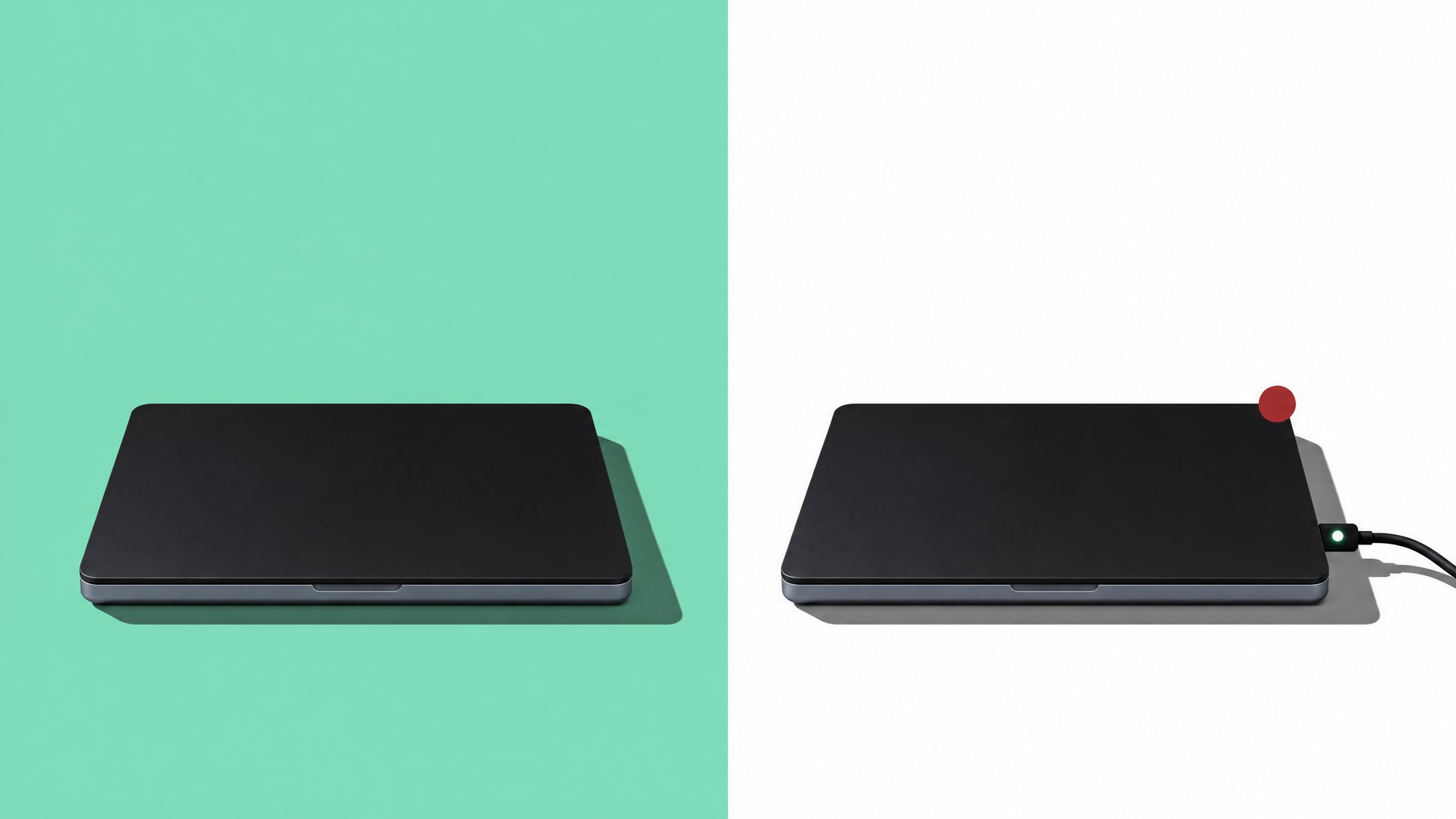
What is the real difference between OpenBot and Grok Bot?
The clearest difference is where the agent runs and how you pay. In the comparison people are circulating, OpenBot is a free, open-source agent that you run on your own machine. Grok Bot is a paid, usage-based agent that runs in the cloud. That one split drives almost everything else: cost, privacy, setup effort, and how much work the agent can do while your laptop is closed. Neither is "better" in general. The right pick depends on the job.
One caveat before going further. The public discussion behind this comparison is thin. It frames the choice as "free open source locally run agents vs paid usage based cloud based agent" and little else. No published benchmarks, prices, or task test results came with it. So this article sticks to what that split implies, plus well-established facts about how local and cloud agents behave, and flags where you need to check the vendor's own documentation.
TL;DR
- OpenBot is described as free, open source, and local, so you pay with your own hardware and your own setup time instead of a bill.
- Grok Bot is described as paid and usage-based, which means the cost grows with how much work you hand it.
- Local agents give you more control and privacy. Cloud agents usually give you stronger models and less setup.
- Always-on work favors the cloud, because a local agent only runs while your computer is on and connected.
- CAPTCHAs are built to stop automation, so plan on a human handoff with either agent.
- A hybrid setup is a sensible default for many people: local for repetitive, private tasks, cloud for harder or time-sensitive ones.
Where does each agent actually run?
This is the question that matters most, so start here.
A local agent runs on hardware you control: your laptop, a desktop, or a server you manage. The software is on your machine, and your files and credentials stay there unless you send them somewhere. If the agent calls an outside AI model, that part of the data still leaves your machine, but you decide what it touches.
A cloud agent runs on the vendor's servers. You log in, give it instructions, and it works there. You don't install or maintain anything. The vendor handles uptime, updates, and scaling.
Practical consequences:
- Your computer's state matters for local agents. If it sleeps, loses Wi-Fi, or restarts for an update, the agent stops.
- Cloud agents keep going when you close the lid, which makes them a better fit for tasks that need to run overnight or on a schedule.
- File access works differently. A local agent can reach files on your own disk directly. A cloud agent needs you to upload files or connect an account first.
What does each one really cost to run?
"Free" and "paid" are only the headline. Here is the fuller picture.
| Cost factor | OpenBot (free, local, open source) | Grok Bot (paid, usage-based, cloud) |
|---|---|---|
| Software license | Free | Paid, billed by usage |
| Hardware | Your own machine, which you already own or must buy | Vendor's servers, no hardware for you |
| Setup time | Higher: install, configure, maintain | Lower: sign in and start |
| Cost as usage grows | Mostly flat, limited by your hardware | Rises with every task |
| Surprise bills | Unlikely from the software itself | Possible if tasks run longer than expected |
| Maintenance | You handle updates and fixes | Vendor handles them |
Two points are easy to miss.
First, free software is rarely free in practice. Your time to set it up and fix it when something breaks is a cost. If you're an accountant or a recruiter who just wants a task done, that time may cost more than a monthly bill.
Second, usage-based pricing rewards light, occasional use and punishes heavy, repetitive use. If an agent runs hundreds of small tasks a day, a flat local setup tends to win on cost. If it runs a few big tasks a week, paying per use is often cheaper than owning the infrastructure. I can't give you Grok Bot's actual rates from the sources, so check the current pricing page and estimate with your real task volume before committing.
Which one handles real tasks better?
Here the honest answer is that the sources don't include task-level test results. Anyone claiming a clean winner on "booking forms" or "CAPTCHAs" for these two specific agents, without showing the test, is guessing. What you can reason from is the general behavior of each type.
Filling in booking and request forms. Agents that operate a web browser can fill in forms, click through steps, and confirm bookings. Success depends less on local versus cloud and more on the model behind the agent and how predictable the site is. Simple, standard forms work well. Sites with unusual layouts, pop-ups, or multi-step logins fail more often. Test with a low-stakes booking first, such as a room reservation, before trusting it with anything that costs money.
CAPTCHAs. These tests exist to stop automated software. Treat any agent as unable to pass them reliably, and don't build a process that depends on it doing so. The practical approach is a human handoff: the agent works up to the CAPTCHA, pauses, and you complete that one step. Using tools to get around CAPTCHAs can also break a site's terms of service, so check the rules for the sites you use.
Work with local files. A local agent has the edge. It can read a folder of invoices or a spreadsheet on your disk without uploading anything. That matters for sensitive documents.
Hard reasoning tasks. One commenter on the original discussion made the point that cloud agents often provide stronger models. That matches the general pattern: the biggest models are usually hosted, while local setups are limited by what your hardware can run or by which model you connect.
Always-on and scheduled work. The cloud wins. Monitoring a page every hour, or sending a daily summary, is awkward on a laptop that goes to sleep.
Which should you choose?
Use this as a quick decision guide.
Choose OpenBot (local, open source) if:
- Privacy matters, and you'd rather files stay on your machine.
- You do a high volume of repetitive tasks and want costs that don't climb per task.
- You're comfortable installing and troubleshooting software, or you have someone who is.
Choose Grok Bot (cloud, paid) if:
- You want it working today with little setup.
- You need tasks to run while your computer is off.
- You're willing to pay per use for stronger models and less maintenance.
Choose both if: your work splits cleanly. The hybrid idea from the discussion is practical: let a local agent handle routine, private, repeatable jobs, and call the cloud agent for the harder or time-sensitive ones.
A short test before you commit:
- Pick one real task you do weekly, such as booking a meeting room or collecting figures from a portal.
- Run it through each agent three times.
- Note setup time, how often it needed your help, and what it cost.
- Pick the one that needed the least rescue per task, not the one with the better demo.
Is the name "OpenBot" confusing?
Somewhat. "OpenBot" is also the name of a separate, well-known open-source project that turns a smartphone into the brain of a small robot. If you search the name alone, you may land on that instead. When you look for the agent discussed here, add terms like "AI agent" and confirm you are on the right project page before installing anything. The same advice applies to any open-source tool: check who maintains it, when it was last updated, and what permissions it asks for.
What if you only need a booking or request tool, not an agent?
Many people reach for an agent when what they really need is one small, dependable tool: a booking form, a request tracker, or a dashboard that collects the same information every week. Remy builds that kind of app from a plain-English description. It produces a full-stack app with a database and sign-in, deploys it to a live URL, and gives you the code, so you own it. Instead of an agent clicking through someone else's booking page, your team fills in a form you control, and the data lands in one place. It won't replace a general-purpose agent, but it can remove the repetitive task an agent was being hired for.
Frequently Asked Questions
Is OpenBot really free?
The software is described as free and open source. You still pay in hardware and your own time to install and maintain it. If you connect it to a paid outside AI model, that model's usage fees apply separately.
Is Grok Bot better because it's paid?
Not automatically. Paid cloud agents often have stronger models and less setup, but price doesn't guarantee fit. Run your own task through it and compare results before deciding.
Can either agent get past CAPTCHAs?
Don't count on it. CAPTCHAs are designed to block automated software. Plan for a human step at that point, and check a site's terms before trying to automate around it.
Can I use OpenBot and Grok Bot together?
Yes, and it's a reasonable approach. Keep private or repetitive work local, and use the cloud agent for harder tasks or jobs that must run while your computer is off.
What should I check before choosing?
Check the current pricing, what data each agent can access, how it handles errors, and whether it can run on a schedule. Then test one real task on both and compare how much help each needed.
How we source, write, and correct our articles. Editorial standards
Related articles
Deploy an AI Agent on Google Cloud Run: Service, Job, or Pool
Can the MSI Prestige N16 Flip AI+ Run AI Agents Locally?
How to Run Maxwell V1 Flash Locally: VRAM and Setup