What Is the Stage a Show Skill for AI Product Demos?
Stage a Show is Benji Taylor's MIT-licensed agent skill for faux product UI demos. Learn the five failure modes it targets, its process, and how to use it.

For Marketing, Product Management and Design
What is the Stage a Show skill?
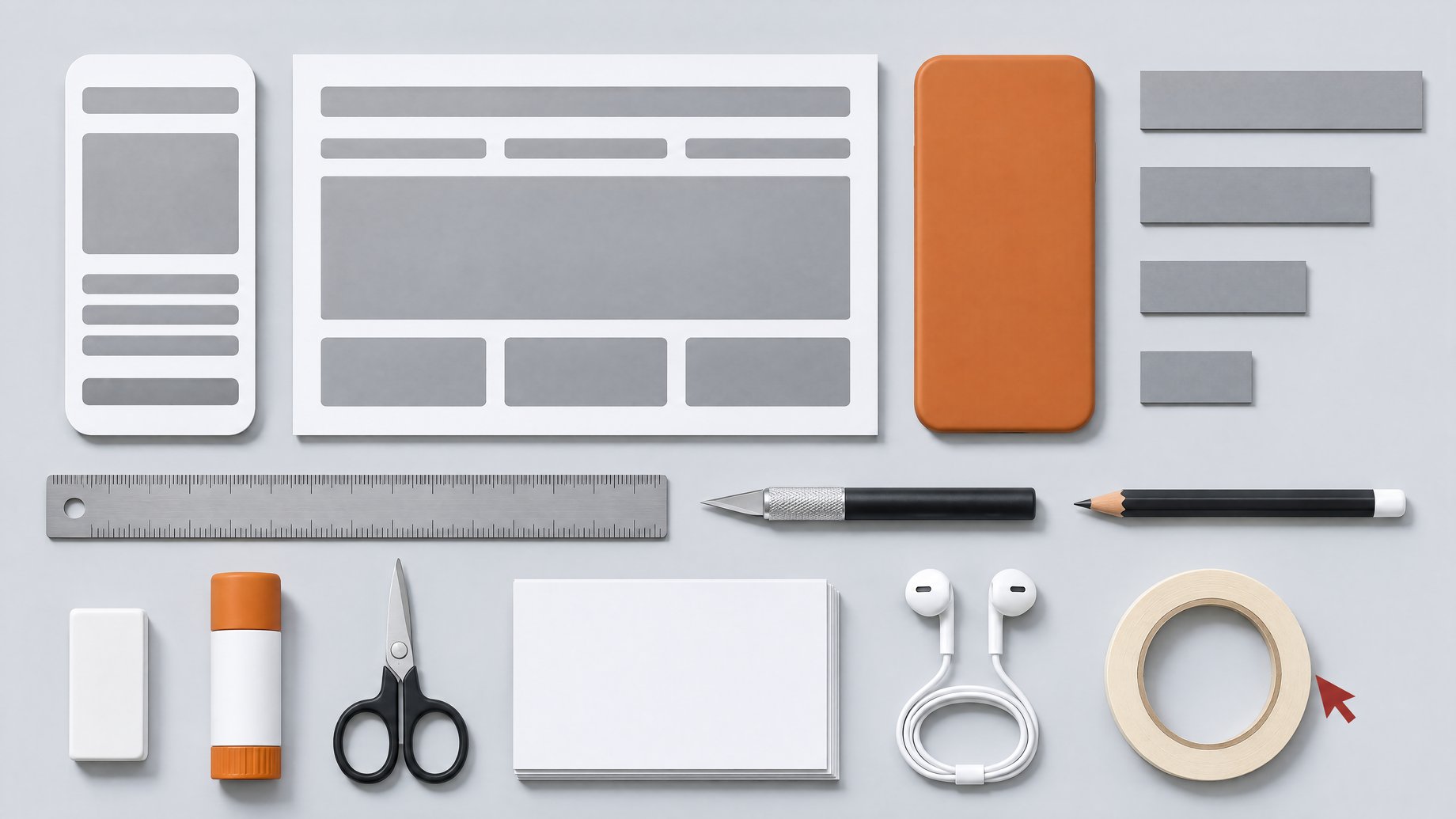
Stage a Show is an open-source agent skill, a packaged set of instructions and scripts that an AI coding agent follows, for building product demos. It lives in Benji Taylor's skills repository on GitHub, is MIT licensed, and was at version 1.1 when this was written. It produces "faux product UI": a simplified copy of one screen of your app, delivered as a still image or a short animation with a drawn-in cursor. These are illustrations, not screen recordings.
TL;DR
- Stage a Show gives an AI agent a step-by-step process for building product demos, not just a list of style rules.
- It targets five common failure modes of AI-made demos: too much, wireframe, boxed, flat, and bland.
- The agent designs for the size people will actually see, and builds a separate 358px-wide phone version that is a redesign, not a squeezed copy.
- It starts from the closest of 71 included examples instead of a blank file.
- Since v1.1, the agent must pass a verification gate on frame-by-frame captures, then writes a rehearsal file listing what it copied, changed and did not check.
- The check catches mistakes. It cannot tell you whether the idea is boring. That judgment stays with you.
Why do AI-generated product demos look fake?
If you have asked an agent for a hero animation on a landing page, you have probably seen the result: everything slides in at once, every row is full of invented text, and a cursor wanders around for no clear reason. You can tell a model made it.
The skill starts from one idea: a demo should read as a real product, simplified to what the viewer needs, framed with intent, with a cause behind every motion. It then names five ways AI demos go wrong.
| Failure mode | What it looks like |
|---|---|
| Too much | Every row has real-looking text and numbers, so nothing stands out |
| Wireframe | Two gray blobs and a button |
| Boxed | A whole app window shrunk into a card |
| Flat | Every object has the same visual weight, so the eye has nowhere to land |
| Bland | A gray window with a cursor, no matter what the brief said |
Naming the failures matters because the agent can check its own work against them.
How does the Stage a Show process work?
The creator's pitch for the skill is that a process beats a long prompt, because the agent has to go through the steps in order. Here is the sequence as described.
- Placement. Is this a still or an animation? Where does it sit on the page? How big will it be? The agent designs at the size people will actually see.
- Product look. If your app's code is in the project, the agent reads your colors, fonts and corner radius and maps them onto the skill's own UI kit. The demo looks like your app, not like a template.
- Story. One action, three to five beats, and a payoff, in 10 to 16 seconds. No cursor move is allowed unless you can explain why it is there.
- A real example. The agent picks the closest of the 71 examples, films it, and copies its structure. The examples include an AI chat, a table edit, a drag to reorder and a payout flow.
- The screen. Only three to seven real words appear. Everything else is placeholder bars. Words go only where the story needs them.
- Motion. Curved cursor paths, parts that move instead of swapping, and a loop that ends where it began so you never see it restart.
- Verification. The agent films its own demo frame by frame with a script and checks each beat on a contact sheet.
The word limit in step 5 is the most useful idea to borrow. Demos feel generated when every element carries filler. They feel designed when a few elements carry the story and the rest recedes.
What does the 358px phone version change?
Most AI-generated animations are built for desktop and then shrunk. Stage a Show builds a separate phone version at 358 pixels wide, and treats it as a redesign. On a narrow screen, a desktop layout shrunk down becomes unreadable, so the layout itself has to change.
If your landing page gets meaningful mobile traffic, this is a practical detail. A hero demo that only works on a wide monitor leaves out the visitors most likely to bounce.
What is the v1.1 verification gate and rehearsal file?
This is the part that separates the skill from a style guide. After building, the agent films the demo frame by frame and runs a gate. If the gate reports even one problem, the agent goes back and fixes it. It cannot hand the demo over until the gate passes.
In a demonstration of the skill on a small shared-expenses app, the gate caught problems that are easy to miss by eye: one digit that popped in instead of rolling, and numbers jumping slightly when the font loaded. The agent fixed both and re-filmed at desktop and phone widths.
When the gate passes, the agent writes a rehearsal file. It records:
- which example the demo started from
- what the agent changed
- what it did not check (in the demonstration, that included Safari)
That last item is worth copying in any workflow where AI does work for you. A short "here is what I did not verify" note tells a human where to look.
What can Stage a Show not do?
Be clear on the limits.
- It only builds the demo. It does not build the page around it. In the demonstration, a separate page-building skill handled the layout and a separate set of motion-polish skills reviewed animation timing.
- It cannot judge the idea. The skill's author is upfront that the checks catch mistakes but cannot tell you the concept is boring.
- It is slow by design. The agent reads references, films an example, builds, films again, and loops until the gate passes. Plan for a long run, not a quick mockup.
- Taste still depends on the model. The skill carries most design decisions, but the model still makes choices, and larger briefs may benefit from a stronger model.
- Privacy applies. In the demonstration, running it sent the code to Deepseek's servers. Check that before using it on private work.
One more caution from the demonstration: skills that both pick the overall look of a page will compete. Choose one page-design skill, then add Stage a Show for the product moment.
How could you use it?
You do not need to be a designer to benefit, but you do need an agent that supports skills and a project with real app screens or code. A reasonable starting brief, adapted from the process above:
Use Stage a Show to make the hero demo for our landing page.
Placement: animation, top of the home page, plus a 358px phone version.
Story: one action, 3 to 5 beats, 10 to 16 seconds, with a clear payoff.
Use the closest included example as the starting point.
Use only 3 to 7 real words on screen. Everything else is placeholder bars.
Run the verification gate, fix every problem it reports, and write the
rehearsal file when it passes.
Write the one-sentence story yourself before you ask. If you cannot say what action happens and what the payoff is, the agent will not know either.
What does this mean for you?
Marketers and founders get the most direct benefit. A believable product animation used to need a designer or a screen recording. Now it can come from an agent, as long as you supply a real product look and a clear story.
Designers should read the process as much as use the skill. The five failure modes and the "every motion needs a cause" rule are a solid checklist for reviewing any demo, human or AI made.
Managers and anyone using AI agents can take a broader lesson. The skill works because it forces order, requires a verification step, and records its own gaps. Asking your own AI workflows for a checklist and a "what I did not check" note costs nothing.
What you can do this week: review your current landing page demo against the five failure modes, then decide whether the problem is execution or the idea. Only the first one is something a skill can fix.
Can you build the product your demo needs?
A demo is only as good as the product screens behind it. If you have an idea for an internal tracker, a request form or a small customer tool but no working app to show, Remy can build one from a plain-English description and deploy it to a live URL. That gives you real screens, with your own colors and layout, to base a demo or a walkthrough on. It is also a way to try a tool with your team before you decide whether it deserves a spot on the roadmap or another subscription.
Frequently Asked Questions
Is Stage a Show free to use?
The skill is MIT licensed, which allows free use and modification. The model your agent runs on may still charge you per use, and the skill's long, multi-pass process means a run can use many turns.
Does Stage a Show record my actual app?
No. It builds faux product UI, a simplified illustration of one screen. When the script says click, it draws the cursor pressing, and the scene changes because the script tells it to. It is not a screen recording.
Do I need to know how to code to use it?
You need an AI agent that supports skills and a project to run it in. The skill reads your app's code for colors, fonts and corner radius when it is available. A non-developer may want help with the initial setup.
Can it make a demo that is guaranteed to be good?
No. The verification gate catches technical problems such as numbers popping in or layout shifts. It cannot tell you whether the concept is interesting. You still decide whether the story is worth watching.
Can I combine it with other design skills?
In the demonstration, it was used alongside a page-building skill and a motion-review skill, each owning a different part of the job. The caution was against stacking two skills that both choose the page's overall look, since they would conflict.
How we source, write, and correct our articles. Editorial standards
Related articles

How to Install Google's Elephant-Goldfish Model in Claude Code
Fish Audio Live 3 Pricing: What Voice Agents Cost Per Minute
Adobe MAX AI Agents: What Changes in Premiere and InDesign?