How to Make GTA-Style AI Videos With Seedance and Firefly
Put yourself or a character into a GTA-style video or poster. Covers the Seedance 2.5 workflow, a cheaper model, Firefly cards and PS2-style remakes.

How do you make a GTA-style AI video of yourself?
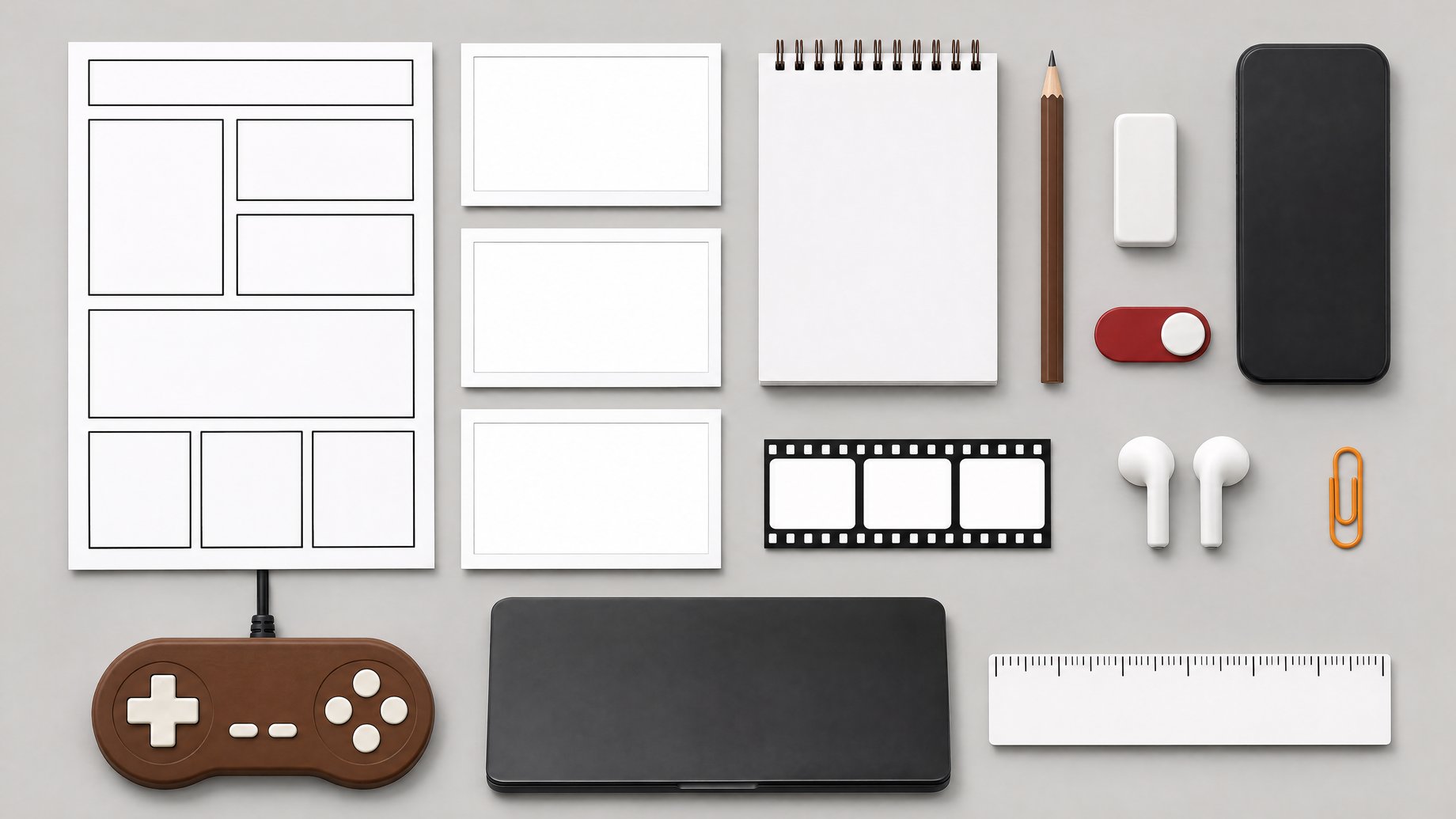
Give an AI video model three things: a few promotional screenshots from the game for the visual style, a character sheet of the person or character you want to appear, and a written prompt describing the scene. The creator who demonstrated this ran a basic template in Seedance 2.5 and got close to the game's look. If you only want a poster, Adobe Firefly has a video game filter that turns a selfie into a GTA-style poster, and it was reported to be free.
TL;DR
- Three inputs make the video: a couple of promo screenshots for the look, a character sheet for who appears, and a prompt for what happens.
- Seedance 2.5 was the model used in the demonstration, and Hailuo H3 is a more affordable model that could be worth trying with the same template.
- Adobe Firefly's creator cards include a video game filter (one style is called Palm Paradise) that turns a selfie into a GTA-style poster. It is legally not GTA, and the demonstrator believed it was free.
- Video-to-video models restyle footage you already have. A Reddit user used one to rebuild the GTA 6 launch trailer with PS2-era graphics.
- Ask first before putting coworkers or family into a video, and keep the results to fun, non-commercial use.
What do you need before you start?
The workflow is simple, but the quality of your inputs decides the quality of the result.
| Input | What it does | Where to get it |
|---|---|---|
| Style references | Tell the model what "GTA look" means: color, lighting, framing, illustration feel | A couple of screenshots from the game's promotional images |
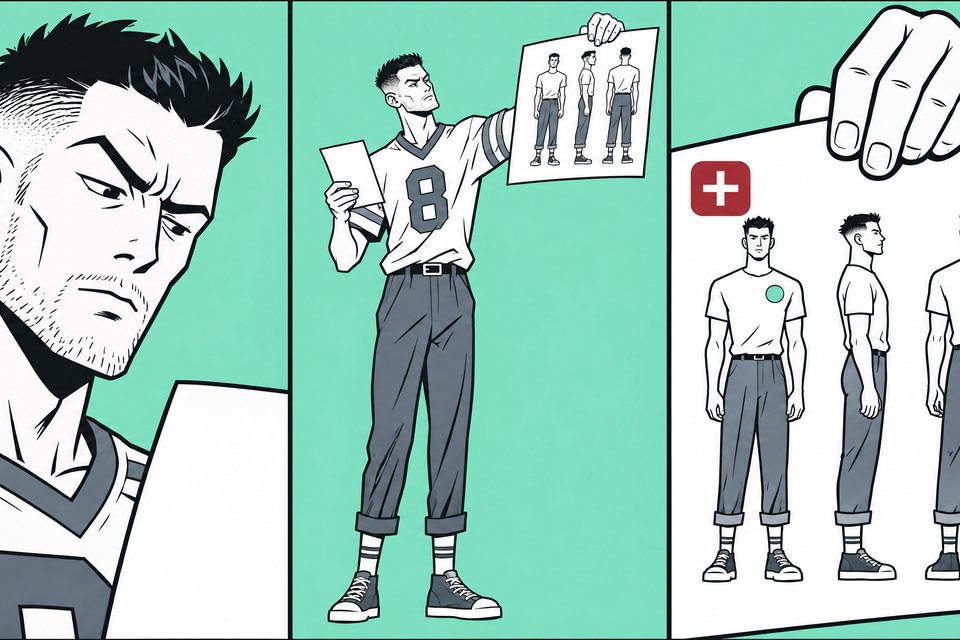
| Character sheet | Keeps the person or character looking the same | An image showing your character from several angles, or a clear set of photos |
| Prompt | Describes the scene, camera and action | You write it (template below) |
| A video model | Combines all of it into a clip | Seedance 2.5, or a cheaper option like Hailuo H3 |
A character sheet is the standard way to keep a character consistent across clips. If you are putting a real person in, clear, well-lit photos from a few angles do the same job.
How does the Seedance 2.5 workflow work?
The demonstration used a very basic template. The creator uploaded a couple of promo screenshots and a character sheet for a recurring character, added a prompt, and generated the clip. The result got "pretty close" to the game's look, which is a fair expectation. It will feel like the style, not like footage from the game.
Steps:
- Pick two or three promo screenshots that show the look you want. Choose different shots (a character close-up, a street scene) so the model picks up the overall style rather than copying one image.
- Prepare your character sheet or photos. One clear image of the full character is better than several blurry ones.
- Upload everything as references in the video tool, labeling which images are for style and which are for the character if the tool lets you.
- Write the prompt. Describe the setting, what the character does, and the camera.
- Generate, then adjust. Change one thing at a time (the action, the camera, the lighting) so you know what caused the difference.
The prompt used in the original demonstration was only shown on screen, so it isn't reproduced here. This is a starting template you can adapt:
Use the style reference images for the overall look: saturated sunset
colors, stylized illustrated realism, glossy city lighting.
The character from the character sheet walks out of a convenience
store at golden hour, glances at the camera, then gets into a
convertible parked at the curb. Palm trees, neon signs, light traffic.
Slow handheld camera, cinematic framing, short clip.
Swap in a setting from your own life. A coworker leaving the office, a pet on a boat, or your team's mascot all work as subjects.
Is there a cheaper way to do it?
Yes, possibly. The creator said the same approach could probably be tried with Hailuo H3, which is "obviously a lot more affordable" than Seedance 2.5. They did not show a test, so treat it as an idea to try rather than a proven result.
A sensible approach if cost matters:
- Start with the cheaper model and the same references and prompt.
- Compare the output to what you wanted. Often the cheaper model is good enough for a fun clip for friends.
- Only move to the pricier model if the character keeps drifting or the style isn't landing.
I haven't confirmed current pricing for either model, so check each tool's pricing page before running many generations.
How do you make a GTA-style poster for free in Adobe Firefly?
If you don't need motion, Adobe Firefly has a feature called creator cards. It includes a video game filter where you choose a style (one is called Palm Paradise) and take a selfie. Firefly turns it into a poster in a GTA-like style. Adobe positions it as "legally not GTA," so it borrows the vibe without using the game's name or assets.
The demonstrator believed the feature was free but did not confirm it, so check your Firefly plan before you start. The steps are short:
- Open Firefly and find creator cards.
- Choose the video game style.
- Take or upload a selfie with decent lighting and your face clearly visible.
- Generate, save and share.
This is the easiest option to pass along to coworkers. It needs no prompt writing, and everyone gets a result in the same style, which makes it good for a team chat or a Friday post.
What is video-to-video, and how was the PS2 trailer made?
Everything above is generating new video from references. Video-to-video works differently: you start with existing footage and the model restyles it. The creator of the source video said the Reddit user's recreation of the GTA 6 launch trailer with PS2-era graphics was definitely made with this kind of model. It was not rebuilt in an actual PS2 engine. The creator of the source video also did not know which model was used, so don't assume a specific tool.
The idea is useful well beyond GTA:
- Film a short clip of yourself or a coworker, then restyle it into a game look.
- Take an existing video and push it toward a retro or stylized look.
- Keep real movement and timing, which text-to-video models often get wrong.
If you try it, start with a short clip. Restyling uses the footage's motion, so steady, simple shots tend to be the easiest to work with.
What should you watch out for?
- Permission. Putting a coworker's face into a video, even as a joke, deserves a yes first. Don't use anyone's likeness without asking, especially in a work setting.
- Copyright. The game's promo images and trademark belong to its publisher. Using them as style references for a private joke is different from posting or selling the result. Firefly's filter exists partly to avoid this problem.
- Expect "close," not "exact." The output evokes the style. Don't promise a friend it will look like the real game.
- Time at work. The game launched and workplace distraction followed. Make these on your own time.
What does this mean for you?
If you're a marketer or comms person, this workflow shows how little you need for a stylized, on-brand video: a few reference images, a character or mascot sheet, and a prompt. Try it for internal events, team announcements or a social post, but use your own brand's visual references rather than another company's game art.
If you manage a team, the Firefly poster is a low-effort morale activity. Everyone makes one in a few minutes and posts it in a channel.
If you're just curious, start with the free poster to see how it feels. If you like it, move to a short video with the cheaper model and one character photo. Then try video-to-video on a clip you filmed yourself.
In all cases, keep the references and prompts you like. Once you have a template that works, reuse it for every new person or character.
Could you build a small app for this at work?
If you find yourself collecting photos, prompts and results for a team project like this, a spreadsheet gets messy quickly. With Remy, you can describe a small internal app in plain English, such as a request form where coworkers upload a photo and pick a style, plus a gallery where finished results are posted for the team. Remy's apps can use image and video models from its catalog, and AI usage is billed at cost. It's a way to own a small tool for a team event instead of subscribing to another service. It builds web apps, not native mobile apps.
Frequently Asked Questions
Which model should I use for a GTA-style video?
The demonstration used Seedance 2.5 and said Hailuo H3 would probably work too and costs less. Start with the cheaper one using the same references and prompt, and move to the other only if you aren't getting the look you want.
Is the Adobe Firefly GTA-style poster free?
The creator believed it was free but wasn't certain. Adobe's plans and limits can change, so check your Firefly account before relying on it. The filter is described as legally not GTA, so it uses a similar style without the game's branding.
Can I turn a real video into a PS2-style video?
Yes, that is what video-to-video models do. A Reddit user made a PS2-graphics version of the GTA 6 launch trailer this way. It was a restyle of existing footage, not a rebuild in a game engine, and the specific model they used wasn't identified.
Is it okay to put my coworkers in these videos?
Only with their permission. Even a friendly joke can land badly, and some people don't want their face used in AI-generated content. Ask first, and keep the results private or limited to people who agreed.
Useful for
How we source, write, and correct our articles. Editorial standards
Related articles
How Much Does an AI Short Film Cost? The $102,000 Breakdown
How Does ReShoot 4D Change a Video's Camera Angle With AI?

Fish Audio Live 3 Pricing: What Voice Agents Cost Per Minute