How to Play GTA 6 at 60 FPS With Veyra on PS5 (and Its Limits)
Players run PS5 GTA 6 at 60 FPS using free, open-source Veyra frame generation on a PC. Here is the setup, the GPU needed, the latency, and the limits.

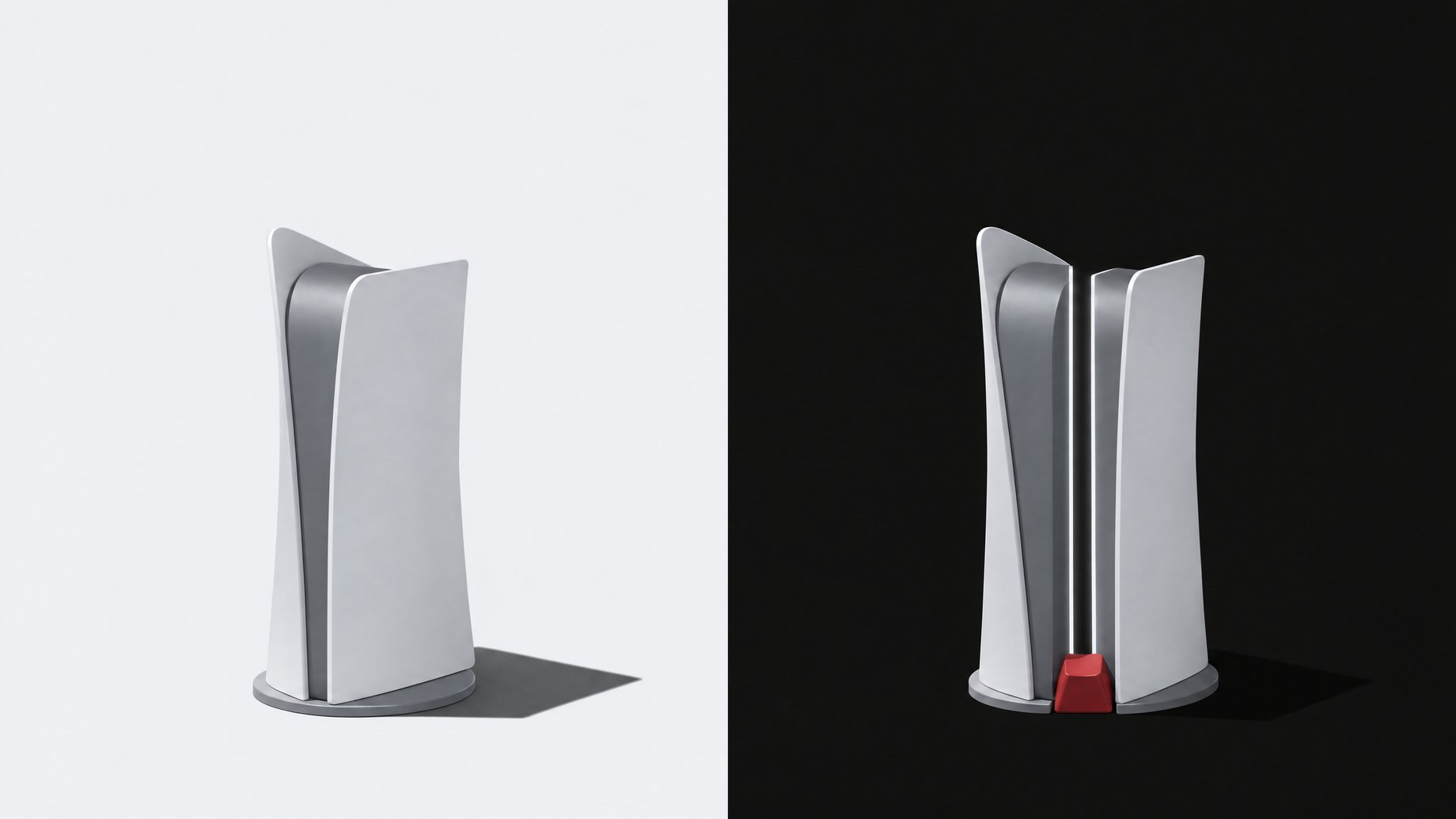
How do people play GTA 6 at 60 FPS with Veyra?
They send the PS5's video to a PC and let free, open-source software called Veyra add extra frames in real time. The PS5 still runs GTA 6 at its native 30 frames per second. The picture reaches the PC either through a capture card or through PlayStation's remote play streaming. Veyra then post-processes that video feed, and you play from the PC's output. It works on a fast enough graphics card, but it is a video filter, not a true 60 FPS version of the game.
TL;DR
- GTA 6 ships at 30 FPS on PS5, and some players have found a workaround that makes it look like 60.
- Veyra is free, open-source software on GitHub that does real-time frame generation on a video feed.
- The game is not running on the PC. The PS5 still runs everything, and the PC only processes the video it receives.
- You need a fairly powerful graphics card, in the range of an RTX 40 or 50 series, because the PC is doing a real-time video processing pass.
- 2x is the playable setting. One user reported latency that was noticeable but very playable at 2x, while anything higher was described as pretty unplayable.
- It is not DLSS in the way a PC game uses it, because Veyra has no access to the game's engine data. Think of it as a beauty filter.
What is Veyra?
Veyra is free, open-source software hosted on GitHub. Its job in this setup is real-time frame generation: it looks at video frames coming in and creates extra frames to make motion look smoother. Within about a day of GTA 6's release, it became the tool most players were using to get a 60 FPS look out of the PS5 version.
Frame generation itself is not new. Many PC games let you turn it on in their graphics settings. What is unusual here is that Veyra applies the idea to any video, including a console game it cannot see inside.
Why does GTA 6 need this in the first place?
GTA 6 launched on PS5 at 30 frames per second. Plenty of players dislike that, since 60 feels noticeably smoother, especially when driving or aiming. Rockstar had its reasons for the choice. The goal was to keep quality and consistency across the whole game, which meant locking it to 30 FPS.
A 30 FPS lock is a design decision, and you cannot change it with a settings menu on console. So players went looking for a workaround outside the console.
How does the setup work?
The core idea is simple. Your PS5 plays the game as normal. Its video goes to a PC, the PC adds frames, and you watch and play on the PC's output. There are two ways to get the video across.
| Method | How the video reaches the PC | What to know |
|---|---|---|
| Capture card | The PS5's video output goes into a capture card, which the PC reads as a video source | Needs extra hardware, but the PS5 sends video directly |
| Remote play | The PS5 streams its screen to the PC over your network | No extra hardware, but it depends on your network and the stream |
After that, Veyra runs on the PC, takes the incoming video, and outputs the smoothed result.
The exact configuration steps are not covered here. A long community tutorial exists on Reddit that walks through them in detail. It is long, so give yourself time, and expect some trial and error with settings.
What GPU do you need?
You need a fairly strong graphics card. The recommendation is something in the RTX 40 or 50 series. The reason is that your PC is doing a real-time video render pass: every few milliseconds it must receive a frame, analyze it, and produce new ones, all without falling behind.
If your card cannot keep up, you will see stutter or dropped frames, which defeats the point. No minimum model, memory amount, or benchmark figure has been published in the material behind this article, so treat "RTX 40 or 50 series" as a rough guide rather than a guarantee. If you have an older card, test with a short session before you invest in a capture card.
How much latency does it add?
Some, and it is noticeable. One user reported that latency was low but noticeable, and still very playable at 2x. That means turning 30 FPS into 60 FPS.
Anything above 2x was described as pretty unplayable. This makes sense in general terms. Frame generation that blends between real frames needs to see what comes next before it can fill in the gap. The more frames you invent, the more of the picture you are guessing at. A capture card or a network stream adds its own small delay on top.
So the practical rule from early reports is: stick to 2x. Higher multipliers make the game feel worse, not better.
Is this the same as DLSS?
No. Some players describe the result as GTA 6 with a DLSS 5 filter on top, but that label oversells it.
Real DLSS in a PC game works because the game and the graphics card talk to each other. In a PC game, the game hands over motion vectors (which way things on screen are moving), depth buffers (how far away things are), and other engine data, but this setup has no access to any of it. That information lets the software make smart decisions about the new frames.
Veyra gets none of that. It sees only finished video, the same as you would. It has to guess how things moved by comparing images. That is why the source calls it real-time frame generation on a video feed rather than DLSS, and why a fair description is a beauty filter.
Some background on the DLSS 5 side: it uses neural rendering to try to improve lighting and materials toward photorealism. Opinions on that are split. Some people like the look, and others do not. Since this setup cannot access engine data, you should not expect the same results a PC game would get.
Does it work well?
It depends on what you want.
It works if: you have a capable RTX card, you are happy to run 2x, and you value motion smoothness more than the lowest possible input delay. Single-player open-world driving and exploring are the best fit.
It disappoints if: you are sensitive to input lag, your card is not fast enough, or you expect something that behaves like a true 60 FPS game. Because the game underneath is still at 30 FPS, the game's own responsiveness does not change. You get smoother-looking video, not faster-reacting gameplay.
It is also a lot of setup for a game you could play as it ships. Whether that effort is worth it is a personal call.
What about claims that GTA 6 is running natively on PC?
Ignore them. Reports that GTA 6 has been decompiled and is running on a PC are not true. The PS5's architecture and proprietary security make that extremely difficult. GTA 5 did get a browser version, but that was possible because its source code had leaked, and it was taken down quickly by publisher Take-Two. Anyone trying the same with GTA 6 would be starting from scratch on a game of more than 200 GB.
Likewise, be cautious with GitHub projects and social posts claiming an AI is playing the game for you or that a tool gives you a PC port. Some of these are low-effort fakes. Veyra, by contrast, does something specific and limited that you can actually test.
What does this mean for you?
If you play on PS5 and own a recent RTX PC: this is worth a weekend experiment. Start with the Reddit tutorial, try remote play first if you do not own a capture card, and keep the multiplier at 2x.
If you have an older PC or no PC: skip it. Buying a card and capture hardware to smooth one game is a lot to spend, and the result is still a filter.
If you care about competitive-style responsiveness: keep the native 30 FPS. Added latency is the cost of the extra smoothness.
If you are a manager or teammate: launch week tends to cause absences. Plan coverage ahead of time instead of being surprised on release day.
A wider lesson applies beyond games. Software that works on finished video or images, with no access to the system behind it, can improve how something looks but cannot change how it behaves. That is a useful distinction whenever you evaluate an AI tool's claims.
Could you build a small tracker for your own setup tests?
If you do try this, you will end up comparing combinations of capture card, remote play, multiplier, and resolution, and a spreadsheet gets messy fast. With Remy, you could describe a simple test-log app in plain English: fields for the setup, the multiplier, a latency rating from 1 to 5, and notes, plus a sortable view of which configuration felt best. Remy builds and deploys it as a full-stack app you own, rather than another subscription. The same approach works for a team's launch-week time-off request form.
Frequently Asked Questions
Is Veyra free?
Yes. It is free, open-source software available on GitHub. You still need your own hardware, including a PC with a fairly powerful graphics card, and possibly a capture card.
Does Veyra make GTA 6 actually run at 60 FPS?
No. The PS5 still runs the game at 30 FPS. Veyra takes that video on a PC and generates extra frames, so it looks like 60 FPS. The game's internal responsiveness does not change.
What multiplier should I use?
Use 2x. One user reported latency at 2x was noticeable but very playable, while higher settings were described as pretty unplayable.
Do I need a capture card?
Not necessarily. The video can reach the PC through a capture card or through PS5 remote play streaming. Remote play avoids buying hardware but depends on your network.
Is this the same as Nvidia DLSS?
No. DLSS in a PC game uses engine data such as motion vectors and depth. Veyra only sees the finished video, so it works as a post-processing filter, not true DLSS.
Useful for
How we source, write, and correct our articles. Editorial standards
Related articles

Full-Duplex Speech-to-Speech Models vs Cascaded Voice AI
How to Make GTA-Style AI Videos With Seedance and Firefly

How Does ReShoot 4D Change a Video's Camera Angle With AI?