Homelab Setup for GLM 5.3 Flash: What Hardware Do You Need?
What hardware runs GLM 5.3 Flash at home? Compare a 40 mini PC cluster, a quad RTX 3090 build and RAM-heavy options, and how to size memory.

For Engineering and IT
What hardware do you need to run GLM 5.3 Flash locally?
You need enough fast memory to hold the model's weights plus its working cache. That memory can be system RAM, GPU VRAM, or the combined RAM of several small machines. The sources show two very different builds that work: a quad RTX 3090 workstation on a Threadripper WRX80 platform, and a 40 mini PC cluster with 12 GB of RAM per node. The right choice depends on how much memory the quantization you pick needs, and how fast you want answers.
TL;DR
- Memory comes first. Speed matters less than whether the model fits at all, so pick a quantization level and check its file size before buying anything.
- A 40-node mini PC cluster ran GLM 5.3 Flash at native precision, reaching about 14 tokens per second at 1k context for roughly $5,000 and up to 740 W at the wall, according to its builder.
- A quad RTX 3090 workstation (96 GB of VRAM in total) has been tested on the model by Digital Spaceport, but the source I could access gives no speed figures.
- The interconnect decides cluster speed. The same cluster topped out around 7 tokens per second over 1 Gbps Ethernet and reached 14 over 10 Gbps USB.
- Unsloth publishes a run-locally guide and quantized files for GLM-5.3-Flash, which is the practical starting point for llama.cpp-style setups.
- Most people should not buy hardware first. Test a smaller quantization on what you already own, then decide.
How much memory does GLM 5.3 Flash need?
The sources I had do not state the model's parameter count or the file size of each quantization. I won't guess them. What I can give you is the sizing method, which works for any model.
A quantization stores each weight in fewer bits. Fewer bits means a smaller file, a lower memory need, and some loss in quality. Rough bytes per weight:
| Precision | Approx. bytes per weight | Effect |
|---|---|---|
| 16-bit (full) | 2 | Largest, best quality |
| 8-bit | 1 | Half the size, small quality loss |
| 4-bit | 0.5 | A quarter of the size, the usual homelab choice |
Weights memory is roughly the parameter count (in billions) times bytes per weight. As an illustration only, a hypothetical 30-billion-parameter model would need about 15 GB at 4-bit and about 60 GB at 16-bit. Then add room for the context cache (the memory that holds your conversation so far, which grows with longer prompts) and some overhead.
To get the real numbers for GLM 5.3 Flash, open Unsloth's GLM-5.3-Flash page and read the file sizes for each quantization. Buy against those, not against a forum guess.
What are the main homelab options?
Three builds show up. Only two have evidence in the sources.
| Build | Memory | Evidence in the sources | Main tradeoff |
|---|---|---|---|
| Multi-GPU workstation (4x RTX 3090, Threadripper WRX80) | 96 GB VRAM total (24 GB per card) | Digital Spaceport tested GLM 5.3 Flash on it (video, Aug 28, 2026) | High power draw, big case, used-GPU risk |
| Mini PC cluster (40 Intel N150 nodes) | 480 GB RAM total (40 x 12 GB) | One builder reports 14 tps, about $5,000, 740 W peak | Custom networking, hard to replicate |
| CPU-only RAM build (one machine, lots of RAM) | Whatever you install | No source measured this | Cheap memory, but speed is limited by RAM bandwidth |
The CPU-only row is general knowledge, not a reported result. Token generation is mostly limited by how fast the machine can read memory. Systems with more memory channels read faster, and typical desktop RAM is much slower than GPU memory. Expect a CPU-only build to be the cheapest way to fit a big model and the slowest way to run it.
How does the 40 mini PC cluster work, and is it worth copying?
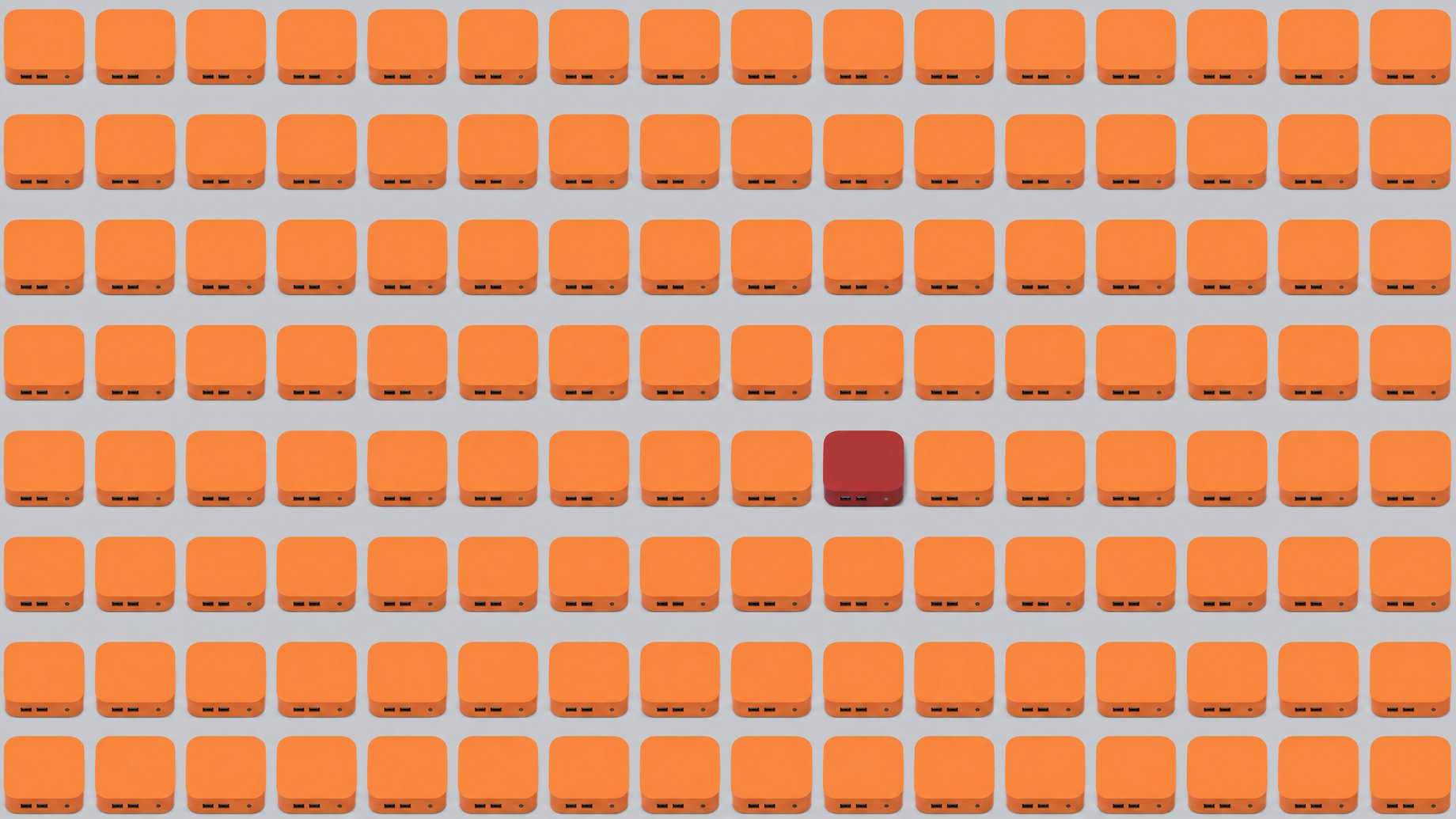
The builder describes a rack of 40 mini PCs left over from a different project. Each has an Intel N150 chip and 12 GB of DDR5-4800 memory, and none has a disk. Memory bandwidth per node is capped around 33 GB/s.
The nodes connect over 10 Gbps USB 3.2, using the USB debug capability (DbC) of the ports. They are arranged as a tree: 1 node feeds 3, which feed 9, which feed 27. The model is split across the machines.
Reported results:
- GLM 5.3 Flash runs at native precision, with room left for 8 context windows of 1M tokens each.
- Generation runs at about 14 tokens per second at 1k context and drops to about 12 at 1M context.
- With batching (handling several requests at once), generation tops out around 40 tokens per second in total.
- Prefill (reading your prompt before answering) runs at about 85 tokens per second.
- Peak draw at the wall is about 740 W.
- Total cost is about $5,000.
- Over plain 1 Gbps Ethernet, the first attempt topped out around 7 tokens per second.
The builder says they are still looking for more speed, especially in prefill, and plan to add speculative decoding (a technique where a small model drafts words for the big one to check).
Is it worth copying? Probably not for most readers. The builder already owned the machines, so the $5,000 figure may not reflect what a fresh purchase would cost. The USB-networking trick is a custom project, not a product you can order. And prefill at 85 tokens per second means a long document takes a while before the first word appears. It is a clever proof that native precision fits in small, cheap boxes. It is not a buying guide.
What about the quad RTX 3090 workstation?
Digital Spaceport tested GLM 5.3 Flash on a build with four RTX 3090 cards on a Threadripper WRX80 platform. Each 3090 has 24 GB of VRAM, so the build has 96 GB in total. GPU memory is far faster than the RAM in a mini PC, which is why multi-GPU builds usually feel quicker in everyday use.
The video's chapter list shows the style of the test: drawing an SVG of a cat, writing a random sentence, handling arbitrary arrays, and a few coding puzzles. It is a hands-on quality check. The page I could access does not include the transcript, so I can't report tokens per second or which quantization was used. If you are weighing this build, watch the video for those details instead of relying on a summary.
General points on this build, none specific to GLM 5.3 Flash:
- A 3090 is rated around 350 W, so four cards can pull well over 1,000 W under load before counting the rest of the system.
- You need a board with enough PCIe slots, a large power supply and serious cooling.
- 96 GB fits a 4-bit model far larger than any single consumer card could hold, but check the actual file size for GLM 5.3 Flash before you commit.
Where do the sources disagree on speed and usability?
They don't disagree so much as fail to line up. The cluster report gives hard numbers, but they are self-reported by one builder and come from an unusual setup. The workstation video is a qualitative test, and I could not see speed figures from it. So you cannot compare "14 tokens per second" against a 3090 number from these sources.
On usability, the cluster's own numbers carry a warning. Fourteen tokens per second is readable for chat, but 85 tokens per second of prefill is slow for long prompts. The 1 Gbps result (about 7 tokens per second) shows that networking can halve your speed. If any source tells you a build is fast, ask: at what context length, at what quantization, with batching or without?
Which runtime should you use?
For a single machine with a GPU or lots of RAM, llama.cpp is the common choice, and it loads files in the GGUF format. Unsloth publishes GLM-5.3-Flash guidance and quantized files, and its docs also point to Unsloth Studio and a desktop app for people who prefer a point-and-click setup. The cluster builder's runtime is not named in the post, so I can't tell you what splits the model across those 40 nodes.
A sensible first test:
- Download the smallest sensible quantization from Unsloth's GLM-5.3-Flash page.
- Run it with llama.cpp or Unsloth's app on the hardware you already own.
- Note the tokens per second and whether the answers are good enough for your task.
- Only then price a bigger build, using the file size of the quantization you actually liked.
What does this mean for you?
If you tinker at home, the lesson is to size memory first and speed second. A used multi-GPU box is the likelier path to a pleasant experience. A RAM-heavy single machine is the budget path. A cluster is a project, not a purchase.
If you are a manager or analyst wondering whether local AI could replace a paid subscription, be realistic. These builds cost thousands of dollars and hundreds of watts. A local model makes sense when you need privacy or fixed costs, not when you want the cheapest answers.
Could you build your own tool to compare hardware options?
Anyone weighing these builds ends up with a messy spreadsheet: quantization, memory, tokens per second, wattage, cost, notes. Instead of renting another tracking app, you could describe that tool to Remy in plain English, for example a form to log each test run, a table comparing builds side by side, and a chart of cost per token per second. Remy turns the description into a deployed web app with a database and sign-in, which you or a small team can keep using. It does not run your local model for you. It just gives you a place to keep your results.
Frequently Asked Questions
Can I run GLM 5.3 Flash on a normal desktop?
Possibly, with a heavily quantized version, but I can't confirm that from the sources. Check the file size of each quantization on Unsloth's GLM-5.3-Flash page and compare it with your RAM or VRAM, leaving room for the context cache.
How fast is GLM 5.3 Flash on a 40 mini PC cluster?
The builder reports about 14 tokens per second at 1k context and about 12 at 1M context. Batched generation reaches about 40 tokens per second in total, and prefill runs around 85. These are one person's measurements.
Is a quad RTX 3090 build enough?
It has 96 GB of VRAM and was used for a GLM 5.3 Flash test by Digital Spaceport. Whether a given quantization fits depends on its file size, which the sources I had don't state, so check before buying.
What is the cheapest way to try it?
Run the smallest suitable quantization on hardware you already own using llama.cpp or Unsloth's tools. That tells you about speed and quality for free before you spend money on a build.
Useful for
How we source, write, and correct our articles. Editorial standards
Related articles
OpenBot vs Grok Bot: Which AI Agent Should You Use?
Will an LLM Fit in GPU Memory? Estimate Tokens per Second
HP ZGX Fury Benchmarks: Local LLM Tokens per Second