How to Run Clover 2 With vLLM Without Losing LoRA Experts
Step-by-step guide to serving Clover 2 with vLLM: attach seven LoRA experts, load the router, and disable torch.compile so nothing is silently dropped.

For Engineering and IT
How do you run Clover 2 with vLLM?
You load the base model in vLLM with torch.compile turned off, attach the Mixture of LoRA Experts (MoLE) layer with vllm_moelora, load all seven adapters and the trained router, and only then call the warmup step so CUDA graphs capture the patched model. The order matters. If vLLM compiles the model before the patch is applied, it can reuse the old graph and silently skip every LoRA contribution. You would be running the plain base model and not know it.
TL;DR
- Clover 2 is a ~27.8B dense base plus seven LoRA experts and a learned router, so it needs a custom vLLM integration, not a stock "load the model" command.
- The repo ships
serving/vllm_moelora.pyand a completeserving/serve_example.py. Start from the example, not from the short outline in the README. - Set
compilation_config={"mode": 0, "cudagraph_mode": "FULL"}to disable torch.compile while keeping CUDA graph capture. - Call
worker.compile_or_warm_up_model()after attaching the experts and loading the router weights, never before. - The model card tested vLLM 0.31.0, and the worker access it uses depends on that version's internals, so pin the version.
- You can load any single adapter with standard PEFT if you don't want the router.
- The Security expert (slot 3) is masked by default, and the weights are under the Kitani-Clover license, so read it before you deploy.
What is Clover 2, and why is serving it different?
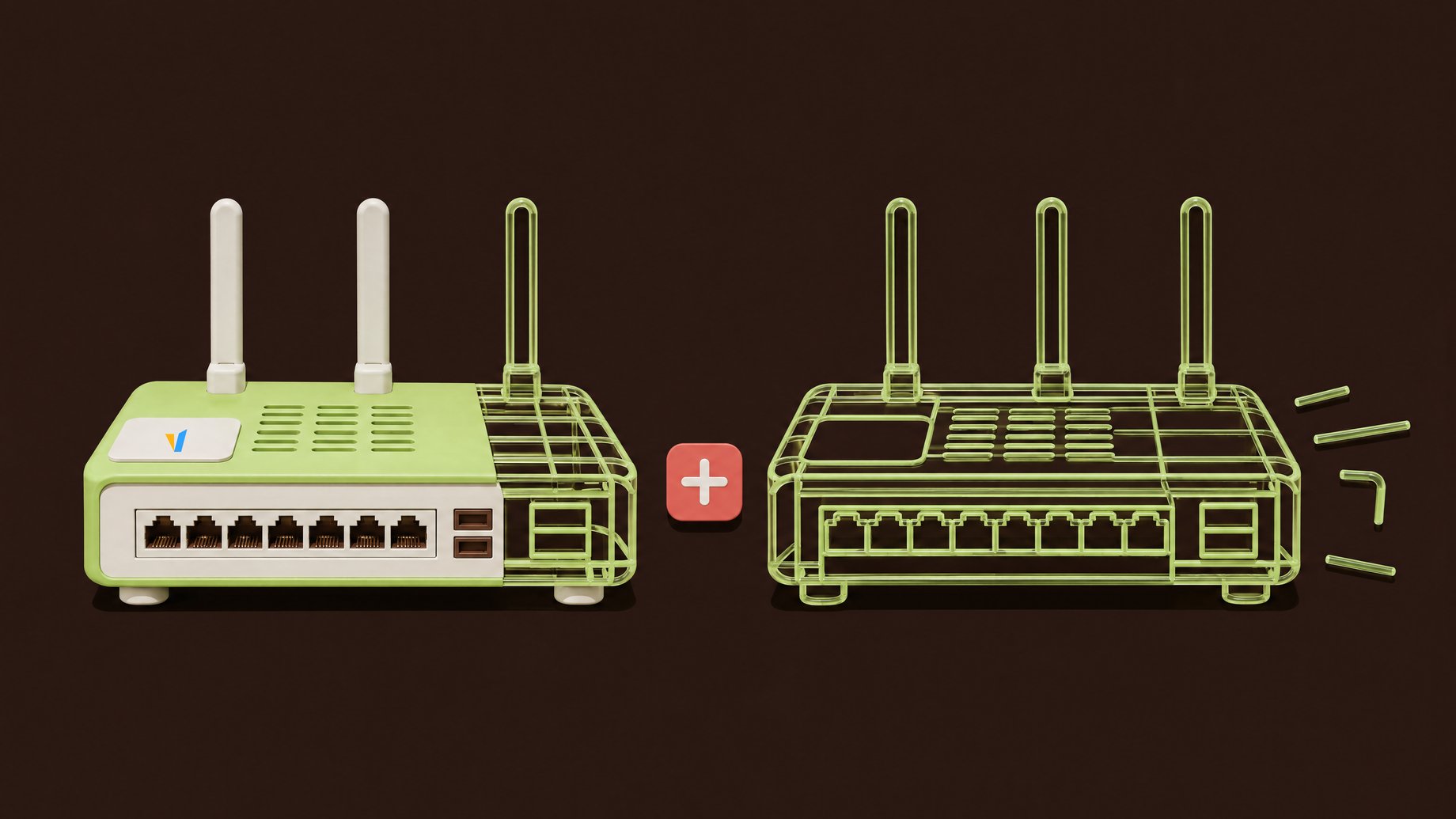
Clover 2 is a language model from Kitani built on a roughly 27.8B-parameter dense base (Qwen3.8-27B architecture). On top of that base sit seven trained LoRA experts. A LoRA (low-rank adapter) is a small set of extra weights that nudges a big model toward a particular behavior without copying the whole model.
Most people who use LoRAs pick one and merge it in, or load one at a time. Clover 2 does something else. A small trained router at each layer looks at the current token and picks which experts to apply, top two by default. There is also a null route, so the model can leave the base behavior untouched when no expert fits.
That per-token, per-layer decision is why a normal vLLM launch isn't enough. The routing has to be patched into the model's forward pass, which is what vllm_moelora.py does.
The seven experts:
| Slot | Expert | Focus |
|---|---|---|
| 1 | Roleplay | Character consistency, creative dialogue |
| 2 | Clover / Assistant | General instruction following |
| 3 | Security | Offensive and defensive security research |
| 4 | Math | Multi-step reasoning, arithmetic |
| 5 | Long Document | Long-context comprehension and recall |
| 6 | Efficiency | Direct, concise responses |
| 7 | Knowledge | Factual recall |
The adapters target the feed-forward projections: gate_proj, up_proj, and down_proj.
What do you need before you start?
The model card lists three requirements: PyTorch, a compatible CUDA environment, and vLLM. The card says it was tested with vLLM 0.31.0.
The card does not give VRAM or GPU requirements, so plan from the base size (~27.8B parameters in bfloat16) and check your own headroom. I won't guess a number here.
Pin the vLLM version. The card warns that the worker access in its outline "depends on the tested vLLM internals." A newer vLLM release may move those internals and break the integration, sometimes loudly and sometimes not.
What is in the Clover 2 repository?
clover-2/
├── base/                 # Base model weights, tokenizer, and config
├── adapters/             # Seven standard PEFT LoRA adapters
│   └── <expert>/         # adapter_config.json + adapter_model.safetensors
├── router/               # trained_router_v2.pt
└── serving/
    ├── vllm_moelora.py   # vLLM integration
    └── serve_example.py  # Complete serving example
Three pieces matter. The base/ folder is what vLLM loads. The adapters/ folder holds one standard PEFT adapter per expert. The router/ folder holds trained_router_v2.pt, the weights that decide which experts fire. The serving/ folder ties them together.
How do you attach the experts and load the router?
Follow this sequence. The model card's snippet is an outline, and it says so itself. Use serve_example.py for the real paths and arguments.
- Create the vLLM engine with torch.compile disabled.
- Reach the worker's model from the engine.
- Attach the MoLE layer with
V.attach(...). - Load all seven adapters with
V.load_adapter(...). - Load the router weights from
router/trained_router_v2.pt. - Warm up with
worker.compile_or_warm_up_model().
The outline from the model card:
from vllm import LLM
import vllm_moelora as V

llm = LLM(
    model="./base",
    dtype="bfloat16",
    compilation_config={"mode": 0, "cudagraph_mode": "FULL"},
)

worker = llm.llm_engine.model_executor.driver_worker.worker
moles = V.attach(
    worker.model_runner.model,
    n_experts=7,
    rank=128,
    scaling=2.0,
    topk=2,
)

# Next: load all seven adapters with V.load_adapter(...), then load
# the trained router weights. See serving/serve_example.py for the
# complete sequence and paths.
worker.compile_or_warm_up_model()
What the attach arguments mean:
n_experts=7matches the seven adapters.rank=128is the LoRA rank the adapters were trained at.scaling=2.0is the multiplier applied to each adapter's contribution.topk=2is how many experts the router picks per token. This is the default behavior the card describes.
Change these only if you know the adapters were trained differently. Mismatched values are a good way to get odd outputs without any error message.
Why must you disable torch.compile?
This is the pitfall that makes the whole guide necessary.
vLLM can trace and compile the model during its initial warmup. If that happens before vllm_moelora.py patches the forward pass, vLLM holds a compiled graph of the unpatched model. Later requests reuse that graph. The result, in the card's words, is that inference can "silently omit all LoRA contributions."
Nothing crashes. The server starts, requests return fluent text, and the model behaves like the plain base. You lose the math gains, the long-document gains, and the roleplay behavior, and nothing tells you.
The fix is one setting:
compilation_config={"mode": 0, "cudagraph_mode": "FULL"}
mode: 0 turns off Torch compilation. cudagraph_mode: "FULL" keeps vLLM's CUDA graph capture, which is where much of the serving speed comes from. Then call worker.compile_or_warm_up_model() only after the experts and router are loaded, so the CUDA graphs capture the patched model. The card says serve_example.py handles this ordering, which is the best reason to start from it.
How can you tell if the LoRA experts are actually active?
The card doesn't describe a built-in check, so this is my suggestion, not an official procedure.
The card's own numbers give you a baseline. Against its base model with no experts active, the routed Clover 2 scored 24.0% vs 8.0% on a MATH-500-style set and 54.0% vs 36.0% on GSM-Hard. Those gaps are large enough to notice.
A practical sanity check:
- Pick a small set of multi-step math problems.
- Run them through your served Clover 2.
- Run the same problems through the plain base weights with the same sampling settings.
- If the two outputs look the same in quality and style, suspect that the experts aren't applying.
Do this after every vLLM upgrade, config change, or container rebuild. Silent failures are the kind that come back.
How do you load a single adapter with PEFT?
If you don't need the router, each adapter is a standard PEFT LoRA adapter, so you can use it on its own. That suits you if you want one specialization, such as the Math expert, or if you plan to merge an adapter into the base.
This is the common PEFT pattern, not code from the model card. Replace the paths and the <expert> folder name with the real ones in the repo:
from transformers import AutoModelForCausalLM, AutoTokenizer
from peft import PeftModel

base = AutoModelForCausalLM.from_pretrained("./base", torch_dtype="bfloat16")
tok = AutoTokenizer.from_pretrained("./base")

model = PeftModel.from_pretrained(base, "./adapters/<expert>")
# Optional: bake the adapter into the weights
# model = model.merge_and_unload()
Be clear about the tradeoff. A single adapter is always on. You give up per-token routing and the null route, so the model applies that one behavior to everything.
What about the Security expert and the license?
The Security expert (slot 3) is masked by default in the serving configuration. Kitani's testing found that enabling it raises compliance with offensive security-research requests. In the card's direct tests, with the expert on, Clover 2 reached 70.0% on the offensive set and 100.0% on the defensive set. With it masked, it scored 66.7% and 91.7%.
The card is also candid that a serving mask is not an access control. Anyone with the weights and a compatible runtime may be able to change it. If you run this for a team, decide who is allowed to flip that setting and write it down.
Clover 2 ships under the Kitani-Clover License. The card links the full terms in the repository's LICENSE file. Read them before you put the model into a product or share it with clients, since I won't summarize terms the card doesn't spell out.
What this means for you
If you are an engineer or an analyst who wants a capable local model, the work here is mostly about discipline, not difficulty. Use serve_example.py, pin vLLM to the tested version, and keep torch.compile off.
If you run a small team's AI setup, add a smoke test (like the math check above) to your deploy routine, so a silent regression gets caught in minutes and not weeks.
If you are a manager deciding whether to adopt it, ask three things. Who owns the vLLM version? Who decides whether the Security expert is enabled? Has legal read the Kitani-Clover license?
Could you build a small tool around a self-hosted model like this?
Once Clover 2 is running, the next problem is usually the plain stuff: a place where colleagues can submit prompts, a log of outputs, and a way to compare routed against base results. Remy builds full-stack business apps from a plain-English description, and it supports registering custom or self-hosted models. You could describe a small internal prompt-testing tracker (with sign-in, a database, and a results page) and own it, instead of sharing a spreadsheet. Whether it can reach your particular vLLM server depends on your network setup, so check that first.
Frequently Asked Questions
Can I run Clover 2 with a stock vLLM install?
No. Clover 2 needs the custom vllm_moelora.py integration from the repository to apply per-token routing. The card also notes that the setup relies on tested vLLM internals, and it names version 0.31.0 as the tested one.
What happens if I leave torch.compile on?
vLLM may compile the model before the routing patch is applied and then reuse that graph. The LoRA contributions are silently left out, and the model runs like the plain base without any error. Set mode to 0 in compilation_config to avoid it.
Do I have to use all seven experts and the router?
No. Each adapter uses the standard PEFT format, so you can load one on its own, or merge it, without the router. You lose the per-token routing and the null route.
Is the Security expert on by default?
No. Slot 3 is masked in the default serving configuration because enabling it increases compliance with offensive security-research requests. Operators doing authorized research can enable it explicitly, but the card notes the mask is not a restriction on anyone who holds the weights.
How much GPU memory do I need?
The model card doesn't state a VRAM requirement, so I can't give a number. It lists PyTorch, a compatible CUDA environment, and vLLM as requirements. Size your hardware from the ~27.8B-parameter base and test before committing.
Useful for
How we source, write, and correct our articles. Editorial standards